



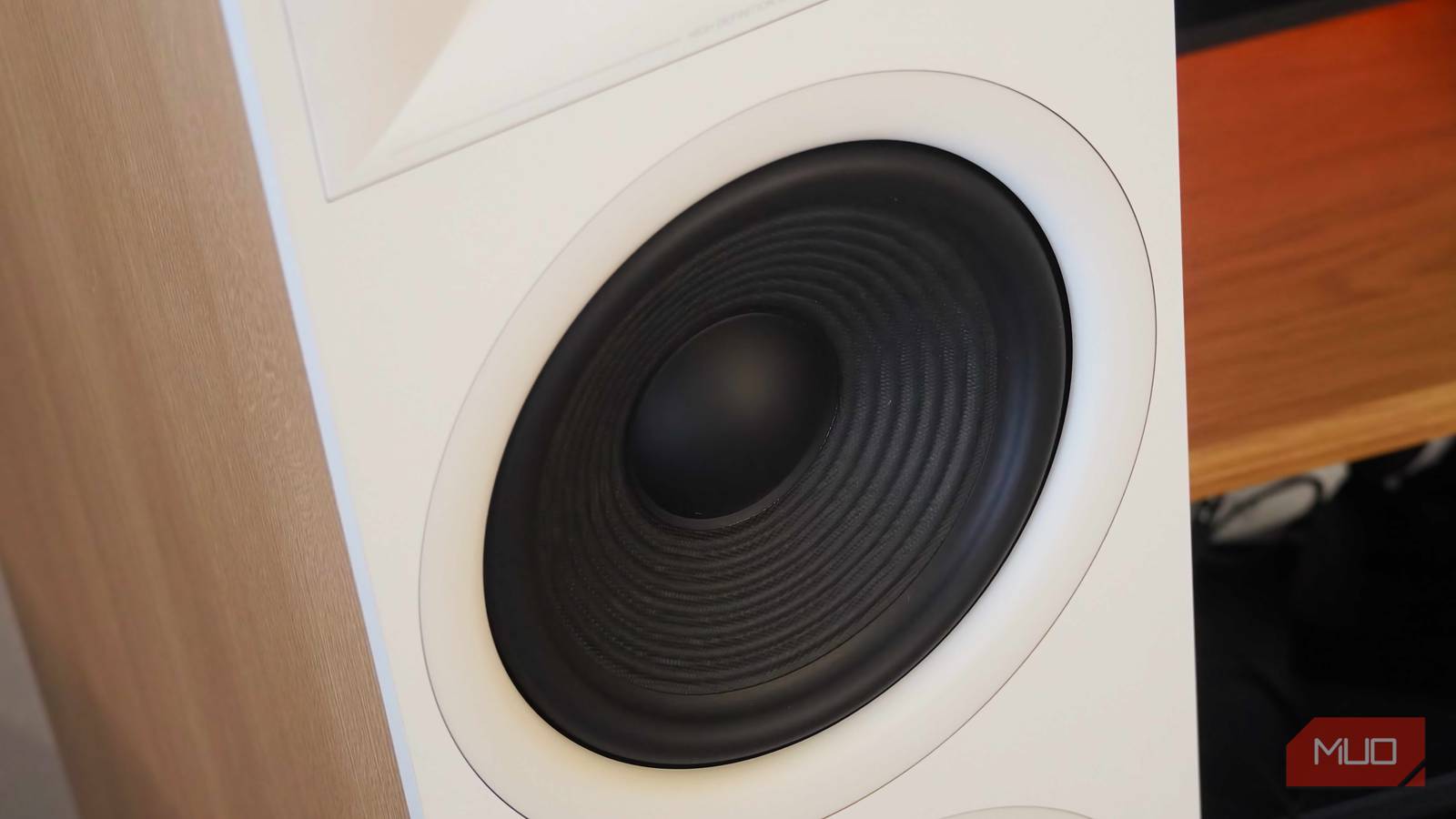
I love listening to floor speakers as part of my home audio station — speakers offer superior soundstage imaging and are superb for long listening sessions — but I don’t love the speaker hiss. After upgrading to a Dolby Atmos-ready system, I was disappointed to learn that my new floor speakers were hissing at all volumes. Depending on how many audio components are part of your setup, a frustrating problem like speaker hiss can be tricky to diagnose. In my case, the issue could’ve been caused by my speakers, receiver, turntable, CD player, or any of the cables tying the entire system together.
Hours of troubleshooting revealed my speaker hiss problem was far easier to solve than I ever expected. Simply pressing a button on my audio receiver and amplifier immediately put an end to the hissing. My music felt crisper and more detailed without an audible noise floor, and it didn’t cost me a dime. The feature I needed was built into my audio amplifier the entire time, and it’s probably on your AV receiver too.
This is how I found the cause of my setup’s maddening speaker hiss, the simple solution that fixed the problem, and what you should do if your home speakers create an annoying hissing sound.
Don’t bother with Spotify Lossless unless you do this first
It’s not as simple as just firing up Spotify Lossless making your music magically better.
First, always check your connections
I switched from twisted speaker wire to banana plugs

There are a few common causes of speaker hiss, including electromagnetic interference, gain staging problems, and low-quality or loose cables. The first thing you’ll want to check is whether all your speaker wire and input cable connections are isolated and fully inserted. This is particularly a concern when twisting strands of copper speaker wire to fit into spring clip terminals or binding posts on your AV receiver.
If the ends aren’t twisted tightly, become frayed, or don’t make solid contact with the spring clip terminals or binding posts, you can end up with a hissing speaker. Additionally, if the copper strands of the positive or negative wire touch while connected to the spring clip terminals or binding posts, this can cause issues. Confirm that your speaker wire ends are tight and inserted properly, or do what I did, and switch to banana plugs. These are gold-plated, brass connectors that attach to the end of your copper speaker wire to ensure a secure connection between your receiver and speakers.

It’s also a good idea to check the other cables in and around your audio system. Power cables shouldn’t run close to speaker wire if you can help it, because this can create electromagnetic interference, and in turn, speaker hiss. Speaking of power, make sure that all power cables in your sound system are plugged into a single power strip. This is because speaker hiss can be caused by a “ground loop,” which happens when an audio system is attached to multiple electrical grounding points. After checking the power cables, be sure that your audio inputs are inserted properly using well-shielded cables, including 3.5mm or RCA connections.
Finally, proper speaker gain staging is crucial for reducing speaker hiss. If you’re cranking the volume knob on your audio receiver up to the maximum without touching the preceding inputs in the chain, you’re doing it wrong. By using the amplifier and receiver volume exclusively, you are raising the audible noise floor. Instead, focus any volume controls before your AV receiver in the chain. For instance, you’d want to change the volume of your PC, CD player, or turntable pre-amp first, only adjusting the AV receiver volume after that’s done.
I followed all these best practices for eliminating speaker hiss, but my speakers were still hissing. As it turned out, the source of my problems was much simpler.

Your Dolby Atmos doesn’t sound awful because of your hardware, it’s this
If you’ve invested in a home theater setup or a premium tier for music streaming and notice Dolby Atmos sounds off, there might be a few reasons why.
Try your receiver’s Pure Direct mode
This was the solution that eliminated speaker hiss for me

Your speaker probably has a “Pure Direct” audio mode that you’ve never touched, but it’s the key to completely eliminating speaker hiss. Manufacturers each label this mode differently — you might see Direct, Reference, Straight, or Pure buttons on your receiver instead. They all work generally the same way, though. Receivers have electrical components and digital-signal processing (DSP) pipelines that cause interference and raise their noise floor, creating speaker hiss. This is the opposite of what you want as an audiophile, especially if you’re taking a pure analog input and adding unnecessary signal processing to it.
To solve this problem, receivers have a Pure Direct mode, or a similarly named feature. This mode bypasses every unnecessary part of the audio chain within the receiver, going as far as to completely turn off certain components. It’s all in an effort to reduce the noise floor and eliminate hiss or static. For example, enabling Pure Direct mode on your receiver might shut off the display and disable any internal video circuitry. It also might turn off room correction, tone control, subwoofers, and equalizer settings.
In other words, using Pure Direct mode on your receiver only leaves the components strictly necessary for great sound active. Everything that isn’t needed, or that could cause interference and hissing, is disabled.
Sure enough, when I clicked the Pure Direct mode on my Sony STR-DH190 receiver, my speakers instantly stopped hissing. The screen shut off, and my EQ adjustments were removed. I was getting a pure analog signal from my turntable, to my receiver, to my passive speaker system. It was incredible to confirm that my speaker wires, speakers, power cables, and audio inputs weren’t causing the hissing problem. It was simply unnecessary components in my receiver creating an audible noise floor.

Dolby Atmos is great until you realize your setup isn’t actually using it
To use Dolby Atmos, every device in your media setup must support it, from your PC and streaming box to your receiver and speakers.
Is using Pure Direct to eliminate hiss worth it?
Yes, as long as you want to stick with an analog signal

So, you’ve identified your receiver as the cause of your speaker hiss. Should you actually turn on Pure Direct for listening to music? The answer is a firm “maybe.” Sure, Pure Direct removes the hiss emitted by a wide variety of AV receivers, but it comes at a cost. You lose nice-to-have features like the digital display. Audio-centric modes like room correction, tone control, subwoofers, and equalizer settings are also gone. For some, the lack of digital-signal audio processing might be a loss in itself. We’re all more used to digital sound than we may realize, and switching back to a no-frills amplification process can create a sound that just doesn’t feel right.
In my case, I can’t say for certain that I like the overall sound of Pure Direct more than my receiver’s standard listening mode. The regular sound of my receiver sounds more vibrant and engaging, and I enjoy being able to adjust the bass or treble of my speakers with the EQ mode. But, if I want to get rid of my hissing speakers, I’ll need to give all that up while using Pure Direct. While it’s great to finally solve my speaker hissing problem — and hopefully you’ve figured out yours as well — it left me with more questions than answers. Namely, to use Pure Direct or not to use Pure Direct?