







Vibe coding is everywhere now. When most people hear the term though, their mind instantly defaults to building full-stack CRUD apps, polished websites you can whip up within minutes, or portfolio sites that somehow all have the same hero section (and gradient background). Now, as someone who always has dozens of ideas floating around in my head, I’ve been doing some version of “vibe coding” since OpenAI launched ChatGPT publicly.
That said, the very first thing I vibe-coded wasn’t a website, landing page, or an app. Instead, it was a Chrome extension. I don’t quite remember what it was supposed to do, but I remember it working. So, I decided to go back to the beginning and put three of the biggest LLMs (Claude, ChatGPT, and Gemini) through the same test: build me a Chrome extension from scratch.
Chrome extensions are the easiest vibe coding stress test
Load it, click it, pray
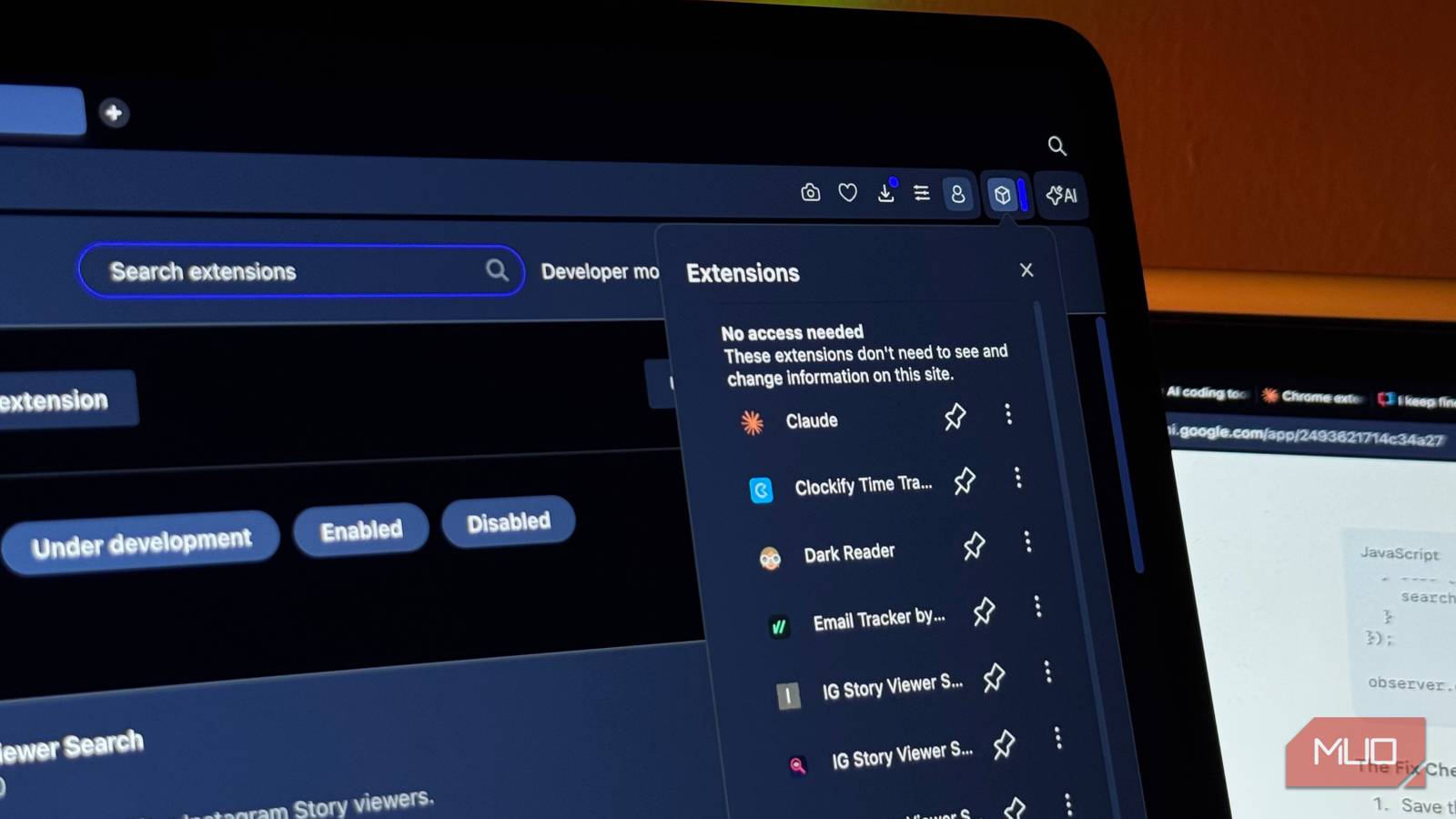
When you’re using an LLM to vibe code a full-fledged app or website, chances are you’ll eventually reach a stage where you’ll need to figure out hosting, deployment, environment variables, databases, and a dozen other infrastructure headaches. To be fair, this depends on the tool you’re using, since tools like Replit and Lovable let you directly deploy from their platform with a single click. But even then, you’re still testing the platform as much as the model. Chrome extensions, on the other hand, don’t require any of that. There’s no backend, hosting, or databases you really need to worry about. You just load a folder into the Extensions section of your browser and it either works or it doesn’t.
Chrome extensions consist of just a few files: a manifest.json that tells Chrome exactly what the extension does, and then HTML, JavaScript, and CSS files. These are three languages that LLMs tend to handle fairly well. Since Chrome extensions are designed to solve one specific problem, they make the perfect bite-sized test as there’s a clear goal. Whenever I do these kinds of tests, I prefer picking an idea I’ve genuinely been meaning to build myself. Not only does that give me the perfect excuse to actually begin building it, but it also makes for an extremely fair test.
Fair warning, the extension I have in mind might sound a bit… silly and unconventional, so bear with me. I wanted an extension that lets me search through my Instagram story viewers. I’m not sure why this isn’t a native feature yet, but if you’ve ever had hundreds (and sometimes thousands) of people view your Instagram story and tried to find one specific person in that list, you already know the pain. In theory, I knew a Chrome extension would do the trick, so that’s what I decided to throw at all three models to see who could actually pull it off. I used an extremely vague prompt — I just told each model what I wanted and didn’t provide a lot of details. Again, the goal here is to see how well each model can take a simple idea and figure out the rest on its own.
ChatGPT built a decent extension
It worked, but I don’t think I’d use it
Before I go any further, I didn’t use Claude Code, Codex, or Antigravity (Google’s agentic IDE that works with Gemini) to build this. Instead, I used the standard chat interface for each with their latest models and paid subscriptions across the board. I used GPT-5.5 Thinking for this one, and set the thinking effort to Extended. I began with a basic prompt, and it put together a Manifest V3 extension in under two minutes. The extension is called IG Story Viewer Search, and it directly gave me a ZIP file which I could download and load straight into Chrome. So far, so good. Based on the description, the extension was supposed to add a floating search box when my Instagram story viewer list is open.
As soon as I loaded the extension, I couldn’t even click it! GPT-5.5 then realized that the first version it had produced had no toolbar popup, hence why clicking the extension would do nothing. It patched it and gave me a new ZIP file. Upon testing it, I realized that the extension worked, but it would only work with a few viewers at a time. The LLM explained that this happened because Instagram “lazy-loads” the viewer list. After this, GPT-5.5 rebuilt the extension properly for long viewer lists. With this new version, ChatGPT claimed that it added a new “Index all viewers” button that auto-scrolls the story viewer list and builds a local searchable index. Upon testing it, the extension didn’t work as I wanted yet again, and would only work with the viewers showing on screen.
After 2 minutes and 11 seconds of thinking, it gave me version 1.4, which added two new modes to work around Instagram’s annoying viewer-list behavior. The first was Auto-index all, which was supposed to automatically scroll through the viewer list and collect names as Instagram loaded them. But GPT-5.5 also admitted that Instagram might block or interrupt programmatic scrolling, so this mode might still be unreliable. The second, more important mode was Start live capture. Instead of trying to force Instagram to load everyone automatically, this mode watches the viewer list in real time and captures usernames as they appear while I manually scroll from top to bottom. I tested this out on a story that had around 400 views, and like GPT predicted, the Auto-index all button didn’t work. I tried the live capture button and then slowly scrolled through the entire viewer list myself. This worked better, but it still wasn’t the seamless “search anyone instantly” experience I originally had in mind.
It basically turned the extension into a capture-as-you-scroll tool. The extension could remember viewers after they appeared on screen, but it still couldn’t magically access the full viewer list before Instagram loaded it. Weirdly, it listed some users as separate entries, and the total view count showed as 700+ users. Some users worked fine, while others were broken down into separate entries depending on their name. That said, the searching did work this time, but it was clearly still a rough prototype rather than a polished tool. It solved the original problem in the loosest possible sense: if I manually scrolled through the list first, I could then search for people who had been captured. But the indexing was messy, duplicated some entries, misread parts of display names as separate users, and inflated the viewer count way beyond the actual number of story views.
So while GPT-5.5 eventually got the core functionality working, it took multiple rounds of debugging and still ended with a pretty hacky workaround.

- OS
-
Android, iOS, Web
- Developer
-
OpenAI
- Price model
-
Free with optional subscription
Gemini’s first instinct was to hand me a prompt
The extension never worked

I’ve been a huge fan of Google’s AI efforts for a while now, but I keep getting new reasons to be disappointed.I’ve been a huge fan of Google’s AI efforts for a while now, but I keep getting new reasons to be disappointed. After I was done testing GPT-5.5’s extension, it was time to put Gemini to the test, and what it produced was just… embarrassing. Right off the bat, it didn’t even write the extension. Instead, it gave me a full architectural breakdown, a DOM traversal lecture, and…wait for it…a master prompt I was supposed to paste into an agentic IDE. Gemini, why would I have come to you in the first place if I wanted to paste a prompt into another tool?
I then asked if it could actually create the extension for me, and it got to work. Unlike GPT or Claude, it didn’t hand me a ZIP file I could unzip and load straight into Chrome. Instead, it gave me each file separately (manifest.json, content.js, and styles.css) and told me to create a folder and save them myself. I did that, and the extension didn’t work at all. Gemini’s version took a completely different approach from GPT’s.

You can get a free Gemini API key right now with no billing required — here’s what to do with it
I grabbed the free key out of curiosity and immediately had ideas.
Instead of a toolbar popup, it tried to inject a search bar right into Instagram’s UI, directly inside the viewer modal itself. The search bar never appeared. I told Gemini, and what followed was six rounds of increasingly confident fixes that all failed in different ways. By the end of round four, the search bar finally appeared, but it couldn’t find a single viewer. I had some more back-and-forth and eventually just gave up on the conversation.

- OS
-
Android
- Developer
-
Google
- Price model
-
Subscription
Claude took three messages to get it right
The one that actually shipped

After the extensions GPT and Gemini had produced, my expectations had dropped significantly. Now, Claude’s first version didn’t work either. Claude then looked into Instagram’s current DOM structure and rebuilt the extension using Instagram’s internal API endpoints instead (which it explained are much more reliable since I’m already logged into my account). And voilà, it finally worked.
When I clicked the icon, there was a working search bar and a full viewer list pulled straight from Instagram’s API. The only issue was that it grouped all my story viewers together into one big list rather than letting me search through viewers for each individual story. I told Claude, and within one more message it gave me v3. This version added a visual story strip at the top with thumbnails, timestamps, and view counts. I could tap any story to load just that story’s viewers, then search within it. And that was it. It worked, and it didn’t need any more follow-up messages. Finally!

- Developer
-
Anthropic PBC
- Price model
-
Free, subscription available
Next time, I’m starting with Claude
Claude built the extension the quickest, with the fewest messages required, and it’s the only tool that managed to build something fully functional by the end. ChatGPT built something workable, and Gemini just didn’t.