




I remember buying my first Dolby Atmos TV and soundbar combo, and the excitement I felt unboxing it, as if it were yesterday. Everything was all set—the logos appeared on my TV, my soundbar proudly supported it, and everything seemed to be working as advertised.
The sound was so much better than my previous TV setup with built-in speakers that it was quite a while before I started to get this nagging feeling — shouldn’t it sound bigger and more immersive? What I was hearing felt flatter than I expected, with no real sense of space.
However, without a frame of reference, it was hard to pinpoint exactly what was missing. As it turned out, the fix was somewhat embarrassingly simple.
You’re using the wrong cable for your soundbar (and it’s killing the audio quality)
You can unlock your soundbar’s true potential by ditching this outdated cable technology.
Not all HDMI ports are created equal
ARC vs eARC was the difference that I completely missed

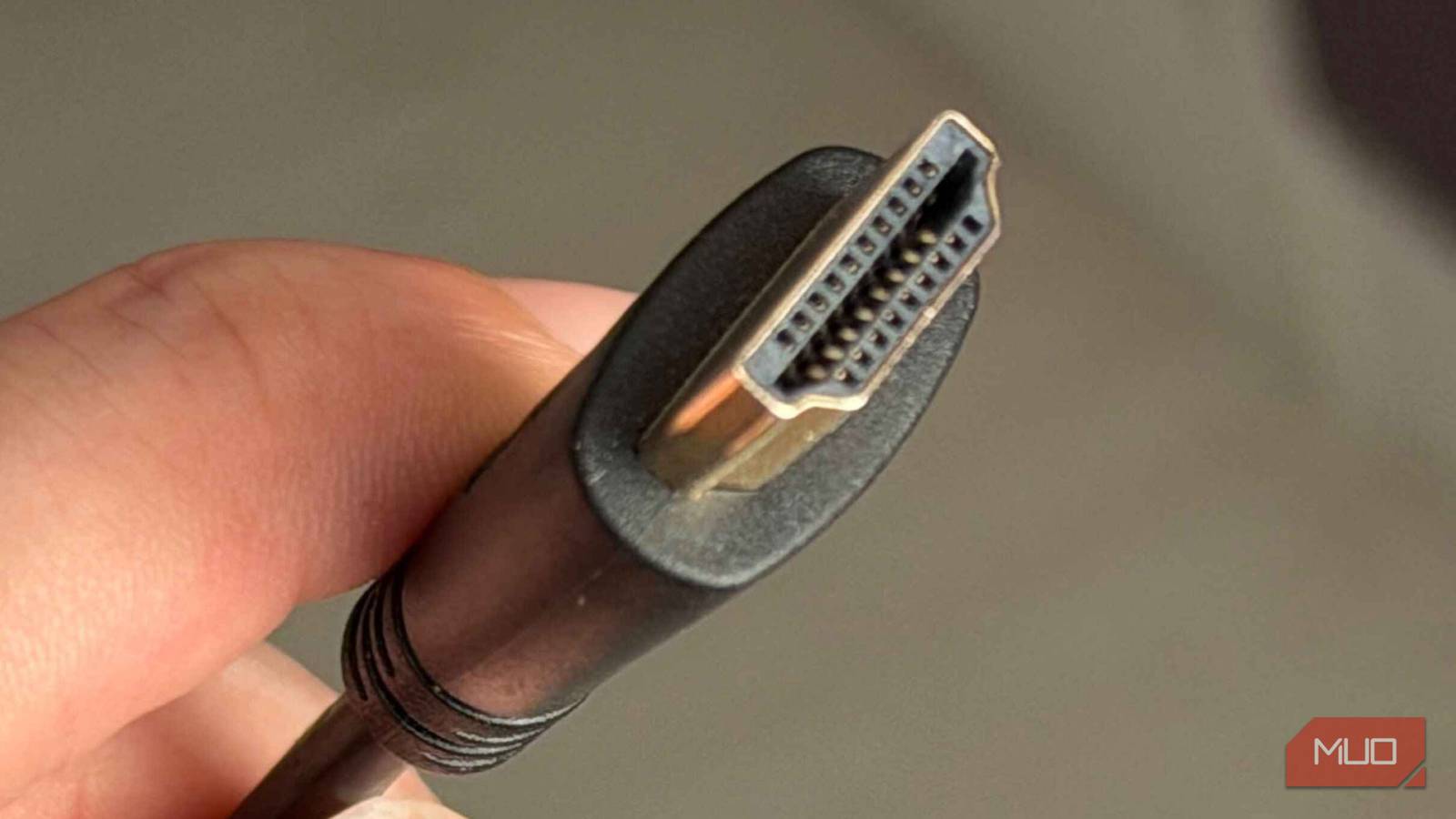
Like many people, I assumed that an HDMI port was just that—an interface designed to carry large amounts of data between devices. I’d simply connect it with whatever cable was at hand, and then off to the races. This assumption lay at the root of the problem.
My TV has multiple HDMI inputs, including one labeled ARC (Audio Return Channel). That’s where my soundbar was plugged in, and technically, it was correct. ARC is designed to send audio from your TV back to your audio system. What I wasn’t aware of was that standard ARC has limited bandwidth.
This limitation means that standard ARC connections can’t handle the full, uncompressed Dolby Atmos signal. Rather than not work altogether, it will simply compress or downgrade the signal into something that still resembles Dolby Atmos, but without producing the full virtual sound stage that I was hoping to hear. For Dolby Atmos to fire on all cylinders, it requires an eARC connection, and that little “e” makes a big difference.
The real bottleneck wasn’t my gear
How one wrong connection downgraded my entire audio signal

While it’s tough to admit where I went wrong, I am sure I’m not the only one to make this mistake. What made the situation all the more frustrating was that all my equipment was capable of delivering proper Dolby Atmos. My TV supported eARC. My soundbar supported eARC. I was using an ultra-high-speed HDMI cable. My streaming devices and content sources were all compatible.
However, in practice, I was throttling the signal without realizing it. By connecting my soundbar to ARC instead of eARC, I was essentially creating a bottleneck that limited the audio quality being passed between devices. Think of it like buying an expensive pair of headphones, but then listening to Spotify set to the lowest quality. Sure, everything worked, but I could tell that I wasn’t getting the most bang for my buck.
One simple switch fixed everything
Moving to the right port unlocked the Atmos experience I expected
The fix was painfully obvious in hindsight. In my enthusiasm to connect my new system, I had overlooked one simple, fundamental requirement. I didn’t need to buy any new hardware. I didn’t need to update any firmware. I didn’t need to dive into my settings and make complicated changes. I simply needed to move my HDMI cable from the ARC port to the eARC port. That was it.
The difference was immediate. Suddenly, the sound stage opened up. Effects were given genuine movement. Overhead audio, which is something I had barely noticed before, became distinct and highly realistic. It finally felt like sound was coming from around and above me, rather than just in front. The result was night and day, and I finally understood what I had been missing.
My “new” system put to the test
Experiencing my Dolby Atmos setup with fresh ears
I remember hearing about people testing surround sound systems with the original “Top Gun” movie, due to its groundbreaking (for its time) surround mixing. I decided to put a 21st-century spin on this theory and loaded up its sequel, “Top Gun: Maverick,” to see how well an aerial dogfight would fare with the Dolby Atmos treatment.
The result was awe-inspiring, and I urge anyone who gets a new system (or fixes their existing one) to give this a go. Jets soar overhead, rockets shoot from left to right, and the deep rumble of thrusters seems to encapsulate you as if you’re inside the cockpit. It was as if I was watching the movie for the first time.
A small detail that makes a massive difference
It’s tough to admit it, but I learned an important lesson that day: When it comes to home audio, the smallest detail can have the biggest impact. In hindsight, it’s easy to make mistakes, especially when you’re fumbling around the back of a TV in a darkened recess with multiple vacant ports.
However, it’s well worth double-checking the basics. If you think something may be amiss with your virtual surround setup, look again at your HDMI ports and confirm that you’re using the correct option for your system. Because using ARC or eARC correctly means your devices are actually communicating at their full potential.

- Brand
-
JBL
- Connectivity
-
Bluetooth
- Ports
-
x3 HDMI, Optical, Aux
- Power
-
510W
If you’ve got a large desktop gaming setup, or prefer console gaming, the JBL Bar 5.1 can work with both. This soundbar comes with two magnetic speakers that can be detached from the central bar, allowing you to place them around your room to create true wireless 5.1 surround sound.
While the JBL Bar 5.1 is geared more towards movie buffs, it also works well when gaming, offering a really immersive experience. It’s easy to set up and you can get going pretty much straight away. Audio is clear, not muddied, and the dedicated voice driver means dialogue in and out of game won’t get lost.
However, if you prefer listening to music while you’re gaming, the JBL Bar 5.1 isn’t the best choice. With weak mids, it doesn’t allow for such a complex soundstage as other soundbars can achieve at a cheaper price.