


YouTube TV offered a lot, including a clean interface, a solid channel lineup, and unlimited DVR storage for $82.99 a month. But as costs rose, I realized I needed to seriously weigh whether what I got was worth it.
I was paying nearly $1,000 a year for a service I used mainly for background noise, some live sports, and network TV shows available elsewhere. So I canceled it. That was four months ago, and I haven’t looked back.
Here are the three free apps I use now — and how they stack up against what I gave up.
I replaced my entire streaming setup with a $30 device and free apps
Embracing a simpler streaming setup can save you money and reduce subscription fatigue without sacrificing high-quality entertainment.
YouTube TV kept getting more expensive — and I kept watching less of it
The subscription audit that changed my mind
The price was the main reason, but I also kept watching the same few channels, most of which were available for free with some effort. Since YouTube TV kept raising prices without matching my usage, it became less justifiable.
I also realized that I rarely used the live TV component as intended. I watched the news in the morning, caught a few sports events, and flipped local channels during bad weather. That is a pretty thin case for a $83 a month bill. The final push came when I spent a weekend auditing my video subscriptions and totaling what I paid across all services. YouTube TV was, by a wide margin, the most expensive line on this list. The math stopped making sense, and I decided to find out whether I could build something that worked just as well for less, ideally for nothing.
Pluto TV gives you 300+ live channels — for free
It feels more like cable than you’d expect

Pluto TV is the closest thing to a cable replacement among free streaming options. While it offers over 300 live channels organized by genre—such as news, sports replays, reality TV marathons, and movies—its biggest strength is replicating the feel of traditional cable. The channel guide looks and functions like familiar pay-TV services, making it an easy adjustment from YouTube TV. However, Pluto emphasizes variety and ease of navigation, which are distinct advantages over many free apps.
You don’t get live sports the way you do on YouTube TV. You are not going to watch Sunday Night Football on Pluto. But for the news, it genuinely surprised me. I have CNN, NBC News Now, Bloomberg Television, and Sky News available anytime I want, which cover most of what I used YouTube TV’s news lineup for.
Pluto includes unexpected gems: channels for true crime, classic westerns, 90s sitcoms, and even niche topics like paranormal investigation. This channel-surfing feels more like cable than most other streamers. For background TV, Pluto is almost always my first choice.
The interface takes some adjustment. It’s organized differently from cable, but after a few minutes, channel surfing feels satisfying. It’s ad-supported, which is a fair trade for free live TV.
What it replaced: morning news, background TV, channel surfing

- founded
-
2013
- number of users
-
80 million+ monthly
Pluto TV is a free, ad-supported streaming service that offers live TV channels and on-demand content across news, entertainment, sports, and movies. It provides a traditional TV-like viewing experience with hundreds of curated channels available online.
Tubi has a deeper library than most people realize
On-demand without the monthly bill
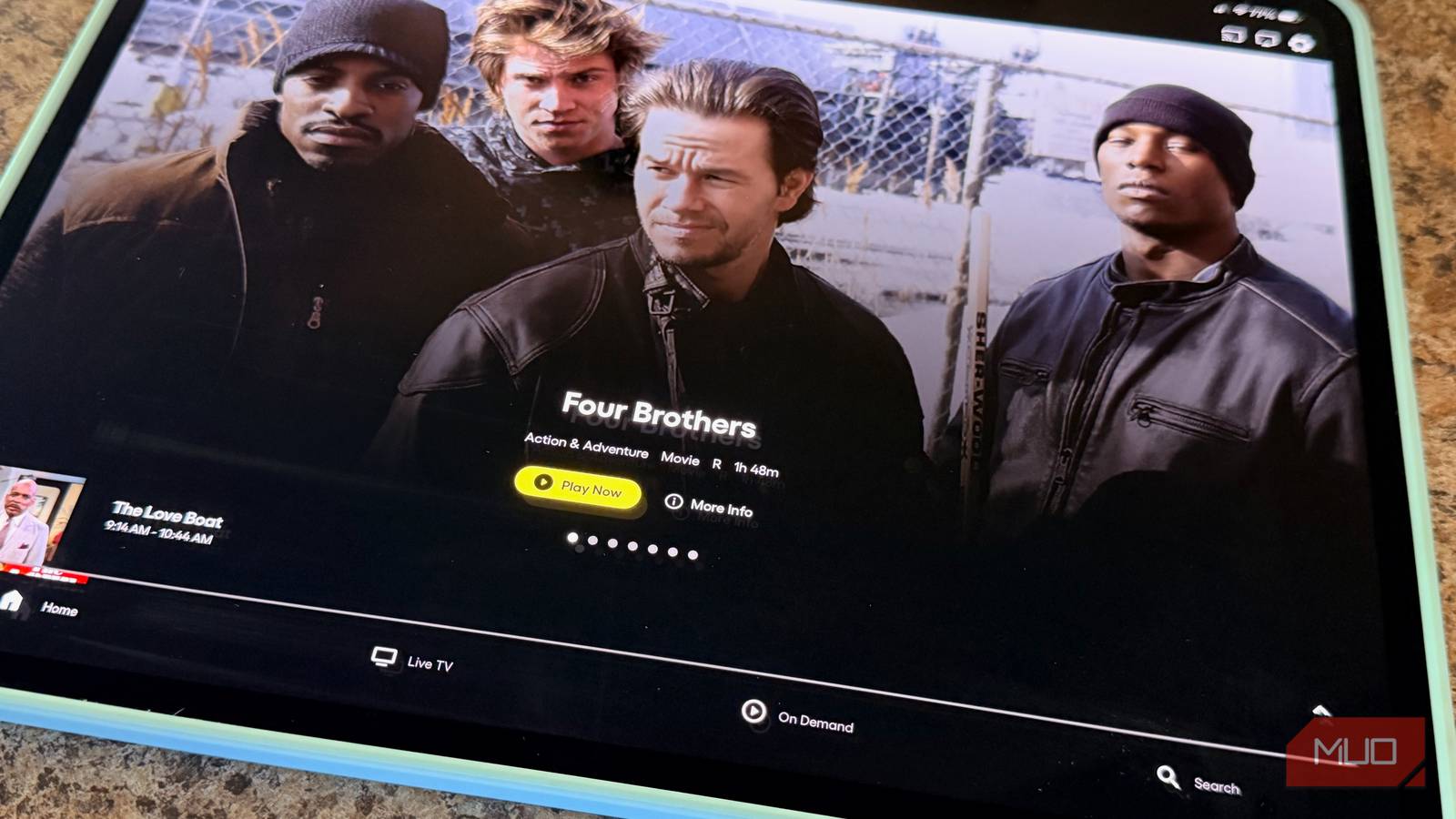
Tubi has a surprisingly deep library. Fox owns it, and over the years, it has built out a catalog that covers everything from classic films to reality TV to full runs of older network shows. I found a series on Tubi that I had been paying to stream elsewhere, which felt like finding money in a coat pocket.
It’s strictly on-demand, with no live TV. The search and browsing are strong, with well-organized genres and a decent recommendation engine. With growing originals, there’s sometimes fresh content too.
Tubi excels at providing on-demand content, effectively filling the gap left by Pluto TV’s focus on live channels. While Pluto offers a live channel-surfing experience, Tubi allows you to select exact titles — movies or older series — for immediate viewing. The two services are complementary: Pluto delivers a live TV feel, while Tubi offers control for intentional on-demand watching. Together, they replace the broad access I previously got from YouTube TV’s mix of live and recorded shows.
One thing worth noting: Tubi’s movie selection skews toward older titles and B-tier content, but that is not always a bad thing. Sometimes you want to watch something you haven’t seen in 20 years, and Tubi is very good at being that kind of service.
What it replaced: On-demand movies and binge-watching older series
- founded
-
2014
- number of users
-
100 million+ monthly
Tubi is a free, ad-supported streaming service that offers thousands of movies and TV shows across a wide range of genres without requiring a subscription. It provides on-demand access to both classic titles and modern releases from major studios.
Peacock’s free tier covers more ground than it gets credit for
What you actually get without paying, if you can.
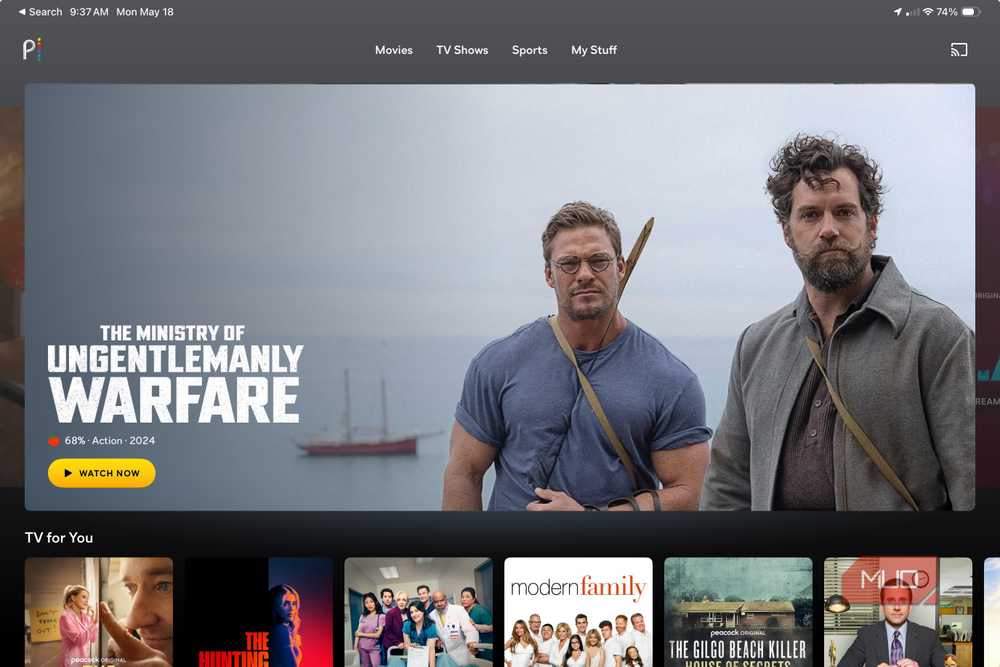
Peacock’s free tier is more limited than its paid version, but it still offers significant value. You get access to NBC shows — usually available the day after they air — a solid news selection through NBC News, and some live events that Peacock broadcasts without a paywall.
Peacock Free’s access to live sports is limited compared to YouTube TV, which is important for dedicated sports fans. If you closely follow sports like the NFL or Premier League, you’ll notice the absence of complete coverage. However, for viewers mainly interested in next-day NBC shows and occasional free live events, Peacock acts as a strong backup to what YouTube TV provides, especially for network television.
Peacock’s free library includes more movies and NBC content than expected. There are Late Night archives, reality competition series, and much of the Universal film collection. I use it more than I thought, especially for classic reality TV and dramas I missed before.
You do get ads, sometimes more than Tubi or Pluto. That’s a noticeable trade, but not enough to upgrade for me.
Unfortunately, if you aren’t currently a Peacock Free customer, you’re out of luck, as it ended the service to new users.
What it replaced: Network TV catch-up, NBC News, and light live event viewing
The three-app setup that replaced my $83-a-month bill
One app for each viewing habit

To make this setup work, you just need to know what each app does best. I think of Pluto TV as my live television replacement — it is what I turn on when I want the TV experience of flipping through channels without deciding on something specific. Tubi is my go-to streaming app for picking a movie or working through a series. Peacock fills the NBC-shaped gap and lets me watch anything I want the morning after it airs on network TV.
None of them requires a login to use on a basic level, though creating a free account on each unlocks a better experience, including watchlists and personalized recommendations. That takes about five minutes total across all three, and it is worth doing.
Here’s what free streaming still can’t replace
The DVR and live sports gap is real

Let’s be real: I do miss a few things about YouTube TV.
The DVR was excellent. Recording live sports and watching them on your own schedule, without fumbling with network apps or hunting for replays, is a real convenience. I have had to adjust my habits here, and that adjustment took a couple of weeks.
Live sports are thinner with free apps. I use an antenna for local NFL and check league apps for certain sports, but it’s not as seamless as YouTube TV’s all-in-one setup.
If sports are central to how you watch TV, free streaming apps are a harder sell. That is worth knowing going in.
Is canceling YouTube TV worth it? After four months, here’s my answer
Now, I save about $83 a month, using Pluto TV for live channels, Tubi for on-demand, and Peacock Free for NBC content. My approach matches my actual viewing habits — at a much lower cost.
This is not a flawless, one-to-one substitute for YouTube TV. But, for most casual viewers, Pluto TV, Tubi, and Peacock Free together make an increasingly strong case for cutting the cord and leaving behind the escalating costs of traditional streaming TV.
If you’re considering canceling but worry about missing your favorite shows, these free options are worth trying.