




If you spend a lot of time using Plex on your iPhone, you might think the official app is the best option. You set up your server, add your movies and TV shows, and then use the Plex apps to access everything. But after a while, you might start to notice some problems, like when videos stutter or take a long time to load, or when the interface doesn’t always work the way you want it to. And sometimes, you might even find that certain files just won’t play properly. That’s when you might start looking for a better way to watch your movies and TV shows.
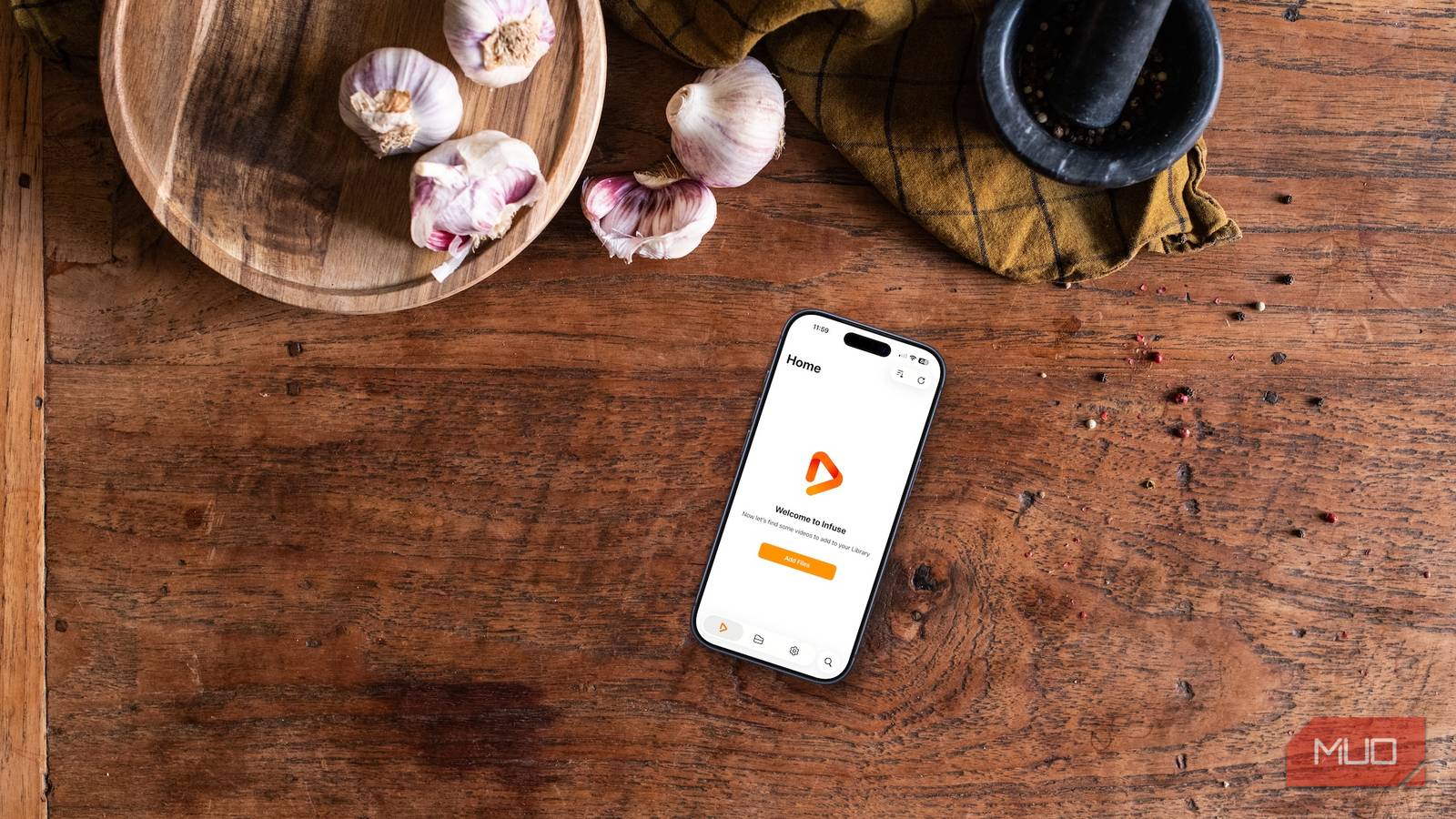
That’s where Infuse comes in; it’s a different media player that you can use instead of the official Plex app. Infuse isn’t trying to replace Plex altogether. Rather, it’s just a better way to watch your videos on your Apple devices, like your iPhone and Mac. Once you try it, you might wonder why you didn’t switch sooner.
Infuse is like the missing piece of the puzzle that makes watching videos on Plex even better. It’s a more polished and smoother experience that can make a big difference in how you enjoy your movies and TV shows.
What is Infuse?
It’s better than what Plex offers
Infuse is a high-end video player app that works on iPhone, iPad, and Mac. It’s really flexible and looks great. One of the best things about it is that it can play almost any type of video file you have. You can also use it to stream videos from cloud services like iCloud Drive, Dropbox, and Google Drive. Besides Plex, it also works with media servers like the ever-growing Jellyfin and Emby, which works great with Raspberry Pi.
At first glance, it might seem similar to the official Plex app, but Infuse does things differently. Instead of just being a Plex client, Infuse tries to bring all your media together in one place. It combines your local files, network storage, and server libraries into a single, easy-to-use interface that looks really nice. This approach makes Infuse feel like a whole new kind of software.
Why Infuse beats the official Plex app on iPhone
Smoother performance and a native iOS feel
When you compare Infuse to the official Plex app on an iPhone, you might be surprised at how different they are. The official Plex app works okay, but it can feel like a website squeezed into an iPhone app. The menus can be slow, and when you’re browsing, you might see a loading spinner pop up now and then. The layout also doesn’t quite fit with iOS’ design.
Infuse, on the other hand, feels like it was made for the iPhone. Scrolling is smooth, the transitions between screens are crisp, and the interface doesn’t get in the way. You can still easily access information about the media you’re playing, like extras and playback controls. It’s also really responsive, even when you’re looking at a lot of series, seasons, and episodes, especially if you’re using an older iPhone or have a large media library on your Plex server.
One of the main reasons Infuse works so well on iPhone is its playback engine. The Plex app can sometimes have trouble with certain types of files, like those with less common codecs or high-bitrate 4K content. This can cause problems like stuttering, audio and video not syncing, or a message saying the file needs to be converted.
Infuse is designed to make things easier, so you don’t have to worry about what format your files are in or how they need to be transcoded. It can handle 4K, HDR, and a wide range of different file types without many issues. If you’re someone who likes to collect high-quality video files, like Blu-ray encodes or files in niche formats, you’ll probably find that Infuse can play them without any problems, while the Plex app might give you trouble.
Additionally, Infuse is way better than the official Plex app for use on the go without an internet connection. Let’s say you’re on a long bus ride, a flight, or a road trip; lots of people like to download their favorite shows to watch offline. But with the official app, it can be a bit of a mess to manage what you’ve downloaded, what’s waiting to be downloaded, and how much space it’s all taking up on your device.
Infuse makes it a lot easier to see what’s going on and control what’s stored on your phone or tablet, and what’s streaming from your server or cloud storage. Plus, video playback is really smooth, so watching a movie or TV show on your iPhone feels like you’re using an Apple-made app, not one from some other company. It’s just a more enjoyable experience overall.
Infuse vs. Infuse Pro
There are key differences to consider


There are two versions of Infuse: a free version and Infuse Pro. The regular version supports basic playback of common video formats. With Infuse Pro, however, you immediately gain premium upgrades that unlock advanced features such as Dolby Atmos and DTS-HD audio support. It also unlocks additional file format compatibility, adds the cloud storage integration mentioned above, and introduces hardware-accelerated decoding for smoother playback of high-bitrate files.
You can purchase Infuse Pro in-app as a one-time “lifetime” purchase or pay for a monthly or yearly subscription. Long-term, you need a subscription to access new features and updates across platforms such as iPhone, iPad, Mac, and Apple TV.
Infuse makes Plex better
Infuse isn’t about replacing Plex — it’s about making the most of it. If you’ve ever felt frustrated by buffering, format compatibility issues, or an interface that just doesn’t feel at home on your iPhone, Infuse solves all of those problems in one polished package. For anyone serious about their media library, switching to Infuse as your go-to player is an easy decision that will immediately improve how you enjoy your content.