




Smart TVs have become more powerful every year, yet most of us barely use a fraction of what they can do. We just stick to streaming and maybe even watching YouTube Shorts. There’s nothing wrong with that, of course, but smart TVs are capable of much more than that.
With the right apps and perhaps a few accessories, your smart TV can be the most versatile device you own. It can help you browse the internet, play your favorite games without a console, act as a smart dashboard, and even function as a desktop PC. It’s all about installing the right app or making the most of a feature that’s already built into your TV.
Your Smart TV Can Replace These 5 Gadgets
Anyone with a smart TV doesn’t need these dedicated devices.
Browse the web with TV Bro
Browsing from the comfort of your couch

A smart TV’s biggest strength is its ability to connect to the internet. And that means you can also use it to browse the internet much like you’d on a PC or phone. I know, browsing on a TV sounds uncomfortable, especially when you’re forced to navigate with the remote. But if you use a browser like TV Bro, it’s not all bad.
TV Bro is one of those rare browsers that’s built specifically for TV remotes. It’s extremely easy to navigate with your remote’s D-pad and there’s even support for voice typing. Once you’ve landed on a website, the browser switches to pointer mode so you can hover and click anywhere.
And if your TV has a remote with too many buttons, TV Bro lets you assign them specific functions like back, home, refresh, and voice search. It even comes with a built-in ad and pop-up blocker so you can browse peacefully. Of course, if you can use one of those foldable Bluetooth keyboards, the whole experience gets even better.
Samsung DeX or Desktop mode to turn the TV into a workstation
Get work done on the biggest screen
Using your TV to browse the web sounds useful, but what’s even more productive is turning it into a full-fledged PC. The best part about this is you don’t need much. If you have a Galaxy phone, you can use Samsung DeX, while Google Pixels have a Desktop Mode. Both give you a desktop-like experience with a taskbar, resizable windows, and support for keyboard and mouse. That means you can multitask, edit documents, respond to emails, and even manage files, all from your TV screen.
No, it won’t replace a high-end desktop or laptop for intensive work. But for light productivity, attending meetings, working on presentations, and even researching online, it can work great. It’s one of those things you have to try yourself to appreciate how good it is.
Xbox, NVIDIA GeForce, or Amazon Luna for cloud gaming
No console? No problem

With Sony raising PS5 prices in several markets and the whole RAM shortage situation, gaming is becoming an expensive hobby. Thankfully, you still have options. If you have fast internet, a gaming controller, and a subscription to one of the cloud gaming services like Xbox Cloud Gaming, NVIDIA GeForce NOW, or Amazon Luna, you’re already most of the way there.
With these services, you can play a number of AAA titles, including Fortnite, Forza Horizon 5, Cyberpunk 2077, Genshin Impact, and Fallout. Honestly, it still feels a bit surreal that you can play these without a console or a PC, but it’s exactly what cloud gaming makes possible.
The best thing about cloud gaming is you don’t need to download anything or worry about storage issues. Also, it’s not tied to a specific TV, which means you can play almost anywhere you have a screen, including on your laptop or phone. In many ways, you’re getting more value from your subscription than being locked to a single console or a PC.
It can double as a second monitor, dashboard, a photo frame, and more
Turn an idle screen into something useful

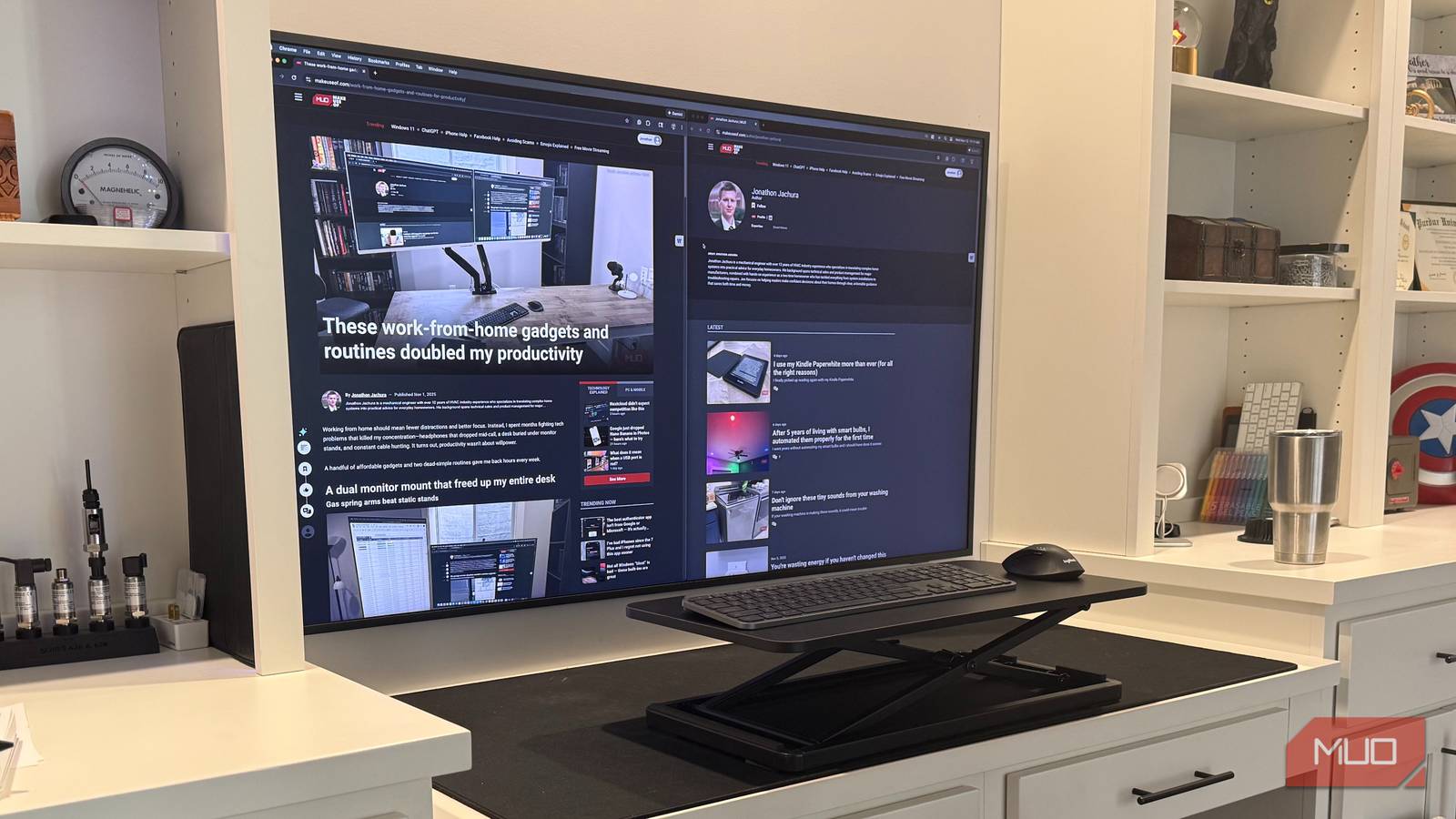
If you don’t have access to Samsung DeX or Google’s Desktop Mode, you can still use your TV as a second screen for your laptop or PC. You can do this using a good old HDMI cable or even wirelessly with Miracast or AirPlay.
Another idea I really like is turning the TV into a home dashboard, especially when it’s idle. With a Raspberry Pi or a mini PC and a platform like DAKboard, you can create a central information hub for your home. It’s a great way to check the weather, the latest news, your calendar, and even control your smart home devices.
Besides this, you can turn your TV into a photo frame. Sure, most TVs already show beautiful screensavers from the internet when you’re not watching anything. But with an app like Fotoo, you can create a slideshow of your own photos stored on your TV’s local storage.

- OS
-
Android
- Developer
-
Bopp Studio
- Pricing model
-
Freemium
Using a smart TV just for streaming is a bit like using your phone just for phone calls. You’re essentially ignoring most of its capabilities that make it actually “smart.” And honestly, the above use cases are just the start. There’s so much more you can do with the help of some apps and a few extra peripherals.

- Brand
-
Raspberry
- CPU
-
Broadcom BCM2711, Quad core Cortex-A72 (ARM v8) 64-bit SoC @ 1.5GHz
- Memory
-
4GB LPDDR4-3200 SDRAM
- Ports
-
2 USB 3.0 ports, 2 USB 2.0 ports, 2 micro-HDMI ports (up to 4kp60 supported)