


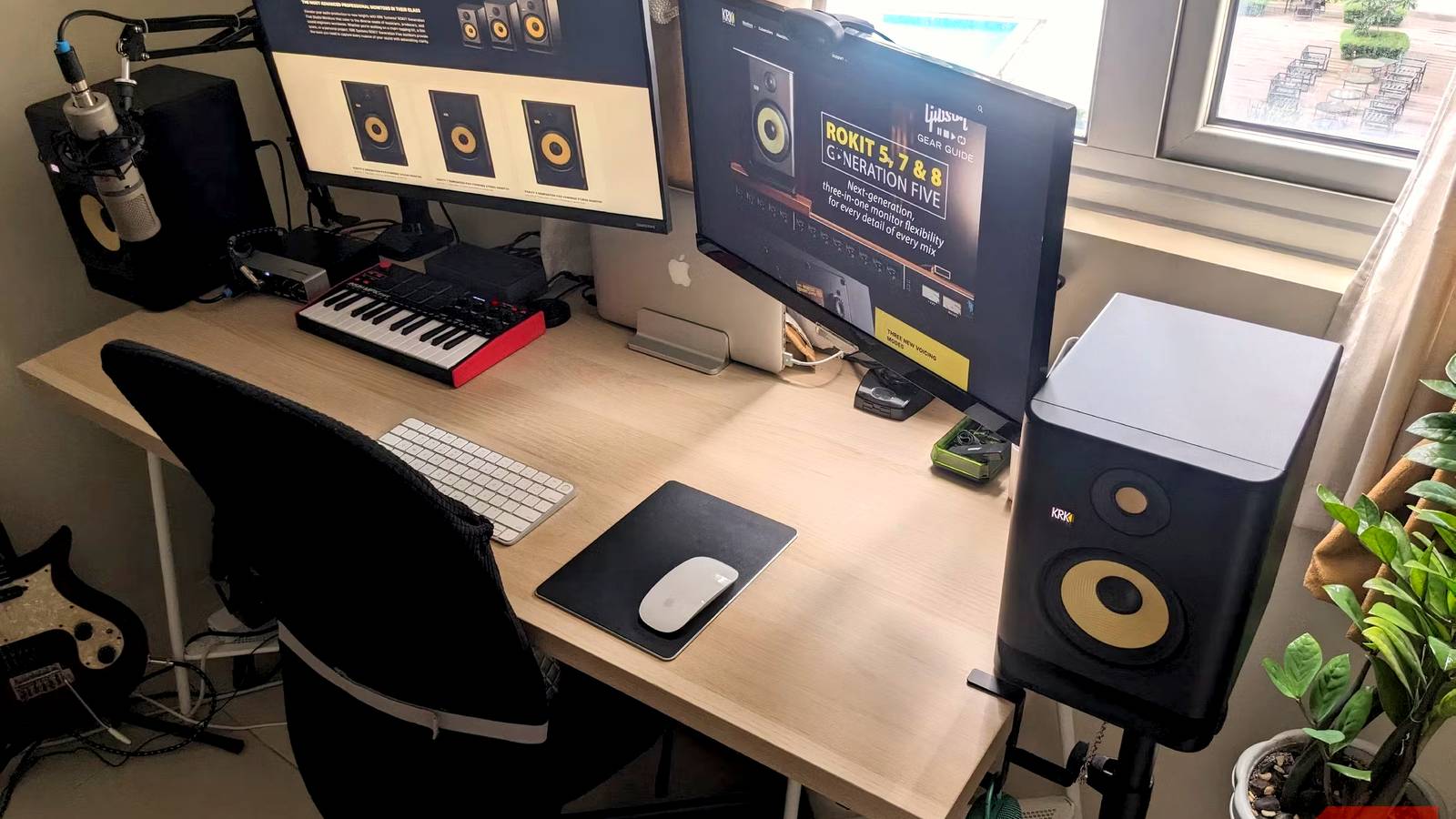
I expected my KRK Rokit 5 speakers to sound great right out of the box, and they did. In fact, I was so impressed with their balanced, accurate sound that I placed them on my desktop and barely touched them for months, even though they feature DSP with 25 visual EQ settings and a companion app for room tuning.
Eventually, however, my curiosity got the better of me. I had mistakenly thought that proper room calibration would mean measuring my room and inputting data, but my speakers (and many others from brands including Sonos, Kef, WiiM, and Harman Kardon) included a companion app that made it easy. The improvement it made was dramatic, to say the least.
I assumed good speakers didn’t need calibration
Having never used room calibration, I believed buying quality speakers was enough
The KRK Rokit 5 monitors already sounded detailed, with excellent stereo imaging and surprisingly deep bass for their compact size. I figured calibration was essential only if your room had major acoustic problems or if you were in a professional studio with acoustic damping and glass partitions. I didn’t think it applied to a home office-turned-studio that sits in a perfectly square condo unit.
In reality, every room shape, color, sound, and even a well-built speaker can only reproduce what reaches your ears after the sound has bounced off walls, furniture, desks, windows, and floors. Those reflections alter how sound behaves at certain frequencies by affecting its volume and timbre, and that’s exactly what room calibration is designed to fix.
The setup took less than ten minutes
One reason I’d ignored the feature was that I thought it might be complicated
As it turned out, the process was much easier than expected. Like many professional and smart speakers, mine came with a companion app. I simply had to follow the measurement process using my smartphone, which involved playing pink noise and moving my phone in a figure-eight at my listening position to analyze my room’s frequency response.
It then recommended an EQ profile tailored specifically to my setup. All I had to do was dial in the presets it gave me on each speaker and save them. The new EQ curve was shown on the LCD, and I was good to go. I had expected a much more difficult process, and the results were plain to hear.
The sound became noticeably cleaner, and I was instantly impressed
Now, I didn’t go and grab a spectrum analyzer and conduct a deep analysis of the results (it took months for me to even fire up the app, after all), but even to my aging ears, the results were immediately obvious. I put on Steely Dan’s “Glamour Profession” for testing, and instead of low-frequency notes blending together, the bass line became easier to distinguish.
Vocals moved forward in the mix to the point where I could hear nuances in phrasing I likely missed before. The stereo image also became noticeably more stable, with instruments occupying clearer positions across the soundstage. My speakers didn’t suddenly become more powerful; they simply sounded more detailed, which is exactly what good studio monitors or home theater setups should do.
It’s a feature most people likely never use
Many of us aren’t bothered with subtleties and nuance, especially when sound is “good enough”

In the past, I have always bought the best speakers my budget could afford, placed them on a desk, fiddled with EQ a little, and largely forgot about room acoustics altogether. Calibration always sounded a little intimidating and unnecessary when it comes to playing instruments and listening to music. I suspect I’m not alone here, and many, if not most, of us also favor the plug-and-play approach.
However, modern calibration software and speakers have come a long way this century, with apps making fine-tuning remarkably accessible. Whether you’re mixing music, watching movies, or simply streaming Spotify, correcting your room can often produce a big improvement, giving your speakers a new lease of life. I have to take my hat off to KRK for providing this genuinely useful software that is much easier to use than manually tuning my speakers.
Make sure you’re getting the most out of your speaker setup
Using the companion room calibration app with my speakers has opened up a “Pandora’s Box” for me. Now, when I buy a new piece of audio gear, I am much more aware of its features, benefits, and limitations, and I will try everything possible to get it working at its best.
While calibration didn’t reinvent my speakers, it removed many acoustic issues I wasn’t even aware existed. So, if you have smart speakers, bookshelf speakers, a soundbar, or a home theater setup that comes with a companion room calibration app, I’d urge you to use it. Dialogue will become clearer, bass will be cleaner, and the soundstage will become wider, before your very ears.