


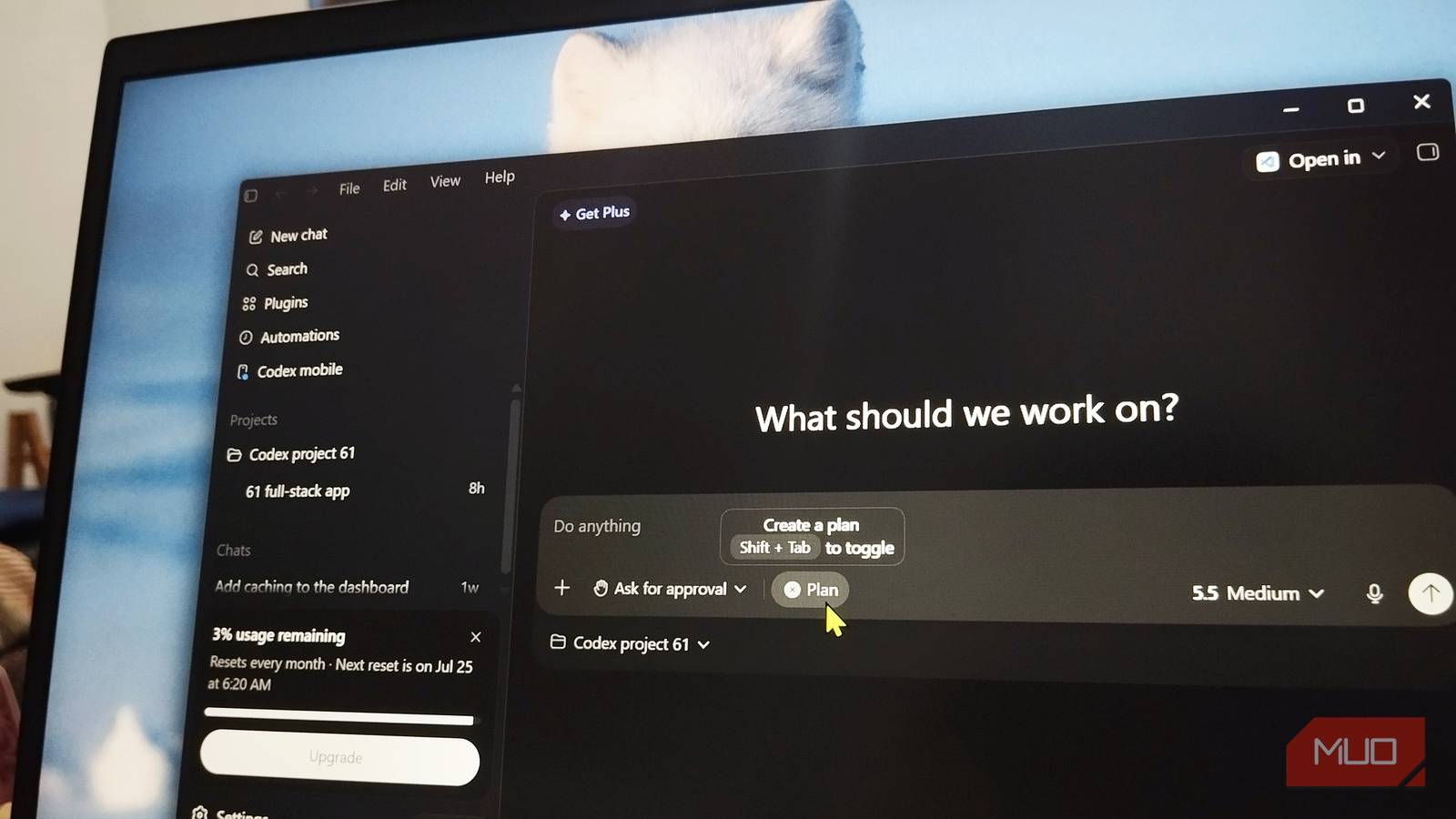
If you’ve been running OpenAI’s Codex CLI on a long-lived dev machine, there’s a good chance your SSD has been quietly bleeding out. A bug in Codex’s diagnostic logging system was writing hundreds of terabytes of data to local disks.
A failing SSD doesn’t click or grind, and given the severity of the bug, this can chew through the entire lifetime write endurance of a typical consumer SSD in under a year. So if you’ve been using Codex, it’s a good idea to check up on your SSD.
Your SSD could be taking a beating
Excessive logging can generate enormous amounts of disk writes long before you notice anything is wrong

The main culprit isn’t Codex’s actual coding work. It’s a local SQLite database Codex uses to store feedback and diagnostic logs. By default, the logging sink was hardcoded to the noisiest possible verbosity level, TRACE, which captures everything from raw WebSocket payloads to file-system monitoring events.
The database file itself would never look large on your drive. Byteiota reports that while the database itself retains roughly 680,000 rows at any given time, the underlying SQLite row IDs had already blown past 5.5 billion. That mismatch shows the real problem.
Codex was inserting massive volumes of log rows and then immediately deleting them in a continuous churn, so the file size on screen stayed small while the actual flash memory underneath absorbed real, permanent write cycles through something called write amplification. For all this damage to your drive, roughly 96% of everything logged had zero diagnostic value to the everyday user.
To make things worse, the standard environment variable developers used to shut down verbose logging, RUST_LOG=warn, did absolutely nothing in this case. The SQLite logging sink bypassed Rust’s usual logging filter entirely, so there was no documented way to dial it back yourself.
The eventual discovery came from Rui Fan, a developer and Apache Flink project committee member who noticed something wrong with his machine’s storage. He filed GitHub issue #28224 on June 14, 2026, after realizing his main SSD had absorbed roughly 37 terabytes of writes in just 21 days of normal Codex usage.
Expand that over the whole year, and you get the now-infamous 640TB-per-year figure. For context, most 1 TB consumer SSDs carry a warranted endurance rating of around 600 terabytes written (TBW) over their entire lifespan. Codex alone would burn that in under a year, and that’s not considering the write cycles your OS and other software would put the same drive through.
After the issue gained traction with 438 points on Hacker News, OpenAI’s Thibaut Sottiaux, the company’s head of core products for ChatGPT and Codex, acknowledged the bug publicly and confirmed a fix had shipped. Two pull requests were merged on June 22 and 23: one stopped logging every Responses WebSocket event, and the other filtered out noisy internal targets from persistent logs.
Together, the fixes cut roughly 85 percent of the unnecessary write volume. That said, this still isn’t a complete fix. Post-patch, Codex is still estimated to write around 96TB per year in a worst-case scenario as TRACE-level logging for some events remains active.
Flash storage has limits
Constant writes consume SSD endurance, reducing lifespan and potentially impacting performance over time
SSDs don’t fail the way spinning hard drives do. NAND flash cells can only endure a finite number of write-erase cycles before they degrade, which is why manufacturers publish TBW ratings. A bug that silently pushes hundreds of terabytes of pointless writes through your drive is actively shortening the physical life of your drive. And it does that without ever showing up as a bloated file you’d notice during regular storage browsing or computer maintenance.
If you’re someone who leaves agent-based dev tools running in the background for long sessions, which is exactly the workflow OpenAI has been pushing with Codex’s autonomous and computer-use features, you’re among the most exposed. Even if you’ve updated Codex, the damage is already done, and you will need to replace your drive to undo it.
To check the extent of your exposure, it’s best to pull your SSD’s actual SMART data with a tool like smartctl and check the total bytes written or percentage-used fields. SSD manufacturers also provide free tools for monitoring storage and drive health, which can be helpful in case you don’t want to scroll through a terminal.

If you haven’t already, make sure Codex is updated to at least 0.142.x line, which contains both merged fixes. It’s also a good idea to check the size of your log directory directly rather than trusting your file explorer, since the display can be misleading. You can run the du -sh command on macOS or Linux, or check .codex/logs_2.sqlite for oversized WAL files.
If updating isn’t an option, macOS and Linux users can stop Codex, delete the existing log files, and symlink them to a location in /tmp, which usually lives in RAM-backed tmpfs.
This reroutes the writes away from your physical drive entirely, although it resets on reboot and there’s no equivalent fix fr Windows users.
AI software isn’t immune to bad engineering
Powerful AI features don’t excuse inefficient defaults, especially when they silently affect users’ hardware
The Codex logging bug is a good reminder that an AI-powered tool doesn’t automatically mean it’s well engineered. A tool built to save developers time nearly cost some of them a new SSD, and given the current storage market prices, the repair process would cost both significant time and money.
OpenAI’s fix cut most of the damage, but the underlying habit of over-logging in always-on agent tools hasn’t fully gone away. Codex isn’t the only assistant guilty of it, so if you rely on AI coding agents daily, make checking disk writes and log bloat a regular part of your maintenance routine.