





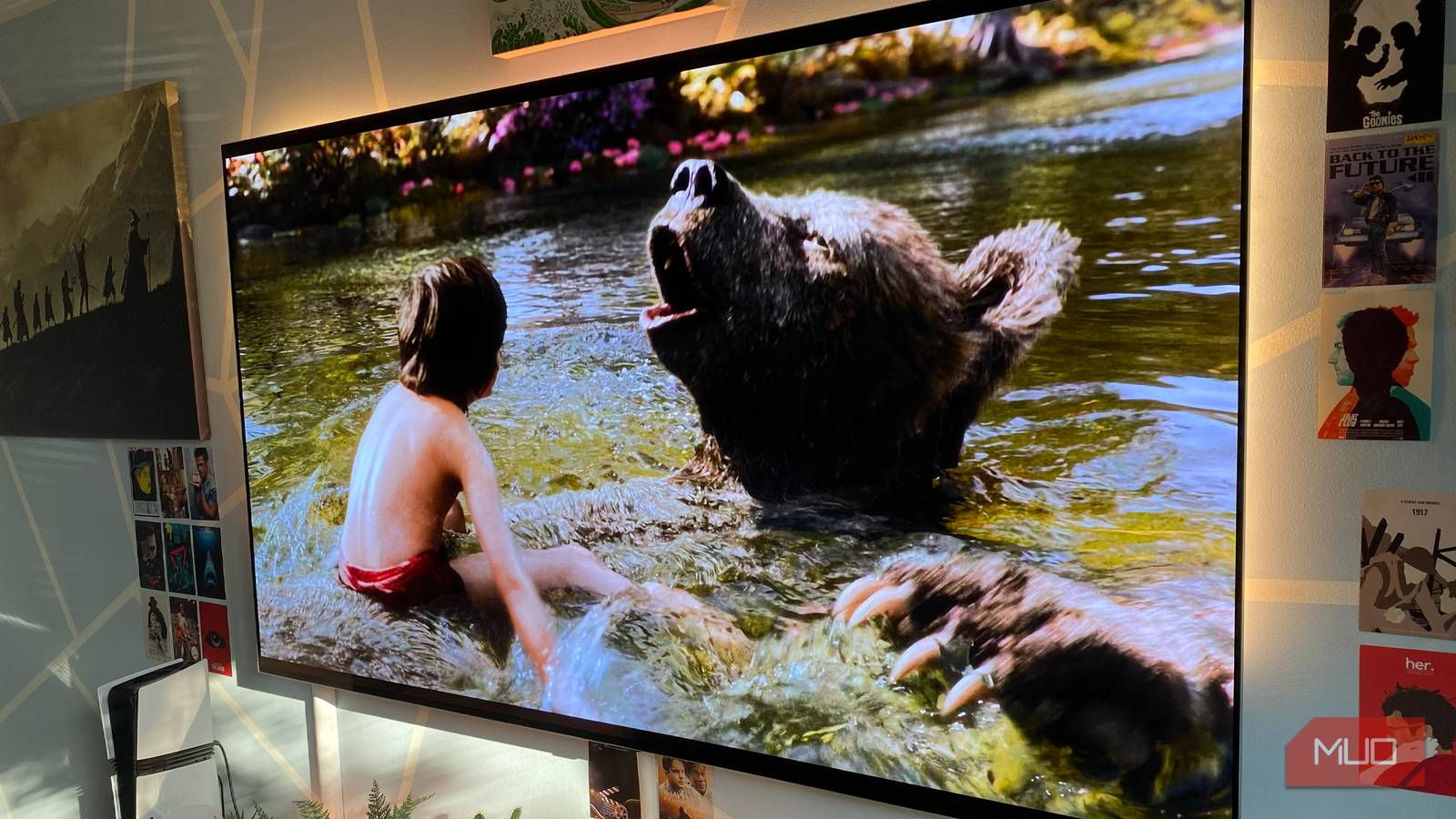
One lazy Sunday, I was parked in front of my TV trying to watch a show, but the buffering wheel kept interrupting every few minutes. Somewhere between the third loading screen and my growing irritation, I noticed how filthy the TV had become. Dust was packed into the rear vents, the HDMI ports looked abandoned, and the screen had this dull layer over it that I’d somehow stopped noticing over time. Out of pure boredom, I unplugged everything and started cleaning it with a microfiber cloth, a soft brush around the vents, and a few minutes spent wiping years of dust away. I honestly thought it would only make the TV look a little nicer.
But once I switched it back on, the difference was surprising. That was the moment I realized how badly most of us neglect our TVs. We clean our phones, laptops, and even gaming consoles regularly, but TVs usually sit in one spot collecting dust for years. And while it doesn’t seem like a big deal, all that buildup can affect performance, airflow, and even the TV’s lifespan. It’s a bit like ceiling fans or air purifiers — you don’t realize how much dust is hurting them until you finally clean them and notice everything working smoother afterward.
I was sick of dust coming back right after cleaning and this trick fixed it
Why do I dust if it immediately returns?
Your TV screen is probably dirtier than you think
The hidden layer is dulling your display

I started with the screen because it bothered me the most. Every time sunlight hit the TV from the side, I could suddenly see everything layered on top of it — fingerprints, smudges, and a thin film of dust that had built up over months. My younger cousin definitely contributed to the situation, too. Every exciting scene apparently required walking up to the TV and physically pointing at it with sticky fingers. If you have kids at home, I’m sure you can relate.
Cleaning it turned out to be more delicate than I expected. Smart TV panels aren’t like old glass TVs; you could aggressively wipe with a random cloth lying around. Modern OLED and QLED screens are sensitive, and using the wrong material can leave scratches, streaks, or weird patches that are harder to remove later. I kept things simple: a clean microfiber cloth to gently remove the loose dust first, and a screen cleaner spray for the stubborn smudges.
I’ve also seen people use tissue paper on TVs and immediately regret it once the tiny scratches start catching light. I do not recommend using tissue paper and newspapers at all.
The weird part was how much better everything looked afterward. Colors suddenly felt punchier, darker scenes looked cleaner, and text on streaming apps no longer looked slightly hazy. This reminded me of cleaning prescription glasses after weeks of ignoring them. You don’t realize how much clarity you’ve lost until everything suddenly looks crisp again. And the moment the TV lit up after cleaning, I wondered how I’d gotten so used to watching it through a layer of dust in the first place.
The dust you never see, until you do
The mess is hiding where no one looks

When I moved to the back of the TV, things got a bit humbling. The front might have looked mildly neglected, but the rear panel had clearly been ignored for a long time. HDMI ports and USB slots had collected a fine layer of lint and dust.
I did not want to be careless with it. Ports are one of those places where overconfidence causes more damage than dust ever will. So I went in gently with a wooden toothpick to loosen the debris, then used a soft brush to remove it. I didn’t want to force or dig anything; I just wanted to be careful and patient with the cleaning, so nothing gets pushed further inside.
The USB ports needed extra attention, since one of them was always plugged in with downloaded shows. I removed it, cleaned around it slowly, and made sure nothing was left inside before plugging it back.

The slowdown I never realized was there
A quieter kind of performance boost

The vents on the TV, both along the bottom edge and across the back, were far worse than I expected. What looked like normal dust from a distance turned out to be tightly packed lint sitting inside the grills. I went in with a soft brush first, then used a quick burst of compressed air to clear out the deeper pockets. The amount of dust that came out was honestly a bit alarming, like something you would normally see behind an old desktop CPU. What I noticed afterward was quite subtle. It did not suddenly feel like a brand-new TV; it just felt like it was no longer pushing against something invisible, as it could finally run without that constant strain in the background.
That actually makes sense when you think about how modern smart TVs work. They are basically small computers with processors, RAM, and storage. And like any processor, they generate heat when they are working, especially while streaming high-resolution content or running apps in the background. That is where vents matter — they exist to remove heat from the system. When they get blocked, warm air gets trapped inside, and the processor starts slowing itself down to protect the hardware. This is called thermal throttling. You see the same thing when a phone gets hot while gaming and suddenly feels less responsive.

After cleaning the vents, the apps that previously took a few seconds to open now launch faster. The UI felt smoother when switching between inputs. Even after watching something for a long stretch, the back of the TV did not feel as hot as it usually does.
And beyond performance, there is a longer-term angle here too. Heat is one of the quiet enemies of electronics. Over time, consistently high temperatures can wear down internal components, such as capacitors and power circuits, faster than usual. So a clogged vent is not just a performance issue; it is a slow health problem for the device. The funny part is how easy this fix is. A few minutes with a brush or compressed air can literally help the TV breathe again, and it pays you back in both smoother performance and potentially longer life.
The best performance boost is just letting things breathe again
I went into this thinking I’d just end up with a slightly cleaner TV and nothing more. But what I got was a setup that felt better to use. The screen looked like it had rolled back to its original clarity; the ports started behaving as they should, and the whole system felt calmer. Even after long viewing sessions, it ran cooler and more consistently, almost as if it wasn’t fighting its own buildup anymore.
We usually assume performance drops mean software issues, slow internet, or aging hardware. But sometimes it’s just dust doing what it does best: getting in the way. If your TV has started feeling a bit slow or unresponsive, it might be worth skipping the settings menu for a moment. You do not need anything fancy for this kind of maintenance. A microfiber cloth for the screen, a soft brush for the vents, and a little compressed air if you have it. That’s it. And now this is something I do every few months.