





I have been getting really into local LLMs lately, and I’ve even built my own local AI server. The problem is that it is an extremely expensive hobby, and I do not have thousands of dollars in hardware lying around to scratch that itch properly.
But I still find myself wanting to try out the biggest open-weight models, and I think I have found a pretty good solution to that.
I’ll never pay for AI again
AI doesn’t have to cost you a dime—local models are fast, private, and finally worth switching to.
Nvidia Build lets you run open-weight models your hardware can’t
Inference for free

Nvidia Build is basically Nvidia’s cloud inference platform for running local LLMs. Without complicating too much, Nvidia Build basically takes open-weight models, optimizes them to run on their own DGX Cloud hardware, and gives you API access to them.
To get started, just head over to the Nvidia Build website and create a new account. Once you have done that, I would recommend going through the catalog and looking for models with the Free Endpoint flag on them. Those are the ones you can use without paying anything. I could not find any official documentation on token limits for the free tier, but there is a rate limit of 40 requests per minute, which is unlikely to bother you for personal use.
If you are not sure which model to start with, especially for coding tasks, I would suggest trying MiniMax M2.7 first. You can also try others, like GLM-4.7, though keep in mind that some model families only have their older versions available on the free tier.
You can get a free Gemini API key right now with no billing required — here’s what to do with it
I grabbed the free key out of curiosity and immediately had ideas.
The key thing to understand is that these are not toy models or stripped-down demo versions. MiniMax M2.7 is a 230 billion parameter model. There is no realistic way to run that at home unless you have a multi-GPU server with hundreds of gigabytes of VRAM. Nvidia is hosting the whole thing, on its own infrastructure.
Once you have settled on a model, click the profile icon on the top right, head to API Keys, and generate one. Once you have that, you can start doing some genuinely cool stuff with it.
You can do a ton of cool stuff with it
No GPU no problem
I have been using Claude Code for a while now by pointing it at open-weight models, but recently I have been playing around with OpenCode, so I decided to give that a shot with Nvidia Build instead. The good thing is OpenCode has Nvidia’s integration built right in, so I just had to run /connect, select NVIDIA, enter my API key, and that was it. Within 30 seconds I was up and running on MiniMax M2.7, and it was very impressive, especially considering it costs nothing.
But that is not all you can do with it. Every model on Nvidia Build exposes an OpenAI-compatible API endpoint, and that matters more than it might sound. The OpenAI API format has basically become the universal standard for AI tooling at this point. Coding harnesses like Cursor and Zed support it as well.
Even Claude Code works, though it needs a little more configuration than OpenCode since it speaks Anthropic’s format natively rather than OpenAI’s. If you want to get it up and running, Nvidia has a support page for that as well.
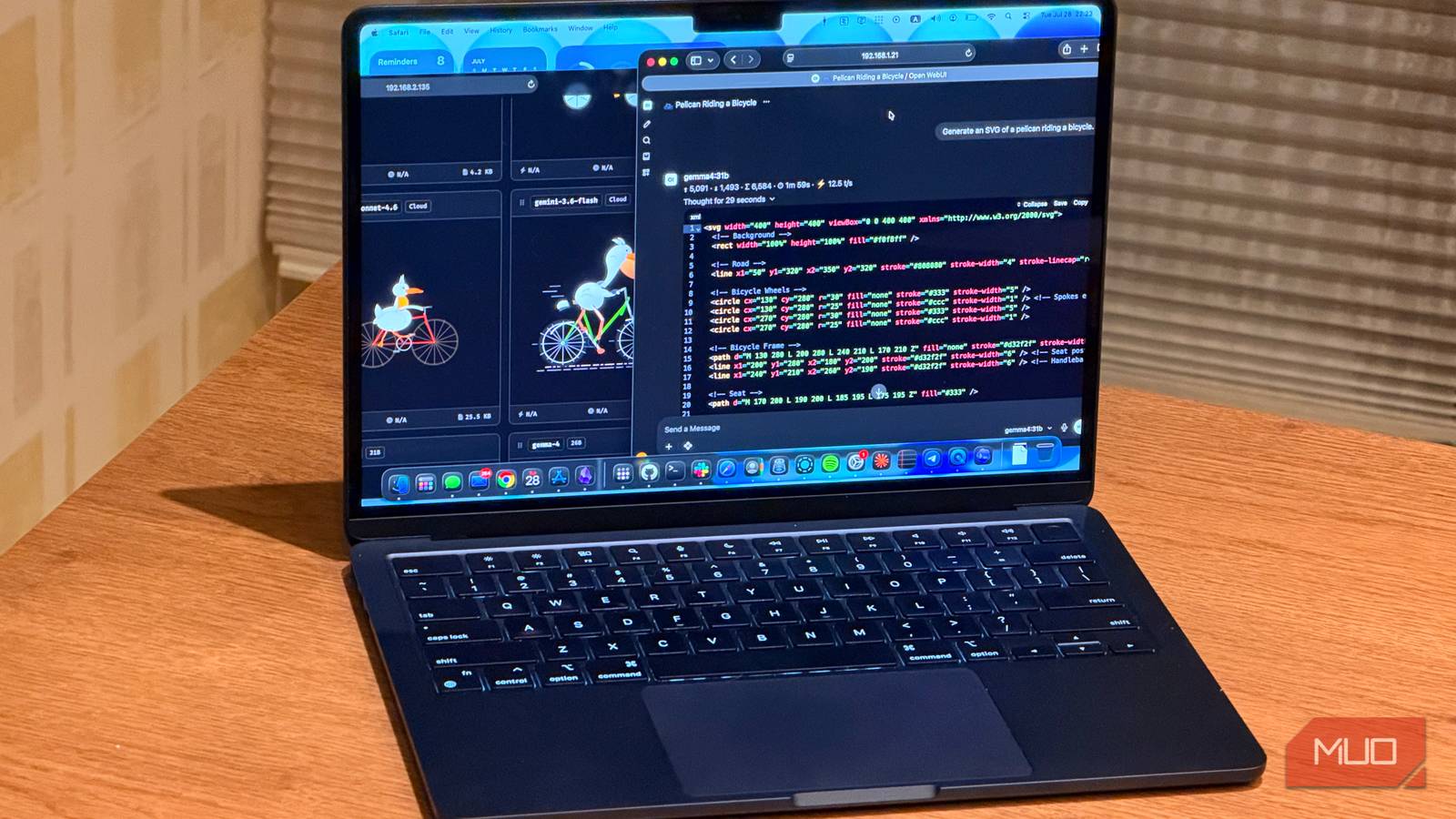
If you just want to use a model as a chatbot, local chat interfaces like Open WebUI, which lets you run a ChatGPT-style interface on your own machine, can be pointed at it just as easily.
It’s the easiest way to try open-weight models without spending thousands
Memory? In this economy?

Running big models locally is genuinely appealing. You get full control, no rate limits, no data leaving your machine. I understand why people want it. But the hardware required to do it properly is not cheap, and the numbers catch a lot of people off guard.
To run a 70B model comfortably on a single machine, you are looking at something like a Mac with 128GB of unified memory, which starts around $5,000 (although you can also get acceptable results with 64GB). Or a dual RTX 5090 setup, which will run you somewhere between $9,000 and $12,000 once you factor in the rest of the build.
As of the time of writing, Apple has removed the 128GB Mac Studio configuration. If you are after pure memory, your best bet right now is the M5 Max MacBook Pro with 128GB of unified memory.
And even then, a 70B model is not the biggest thing in Nvidia Build. MiniMax M2.7 is a 230 billion parameter model. There is no realistic consumer hardware path to running that at full precision at home.
The problem with jumping straight to buying hardware is that you might do it before you actually know what you need. Spending that kind of money and then realizing the models that fit on your machine are not quite good enough for the task you had in mind is a painful situation to be in. Or the opposite: you spend way more than necessary because you were not sure where your requirements actually land.
You can spend a few weeks using the biggest open-weight models at full precision, on real tasks you actually care about, before you commit to anything. If you find that a 70B model does everything you need, maybe a Mac with 128GB gets you there.
If smaller models turn out to be good enough, you might not need to spend nearly as much. And if you find yourself actually needing something in the 200B range regularly, now you know that too, before you have spent anything.
I tried running a chatbot on my old computer hardware and it actually worked
You don’t need to fork out for expensive hardware to run an AI on your PC.
It’s not a long term solution
Nvidia Build is not a replacement for running models locally. You are still sending your data to someone else’s servers; you are still rate-limited, and you do not have the kind of control that makes local inference worth setting up in the first place. But that is also not really the point.
Think of it as a testing ground. A way to actually use these models for real tasks before you commit to anything. Nvidia Build just happens to be the easiest and cheapest way to get that information right now.