


Summary
- Kobo is now the first eReader to natively sync with StoryGraph (June 2026).
- Link accounts to auto-sync progress, percentages, “Currently Reading” status, finishes, and audiobooks.
- This removes one of the last major reasons to stick with Kindle’s Goodreads tie-in.
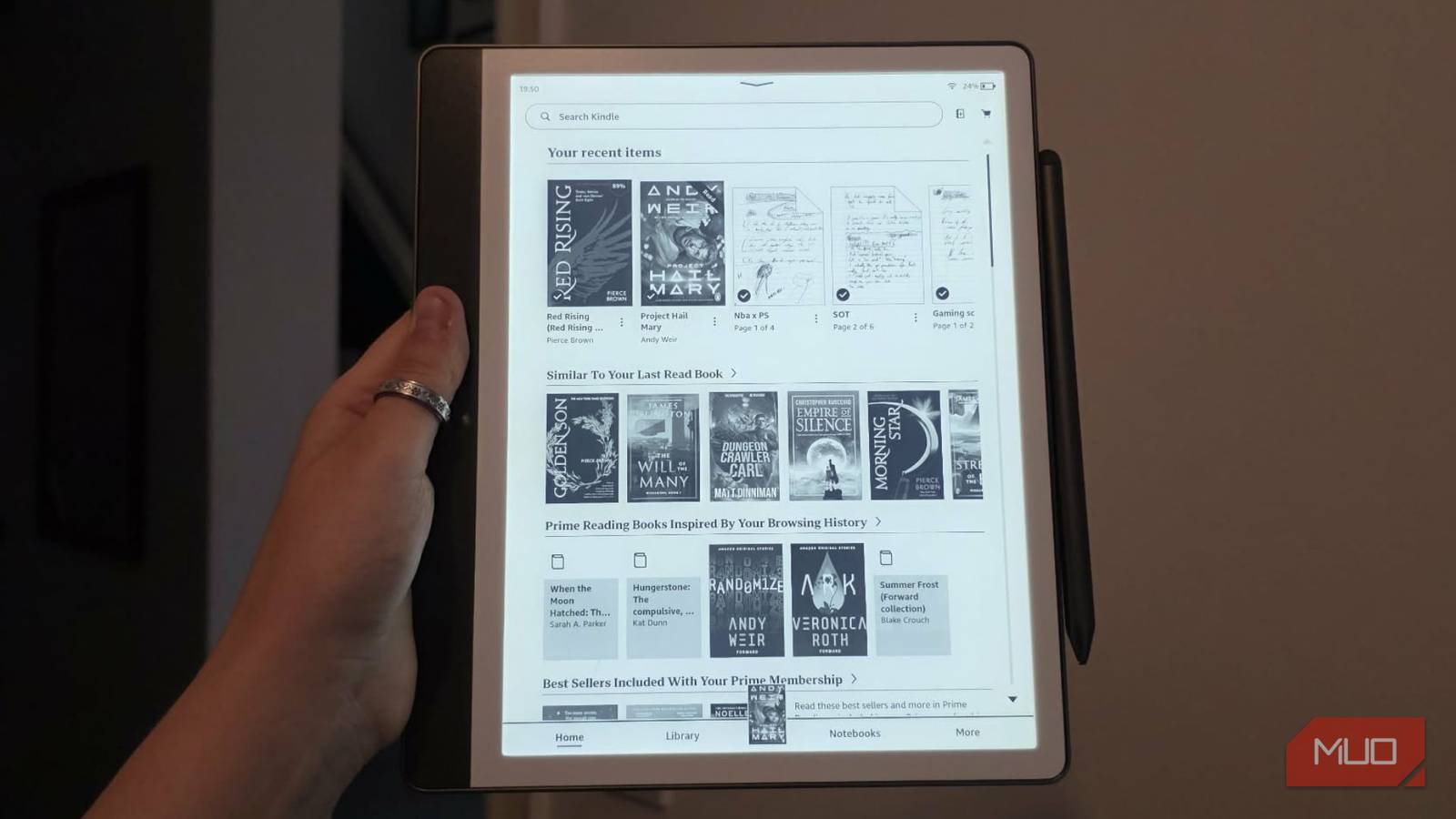
I’ve had my Kindle Scribe for over a year now, and it’s been great for helping me keep up with my New Year’s resolution to read more. But a world-first feature from Rakuten Kobo and StoryGraph — the independent, community-driven platform for book lovers — has just announced an update that could completely turn my head.
I stopped using my Kindle after setting up this gorgeous self-hosted book server
I finally own my entire library — no DRM, no limits
Kobo is now the first and only eReader to offer native StoryGraph sync
For years, Amazon’s Kindle ecosystem has let users seamlessly connect to Goodreads. Not surprisingly, given that Amazon owns Goodreads. If you use a Kindle, your progress tracks automatically. But for the millions of readers who have ditched Goodreads for StoryGraph, it’s a huge pain to manually input all your data once you’ve finished a book. I, personally, prefer StoryGraph for its deeper reading insights and mood-based recommendations, but the lack of native tracking on my Kindle has been a massive headache.
Not anymore! Starting June 2026, Kobo becomes the first and only eReader to offer native progress syncing with StoryGraph.

- Brand
-
Kobo
- Screen
-
E Ink Kaleido™ 3 display with FastGLR and Dark Mode
- Resolution
-
300 PPI—black-and-white content/ 150 PPI—color content
- Storage
-
32GB
- Front Light
-
Adjustable ComfortLight PRO
- Buttons
-
Yes
How the integration works
Once you link your Kobo account to StoryGraph, your e-reader auto-syncs to your StoryGraph “Currently Reading” shelf. You’ll be able to track your progress percentages, which will sync between Kobo and StoryGraph. Once you turn the final page on your Kobo device, your status will automatically update to “Read” on StoryGraph. Best news — this integration isn’t limited to eBooks! Those who enjoy audiobooks can also benefit from this new partnership.
The Kindle x Goodreads integration has always felt quite clunky to me. When you open a new Amazon book, your Kindle will ask if you want to mark it as “Currently Reading”. While you read, tap the top of the screen to open the menu, select the three dots (menu icon), tap Share, then choose Goodreads. This lets you share your current status and any notes or highlights. When you reach the end of a book, a pop-up window will appear, allowing you to rate the book and mark it as “Read”. You have to do this, while Kobo does it automatically.
Amazon’s tight grip on Goodreads has turned many potential customers away from the Kindle ecosystem, myself included. But this new seamless partnership has removed one of the last major reasons to buy a Kindle.
For more information on connecting your accounts in June, visit here.