




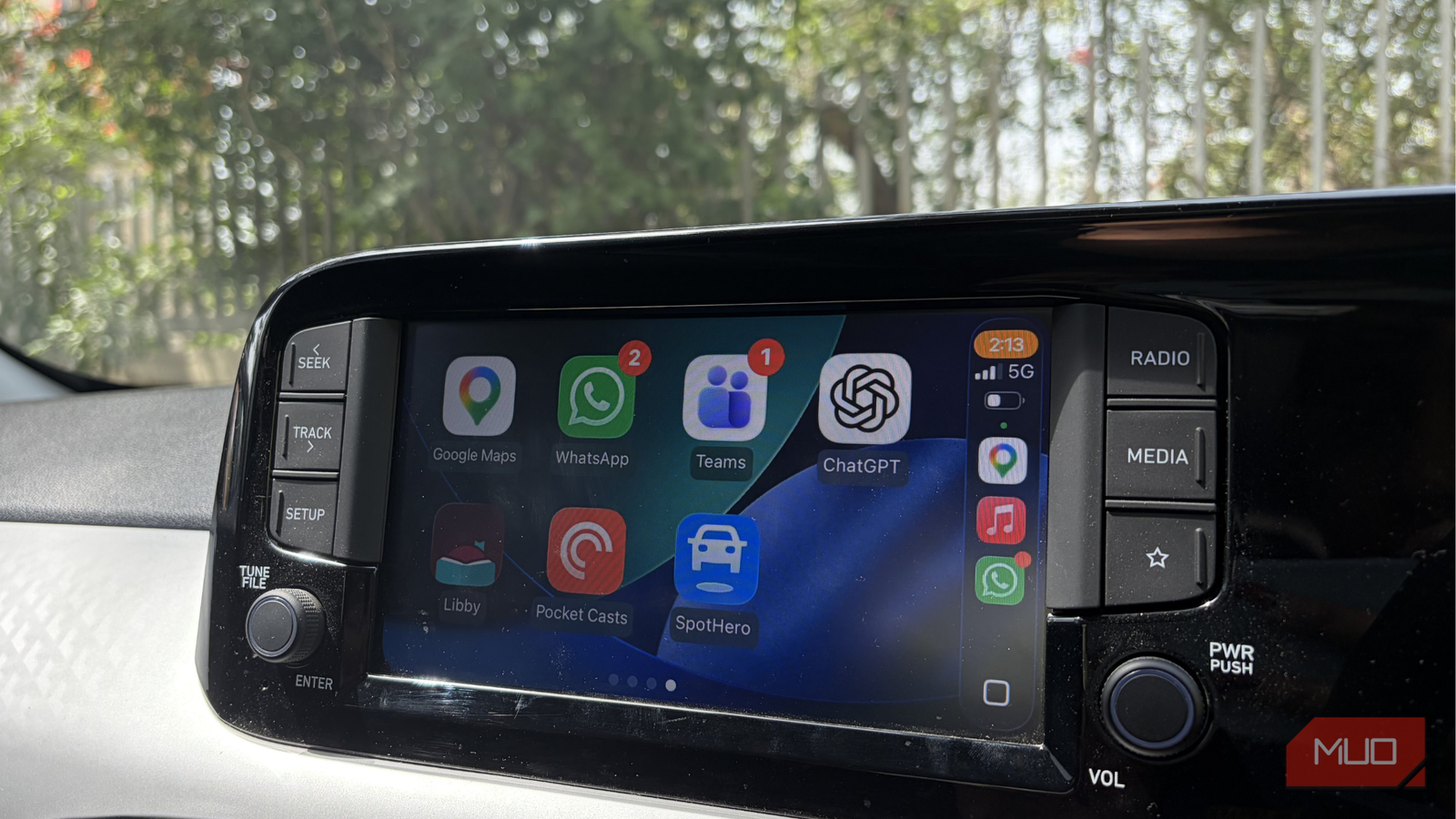
I don’t need much convincing to try something new on Apple CarPlay, so when the ChatGPT app icon appeared on my car’s infotainment screen, ignoring it was never really an option. I was instantly curious to see how it would actually hold up during a drive. A few drives later, I can say this with complete honesty: I got used to it far quicker than I expected.
The 6 Best ChatGPT Features You Must Try
ChatGPT has an extensive list of features, so don’t skip the best ones!
A setup that gently reminds you to be a responsible adult
Turns out, all I needed was something that would just listen
Before I could actually use it, I had to set things up on CarPlay, and I expected the usual routine of tapping through permissions without thinking twice. But this felt different — the first thing ChatGPT did was ask for access to my iPhone’s microphone, then paused to remind me to unlock my phone when I’m not driving. It wasn’t trying to rush me in; it was making sure I was doing this the right way. Once I allowed access to my phone, I tapped I allowed access on the CarPlay screen, and that was it.
As I started using it, I realized how transparent the whole experience was. Every voice conversation gets saved, and I can go back and delete anything whenever I want. Nothing feels hidden or out of my control. At the same time, those conversations also shape how ChatGPT responds to me over time. The responses feel more in tune with how you speak and what you usually ask. Once I understood the balance between control and personalization, I felt much more comfortable speaking freely.
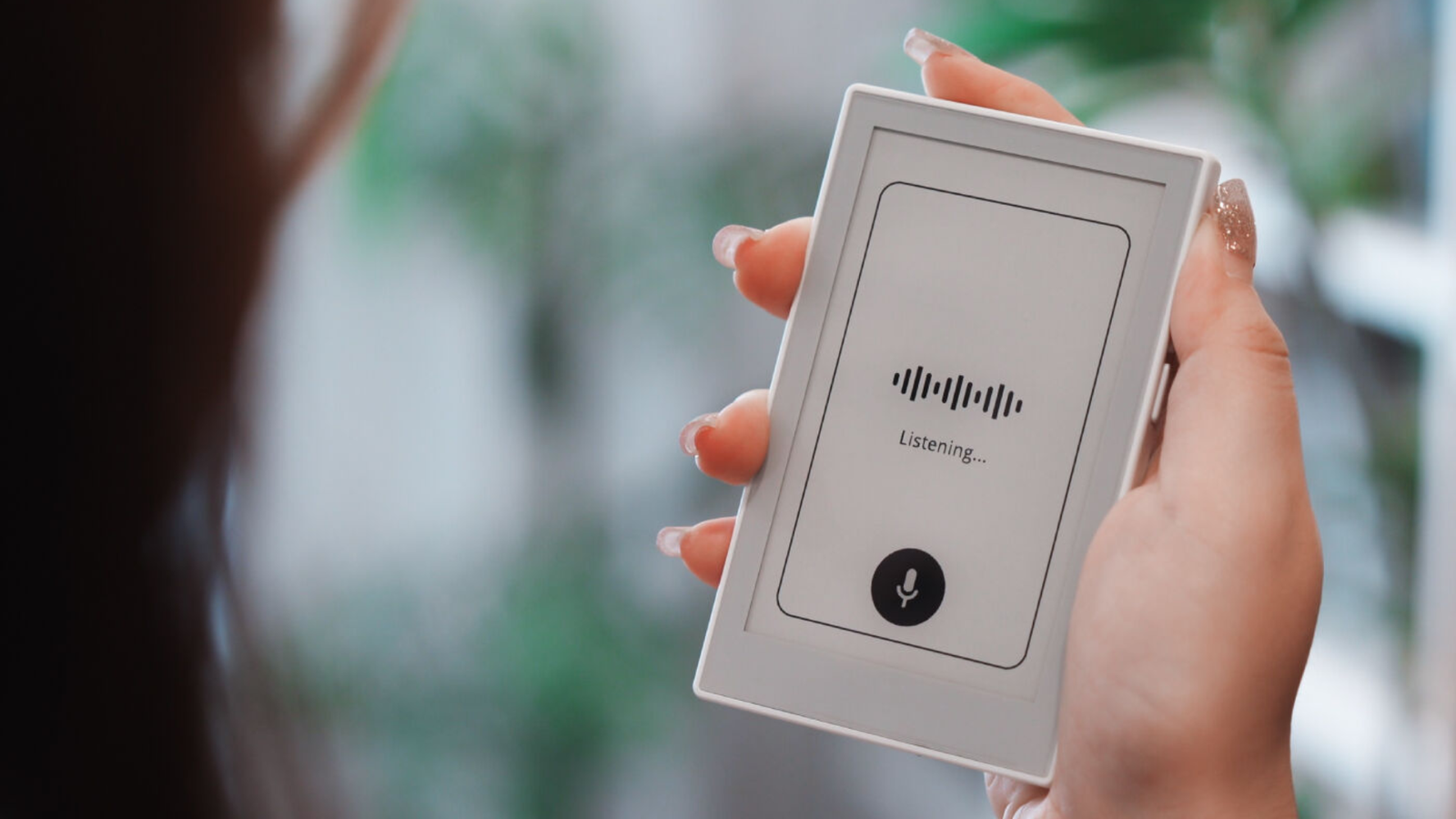
The interface itself is as simple as it gets, which honestly makes a big difference when you are driving. When I speak, it says Listening. While processing, it shows Thinking. And when it replies, it switches to Speaking. That is the entire flow — I never had to guess what was happening or whether it heard me properly.
What I did not expect was how natural it would slip into my routine. It started with simple things, like asking random questions that popped into my head or getting quick explanations for something I was thinking about. Then it turned into longer conversations — I found myself brainstorming ideas, talking through work, even revisiting half-formed thoughts just to make sense of them. It felt like I had someone in the passenger seat who was just there, listening patiently while I figured things out in my own way.
And then there was this one drive when I wasn’t feeling well. You know those days when you cannot quite explain what is wrong, but everything feels a little heavier than usual. I could have played music or tried to distract myself, but instead, I just started talking, and it listened and let me get it all out. Only after I had said everything did it gently step in with some perspective, which actually helped because I was ready to hear it. That’s when I realized this isn’t just a feature you try once and forget about. And now, going back to driving without it feels incomplete.
I regret ignoring this ChatGPT feature for so long
You don’t need prompts to fix ChatGPT. You need this setting.
So close to perfect, it’s almost annoying
It gets me, it hears me, but it won’t yet take the wheel on the basics

That said, as much as I’ve enjoyed using it, there’s still a part of me that keeps thinking about everything it could do but doesn’t yet. Because once you get used to talking to ChatGPT like this, it starts to feel like it should naturally take over more. Honestly, it already feels more capable than Siri in so many ways, which makes the limitations stand out even more.
There were moments during my drives when I caught myself asking it to do things it simply cannot handle right now. I’d say something like, “Play something mellow on Apple Music,” expecting it to just create a playlist that fits the mood and start playing it. Or I’d want it to read out a WhatsApp message that just came in, so I wouldn’t have to glance at my phone. Even something as basic as navigating to a location on Google Maps feels like an obvious next step. These are the kinds of things you instinctively expect from a voice assistant when you are behind the wheel. And once you’ve experienced how natural ChatGPT feels in conversation, you don’t really want to go back to juggling multiple systems or doing things manually.

That is where the gap becomes clear. Right now, it feels like an incredibly good conversational companion, but not quite a full driving assistant yet. And the frustrating part is, you can almost see how easily it could become one. The way Android Auto lets you switch between assistants like Gemini and Google Assistant is exactly the kind of flexibility I wish for on CarPlay, too.

- OS
-
Android, iOS, Web
- Developer
-
OpenAI
ChatGPT is the flagship AI chatbot from OpenAI, and it’s loaded with features.
There’s a reason I’ve grown so fond of it
A big part of that comes down to how it speaks. There’s a certain ease to it — the tone feels natural, almost like someone sitting next to you, keeping you company while you drive. It understands context, it picks up on how you are feeling, and it responds in a way that doesn’t feel robotic or rigid.
And that is exactly why it feels both exciting and a little frustrating. Because if it already feels this natural today, it is hard not to imagine what it could become with deeper integration. The moment it starts handling the rest of the driving essentials, there will be very little reason to go back to anything else. And honestly, once you have experienced this, going back to Siri will feel like you’re compromising.