






LLMs can do a lot more than just generate code; they can also help you debug it. When the bug isn’t obvious, and the console output is actively throwing you off, handing over a snippet to your AI coding assistant and letting it comb through to find issues is a great way to save a ruined Tuesday.
We have a number of options available for this—free, paid, and you can even run the biggest open models locally. So I put together a small test, a JavaScript file with three distinct bugs in it, and handed it off to Gemini, ChatGPT, and Claude to fix. These bugs—a scoping issue, an async race issue, and an index-based assignment that caused non-deterministic ordering—can easily be missed, and ruin a perfect afternoon. But you’ve got a few AI tools for the rescue.
LLMs hallucinate the most when you ask them to do this
Confident, wrong, and very convincing.
Gemini attempted a patch
Fast guesses—but not quite the real issue

Gemini held the middle ground in terms of speed, showing two different responses before ChatGPT but after Claude. It spotted a scoping issue correctly and explained block scoping as part of the solution. It did, however, completely miss a random delay race condition later in the code.
As a result, the fix it shipped would have made the code look correct, but it technically wouldn’t be. You’d run the code, check the console, and still run into issues. Out of the two responses Gemini showed, one didn’t even explain the changes or how they affect your code. Running the prompt multiple times also produced different results, including one where it detected the async race issue, but still missed the index-based assignment bug.

- OS
-
Android, iOS, macOS, Windows
- Developer
-
Google
- Price model
-
Free, Subscription
ChatGPT got close
Good reasoning, partially incomplete diagnosis
ChatGPT was slower, but it earned the time. For starters, it caught all three bugs—the scoping issue, a missing await causing final logs to print early, and the non-deterministic ordering from the random delays. The explanation was also methodical and easy to understand for a beginner.
It also handed out three different options for fixes with different consequences. Its best recommendation was a solution that would’ve patched the code, making assumptions that the other section would automatically fall in line. That is technically correct, but you wouldn’t be resolving the root cause that way. That’s not patching a bug, it’s postponing the issue.
To ChatGPT’s credit, it attempted to fix it the right way, which involves fixing a loop in the script as another solution. However, it also pointed out that while the fix is correct, implementing it would be slower.

- OS
-
Android, iOS, Web
- Developer
-
OpenAI
- Price model
-
Free with optional subscription
Claude actually found the bugs
The only one that nailed the real problem
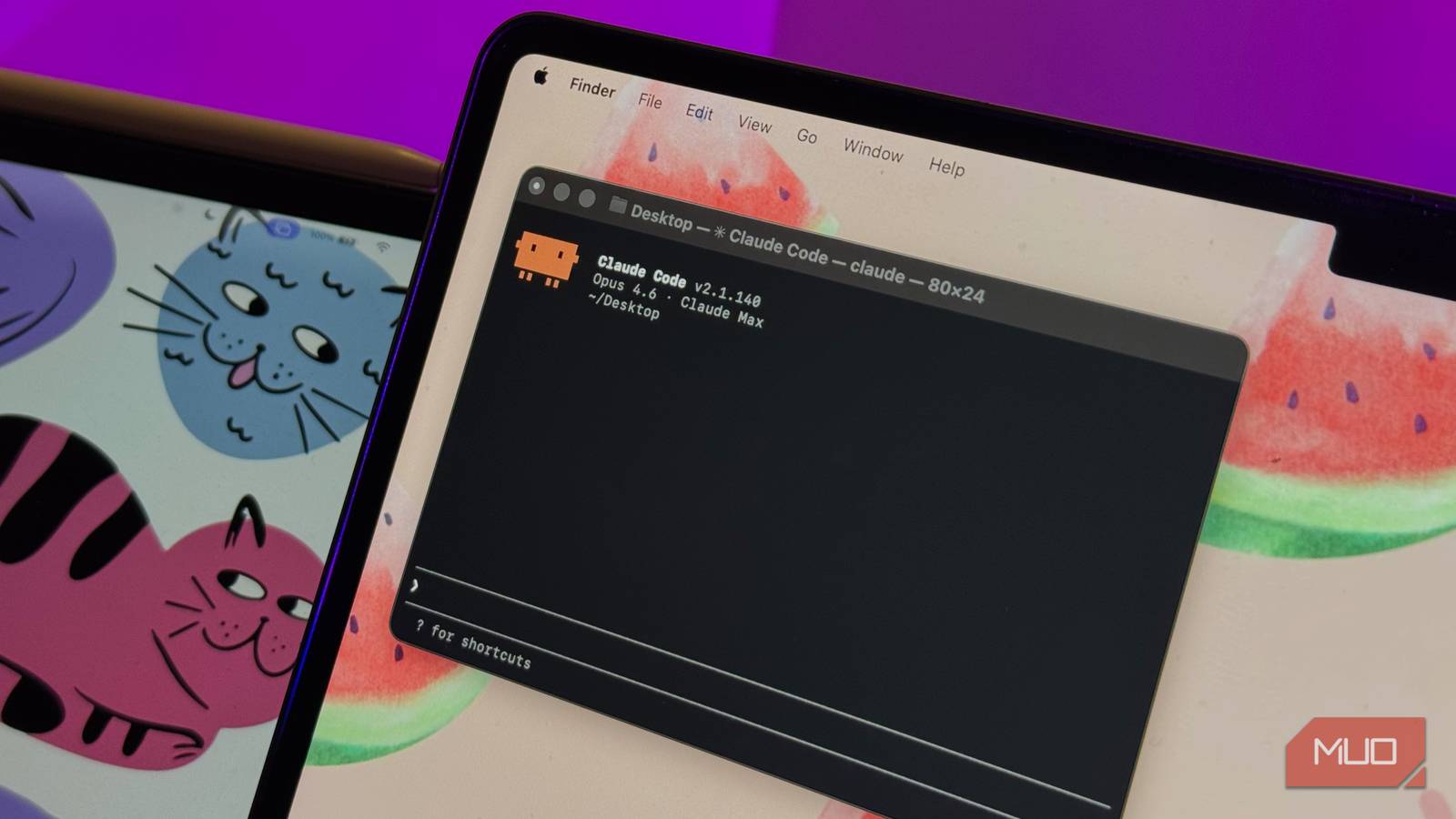
Claude was the fastest to come up with a response and with the most complete solution at hand. It did not provide multiple answers or code to fix the problem in different ways. The chatbot identified the three issues and methodically explained and patched them. Note that I used Claude Chat for this test, and not Claude Code. However, Claude recommended switching to Claude Code immediately after responding.
The output also wasn’t as simplistic as Gemini or ChatGPT, either. While Claude was technically sound in its explanation, you’d need JavaScript knowledge to know what it was talking about to understand it. That’s fine for a seasoned programmer, but a newcomer playing with a script they found online would have to ask for a simpler explanation as a follow-up. Regardless, Claude is good at cleaning up ChatGPT generated code too, so if you were looking for a debugging tool, this might be it.

- Developer
-
Anthropic PBC
- Price model
-
Free, subscription available
Speed means nothing without accuracy
Being right matters more than being quick
There were times when Claude was accurate but slow, and ChatGPT is accurate but fast. You could technically call that a draw between ChatGPT and Claude, but Claude’s responses were usually more complete, correct, and well-structured—while the other two managed partial ones in the same time, if not more.
That combination has a real-world value that compounds over the course of a debugging session. If you’re working with a particularly big codebase, every minute you save can add up to hours by the time you’re done. Not to mention the confusion it’ll add when you patch something using a surface-level fix and end up having more or completely different problems.
Choosing the right AI for real debugging work
What this actually means for developers
There are certain tasks LLMs hallucinate at, but they’re incredibly useful for code generation and debugging regardless. Gemini is useful for a lot of tasks, especially with its Google ecosystem integration, and ChatGPT will catch most (if not all) bugs and patch them, albeit with confusing solutions at times. Claude being faster and more consistent at the same time is an advantage that’s hard to ignore.

6 Reasons I Use Claude Instead of ChatGPT
ChatGPT is great; don’t get me wrong. But Claude is so much better.
When you’re working on problems that require tracing cause-and-effect through an execution flow that isn’t easily obvious, this better reasoning is more careful and complete—meaning you’ll fix the root cause more often than not. For quick sanity checks, any of the three will do. But when you’re working with bugs that are actively misleading or more technical, Claude can be the better option.