


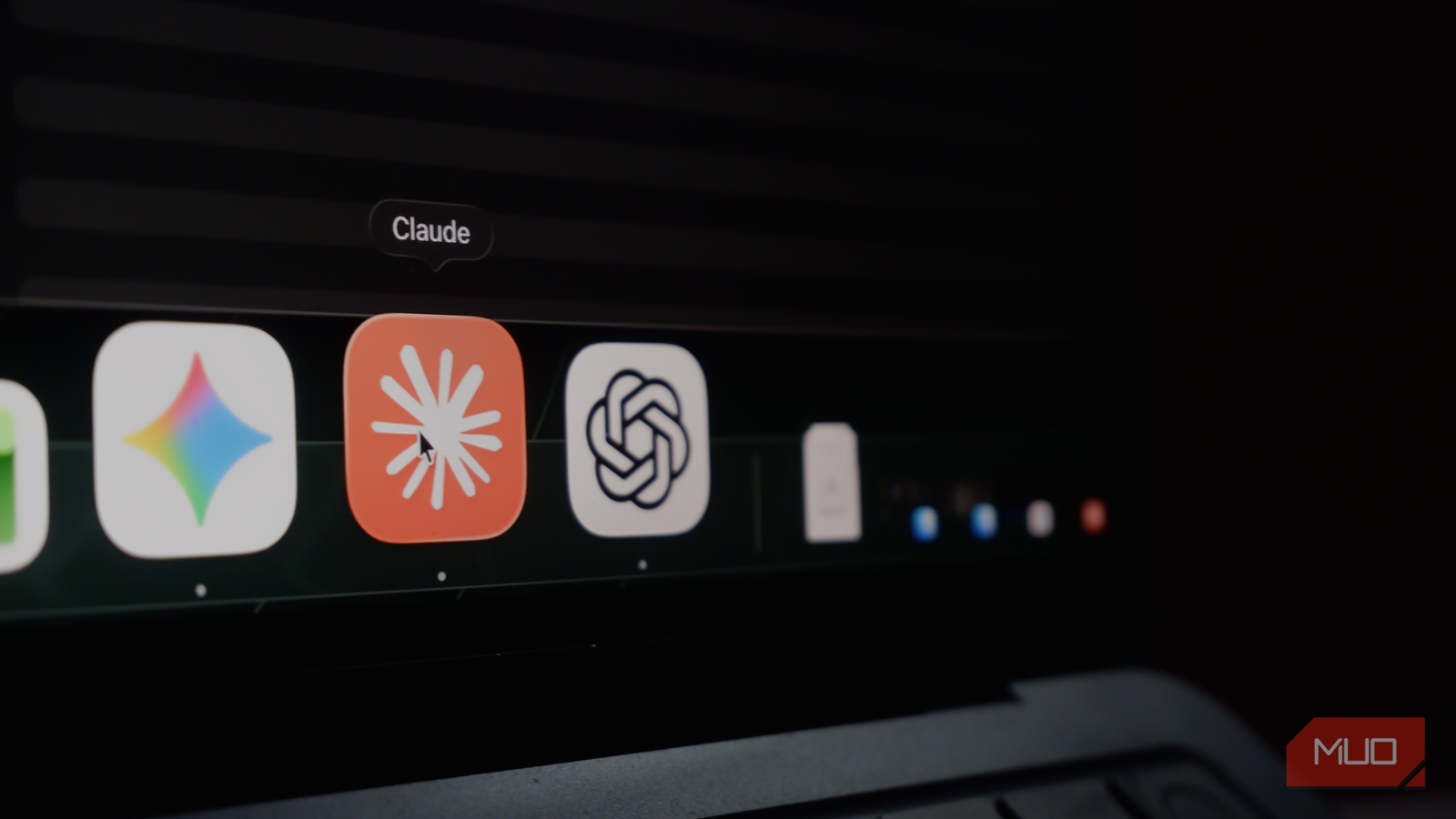
You may have noticed that AI chatbots like ChatGPT and Gemini are some of the most complacent entities out there. While this is okay for simple problems, complacency can ruin your experience with AI platforms when using them for advanced tasks involving important decisions.
Not all AI chatbots act the same way, though. Among the exceptions, Claude is the best example of what AI chatbots could do differently, and this behavior has me craving the same spirit of contestation from other chatbots like ChatGPT and Gemini.
Claude argued with me, and I liked it
The moment agreement started feeling cheap

Like most people, I used ChatGPT first, so I was introduced to the complacent AI trap early on. In hindsight, I’d often doubted the responses, as almost every idea I introduced was called “brilliant” and “groundbreaking.” As a result, I expected AI chatbots to simply answer the question and move on, but Claude was different.
I still remember the surprise I had when Claude corrected the faulty part of my claim. I also remember how a similar claim passed without any contestation from ChatGPT or Gemini. Whereas ChatGPT and Gemini focused on answering the question — at the expense of ignoring the claim’s validity —, Claude acted differently. This behavior has been one of the reasons I prefer Claude to other options, and I’ve wanted to see it in other chatbots since. Fortunately, it is not impossible.
This complacent behavior is a result of training, but it is also a large part of the posture that ChatGPT and Gemini follow. It also means you can correct this posture using a feature built into both these tools: custom instructions. I tried this option, and despite some internal variations, it significantly improved the quality of the responses.
What I actually wrote in custom instructions
Roughly seventy-five words would do the job

You don’t need a degree in prompt engineering to correct the posture I mentioned. Because the custom instructions section is designed to understand English and work accordingly, you can paste a 75-word snippet and get the job done. Though the specific prompt might vary based on your methods of using Gemini and ChatGPT, here’s a polished version of what I wrote in custom instructions:
Disagree with me when I’m wrong. If a claim I make is factually off, say so before answering the rest. Don’t build on it. If my premise is shaky, challenge the premise, not just the conclusion. Push back on weak reasoning in my writing and code, rather than complimenting it. Don’t invent objections when nothing’s wrong, and don’t hedge on questions that have a plain answer. A real disagreement beats agreement I didn’t need.
As you can see, this prompt is simple and asks ChatGPT and Gemini to take better care while responding to a query. I have also added a delimiter to prevent the chatbot from inventing objections for the sake of doing it. This way, both ChatGPT and Gemini can fight the inherent tendency to be super-complacent and kick critical thinking out of the way.
In ChatGPT, paste this under Custom Instructions in Settings -> Personalization. On Gemini, navigate to Settings -> Personal Intelligence -> Instructions for Gemini, then paste the snippetabove. This simple change has improved the responses I get, and you should see a significant difference starting with the next chat. You should also check whether this custom instruction conflicts with any other instructions you’ve already provided.

- OS
-
Android, iOS, macOS, Windows
- Developer
-
Google
- Price model
-
Free, Subscription
Google Gemini is an AI assistant that can understand and generate text, images, code, and more. It’s designed to help people find information, solve problems, and create things more easily.
It caught me being wrong twice
Once on a fact, once on a decision
As I said, I noticed the change in responses from ChatGPT and Gemini soon enough. At the time of writing, I’ve had this option enabled on Gemini and ChatGPT for over a few months, and I’ve grown used to better responses that evaluate the premise before answering. Both these tools caught me being wrong multiple times, some of which were factual errors and others were related to reasoning. It has also stopped me from moving forward with a problematic idea at times.
I wouldn’t say that this feature alone makes me ditch Claude for either ChatGPT or Gemini, but I can use them when I need other features. For instance, I generally use Gemini when I need the power of Google Search and other Google services by my side. With this instruction in place, Gemini does consider the premise before responding. So, when I want to shift between apps or switch to something else, I can get not only search data but also better reasoning from Gemini. With ChatGPT, I feel more confident knowing that the chatbot is more likely to correct me rather than be complacent.
However, to be sure, I tried doing everything from the start. That is, I tried the same set of prompts both with the custom instructions removed and with them in place. When the custom instruction was disabled, both Gemini and ChatGPT ignored the issue with the premise and provided me with the answer. On the contrary, enabling the custom instruction made these two chatbots smarter and caused them to consider the premise’s validity before responding.
Where it goes wrong, and why Claude still wins
At the end of the day, though, the changes you are making here are only one part of the chatbot, and they are called custom instructions, for that matter. There are certain aspects of the chatbot itself that you cannot change, especially when it comes to aspects like reasoning and response quality. As a result, the response from these apps could be subpar at times. In those cases, I fall back on Claude, which has this non-complacent spirit built in. Yet, adding these sentences to your custom instructions pane can generally benefit you!

- Developer
-
Anthropic PBC
- Price model
-
Free, subscription available
Claude is an advanced artificial intelligence assistant developed by Anthropic. Built on Constitutional AI principles, it excels at complex reasoning, sophisticated writing, and professional-grade coding assistance.