


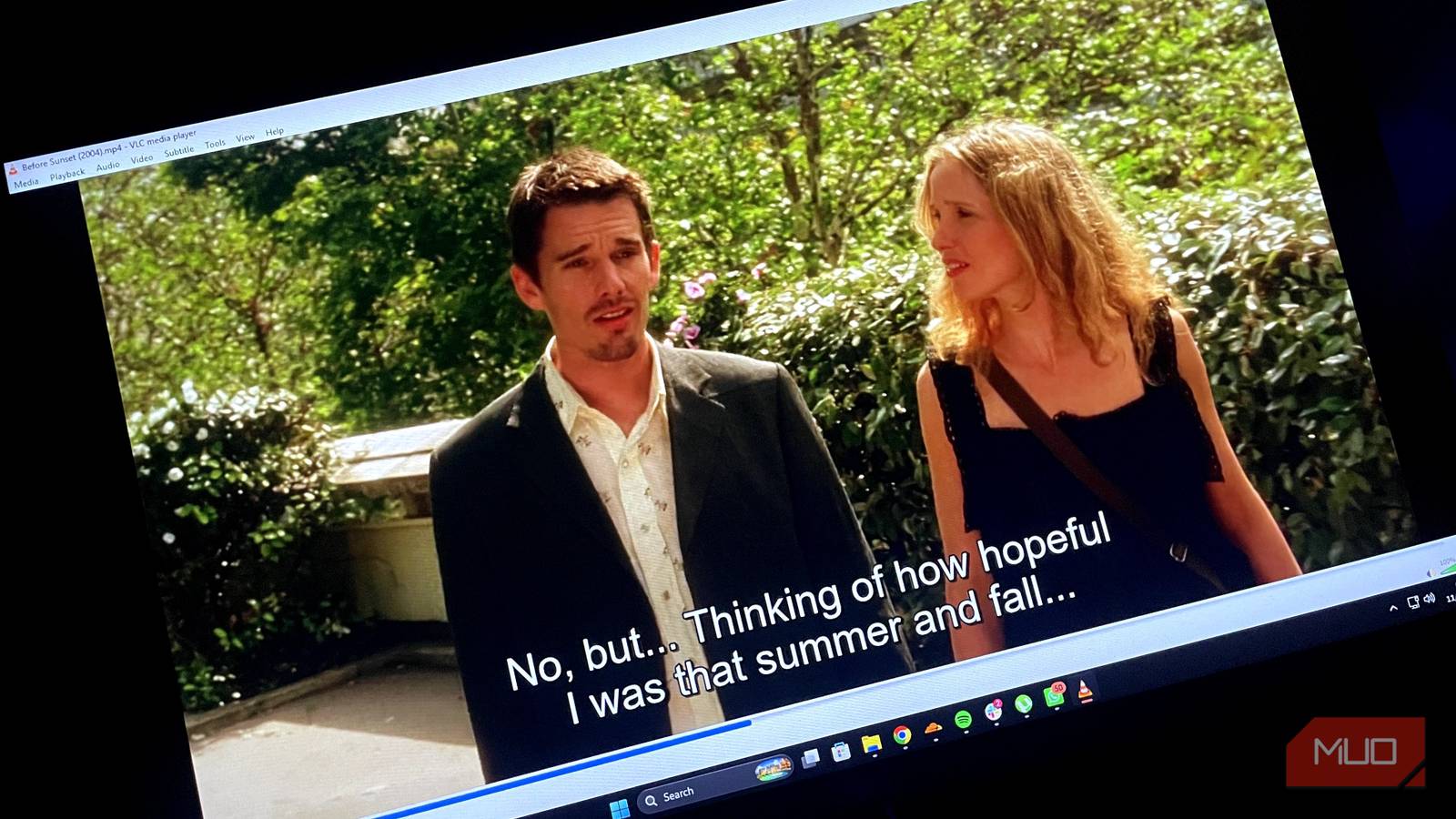
Watching a movie or TV show without subtitles is unsettling for me — it isn’t that I have hearing issues; I’ve just found subtitles to be a reliable way to follow the dialogue because I may miss bits and pieces due to mixing issues or a hard-to-catch accent. However, not every release comes with subtitles by default; for example, older films and TV shows, as well as those in foreign languages, do not.
Finding the right .srt file for that is tedious and frustrating, and I have to scour the internet to find a version perfectly in sync with the video. Fortunately, with VLC, there’s a much easier way to find your subtitles without ever leaving the app: VLSub.
What is VLSub, and why is nobody talking about it?
Find subtitles without ever leaving the app
VLC supports extensions, among tons of other features that most people never expected from it. Nevertheless, they can add even more features to an already loaded app, and one of the best extensions is VLSub, which lets you find subtitles directly in the player.
With VLSub, you don’t even have to open a separate browser; it connects you to opensubtitles.org, one of the largest databases of movie subtitles in virtually every major language worldwide.
It works for subtitles via a hash, a unique fingerprint of your video file that can be matched to a database of millions of subtitles. This means the subtitles you’ll get will be perfectly synced to your video, and you won’t have to manually adjust the synchronization option to find the sweet spot and, in doing so, break immersion. However, if subtitles aren’t found via the hash, VLSub uses your video’s title (whether it’s a TV show or a movie) to find the correct subtitles.
How to enable VLSub
Turn it on or install via GitHub in just 30 seconds

VLSub is a default extension in most versions of VLC and is located under the View tab. To find subtitles in VLC using VLSub, the extension offers two options: either search for subtitles through hash or by name. I highly recommend searching by hash first, as it gives you a better, more accurate match. If that doesn’t work, search for the subtitles by name; it works just as well.
Even though VLSub can find perfectly synced subtitles most of the time, there are exceptions where you might have to synchronize captions yourself. For obscure movies and TV shows, you may not find subtitle results at all.
What to do if VLSub can’t find subtitles for you?
Try a dedicated AI subtitle generator instead

If you can’t find subtitles for your movie or TV show, SubOverlay is a tool worth considering. Based on Faster-Whisper, a modified version of OpenAI’s Whisper model, SubOverlay generates subtitles in real time. You can use SubOverlay alongside players like VLC and others via a small transparent floating window. However, do keep in mind that running SubOverlay requires a virtual audio cable, such as VB-CABLE, to capture audio and generate subtitles.
VLC has its own AI-generated subtitle feature coming soon with VLC 4.0 based on OpenAI’s Whisper, and the service will run locally on your system, so you won’t need an internet connection. Until then, SubOverlay is a good tool that can work either locally or in the cloud and has a clean overlay that can dual-display subtitles in both the original language and the translated version.
No more subtitle prep — just hit play
For someone whose native language isn’t English, I credit cinema and video games largely for refining my comprehension skills. Using subtitles for movies as a kid started as a need to understand the dialogue better, and even if I can understand it clearly with my ears, enabling subtitles has become a habit that I can’t seem to get rid of and don’t want to either. Watching content without subtitles makes me feel like I’m missing a layer of the watching experience, but fortunately, with VLSub, I no longer have to frantically search for subtitles online while my cold drink goes warm.
The subtitles now find themselves, which means I no longer burn through my snacks before even playing the movie!

- OS
-
Android, iOS, Windows
- Price model
-
Free, open-source
VLC can read every format ever invented, from modern files to the digital relics on old drives. It opens whatever you throw at it, turning your device into a centralized hub for all your scattered media.