



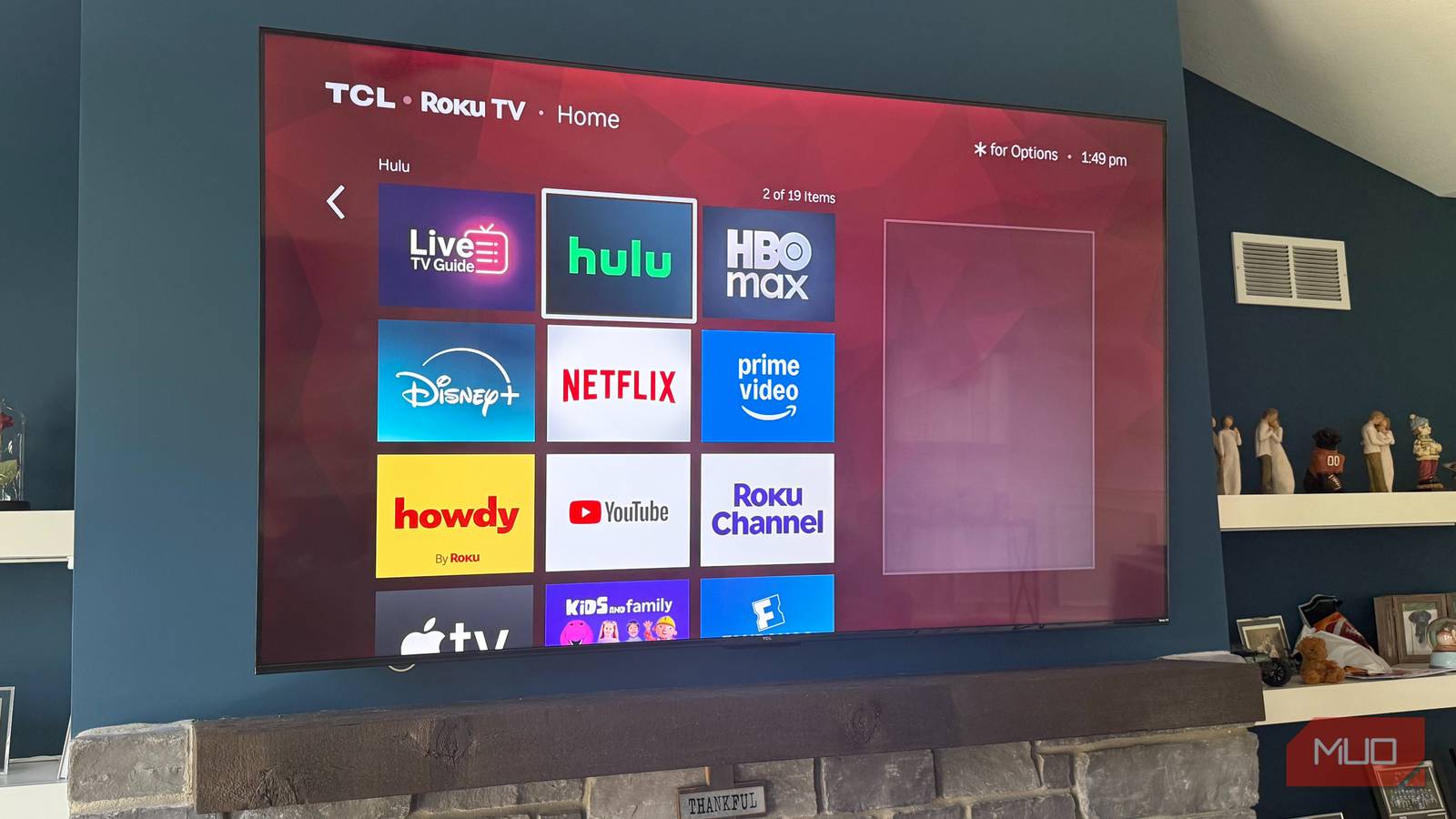
A few weeks back, I went hunting for a Roku channel I remembered using years ago — some niche indie film vault I’d added by code on my old setup. It wasn’t in the Channel Store on any of my three TCL Roku TVs. And it wasn’t on the Roku website either. What happened was Roku quietly killed the whole non-certified channel system back in February 2022, and everything I’d collected got swept up with it. But the “Add channel with a code” page at my.roku.com is still alive, and after a few hours of Roku tinkering, I came away with a handful of channels worth keeping around — plus a separate stash of stuff hiding inside The Roku Channel itself.
The hidden channel system Roku quietly shut down
Private channels died in February 2022 — beta channels took their place
For about thirteen years, Roku ran a parallel ecosystem to its main Channel Store. Non-certified channels — most people called them private channels — were apps that developers could distribute without going through Roku’s formal review. You’d find a code somewhere online, plug it in at my.roku.com, and within a day or two, the channel would show up on your TV. At their peak, there were close to a thousand of them.
Roku shut the whole thing down on February 23, 2022. The replacement, called beta channels, looks similar but has hard limits baked in: max 20 users per channel, and every beta channel auto-expires 120 days after creation unless the developer renews it. The “Add channel with a code” interface still works as it did before. The pool of channels you can pull through it just got a lot smaller.
Your smart TV isn’t complete until you install Kodi — here’s how to get started
This is the ultimate customizable media center app, and it’s the best way to stream.
A few non-store channels still pull in content I actually watch
What I’ve added via my.roku.com that’s worth keeping around
I plugged in close to a dozen codes from various “best hidden channels” lists, expecting most of them to work. Maybe a third actually showed up on my TVs. The rest were expired, region-locked, or pointing at developer accounts that no longer exist. Most online lists are recycled from 2018, and it shows.
The ones that landed were a mixed bag. A couple of public-domain film channels — silent-era stuff, old westerns, the kind of catalog Tubi covers but with a quieter interface — have been on my bedroom TV for months. An indie developer channel running classic arcade gameplay streams has stayed working through two renewals. A regional weather channel I added on a whim turned out to be more useful than I expected for tracking storms rolling through Northern Indiana.
I’m being deliberately vague about codes. Anything I name today could be dead by the time you read it.
The Roku Channel itself hides genuinely good FAST channels
How to find them when they don’t show in the store
The Roku Channel itself is the bigger find. The free app preinstalled on every Roku has 500+ live FAST channels in its grid view, and most never surface in store search. They’re channels in the broadcast sense, with numbers and schedules, rather than apps you download.
Roku added six more a few months ago: Rawhide on 313, The Beverly Hillbillies on 314, Ink Master on 624, Tosh.0 on 815, MTV en Español on 978, and a Westerns channel on 6036. None show up if you search the Channel Store. You have to open The Roku Channel, switch to the Live TV tab, and either scroll or jump to the channel number directly.
I stumbled into most of them flipping through on my basement TCL TV — the one TV I actually mounted at the right height. The grid feels closer to old cable than anything else on a smart TV.
How to add a hidden channel without burning an afternoon
The my.roku.com workflow and the traps that catch people

The process takes about a minute. Open a browser, sign in at my.roku.com, click Manage Account, pick Add channel with a code, type the code, and confirm. Roku pushes the channel to your devices within 24–36 hours. If you can’t wait, go to Settings > System > System update > Check now on the TV itself.
Three things trip people up. Dead codes are the big one — most online lists haven’t been updated since the 2022 shutdown, so half the codes they point to are gone. Sort any list by date before trying anything. Region locking is the second; several indie channels only stream within specific countries, so the channel installs fine, but throws an error the moment you try to play anything. A Smart DNS change on your router handles that without touching your TV’s network settings. The 120-day clock is the third — beta channels expire on a fixed schedule, whether the developer is still active or not.

- Brand
-
TCL
- Display Size
-
65-inch
Roku’s store isn’t the whole map
The Channel Store is convenient, but it’s nowhere near the full picture of what your Roku can stream. The “Add channel with a code” feature still works — it just plays by different rules than it did before. And the FAST channel grid hiding inside The Roku Channel is the bigger sleeper find — you already have the app installed. It’s worth poking around at my.roku.com every few months and scrolling into the Live TV grid more often than that.