






I mainly use Android Auto because it turns my car’s screen into something useful, rather than just a bigger version of my phone. What makes it stand out is the range of apps specifically built for driving. These apps are designed with larger buttons, simpler layouts, and voice-friendly controls so you can focus on the road without fumbling on your screen. There are plenty of Android Auto apps out there, but not all are worth the storage space. I’m constantly testing new ones, looking for something that actually improves the experience, whether that’s better navigation, smarter media controls, or tools that solve annoying problems during daily driving.
Recently, I came across an app that truly feels essential. It makes Android Auto more convenient to use. Once you install it and see what it can do, it’s hard to stop relying on it. If you’re using Android Auto and haven’t tried this app yet, you’re probably missing out on one of the easiest upgrades you can make to your in-car setup.
I Travel Alone, But These 10 Apps Are My Perfect Companions
Go alone, but never unprepared.
What makes this app worth installing
Your vehicle’s personal accountant

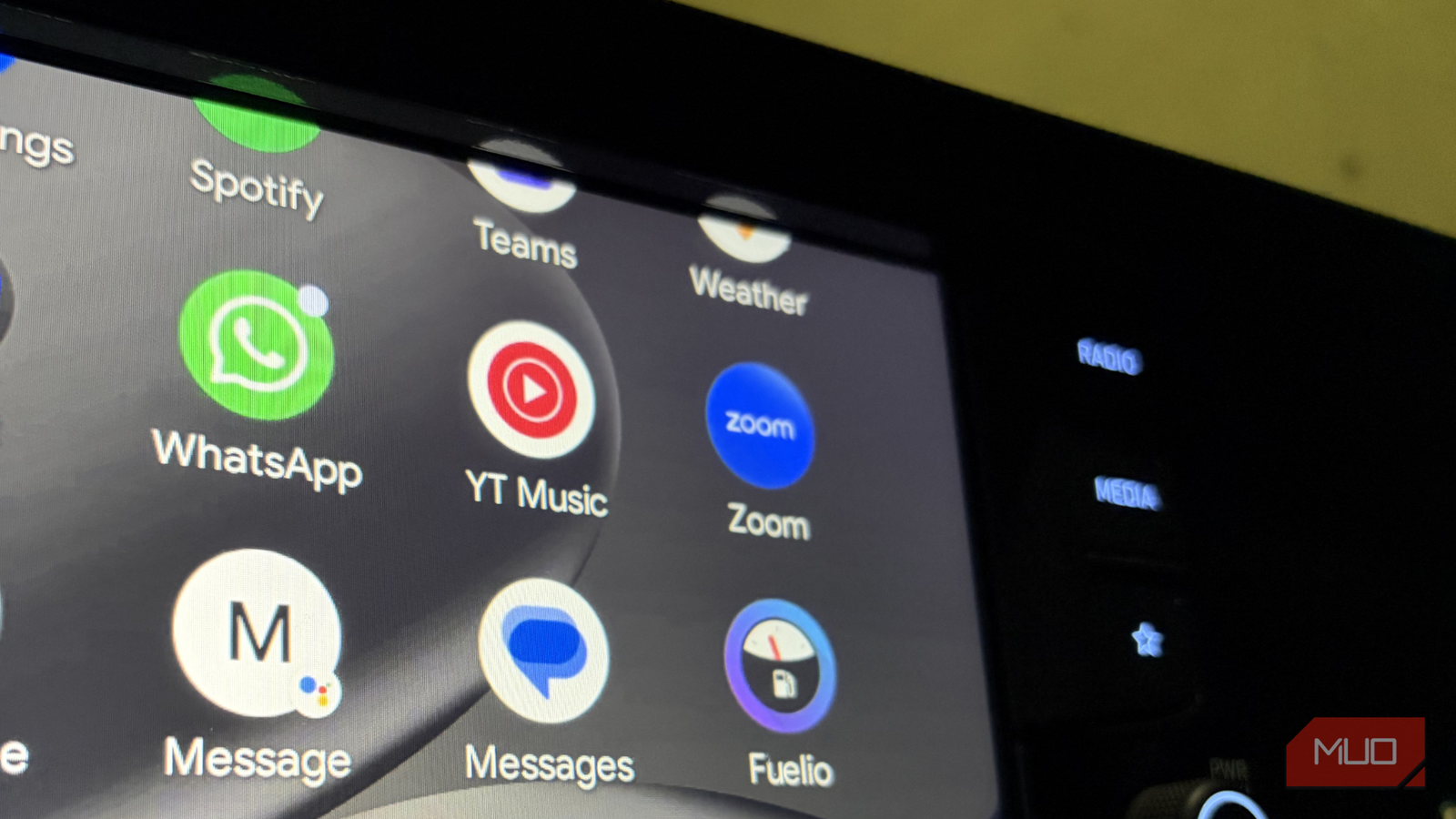
Fuelio is a free Android app that helps you manage everything related to your car in one place. It tracks your mileage, fuel consumption, and fuel costs, giving you a clearer idea of how much you’re spending on driving. Instead of trying to remember when you last filled up or how much you paid, you can quickly log each refuel in the app. Over time, it shows patterns in your fuel usage and mileage, helping you understand your car’s efficiency and overall running costs.
Fuel expenses are just one part of owning a vehicle. There are also parking fees, toll charges, servicing costs, insurance payments, and occasional repairs. Fuelio lets you record all these expenses, so you get a complete picture of what your car is costing you each month or year. You can also set reminders for important maintenance tasks, such as oil changes or service visits. The app notifies you when it’s time, helping you avoid missing essential checkups.
Another useful feature is the ability to find nearby gas stations and compare fuel prices before filling up. This makes it easier to choose the most affordable options and save money. All your entries appear in a similar timeline view, so you can review your fuel logs and other expenses in one organized list. It keeps everything clear, structured, and easy to track.
A few weeks with it
The part where numbers start making sense

If you want Fuelio to work properly on Android Auto, there’s one important step you can’t skip: location access. The app relies on your phone’s GPS to show your current position on the map inside Android Auto. So before anything else, head into your phone’s location settings and allow Fuelio to access your location. Once that’s done, the app will fully activate on Android Auto and function as intended.
The next step is to set up your vehicle profile. Add your first car and fill in the details carefully. Give it a name, enter the make, model, and year, along with any other relevant information. The more accurate your inputs, the more meaningful your tracking data will be later.

Once your vehicle is added, the app opens up its core features. You can log fuel refills, record expenses, and even check nearby fuel prices. For the most reliable mileage calculations, it’s best to refuel a full tank each time and log every fill-up consistently. I personally follow this method, and the fuel economy insights are surprisingly precise. Over time, the app builds a clear picture of how your car performs and how much it actually costs you to run.
This data isn’t just useful for day-to-day budgeting. If you ever plan to sell your car, having a detailed digital record of fuel efficiency and expenses can be really helpful. It shows that the car has been tracked and maintained responsibly.
Fuelio’s free version already covers the essentials quite well. However, there’s also a Pro subscription that unlocks additional tools, including advanced cost logs, detailed charts and statistics, reminders, weather integration in the mileage log, and the option to support the app’s development. The Pro plan costs $2.19 per month or around $11 per year. I’m currently comfortable using the free version since it meets my needs. But if you want deeper analytics and more control, the yearly plan offers solid value for the price.
Overall, if you like keeping your car expenses organized and enjoy seeing real numbers rather than rougher estimates, this app does a very good job.

How Using Apps to Track Everything Unexpectedly Made My Life Easier
Who knew tracking everything would help so much.
Know your ride’s real price tag
Managing car expenses isn’t just about fuel. Insurance renewals, service bills, repairs, and everyday running costs add up over time. If you don’t track them properly, you never really know how much your car is costing you each month. That’s where an app like Fuelio helps. It gives structure to something that most of us manage casually, or worse, mentally.
What I appreciate most is how clean and distraction-free the experience feels. There aren’t intrusive ads popping up, the dashboard feels clean and well-organized, and everything works without unnecessary complexity getting in the way. I’ve also tried other apps like Drivvo, and while they offer similar features, I keep coming back to Fuelio because it simply feels more streamlined and reliable for my usage.
That said, personal finance tools are never one-size-fits-all. What works perfectly for me may not suit your preferences or workflow. Some apps may offer features you value more, or a layout that feels more intuitive to you. The best approach is to experiment. Try Fuelio, explore other alternatives, and see which one fits into your routine. At the end of the day, the goal is to find one app you’ll actually stick with.

- OS
-
Android
- Price model
-
Freemium
In Fuelio, users can track their car’s mileage, gas prices, and trip gas expenses.