


It wasn’t that long ago that faking a convincing photo required Photoshop skills and a free weekend. Now, any half-decent phone can scrub a stranger from your holiday snap in a couple of taps, and AI image generators will happily knock up a ‘photo’ of a shark swimming down Oxford Street faster than it takes to make a cuppa. Great if a photobomber ruined your otherwise perfect Empire State Building selfie, but not so great if you’re trying to work out whether a picture you’ve seen online is legit.
Apple’s answer is Reference Image, a new camera mode that arrives with the latest iPhone 18 Pro and Pro Max. It’s off by default and works only with the main camera. Turn it on, though, and each shot you take in the mode includes a locked original that you can turn into a verified copy. That copy carries proof that it came from a real iPhone sensor, that nobody has tinkered with it since, and roughly when it was taken. Here’s what you need to know about Reference Image and how to turn it on.
How Apple Reference Image works

There are two stages to Apple Reference Image. First, the phone creates a locked digital negative; second, Apple turns that negative into a normal-looking photo on its own servers.
The locking happens the moment you press the shutter button. In Reference mode, the sensor restarts in a special secure setting and signs the raw pixel data on the chip before iOS gets involved. Apple says in its blog on Reference Image that this means even a hacked or jailbroken iPhone can’t slip doctored pixels in further down the line. The Secure Enclave, which is the iPhone’s vault for things like Face ID data, separately signs extra details such as zoom level and focal length.
Apple doesn’t trust the phone’s internal clock for timing, either. Instead, the iPhone fetches a signed timestamp from Apple every 15 minutes or so, depending on the network, then grabs another one after you take the picture (as long as you’re online). The first shows the photo can’t be older than that moment; the second shows it can’t be newer.
Then there’s the processing step. Raw sensor data is a grid of single-colour dots that look nothing like a photo, so the information has to be processed first. Apple does this in Private Cloud Compute, the server system it uses for Apple Intelligence. Security researchers can inspect the code running there, and Apple says it can’t see your images. You get back a JPEG with Apple’s signature embedded, and the negative goes to your Recently Deleted album, where it sits for 30 days unless you rescue it.
Privacy first

Apple has considered sneakier attacks too. Every sensor is paired with its iPhone at the factory, so removing the camera and wiring in a rogue one won’t work, as Apple verifies that the sensor and phone form a genuine pair. The final signature is also post-quantum (a combination of RSA-3072 and ML-DSA-87), which should keep it valid even if quantum computers eventually crack the maths behind today’s cryptography. Apple said in its blog about this mode that it wants a photo verified today to still check out decades from now, by which point we’ll presumably all be arguing about iPhone 58 Pro leaks.
If a fake somehow gets through, Apple can revoke that one image, or even every image ever shot on a dodgy sensor. And nothing public links the photo to you. There’s nothing in the image that identifies you or your phone, and nobody can tell whether two reference images came from the same phone either, which is important for, say, a photographer in a war zone who wants to show a picture is real without revealing their identity.
Apple isn’t the only one at it
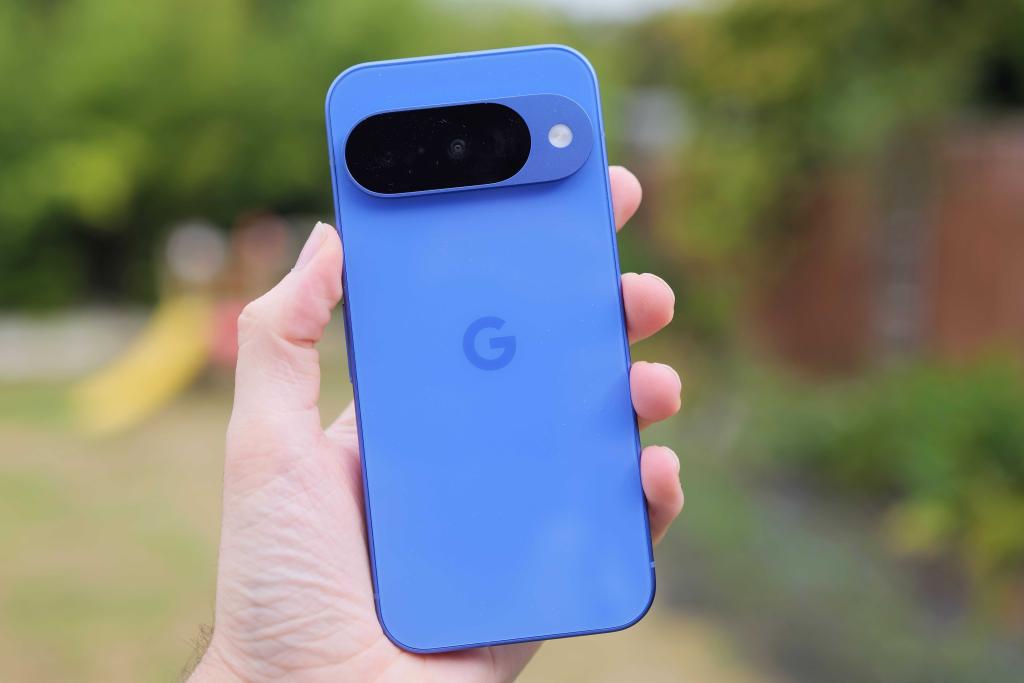
Until now, most of the rest of the industry has backed C2PA (Coalition for Content Provenance and Authenticity) , an open standard that records an image’s origin and adds a new entry whenever the image is edited in apps that support it.
Several devices and processors support it, including Google’s Pixel 10 and Pixel 11 phones, Samsung’s latest flagship Galaxy phones (though only for AI-edited images), Leica cameras, and Qualcomm’s Snapdragon chips. Qualcomm says the Snapdragon 8 Elite Gen 5 has already achieved level 2 C2PA certification and expects the latest Gen 6 processors to be certified too.
Apple argues that C2PA systems attach their credentials after capture, leaving gaps for tampering that a viewer can’t spot, and that they can tie an image to a particular device or photographer. That second point depends on how C2PA is used, though: Google said in a September 2025 blog post that its Pixel 10 setup is built so that nobody, Google included, can use the credentials to link your photos to you.
Meanwhile, Qualcomm was gracious about Apple’s Reference Image effort at its Snapdragon Summit. “Kudos to Apple for doing the digital negative, as they call it,” said Judd Heape, Qualcomm’s VP of Product Management, during a Q&A session. “I think it’s a great approach. It’s not, however, C2PA,” he added.

Heape agrees with Apple that a photo should be signed the moment it leaves the sensor. The split comes after that. He’d rather the processing stayed on the phone than go to the cloud, and he argued that later edits, such as a colour tweak in Photoshop or an AI scene change, should be added to the photo’s history. “That’s something I don’t believe Apple does,” he said.
Heape still expects C2PA to become the standard on Android and hopes Apple’s move will help get people caring about where their photos come from, though, adding: “I think C2PA is the right way to go; we’re going to push it more. Apple hopefully will help us get the ball rolling, get the end user more concerned about it. And I do think it’ll catch on and C2PA will be the standard on the Android side, for sure.”
How to enable Apple Reference Image

To enable Apple Reference Image, go to Settings on your iPhone 18 Pro or iPhone 18 Pro Max, then scroll down to Camera. From there, scroll down to Reference Image and follow the instructions.
Once set up, to take a photo with Reference Mode, you’ll need to swipe to select it. Keep in mind, you will need to be in a supported country or region.
If your camera roll is mostly lunch, you probably won’t care much about Apple Reference Image. Nobody needs proof that your flat white existed, and you haven’t edited it to make it look frothier. The mode is more interesting for journalists, insurers and lawyers, or anyone looking to prove that yes, a fox really did get into the bins.
The limits are that it only works on the iPhone 18 Pro and Pro Max for now, and a verified photo is only useful if whoever’s looking at it knows to check. But it’s a great start, and at the rate fake images are improving, we’ll take it.
Read more: I’m all for these brilliant AI benefits – just not the cat pictures or creepy glasses

