
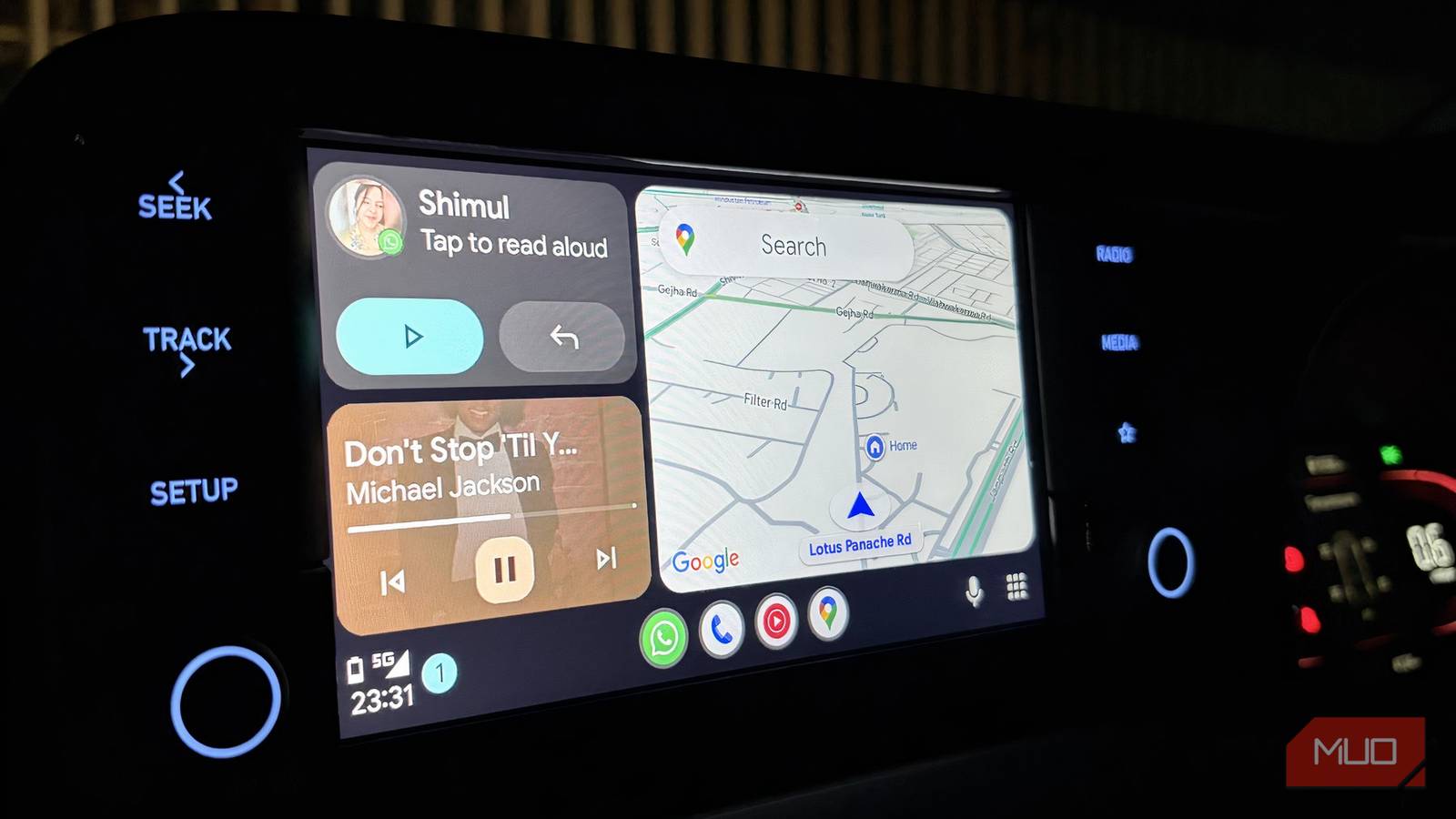



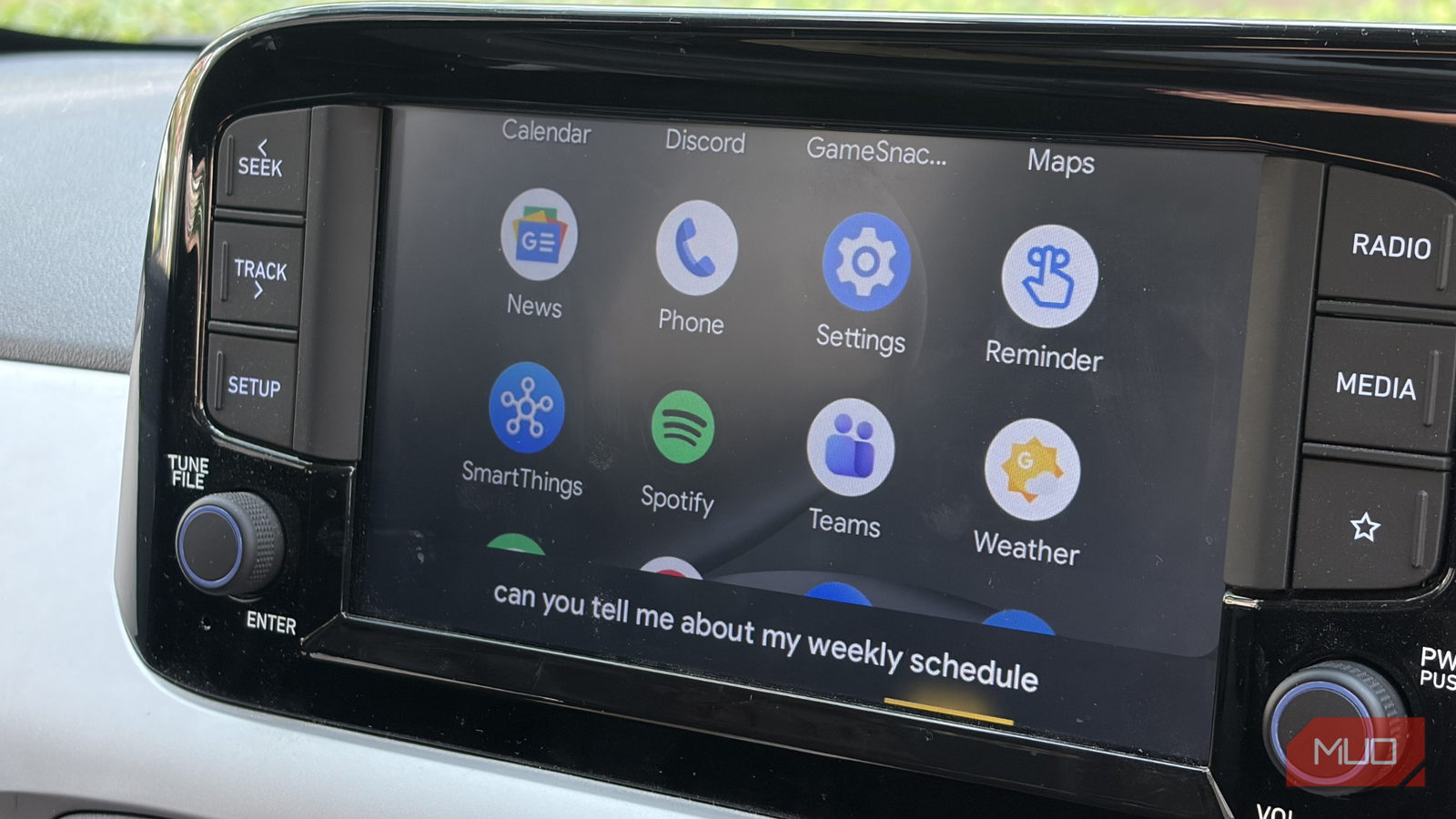
A few months ago, I was genuinely excited to switch to a wireless Android Auto dongle. My experience with a wired connection hadn’t been great. Yes, it was cheaper and more practical, but dealing with cables every single time got annoying. So going wireless felt like the obvious upgrade, and at first, it really did feel like one. But that excitement didn’t last very long.
After a few weeks of regular use, the charm started to fade. What once felt convenient slowly turned into something I just had to tolerate. Small issues began creeping in, and over time, they became too frequent to ignore.
These 4 quick Android Auto games make every wait bearable
Waiting at a charger or drive-in? These quick Android Auto games make time fly effortlessly.
The honeymoon ended faster than I expected
A connection so fragile, even a knee can break it
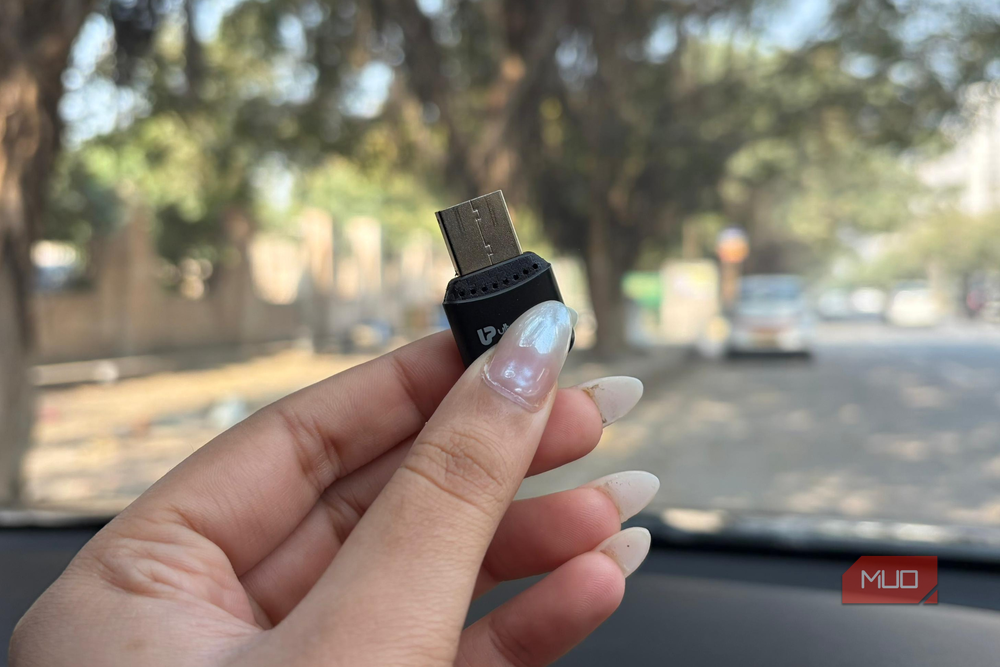
For the first few days, it actually felt like a great upgrade. I would plug in the USB device, my phone would connect over Bluetooth in seconds, and I could jump straight into my routine — music on, maps open, and destination set. It all felt smooth, exactly how wireless Android Auto is supposed to be. But that “this is perfect” phase didn’t last very long.
The problems that followed weren’t complicated; they were small, almost silly, which somehow made them even more frustrating. Every time I was driving and pressed the clutch, my left leg would occasionally brush against the dashboard. And for some reason, that tiny movement was enough to completely cut off the Android Auto connection. The display would just disappear without warning.
Now, when you’re behind the wheel, the last thing you should be thinking about is where your leg is resting. Your focus should be on the road, not on avoiding contact with your car’s dashboard just to keep your infotainment system alive. At first, I brushed it off. It happened once, maybe twice, and I didn’t think much of it. But over time, it became a pattern. What started as a rare annoyance turned into something that happened far too often to ignore.

And the worst part is what comes after. The moment the connection drops, you’re forced to start all over again. Unplug the device, plug it back in, wait for the system to recognize it, and then wait again for your phone to reconnect. This feels painfully slow when you’re in the middle of a drive. It completely breaks the flow of driving.
Even on days when my knee wasn’t the problem, the dongle had its own way of acting up. The connection would drop out of nowhere, with no clear reason. It would just leave me staring at a disconnected system. It felt unpredictable, and that made it even more frustrating. At least with a visible cause, you can adjust. Here, it just happened when it felt like it. And just like before, I had to repeat the entire process to get it working again. Eventually, this became something I couldn’t rely on at all.
These 3 Android Auto features made my car feel like mine
Curiosity and Android Auto are a dangerous combination for me.
Crawling back to the cable
Not pretty, but it actually does its job

After dealing with all of this for weeks, it became pretty clear that I didn’t really have a choice. I had to go back to a wired setup. And strangely enough, by that point, the idea of plugging in a cable again felt satisfying. Switching back wasn’t seamless. I had gotten used to the idea of a clean, wireless setup, so seeing a cable hanging off the dashboard again took some getting used to. It felt like a step backward, at least visually. But the moment I actually plugged it in, I was reminded why wired still works. Everything was instant. I connected the cable to my phone, plugged the other end into the car, and Android Auto just showed up. It connected immediately and stayed that way for the entire drive.
I won’t pretend I loved going back to a wire. It took me a while to adjust again. But there’s a certain peace of mind that comes with knowing something will just work, every single time. And when you’re driving, that reliability matters far more than a clean, cable-free setup.
Convenience is great until it starts asking for too much patience
To be honest, it wasn’t really about wired versus wireless. It was about what works when you actually need it to. Wireless Android Auto promises a cleaner, more effortless experience, and when it works, it genuinely delivers on that promise. But in my case, the inconsistency took away more than it added. What should have been a background convenience slowly became something I had to constantly think about, fix, and work around.
Going back to a wired setup felt like admitting defeat at first. It is not as clean, but it brings something far more important to the table: reliability. I no longer wonder whether my maps will stay on or if my music will suddenly cut out in the middle of a ride. And when you are on the road, that is what really matters. You want your setup to disappear into the background and let you focus on driving, not keep pulling you back in with frustrating interruptions. For me, that peace of mind easily outweighs the minor inconvenience of a cable. Sometimes, the simplest solution is the one you can trust the most.

- OS
-
Android
- Price model
-
Free
- App Type
-
Navigation/Entertainment
Android Auto is an Android-only app that mirrors your phone onto your car’s infotainment display with a simplified, driving-optimised interface. Supports Google Maps, Waze, music and podcast apps, hands-free calls, messaging, and Google Assistant voice control. Requires a compatible vehicle and Android 8.0 or later.