






Smart TVs are meant for personal entertainment. You buy it for its crisp 4K resolution, the deep blacks, vibrant HDR, and cinematic sound quality. In short, when you purchase a smart TV, you bring a theater experience home—not as a digital billboard for big companies and businesses to show their product ads right in your living room. Unfortunately, that’s exactly what the default Android TV or Google TV home screens have become.
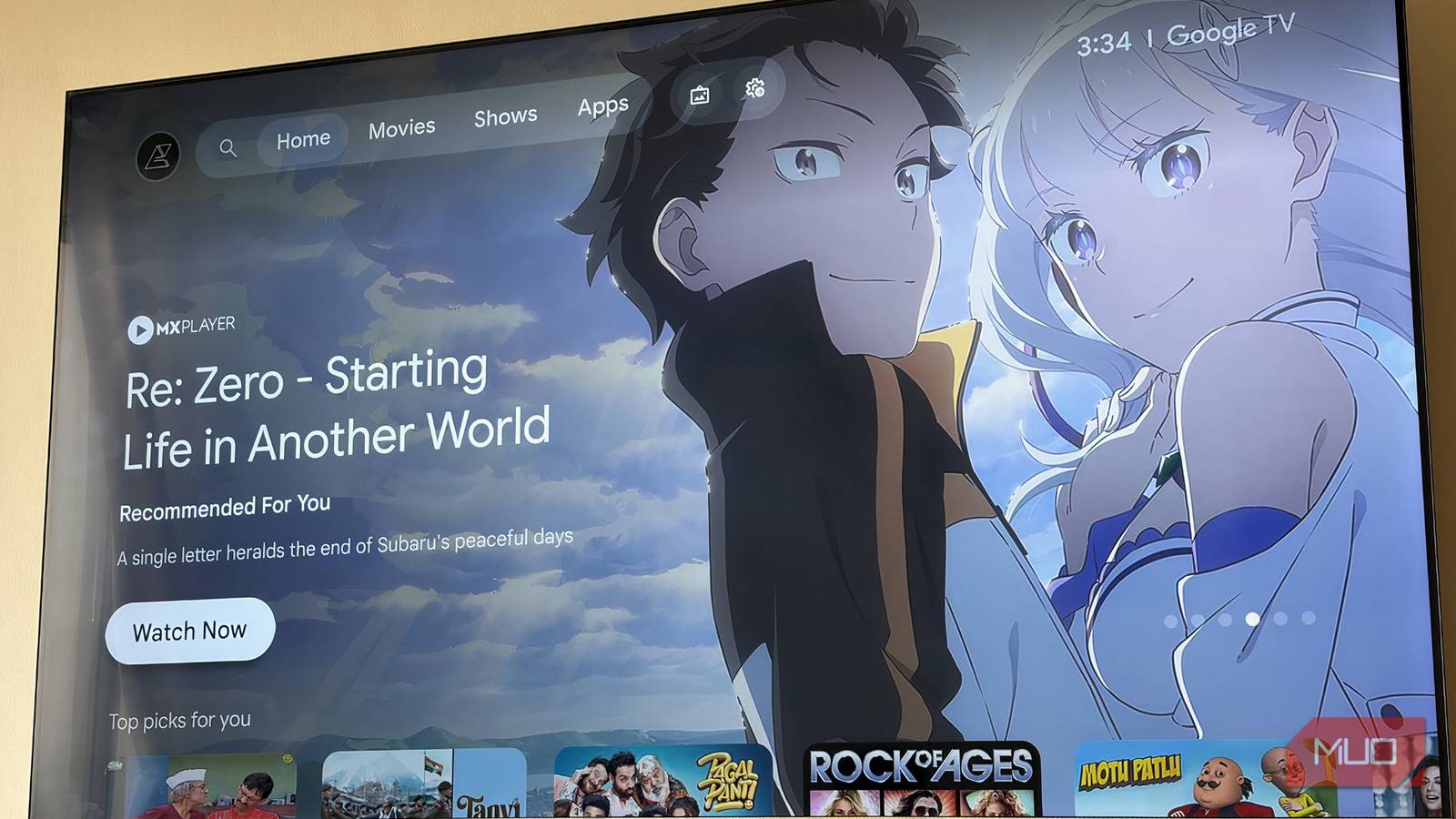
You get autoplaying trailers and a dedicated sponsored section where TV shows and movies (I am not interested in) are slapped on the home screen, eventually taking up most of the available screen space. But all of these problems were gone, thanks to Projectivy Launcher.
The default home screen feels like a sales pitch
It is a billboard, not a launcher
A decade ago, TVs had home screens that were straight to the point. Either they started with the last channel you watched or the more expensive ones, showed you the apps installed and the inputs, and that was it. But today, a TV home screen is nothing short of a chaotic mess of recommendations.
I write about technology for a living, so I am used to navigating complex interfaces. But the Google TV home screen is one of the things that was getting to me. Pressing the home button sometimes doesn’t take you there, well, thanks to all those pesky high-resolution banner ads and bloated home screens.
In short, it felt as if I had paid for a device for businesses to sell me their products. The television seemed to be working harder to sell me or recommend shows and movies that I am least interested in. Playing my favorite content on it felt like a task, as it involved so many button presses, plus the lag and stutter.

I can’t use my Google TV without this app
My TV finally feels like it was made for me.
Projectivy Launcher brings a breath of fresh air
Kicks ads and recommendations out of the equation

The good thing about Android TV and Google TV is that you can install third-party applications on them. You can get them from the Google Play Store or download them from a third-party source and sideload them on your TV.
While searching for an alternative launcher, I stumbled upon Projectivy Launcher. Yes, there are several other launcher apps that you can try, but I chose Projectivy Launcher, as it fits my bill and hopefully many of yours.
Projectivy Launcher, unlike the stock launcher, doesn’t care about recommending your TV shows and movies. Instead of selling you subscriptions, it aims to offer you a clean user interface that ultimately lets you access and launch the apps as quickly as possible.
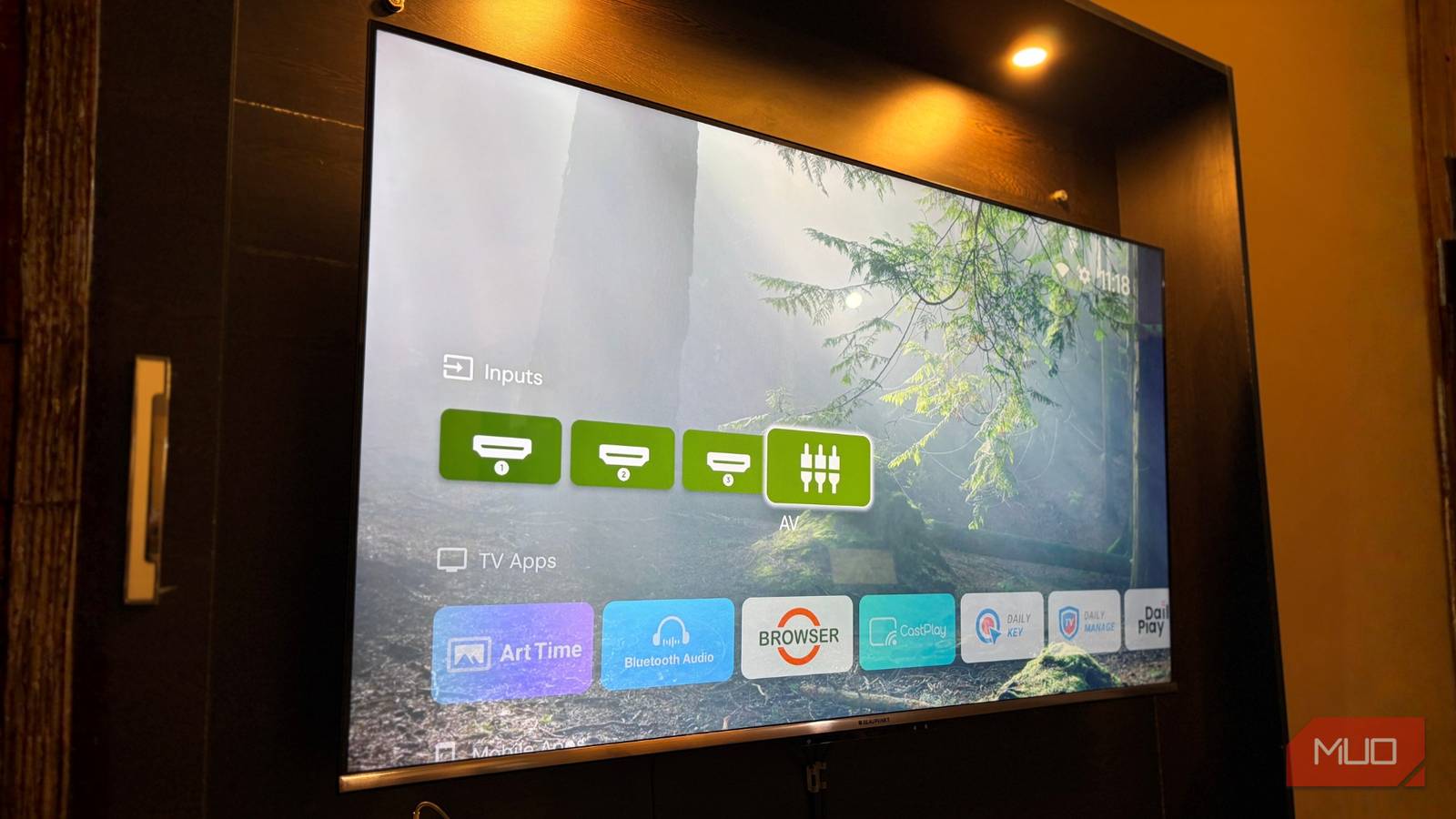
After its installation, I saw a calm in my Google TV interface, for a good reason. No autoplaying videos, no banner ads eating almost half of my TV’s screen space, and no stutter and lag when opening an app. The Projectivy Launcher simply showed a wallpaper and a neat row of apps that I use. On top of it, navigating through the home screen felt so smooth, as if I had upgraded the processor of my smart TV.
Reclaiming my TV for things I love
I paid for the TV, so I will decide what should appear on it
Projectivy Launcher isn’t just about the clean interface and the aesthetics. It is also about actual usage in daily life.
I have a young daughter, and we recently started showing her some good cartoons (no, not Cocomelon). On the old Google TV Launcher, navigating to the specific app was a minefield. One evening, I turned on the TV to put on her favorite show, and immediately the top banner blasted a trailer for an action movie with intense audio.
It startled her and led to almost 10–15 minutes of crying. That really annoyed me, because, as an adult, that is okay for us, but why do I have to shield my child from my own TV’s menu?
Projectivy Launcher has a dedicated Kids profile. This means no surprise trailer, just a calm background and the colored icons of my daughter’s favorite streaming apps. It literally puts control back into my hands.
Another scenario where Projectivy Launcher stood out is that you can customize the home screen to show only shows from the services that you are subscribed to. Don’t have a Netflix subscription? No Netflix shows or movies will show up on the home screen. It is a small change, but I believe it is a better recommendation model compared to showing shows from all apps that I don’t have a subscription to.
Contains features that actually matter
Customization that makes the home screen actually worthwhile
Google TV OS gives you limited options to customize the UI. Since the home screen is filled with ads, you don’t even get the option to change the wallpaper. But with Projectivy Launcher, you get the option to change it. You can use dynamic wallpapers, animated GIFs, or videos as wallpapers and change the brightness, contrast, hue, and blur. The launcher changes the color of the interface based on the dominant color of the background.
You get the option to change the icons and shortcuts. One of the best things about Projectivy Launcher is that you get a separate section for mobile apps. On Google TV, when an unsupported mobile app is installed, it doesn’t show up in the apps grid. But Projectivy Launcher shows and categorizes them for quick access.
Then there are Parental Controls, letting you choose what content the young ones have access to. You can save your settings and do a lot more, though some features are available in the premium version of the app.

6 Google TV Settings I Always Change Immediately
Changing your Google TV settings is a simple way to make your viewing experience much better.
Setting it up is easy
I was surprised how simple this was
Here is how you can get Projectivy Launcher:
- Launch the Google Play Store on your Android TV or Google TV.
- Search for Projectivy Launcher and tap on the Install button.
- After the installation completes, open it.
- It will ask you for accessibility permissions. You need to grant it, as this is how the launcher understands when you press the home button on your remote.
- In the Projectivy Launcher settings, look for the Override current launcher option and turn that on.
Now, you’re good to go.
Your smart TV, your way
When you purchase a product, you should have absolute control over what you want to see and what is displayed on it. Speaking of a smart TV, it should be the center of the content that you love, not a barrier you have to hurdle every time you turn it on. Projectivy Launcher de-bloats your Android TV or Google TV, making it faster and easier to use.