



When it comes to streaming devices, there are about four or five in the marketplace that have built up their brands well enough that the majority of people know about them. Google ceased production of its Chromecast lineup and replaced it with the Google TV Streamer. The NVIDIA Shield is another option for users, as is the Walmart Onn 4K Pro.
But the three biggest players in the space are the Roku streaming devices, Apple TV 4K, and the Amazon Fire TV Stick. All of these products have different features that make them unique. All of them have also made the leap from streaming devices to TVs that run their operating systems. The Fire TV Stick is based on the Amazon experience and Prime Video. Your enjoyment of that fact, as well as some other personal preferences, may suggest that you really don’t need your Fire TV Stick at all. Here are cases to look out for that could signal that.
I replaced my streaming stick and instantly noticed better performance
Could upgrading your streaming device lead to a smarter home? This unexpected choice might be the key.
You like another operating system better
There are plenty out there to choose from
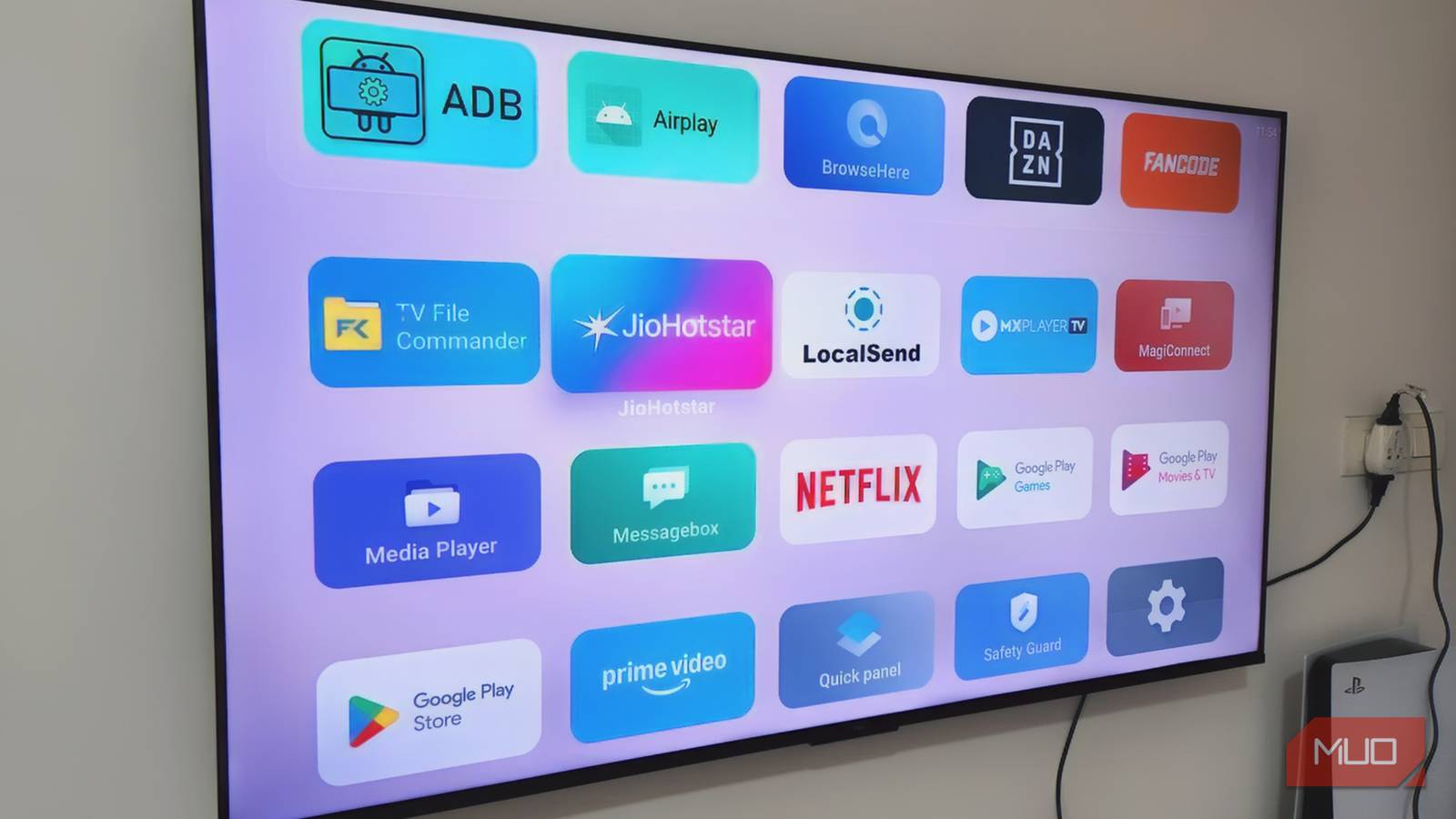
You don’t have to only use a streaming device on a dumb TV to make it a smart one. There is absolutely a case for using a streaming device on a smart TV. One of the main ones is that you prefer the operating system of the streaming device over the smart TV you got.
Maybe you purchased a cheap smart TV because it was on sale and you think the operating system is bad. It makes a ton of sense to get a streaming device in that case. Streaming devices can also be faster than a smart TV because there’s a lot less processing that it needs to do.
However, if you haven’t used Fire TV OS before and you get a Fire TV Stick, it may not be for you. It has a dense interface that is crowded with titles, apps, and especially ads. If you’re not a huge fan of Amazon Prime Video’s content, it almost certainly isn’t for you, as you are going to see a lot of ads for those shows and movies.
Many other operating systems are more customizable than Fire TV OS. It also forces updates on you, which many people don’t love. Many love the Google Play Store, which is not available on the Fire TV Stick, so some of the best apps available for streaming devices can’t be downloaded.
You don’t use the Fire TV Stick’s smart home features
It’s one of the benefits of the device

For anyone who has Amazon Alexa as their preferred smart home ecosystem choice, they know there are a lot of devices that can serve as a hub. You can use a Fire HD tablet, several Amazon Alexa speakers like the Echo lineup, and more. You can also use your Fire TV Stick to control many of your home devices.
The Fire TV Stick has a smart home dashboard that gives you a view of many of your smart home devices. Users can connect their Ring cameras to their Fire TV Stick and view the live feeds on their TVs. You can adjust compatible lights or change the temperature on the thermostat by using Alexa voice commands through your Fire TV Stick remote.
If you aren’t using the Fire TV Stick to do that, it might not be worth it. Not every streaming device offers these features, so this is something that is a bit unique to the Fire TV Stick. It’s a perk for any Alexa user and something that should be considered when you are setting up your smart home. While you don’t have to have smart devices that come from the same manufacturer, if you do have a lot of Amazon products, using your Fire TV Stick as a hub could be a consideration for you.
If you do utilize the smart home capabilities, you can set up an automation that recognizes when you turn a compatible smart plug on, your Fire TV Stick will wake up as well.
If you have a Fire TV Stick 4K Max, you can showcase Alexa widgets when you aren’t streaming.
You game on your console and don’t worry about the Fire TV Stick’s gaming capabilities
It’s a much slower ordeal through the streaming device

For some, the Fire TV Stick is a great source of gaming. It can be used for cloud gaming, so you can connect through the device and stream your game. If you’re a fan of Amazon Luna gaming or NVIDIA GeForce, then this is a great addition to your repertoire.
But you can also get those through your gaming console. So, if you have a PlayStation 5 or an Xbox console, you can not only play the games that you can get for your console but can also stream these cloud gaming options. In that case, you don’t need an Amazon Fire TV Stick.
In fact, your console will be a lot faster for gaming than the Fire TV Stick because of the input lag from cloud streaming the device experiences. If you’re someone who likes to own physical games, those are always going to be faster than having to rely on Wi-Fi to stream a game.
For serious gamers, using the Fire TV Stick is not the best way to enjoy a solid connection and reduced lag while gaming. There is also a limit on the amount of processing power the Fire TV Stick has compared to a console.
It might be time to give up your Fire TV Stick
There’s a lot that an Amazon Fire TV Stick can do. It can make your dumb TV a smart one and integrate the Fire TV OS. But if you’re not taking advantage of all that the Fire TV Stick offers, you may be wasting it. If the OS isn’t your favorite or you’re not utilizing it for its smart home integrations, that HDMI port on your TV could be better suited for something else.