



Every day we move seamlessly between smartphones, laptops, smartwatches, and smart TVs, often without giving a second thought to what happens in the background. With so many connected devices in constant use, our personal data is shared more than we realize. And that’s something I’m certainly not okay with. For me, privacy and control over my personal data matter just as much as the features these devices offer.
Not too long ago, I went through my iPhone settings and changed five settings that significantly reduced the amount of tracking I was being subjected to. It was a simple exercise, but very eye-opening. The more devices we use in our day-to-day lives, the more tracking quietly accompanies that convenience, often without our active consent.
What surprised me the most was realizing that this doesn’t stop at phones and laptops. Your smart TV is tracking you, too. That was a tough pill for me to swallow at first, but once I dug into the settings and made a few changes, I was able to shut most of it down. It’s a reminder that while smart devices are designed to make everything easier for us, taking a few minutes to review their privacy settings can go a long way in keeping your data safe.
How I Discovered My Smart TV Was Spying On Me
Your smart TV is always watching and listening.
It’s all right there in Settings
The fine print your devices hope you won’t read

Most of us already know our devices track us, but what usually trips us up is not knowing which settings actually need to be turned off. If you take a few minutes to dig into your device’s settings app and explore the Privacy section, you’ll get a clear picture of what’s watching, logging, and learning from you.
To be fair, brands aren’t exactly hiding these options. They are technically visible, but buried deep enough that most people won’t stumble upon them casually. You really have to put on your Sherlock hat, scroll around, and decide what feels unnecessary or uncomfortable for you. Once you spot something that doesn’t sit right, turn it off immediately.
Because if you don’t, a lot more than you’d expect can end up being shared. This includes your IP address, Wi-Fi network name, usage patterns, data pulled from other apps, and even how you interact with your device. All of this can be packaged up and passed along to data brokers, often without you even realizing it.
Begin by turning off Automatic Content Recognition
Your TV’s secret habit of eavesdropping

Automatic Content Recognition, or ACR, is a feature built into smart TVs that quietly tracks what you watch. It does this by scanning short snippets of audio and visual content on your screen and matching them against a massive database to determine exactly which show, movie, or channel is playing.
Once it knows that, it uses the data to build a profile of your viewing habits. This helps serve personalized ads, measure the popularity of certain shows, and share viewing statistics with advertisers and content partners. In simple terms, your TV is reporting back on what you watch, how often you watch, and sometimes even when you watch.
Turning off TCR does not affect picture quality or your ability to stream content. It simply stops your TV from constantly analyzing what is on your screen and sharing the information in the background. If you value a little more privacy and do not want your viewing habits to be used for ads and tracking, this is one setting worth disabling.
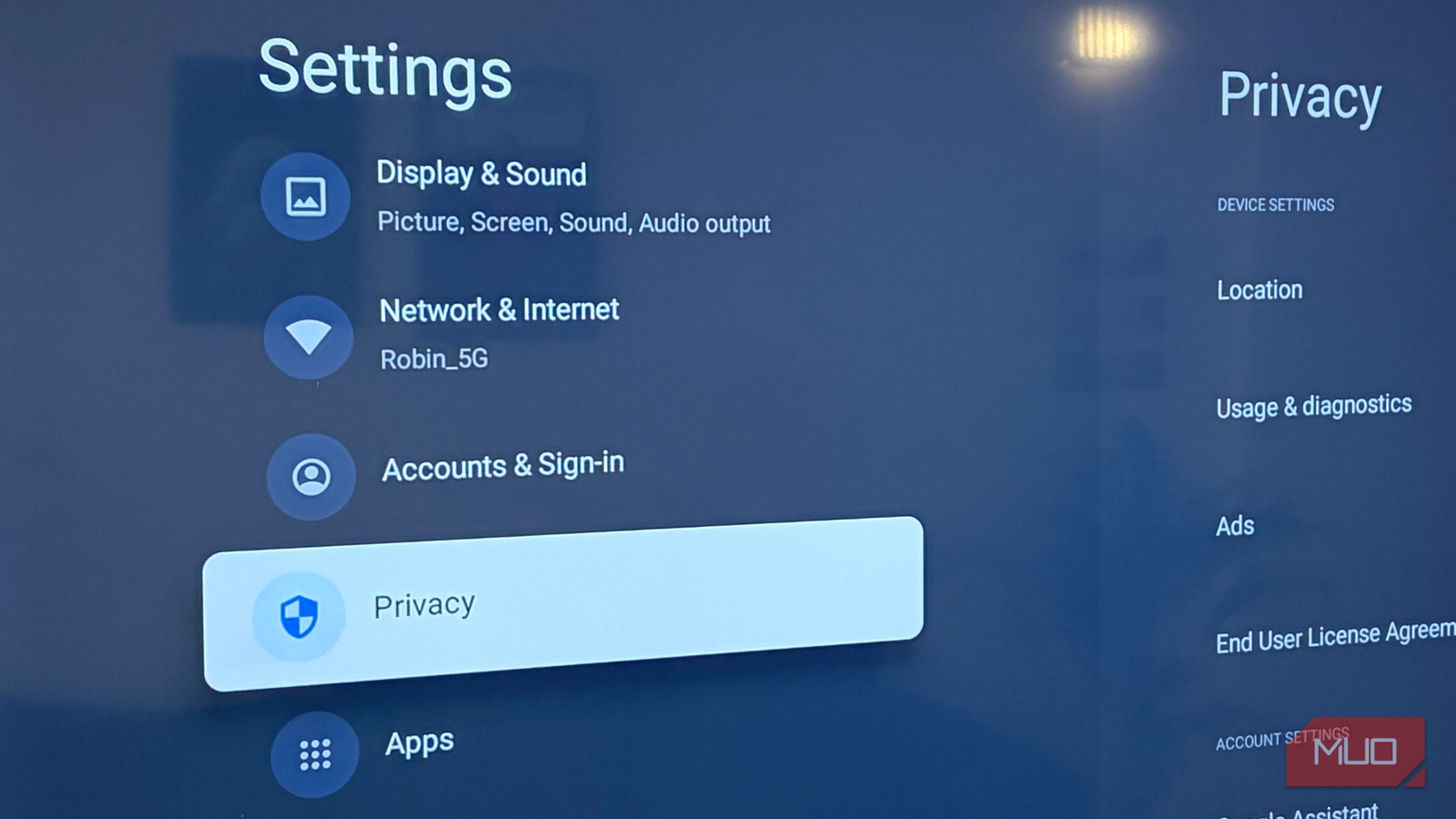
To turn it off, open the Settings menu on your smart TV and head to Privacy. Look for a section titled Privacy and Terms, or something similar. Inside, you’ll find options such as Viewing Data Collection or Automatic Content Recognition. Once you spot it, switch it off right away.
Make sure Usage & diagnostics stays turned off
What your TV reports behind your back

The Usage & diagnostics setting on your smart TV sends performance data back to Google to help improve the platform. This includes information about how apps run on your TV, how smooth the interface feels, and your network quality.
While this data is usually anonymized, it still gives Google insight into how your TV is used behind the scenes. So, turning it off does not affect how your TV works day to day. It simply stops your TV from regularly sharing performance and usage details in the background, which is a good move if you prefer to keep data sharing to a minimum.
To disable it, open the Settings menu on your smart TV and go to Privacy. From there, head into Device Settings, look for Usage & Diagnostics, and switch it off.
Why does your smart TV want to know where you are
Your TV’s unnecessary sense of direction

It’s hard to justify why a smart TV needs access to your precise location in the first place. For most people, location data adds very little to the actual TV-watching experience. What it does help with is serving location-based ads and collecting regional usage data.
Keeping location access turned off reduces targeted advertising and limits how much personal information your TV shares in the background. It also adds an extra layer of security. In the event of a large data breach, any stored location data could potentially be exposed. Turning this setting off simply removes the risk altogether, which is why keeping it disabled at all times makes the most sense if privacy matters to you.
To disable it, open the Settings menu on your smart TV and go to Privacy. From there, head to Device Settings, look for Location, and turn off scanning always available or any similar option you see.

Your Smart TV Just Got Smarter: What AI Recommendations Really Know About You
Your smart TV just got smarter—and now it’s watching you back
Keep your data on mute
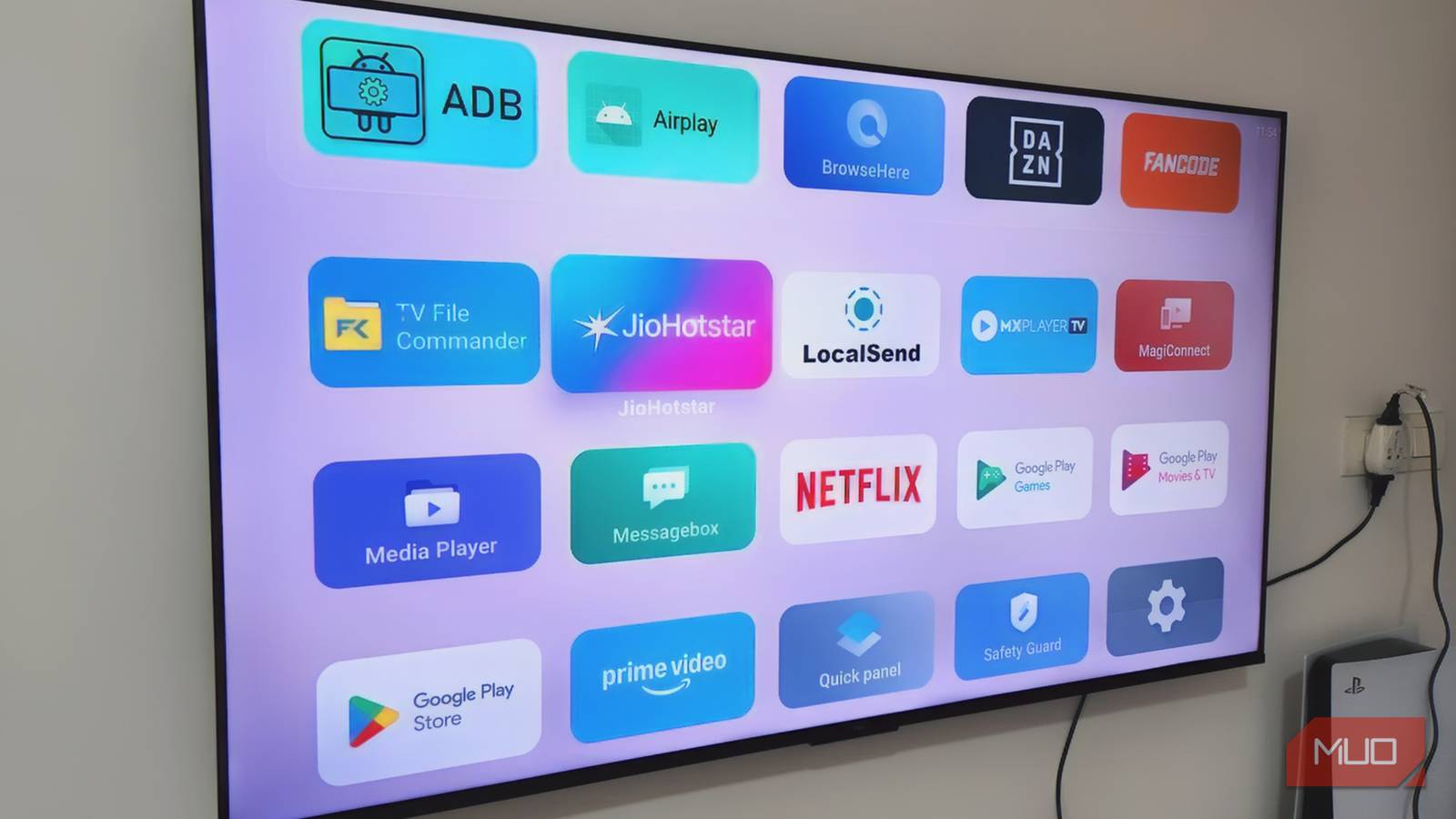
I’m not a fan of ads popping up on my smart TV, which is why I switched to a clean launcher. I’ve also experimented with smart TV browsers to improve the experience. But no matter what, keeping my privacy intact is a must. Watching TV is my daily “me time” ritual, and it’s important that I can enjoy it without being tracked.
For me, going into the depths of privacy settings was eye-opening. It made me realize how much data we hand over just to use these devices. The good news is that tweaking these settings doesn’t affect your viewing experience. Everything works just like it always has. The only difference is that now your privacy is firmly in your hands. So, all the fun and convenience can still happen when your data is on mute.