





Smart TVs have become a mainstay in many households throughout the world. Since the dawn of the streaming revolution, smart TVs are some of the most valuable ways to watch TV and movies. For anyone who has cut the cord, a smart TV is probably an option they’ve considered at some point.
For some people, arguably the best feature of a smart TV is that it can recommend what you should watch next. No matter which streaming service you prefer, you’ll be able to get recommendations based on what you’ve watched before. But, if you’re not interested in having your smart TV tell you exactly what your next show should be, you can protect your privacy by swapping out a simple setting on your smart TV. Don’t worry: all smart TVs can shut this off.
Your Smart TV Just Got Smarter: What AI Recommendations Really Know About You
Your smart TV just got smarter—and now it’s watching you back
Your smart TV can build an algorithm for you
You don’t need to search for content on your own

The more you watch movies and TV shows on your smart TV, the more data your TV learns about you. It’s constantly collecting data and monitoring your viewing habits. This not only provides the TV with your favorites to watch but also gives the streaming services an idea of what to recommend next.
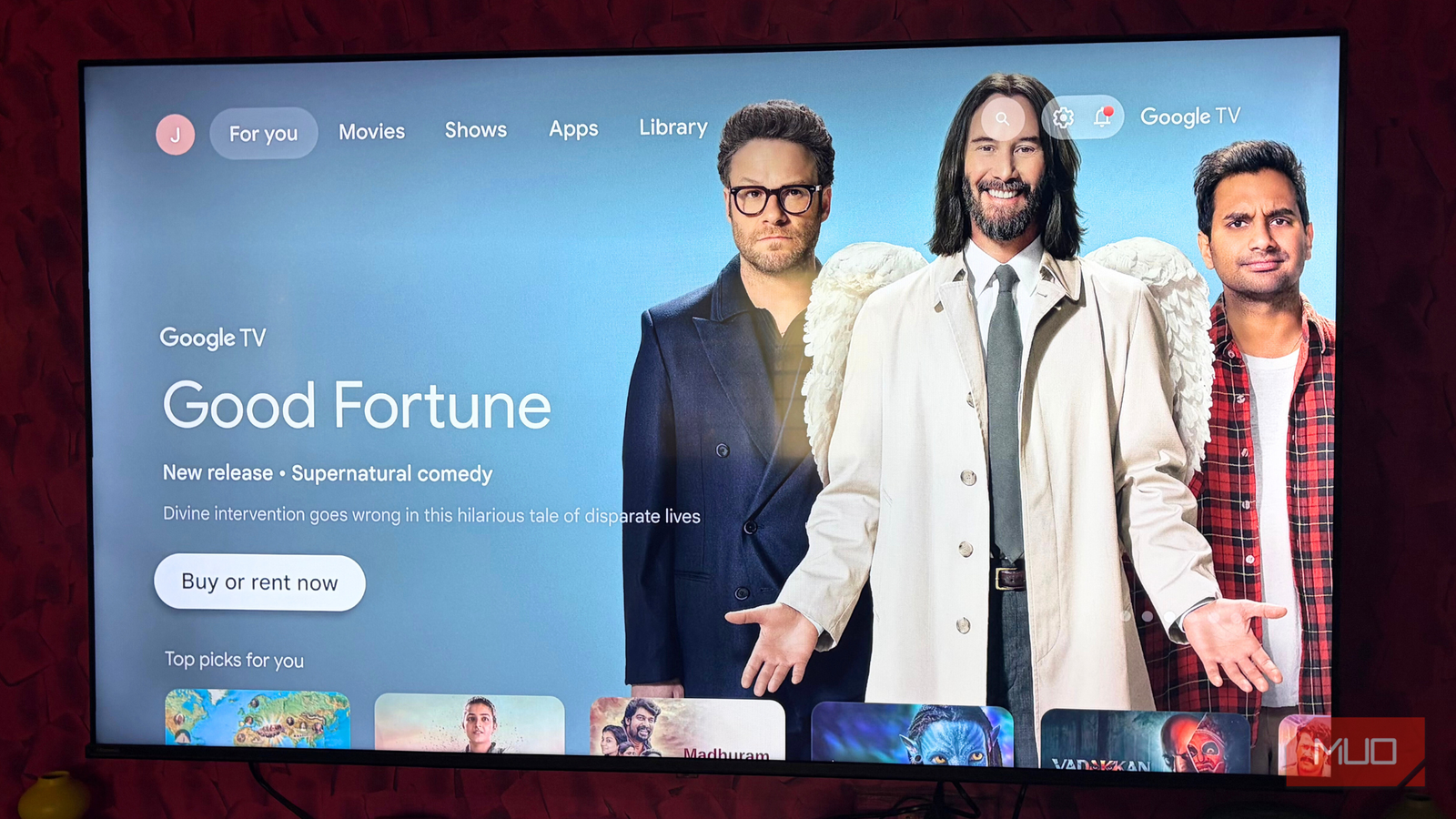
Many manufacturers also send your favorites back to third-party advertisers, so that they may provide a more personalized viewing experience for you. You’ve probably seen this if you have been moving around the operating system of your smart TV. There are ads for specific shows or maybe a trailer that’s going to take you to a website for a movie if you click on it.
This is done through a common feature called Automated Content Recognition (ACR). This actually samples what content you’re watching by looking at the pixels of your TV. It even knows if you’re on a separate gaming console or if you’re watching something on cable boxes.
However, if people don’t want their content viewings tracked, there are ways to change it. This can give you a better performance from your TV. It first starts within the settings menu for almost every smart TV.
Turning off ACR isn’t difficult
It is named differently, based on the make of your TV
Depending on the manufacturer of your TV, there are different ways to shut off ACR. This will stop the TV from tracking what you’re watching and reporting it back. You won’t get personalized ads and a customized home screen anymore. It will be safer and more private to watch shows and movies.
Samsung TV
On a Samsung TV, there are two different ways to shut off ACR, which is called Viewing Information Services within the Samsung Tizen operating system. You need to go to Settings and then All Settings, which is at the end of the Settings menu. From there, select General & Privacy, followed by Terms & Privacy.
There are two ways to go from here. One is to select the Viewing Information Services or I consent to Viewing Information Services on this Device. The other is to select Terms & Conditions, Privacy Notice while in the Privacy Choices App (which you can select within Terms & Privacy). From there, you can change your settings.
Fire TV
Within Fire OS, data collection is done through Amazon. To disable it, you can go through Settings and then Preferences and into Privacy Settings. Device Usage Data can be toggled off here. Amazon’s ability to collect data on how you use the TV and what features you use most is then turned off.
To stop the TV from tracking what apps you use, select Collect App and Over-the-Air Usage to turn it off. Then, complete your purge by turning off Interest-Based Ads. You won’t receive personalized ads anymore, thanks to this Fire TV trick.
LG TV
You can change what webOS is tracking within your LG TVs. It collects data in a number of ways, so if you want a clean slate, you need to disable all of them. Open up Settings and then select General/System, depending on your model. Live Plus can be selected and turned off. Going back into Settings > General > Advertisements will let you turn on Do Not Sell My Personal Information.
If you go back into Settings and select User Agreements, there are multiple features you can opt out of here. Unselecting Voice Information, Live Plus Automated Content Recognition, Internet-Based Advertising, and Viewing Information will turn these off.
Roku TV
Opening up Settings > Privacy is the start for disabling it within a Roku TV. Smart TV Experience can be selected to turn off Use Info from TV Inputs. As noted, this affects the tracking of any TV input, not just what you’re streaming.
For those who use the Roku Voice remote, select Advertising > Select Microphone. Channel Permissions need to be adjusted in order to stop the TV from tracking what you’re saying.
Google and Android TVs
Google’s advertising collects user data while tracking everything to account services. To adjust that, go to Settings > Privacy > Ads. Opting out of Ad Personalization. You can also sign in to your Google account and review the ad preferences within the Privacy settings.
There’s an additional step you need to take if you have a Sony TV. It has a separate tracking feature known as Samba TV. Go to Settings > System > Privacy and then toggle off Samba Interactive TV.
Shutting off ACR can tone down the personal ads
It can also make the experience different

If you’ve gotten used to your TV’s operating system, things can change dramatically if you toggle off ACR. This will remove any personalized ads that the TV has shown you. Through data mining, it has learned your preferences and what kind of content you like.
You’ll see general advertisements, such as the shows and movies that are being highlighted by the platforms themselves, meaning you and anyone else who has shut off ACR will see the same ads. That’s fine, because you’ll still be alerted as to new shows and movies being added to streaming platforms.
But they won’t be based on the streaming experiences and preferences that you have built. It stops the TV and the manufacturer from tracking your data, but it does limit how well you interact with your TV.
I’m not advocating for turning off ACR or keeping it on. Users can decide what privacy settings are best for them.
Automated Content Recognition is tracking your viewing habits
One of the ways that TV manufacturers make money is by selling your data to third-party advertisers. In turn, they’ll provide you with a more personalized ad experience if you let them.
You can toggle off ACR to stop these companies from knowing what you’re doing and what you’re watching. You may have to go into different Settings menus within your TV. If you have a voice remote, you might have to restrict the controls with that as well. This can provide you with a more secure streaming experience with your smart TV.