




The continuous advancements in display technology have significantly improved the picture quality in modern TVs. Display technologies like QLED, OLED, and QNED are great at providing a solid watching experience, but the Achilles’ heel of modern TVs is sound quality. Whether you buy a budget TV or a flagship model for a couple of thousand dollars from the likes of Samsung, Sony, or LG, you still won’t get the best sound.
You can buy a soundbar or a home theater system to get better sound, but if you don’t have the budget for that right now, you can use the SoundWave equalizer app to make your TV speakers sound a little bit better.
Why TV speakers usually suck
It’s not just your TV
Unlike the old cathode ray tube (CRT) TVs that had curved screens and chunky bodies, most modern TVs have a flat panel with a thin and slim design that’s only a few inches thick. They look miles better than the old CRT TVs for sure, but that slim profile comes with a trade-off. First, because TV manufacturers are optimizing for thin, near-bezel-less designs, there isn’t enough room to include high-quality speakers. Due to the small space, they have to include tiny speakers that can’t produce good sound. For example, one of the most noticeable weaknesses in modern TV speakers is bass.
They just don’t have it, and that’s because producing bass requires bigger speakers. This is the reason why you get a subwoofer in some soundbars, because it’s one of the most effective ways you can get solid bass—you should definitely buy a subwoofer for your soundbar if it didn’t come with one. But because the speakers included are tiny, you get nothing but thin, tinny audio that lacks depth, a description that you’ll commonly see when checking TV user reviews on e-commerce sites like Amazon. Another reason why modern TV speakers sound bad is that they don’t face you—they either fire downwards or backwards.
This configuration is due to the near-bezel-less design that nearly every TV manufacturer is constantly optimizing for, which works against sound quality. Since the sound has to bounce off either the wall, floor, or some other gadget placed below the TV, it introduces a host of variables that ultimately affect the resultant sound quality, mostly in a negative way. For instance, if the TV speakers face backwards, the sound needs to bounce off the wall before it reaches you, which will have a negative impact on quality. If there’s a soft material like a curtain behind the TV, it will absorb some of the sound, thus making it dull.
You don’t need a soundbar or speaker to get better sound
You can enhance audio using software tweaks

If you aren’t impressed by how your TV speakers sound, there are two options that you can leverage to get better sound. First, you can get a soundbar or a home theater system. Neither of these options comes cheap, but, fortunately, you can also get good-sounding speakers like bookshelf speakers, and they’ll get the job done well. But even for bookshelf speakers, their price can vary depending on the quality.
If you don’t have the money to splurge on a dedicated sound system, there are instant smart TV audio tweaks you can make to improve sound. And before you rush to get a soundbar or home theater system, you should definitely tweak your TV audio settings to improve sound quality as much as possible. Though you’ll certainly get better audio by getting an external system for sound, software tweaks can come in handy if you don’t have the money yet.
The reason this is possible is that audio quality isn’t dependent on hardware alone. Even the high-end audio systems that you see selling for thousands of dollars have to undergo calibration to sound as good as they do. With an appropriate app, you can calibrate your TV speakers to make audio noticeably better.
SoundWave is perfect for tuning your TV speakers

SoundWave is an equalizer app available on smart TVs that can help you tune your speakers for better sound quality. The app is available on Google TV and Android TV, and you can install it directly from the Google Play Store. It features a five-band equalizer with a frequency range between 60 Hz and 14 kHz, giving you the power to adjust the audio to suit different music genres if you’re playing music, and also improve dialogue in the case of watching movies and TV shows.
Besides the five-band equalizer, SoundWave also has preset sound profiles targeted at different types of music, such as jazz, hip-hop, rock, metal, dance, and more. There’s also a flat profile if you need a balance of lows, mids, and highs. These preset sound profiles are the perfect options if you don’t want to manually adjust the equalizer to suit the kind of audio you’re listening to or the video that you’re watching. SoundWave also offers custom effects like bass, treble, virtualizer, and reverb that you can use if you want to enhance your audio further.
Using SoundWave to improve my TV speakers’ sound quality
How to use SoundWave to customize your TV sound
Installing SoundWave is easy, but the app can be a bit confusing to use when you first open it. The first thing you bump into after installing the app is a message informing you that sound processing is turned off. You might also see a message telling you that no audio session is detected, and you need to play media. To clear both of these messages, you have to navigate to the app’s Settings tab and enable Legacy Mode.
This setting ensures that the sound effects that you set in SoundWave will be applied across the system and in all the apps that can play audio. That’s exactly what you want because you need to have a consistent sound regardless of the app you’re using to play video or audio. Next, while the app says it’s free, I had to get a free trial to unlock its sound customization features. After doing so, the app’s Equalizer tab finally shows the customization interface.
First, enable Equalizer, then after that, you can adjust the different frequency bands while playing audio in the background to find the perfect setup. The default profile is Normal, but you can select the dropdown menu to pick any other preset sound profile if you don’t want manual adjustment. If you’d like to add effects to the sound, navigate to the Effects tab and enable what you need.
SoundWave is great, but it isn’t perfect
Your TV model matters

As much as SoundWave is a great app for tuning your TV speakers, there is one major limitation you should be aware of. While the app supports a variety of sound adjustments, it depends on audio libraries provided by your TV manufacturer. That means, depending on your TV manufacturer, some adjustments might not be available. For instance, the app’s Play Store description notes that some effects, such as virtualizer and reverb, may not work on all TVs.
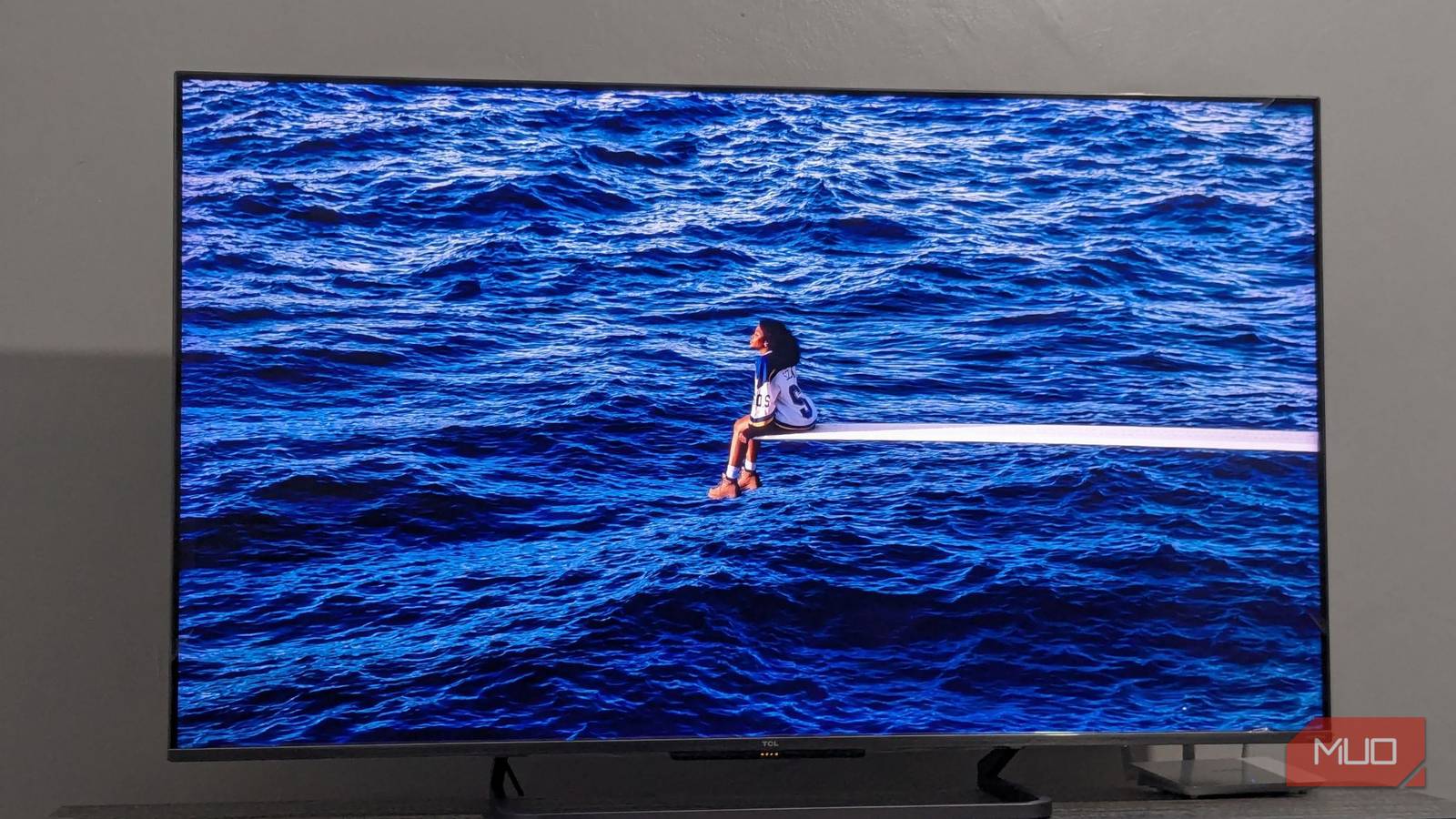
I have a Google TV-powered 55-inch TCL C728 that I’ve been using for a while now, and I can’t access the Effects tab. Anytime I try to do so, the app crashes. I’m not sure if it’s because my TV doesn’t support effects or there’s a bug in the app that’s causing the crash. Your mileage may vary depending on your TV manufacturer and software version.
Software tuning can be a game-changer for TV sound
Due to various limitations, TV speakers sound bad regardless of how much you spend on the TV. Whether it’s a flagship model from LG, Sony, or Samsung, or from a budget-focused brand like TCL and Hisense, it doesn’t matter. However, before investing in a soundbar or home theater system, you can use an equalizer app like SoundWave to make your TV speakers sound a little better.