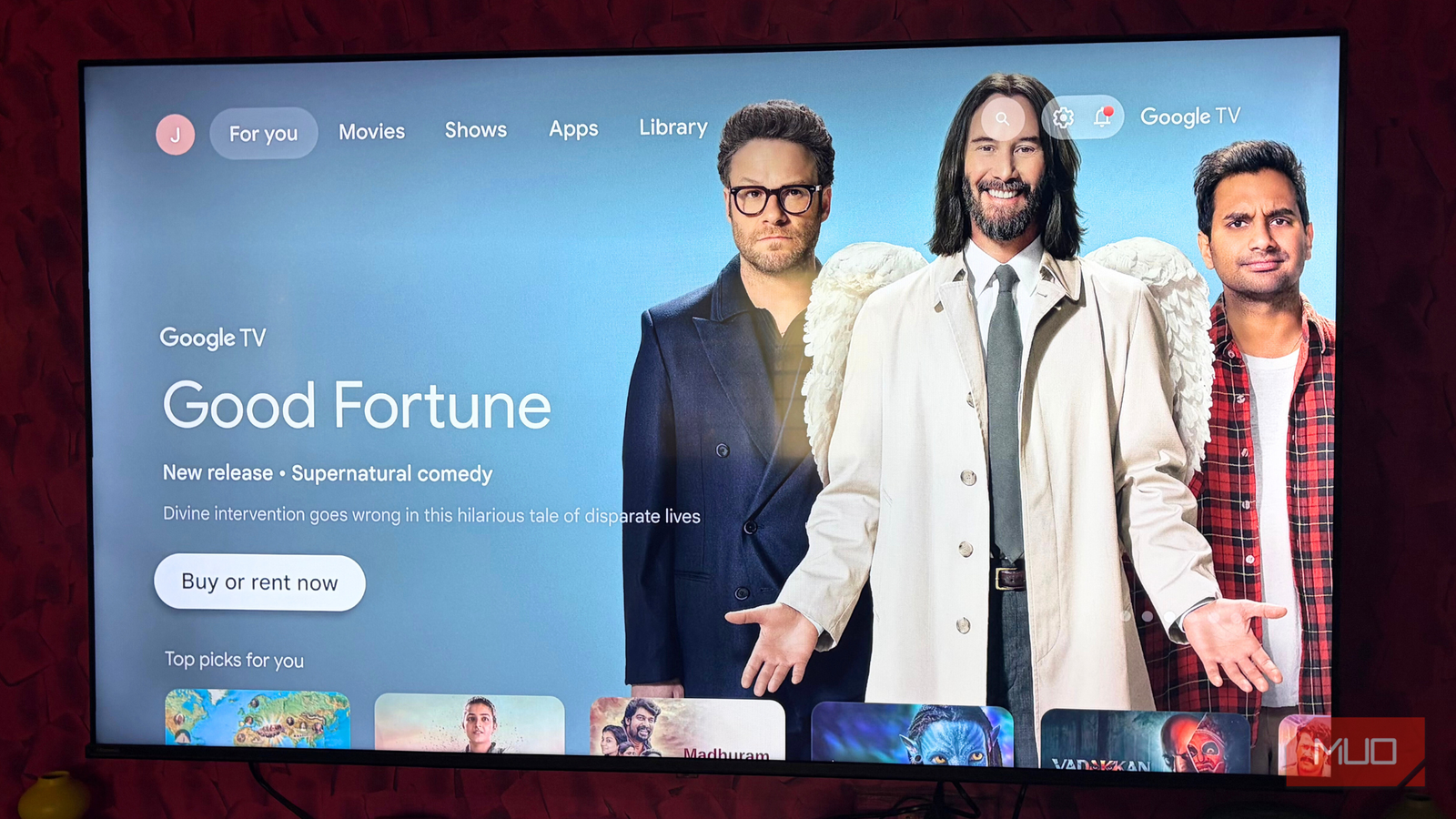



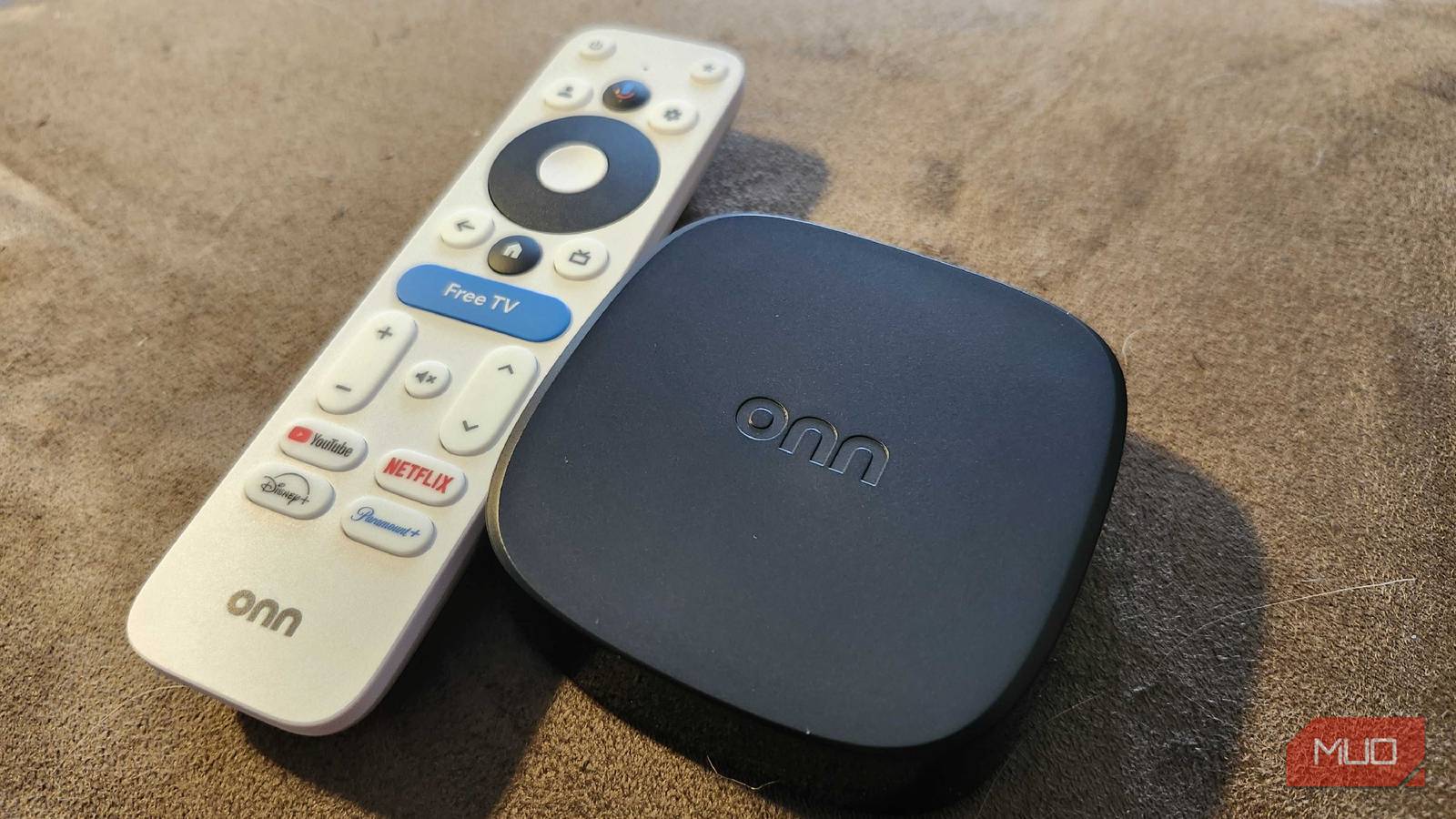
Back in December 2025, I posted an article talking about how I revitalized myaging smart TV by adding GoogleTV to it with a Google Chromecast 4K. One of the comments left on that particular article stood out to me, and drove me to visit my local Walmart to purchase and test the Onn 4K Plus — a streaming box that costs $30 and offers a similar set of features to the Chromecast that I had been using since 2020.
But, here’s the thing — Google has officially replaced the Chromecast lineup with the Streamer, a $100 piece of tech that takes affordability out of the picture. After using the Onn 4K Plus for a few months, I don’t think I need to worry about getting the streamer any time soon.
Wi-Fi 6 is nice and speedy
There’s a noticeable difference between the Chromecast and the Onn
Even though I have 1GB download speeds through Charter Spectrum, my Google Chromecast would often spend a suspicious amount of time buffering. Yes, I do have a lot of stuff connected to our router, but for a streaming box to suffer that greatly because of it? Something seemed off. I discovered that part of the reason could be chalked up to the Chromecast only using Wi-Fi 5, whereas the Onn 4K Plus uses Wi-Fi 6. The difference was immediately apparent.
Averaging over 500Mbps with the Onn box, I’m able to watch anything that I want with no interruptions. Since Google TV also has access to the Play Store, I can connect an Xbox or PlayStation controller and stream games through different cloud-based apps like GeForce Now or Xbox Game Pass.

6 Reasons I Skipped a Smart TV and Bought a Streaming Stick Instead
It took me a while to come around, but a streaming stick is so much better than a smart TV.
All GoogleTV features are here
There are no compromises, considering the price

For $30, I expected the Onn 4K Plus to have some compromises and issues. Instead, I found an incredibly capable streaming box that costs less than a third of what Google is asking for the Streamer. Dolby Vision + Atmos, great 4K quality, Wi-Fi 6, Hey Google, casting, and everything else you could ask for are all available here. While the Onn 4K Plus only has 2GB of RAM, compared to the 4GB the Streamer 4K has, it’s still smooth to navigate.
If you need more RAM, there is an additional version of the Onn 4K that does offer 3GB. The Onn 4K Pro also offers an Ethernet port, but for what I use my streaming box for, I was able to save a couple of bucks during my upgrade process. Seeing as the Roku Voice Remote already costs $19.99 for a replacement, you may as well spend the extra $10 and get integrated into the world of GoogleTV at this point.

- Brand
-
Onn
- Operating System
-
GoogleTV
- Downloadable Apps
-
Google Play
- Resolution
-
4K
HDMI-CEC is great with the remote
This was the biggest upgrade over the Chromecast in my eyes
One of the most annoying aspects of the Google Chromecast was its handling of volume. Not only would I need to adjust the standard volume of the television set, but the Chromecast also had its own volume control. Yes, balancing two different volumes was just as annoying as it sounds, and the Onn Plus 4K remedies this qualm I had.
Using HDMI-CEC, I can power on my TV, as well as control the standard volume. There’s no separate GoogleTV-only volume here — the TV volume controls everything, and this has been the biggest upgrade so far. Switching from the Chromecast to something like a game in the afternoon could be incredibly jarring, because I had forgotten that I had to turn up the regular TV volume to extremely high levels earlier. It’s such a simple thing that easily makes the Onn 4K Plus my favorite streaming box I’ve used in quite some time.
The jury is out on durability and longevity
It seems like Onn can last, but I worry because of how cheap it was

In an age where it feels like everything is jumping in price every time we blink, it’s shocking to find something so feature-packed for $30. While my Chromecast 4K only cost $20 when I got it back in 2020, seeing that its subsequent release costs $99 now made me initially wary to jump on the Onn train. But at this point, I’ve been incredibly pleased with how this box has performed. I just hope that it lasts as long as my Chromecast has.
If the Onn 4K Plus does end up performing anywhere near as well as my Chromecast did for the 5-ish years it was in service, I’ll happily start upgrading everybody I know to the Onn Plus 4K. Seeing folks on Reddit and other forums talking about the Onn streaming boxes, it seems that they do last quite some time, but I want to see it for myself. Plus, users outside of the US may run into issues. It’s explicitly stated on the box, on the Walmart website, and elsewhere that it is U.S.-compatible only. Using a VPN may work for a while, but software updates could break that functionality.
Price to performance, nothing can come close
It’s shocking how good this thing is for the price
I have to be honest — I wasn’t expecting the Onn 4K Plus to be as good as it is. For the price, I was expecting laggy software and cheap-feeling hardware. But so far, everything about this streaming box has completely blown my expectations out of the water. After messing around with mine for a while, I’m very glad that someone pointed this little box out to me, as I would have likely overlooked it in favor of something different when it was time to upgrade. Sometimes, you don’t have to spend a ton of money to make things look and perform better than you expect them to.
For now? I can easily say that the Onn 4K Plus may be the best bang-for-your-buck when it comes to streaming boxes. You get the full GoogleTV experience, fantastic picture quality, Dolby features, and so much more for $30. It’s kind of wild that they can even get away with selling it for this cheap, but if you’re looking for a way to bring your old TV back to life? This is the way to look. Thank you, Michael, for pointing this out in the comments — I owe you one.