





When watching TV, we most commonly listen to audio through speakers or a soundbar to enjoy a fully immersive experience. But this isn’t always possible.
You might be a night owl who likes to watch in the late-night hours. Maybe you have a baby at home and want to curl up with a movie once they’ve gone down for a nap, but don’t want to disturb them. College students residing in dorms or anyone living with roommates knows the frustration of not being able to watch a show or even play video games while the other person is studying, sleeping, or trying to enjoy quiet time. This is where a good pair of headphones that you can connect to your TV or speaker comes in.
Naturally, you’ll want to go wireless for a comfortable, cord-free experience. For gaming, there are tons of great gaming headsets from which to choose. But for TV, I personally love the Sonos Ace headphones for one specific reason: a feature called TV Audio Swap.
What is TV Audio Swap?
Seamlessly switch from soundbar to headphones
With the TV Audio Swap feature in the Sonos Ace headphones, you can seamlessly switch audio from a compatible Sonos soundbar to the headphones with a push of a button on the right earcup. Once set up in the Sonos app, available for both iOS and Android, you can easily go from listening through the speaker to personal and private listening via headphones.
TV Audio Swap works with the original Sonos Arc soundbar as well as the Arc SL, the newer Arc Ultra, Beam (Gen 1), Beam (Gen 2), and Ray. Simply add TV Audio Swap in the app, select which speaker you want to use it with, and you’re off to the races. You can either long-press the Content Key on the earcup itself to swap audio or select the Swap button from the app.
Once you’re immersed in your personal audio bubble, make further adjustments. Spatial audio envelops you so you feel like you’re listening to multiple speakers in surround, not wearing headphones. If you enable Dynamic Head Tracking as well, the center point of the audio will always be where your head is facing. You can move around the room, even turn to have a conversation, and the audio won’t waver. It’s a trippy experience, but it really gives the sense of listening through speakers, so you don’t feel like you’re missing out.
My experiences with TV Audio Swap
I love late-night viewing
As someone who writes about both technology and entertainment, I am often watching screeners of TV shows late at night. It’s the only time I have to watch. By this time, others in my family have already headed to bed. The house is relatively small, and the walls are thin, which means I have to keep the volume at lower levels and leave closed captioning on. Depending on the show or movie, the volume level often shifts from loud and booming during an action scene or one with intense music to quiet and serene with dialogue-driven scenes. I end up having to keep the remote by my side and adjust volume up and down as needed, especially with screening room content where closed captioning isn’t available.
To rectify this annoyance, I use the Sonos Ace headphones. With these, I can fully immerse myself in the show while watching from one of the best TVs without worrying that I’m going to wake anyone up. I wore these while watching the first season of Amazon Prime Video series Fallout, for example, which has a lot of shifts from quiet to extremely loud. Not only do I still get a fantastic experience with audio to match the fabulous visuals on my LG OLED TV, but I also appreciate being able to walk over to the kitchen to refill my drink or grab a snack. In doing so, I can still hear the audio as if I’m right in front of the TV. This also means I don’t have to pause to avoid missing a crucial plot point.
The latest enhancements
TV Audio Swap is getting better
Sonos recently announced upgrades to TV Audio Swap. Chief among them is the ability for up to two pairs of headphones to be used together to listen to the same audio source. This is perfect for parents who want to watch a movie while the kids are sleeping, or even an older couple where one person needs the volume cranked due to hearing loss, while another likes it quieter. To do this, both headphones must be added to the same app. After you select TV Audio Swap, select Join for the other headphones, and two people can listen to the same source in sync.
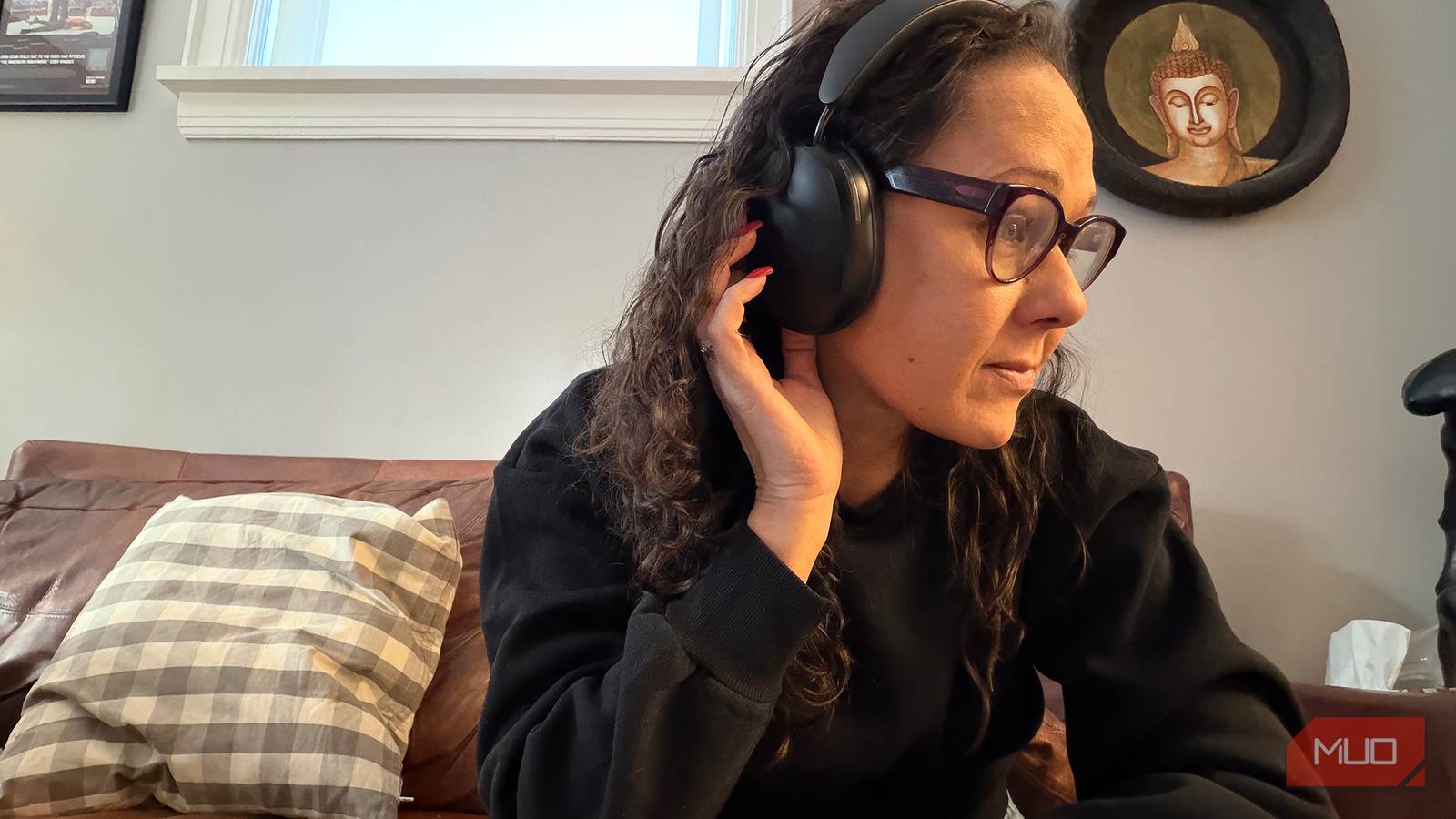
There’s also now TrueCinema technology, which analyzes your room to automatically adjust sound, ensuring you’re getting a tuned 3D experience. The software update, released earlier this year, affords enhanced noise cancellation as well, which can adapt to hair, glasses, and hats in real time, compensating for sound leaks. As someone with long hair who watches TV with my glasses on, this is a subtle but appreciated feature. The Sonos Ace are decent noise-cancelling headphones, so you won’t be disappointed using them outside of the house as well.
Overall, TV Audio Swap makes the Sonos Ace the best headphones for private listening while watching TV. You can totally immerse yourself in the sound while someone right next to you, reading a book or studying, won’t hear a thing. If you find you need quiet listening often enough, the Sonos Ace headphones are worth the price of entry for the TV Audio Swap feature alone. It works reliably, it’s easy to switch from soundbar to headphones and back, and the upgraded ability to now listen with a second person, too, is icing on the audio cake.


8/10
- Battery Life
-
30 hours
- Microphones
-
8
- Connection Type
-
Wireless, 3.5 to USB-C, USB-C to USB-C
- Weight
-
0.69lbs (312.97g)
The Sonos Ace headphones are a decent pair of wireless noise cancelling headphones that work seamlessly within the Sonos ecosystem. But the real standout feature is called TV Audio Swap that makes the TV watching experience personal when you need it.