


Driving in India means learning to expect your signal to disappear at the worst possible time. One moment you have full bars, and the next you are crawling through an underpass, stuck in a basement parking lot, or driving across a highway stretch where the network simply gives up. I cannot even count how many times an app has frozen mid-drive because it suddenly needed an internet connection to function.
That is exactly why I have come to appreciate a handful of Android Auto apps that keep working even when connectivity fails. They do not panic the second the network gets patchy, and honestly, that reliability matters far more on the road. After years of depending on them during long drives, traffic jams, and random dead zones, these are the three apps I keep coming back to.
I fixed my Android Auto lag and the cause was embarrassingly simple
I spent months blaming my car for Android Auto lag — it was my USB cable, and you’re probably making the same mistake.
The navigation app that refuses to panic
Surviving the signal black holes

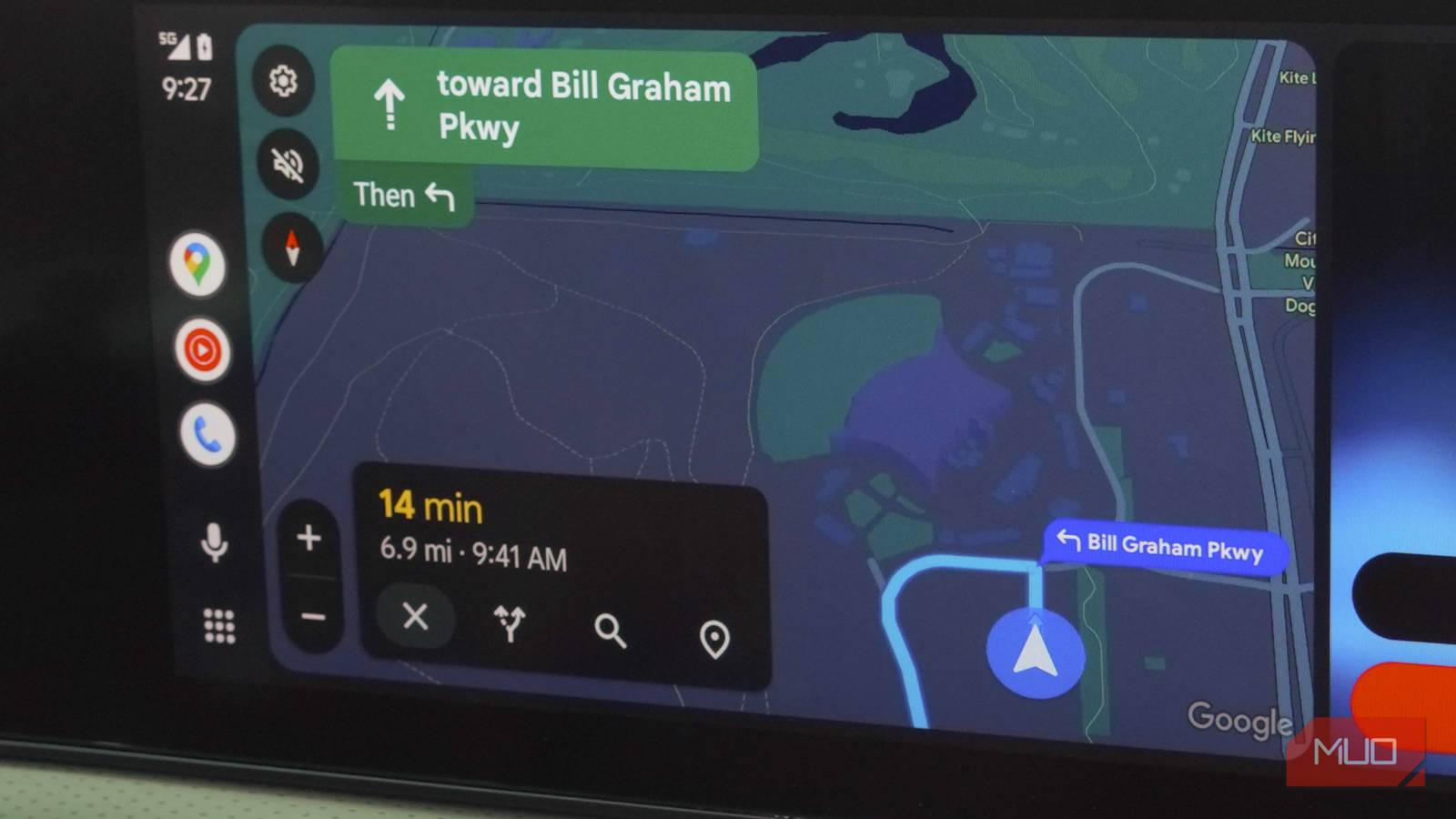
Google Maps is the obvious pick here, but not because of live traffic or restaurant suggestions. The real hero feature is offline maps, and I think most people forget just how useful they are until their signal disappears mid-drive. If you spend two minutes downloading your city or route before leaving, Maps will continue guiding you turn by turn even when your internet connection completely drops off. At this point, I do it almost automatically before any long drive, especially if I know I’ll be crossing areas with unreliable coverage.
What I love is how seamless the whole thing feels. The voice guidance keeps talking, the route stays locked in, and lane guidance continues working as if nothing had happened. You only lose the live extras, such as traffic updates and dynamic rerouting, which honestly feels like a fair trade when the alternative is your navigation app giving up entirely. On Android Auto, reliability matters, and Google Maps quietly nails that part. Downloading offline maps is one of those habits that sounds unnecessary until the day it saves you.

- OS
-
Android, iOS
- Developer
-
Google
Google Maps is a web-based mapping service that provides detailed geographic information, imagery, and real-time navigation for driving, walking, cycling, and public transit.
My playlist survives the dead zones
The anti-buffering road trip trick

YouTube Music is my favorite app to use in the car, and it works brilliantly when the internet gets patchy, but only if you download your playlists beforehand. That offline download feature is locked behind YouTube Premium, so it is not something free users can fully take advantage of. If you are already paying for Premium, though, like I am, it quickly becomes one of the handiest features for long drives.
Once your playlists are downloaded, the app simply plays everything. On Android Auto, the experience feels surprisingly smooth even without connectivity. Album art still loads, controls stay responsive, and skipping tracks feels instant because nothing is streaming in real time. I usually keep a few long playlists downloaded at all times, mainly because I never trust Indian highways to hold a stable signal for more than a few kilometers.

I Travel Alone, But These 10 Apps Are My Perfect Companions
Go alone, but never unprepared.
The reason this matters so much is simple: music streaming is usually the first thing to collapse when your connection weakens. Almost everyone has dealt with that annoying cycle where a song suddenly pauses, buffers endlessly, then resumes in broken pieces while you are already trying to focus on traffic. Offline playback removes that frustration entirely. Instead of depending on the network every second, the app just keeps the music going.
And if you do not want to pay for YouTube Premium, there is a good alternative. Spotify also lets Premium users download songs and playlists for offline listening, and it works just as reliably during patchy drives.
The app that keeps talking online
Offline podcasts are weirdly comforting
When it comes to unreliable networks, Pocket Casts is the app I’ve come to appreciate the most of the three. The app can automatically download new podcast episodes over Wi-Fi the moment they are released, which means everything I want to hear is already saved on my phone before I even step into the car.
What I really appreciate is how effortless the whole setup feels once it is configured. By the time I leave for work or a long drive, there is always a fresh queue waiting for me. This reliability becomes incredibly valuable when you regularly drive through areas where mobile networks randomly collapse.
The Android Auto experience is excellent, too. The controls are simple, easy to reach, and switching between episodes feels smooth without distracting from the road. Even small quality-of-life features, like custom playback speeds and silence skipping, continue to work perfectly offline because the app plays directly from the downloaded files. This app removes friction from your drive, and after using it for years, I stopped worrying about losing signal whenever I had a few podcast episodes queued up.

- OS
-
Android, iOS, Web
- Price model
-
Premium
Pocket Casts is a podcast app that lets you listen to your favorite shows wherever you are. It’s widely appreciated for its clean interface and seamless cross-platform syncing. You can tune in on the go, connect it to Apple CarPlay or Android Auto, listen on your phone, or simply use the web version.
The best road trip trick is preparation
When I think about the Android Auto apps I trust the most, they are usually the ones that keep working even when my connection gives out. Google Maps keeps guiding me without missing a beat, YouTube Music makes sure the music does not suddenly cut out, and Pocket Casts always leaves me with something to listen to on long drives.
The common thread between all of them is preparation. Spending a few minutes downloading maps, playlists, or podcast episodes before heading out makes a massive difference once the signal starts getting unreliable — everything just keeps running as it should. This is what changes the entire driving experience.