


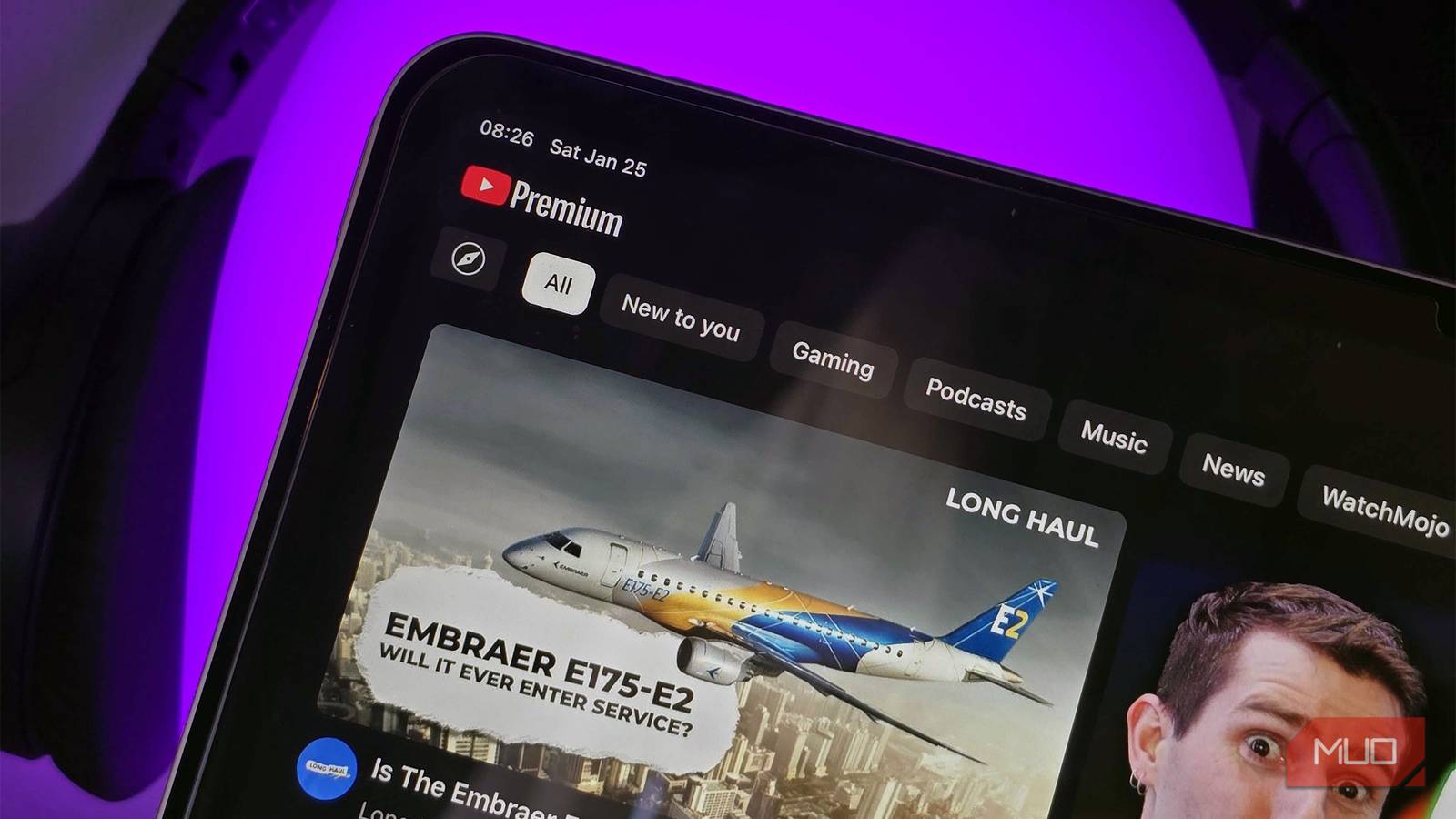
I pay for a handful of streaming services, but YouTube Premium is never one of them — at least, not directly. I swear by Paramount Plus, and I’ve resisted regularly subscribing to platforms like Netflix to cut down on monthly costs. That said, I get Apple TV free as part of my Apple One plan, and my Google AI Pro subscription now includes YouTube Premium Lite. I’ve been using the premium version of the latter for the first time, and I have to say, I’m unimpressed.
Don’t get me wrong, the ad-free videos and offline downloads are useful, but I can live without them. There’s only one YouTube Premium feature I get regular value out of, and it’s not exclusive to the most expensive plan.
YouTube Music and ad-free videos aren’t enough
You’ll still end up watching in-video ads, and the music quality is poor
I’ll be the first to admit that I’m pretty stingy when it comes to paying for streaming services. I spend thousands on physical media annually, but I’m not as keen to sign up for subscriptions designed to keep me paying in perpetuity. If you unsubscribe, you’re left empty-handed. I accept this reality when I subscribe to streaming services like Paramount Plus due to their large catalog of content, but YouTube’s billions of videos aren’t compelling.
This is because, at the end of the day, YouTube is a free platform. With a relatively small number of exceptions, I can watch the same videos for free on YouTube as a YouTube Premium subscriber. I’ll see ads and lose out on exclusive features, but that’s a small price to pay to keep $16 in my pocket monthly.
I’ve used YouTube Premium Lite as a free Google AI Pro perk for weeks now, and the lower volume of ads is certainly noticeable. However, it didn’t solve all of YouTube’s problems. That’s because there is a massive amount of in-video ads on YouTube, and Premium only removes pre-roll and mid-roll ads shown by Google.
I’m aware there are third-party tools that block these in-video ads if you look hard enough. Regardless, it was clear YouTube Premium could never deliver a true ad-free experience, through no fault of its own.
YouTube Music isn’t exactly enticing, either. It’s only a real benefit if your standards for music streaming services are extremely low. It only streams in 256kbps AAC or Opus quality, which lags behind Spotify, Apple Music, Tidal, and Amazon Music Unlimited. It doesn’t have spatial audio or Dolby Atmos support. These features may not matter to you, but I can promise that they matter to many — Tidal’s millions of subscribers prove it.
Background play is the biggest time-saver
I can multitask while listening to YouTube videos and podcasts

The YouTube Premium feature that changed the way I watch videos on the platform was the one I didn’t expect: background play. Like many free YouTube users, I became accustomed to all the ways of getting around YouTube’s background play limitations. I’d leave my phone open while videos played, cast them to my Nest Hub displays, or play them on my TV. The first time I accidentally locked my phone and a YouTube video kept playing, it felt like magic.
That sounds silly to YouTube Premium subscribers, because of course background play is useful. I just wasn’t going to subscribe to YouTube Premium or sign up for a free trial I’d eventually forget to cancel for the sake of testing it out. Instead, getting YouTube Premium Lite for free with AI Pro was the first time I experienced it. As someone who listens to video podcasts on YouTube often, it was a game-changer.
I could start watching a YouTube video podcast on my phone, and put it in my pocket while listening to the audio without leaving the display active. I didn’t have to struggle with picture-in-picture windows as I multitasked on my smartphone as a video played. It’s also neat that YouTube Premium subscribers can customize their background play settings. If you find the feature annoying, it’s easy to turn off.
I can tolerate watching ads or missing out on free YouTube Music, but now that I’ve tried background play, I’m not sure if I could live without it.
I can live with YouTube Premium Lite’s limits
Plus, it’s included free with the Google AI Pro subscription

The features of YouTube Premium most likely to impress you are ad-free videos, background play, and offline downloads. Luckily, they’re all included with the cheaper YouTube Premium Lite plan. These are officially available for “most videos,” but the biggest exceptions are music content and YouTube Shorts. Aside from music videos, I haven’t run into a situation where an ad played before or during a regular video in weeks of using YouTube Premium Lite.
I still probably wouldn’t subscribe to YouTube Premium Lite if it wasn’t included with my Google AI Pro subscription for $20 monthly. However, if you are intrigued by Premium, know that the core features — including my favorite, background play — are available with Premium Lite for just $9. Those that crave ad-free videos, background play, and offline downloads don’t have to shell out $16 each month for the regular YouTube Premium plan.

- Number of Devices Concurrently
-
1
- Highest Resolution
-
8K
- Number of Accounts
-
1
YouTube Premium Lite is Google’s entry-level YouTube subscription, offering ad-free viewing, background play, and offline downloads for most videos. Those that want a completely ad-free experience can upgrade to YouTube Premium, but they’ll end up paying almost twice as much each month