



I use Plex all the time. My partner uploads content like movies to our personal media server, accessible through the Apple TV app. We also have access to libraries from friends who share theirs so I can watch the content they have. We have the lifetime subscription, which affords the ability to stream content, download offline, and more. Meanwhile, friends can download the Plex app, get an invite for our server, and access our content. But Plex offers much more than that, including free streaming that anyone can access without paying a dime, needing an invite, or even signing up.
Plex is a cross-platform media streaming service, but it’s also a free ad-supported streaming service, also known as FAST. Plex offers on-demand movies, TV shows, and even live channels that are available to access without a subscription. So many people use Plex for a set-up like mine with a server. But there’s a lot more you can do without any setup or subscription at all.
I Wish I’d Known These 5 Tips Before I Started Using Plex
Learn from my Plex setup mistakes so you don’t repeat them.
Access free content
Movies, TV shows, and more
With Plex, you can access on-demand movies, TV shows, and more from both major studios and independent producers. There’s also live TV with more than 300 channels that have content ranging from news to sports and even kids’ shows. This is great for families that have cut the cord on cable/satellite, maybe even canceled streaming services. You can still find something for the kids to watch outside of YouTube. It’s easy to set up Plex for a family, so Mom can catch up on classic sitcoms, Dad can watch sci-fi gems, and more.
Once you access watch.plex.tv or download the app, you can stream to your heart’s content. You don’t even need to sign up for a subscription. That said, being signed in has benefits, like being able to save, pause, and resume content on a different device. You could start a movie on your laptop or big screen via Apple TV, for example, then continue watching through from your phone, picking up right where you left off. Note that some mobile devices may force you to sign in, but it’s completely free. All you need is your e-mail and password, or login with existing credentials like an Apple ID or Google account.
Your own TV guide
Tune into live TV
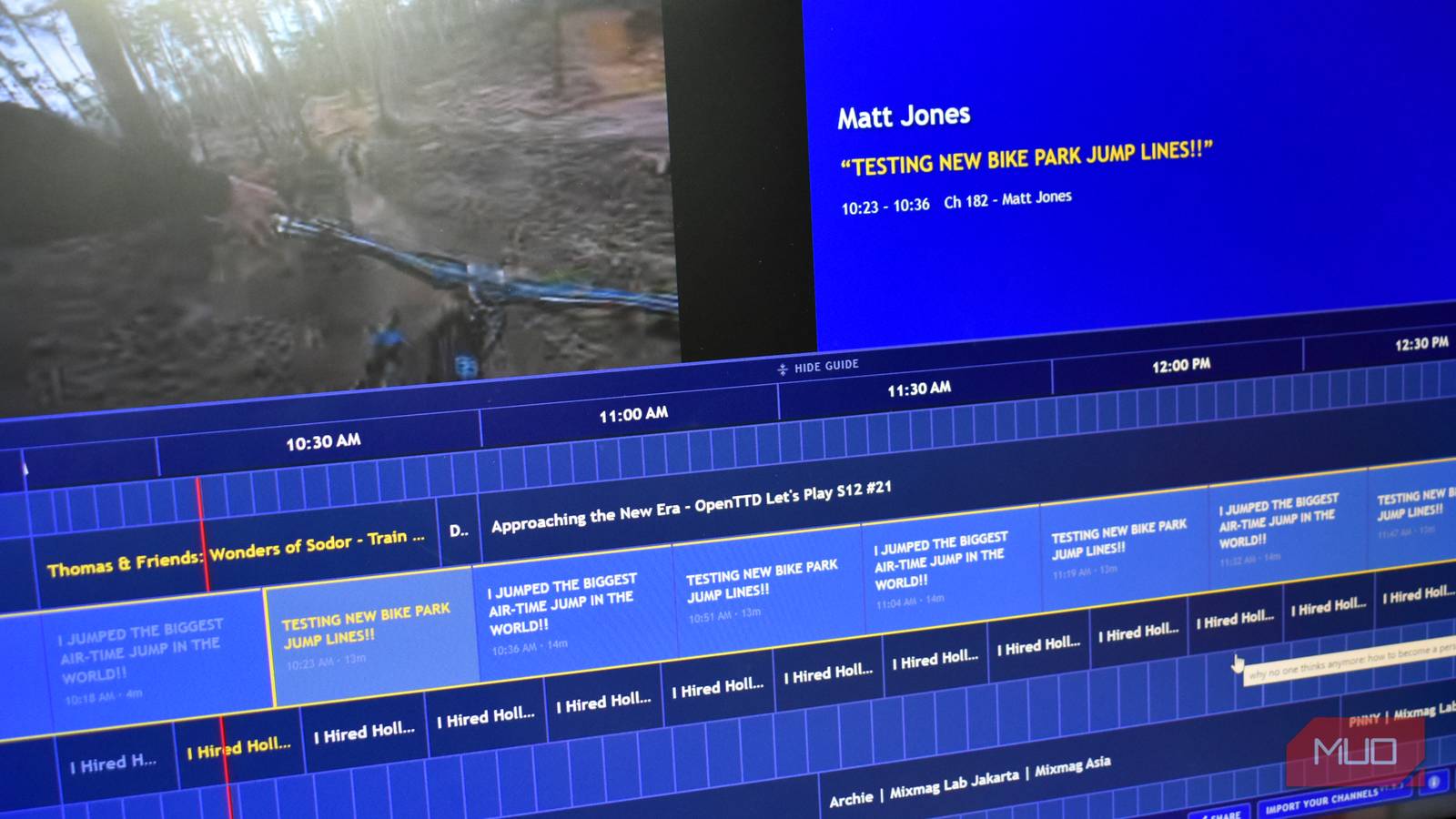
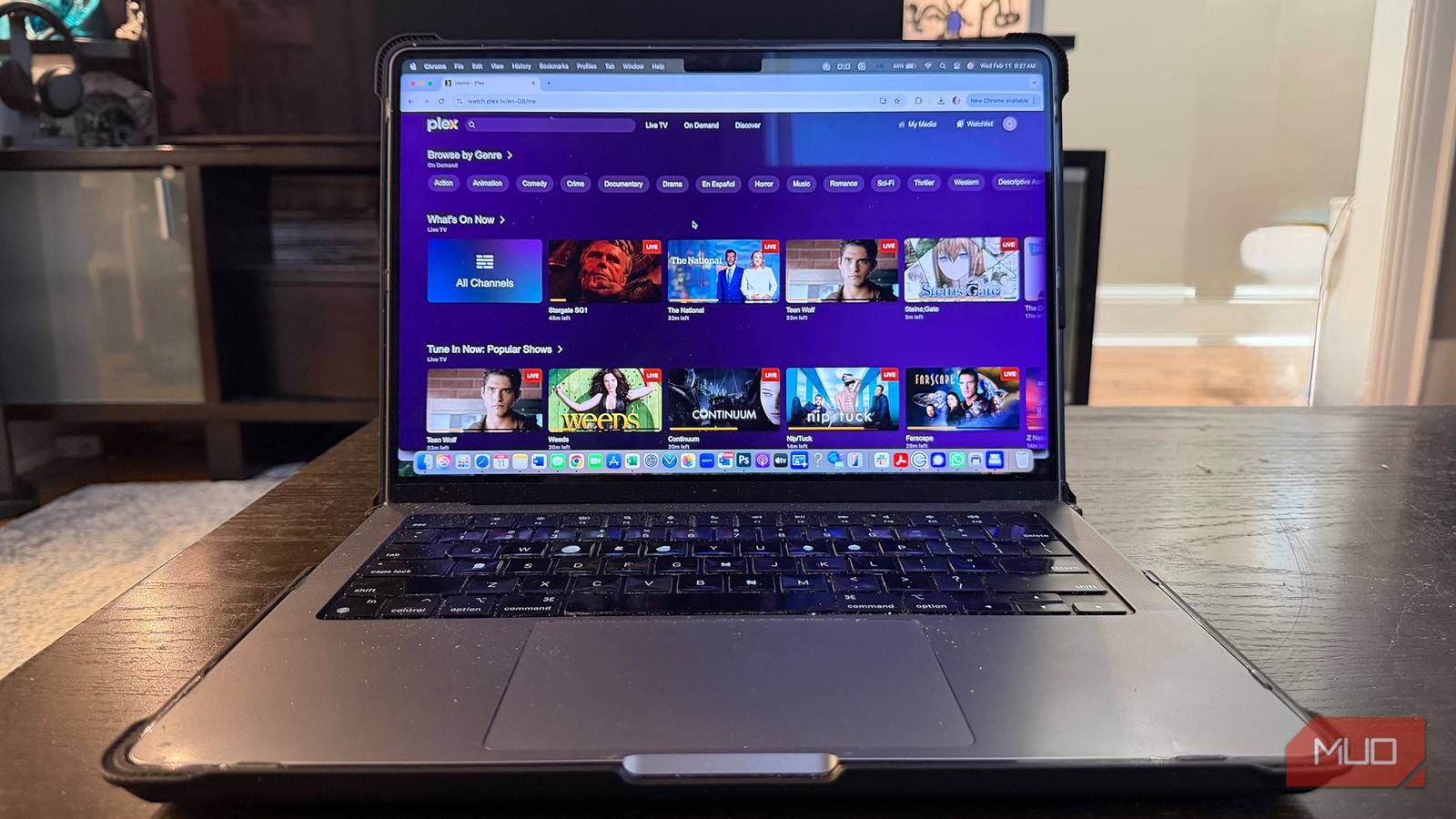
When exploring, you’ll see a guide that looks like a traditional set-top box TV guide with a list of shows that are on each “channel” at a specific time. Scroll through, pick a channel, and start watching. At the time of this writing, for example, shows like The National, Stargate SG1, Teen Wolf, Schitt’s Creek, and The Drew Carey Show are on live in my area. You’ll find some of the best sitcoms you’ll never get bored of watching, sci-fi shows, dramas, and more.
You can also tap Featured and select by category, like reality TV or sports, to jump right to those channels to see what’s on and when. No matter what you choose, there’s something on right now to watch. You can also set favorite channels and go right to them each time you log in. It’s basically a version of cable or satellite TV without having to pay the exorbitant monthly cost. While you aren’t going to be able to access hot new shows and the latest episodes, there’s still quality library content like Dateline NBC and Weeds, and classics like Three’s Company and Doctor Who as well as newer shows like The Conners and long-running ones like Property Brothers.
Stream away
A wide selection of movies and TV shows

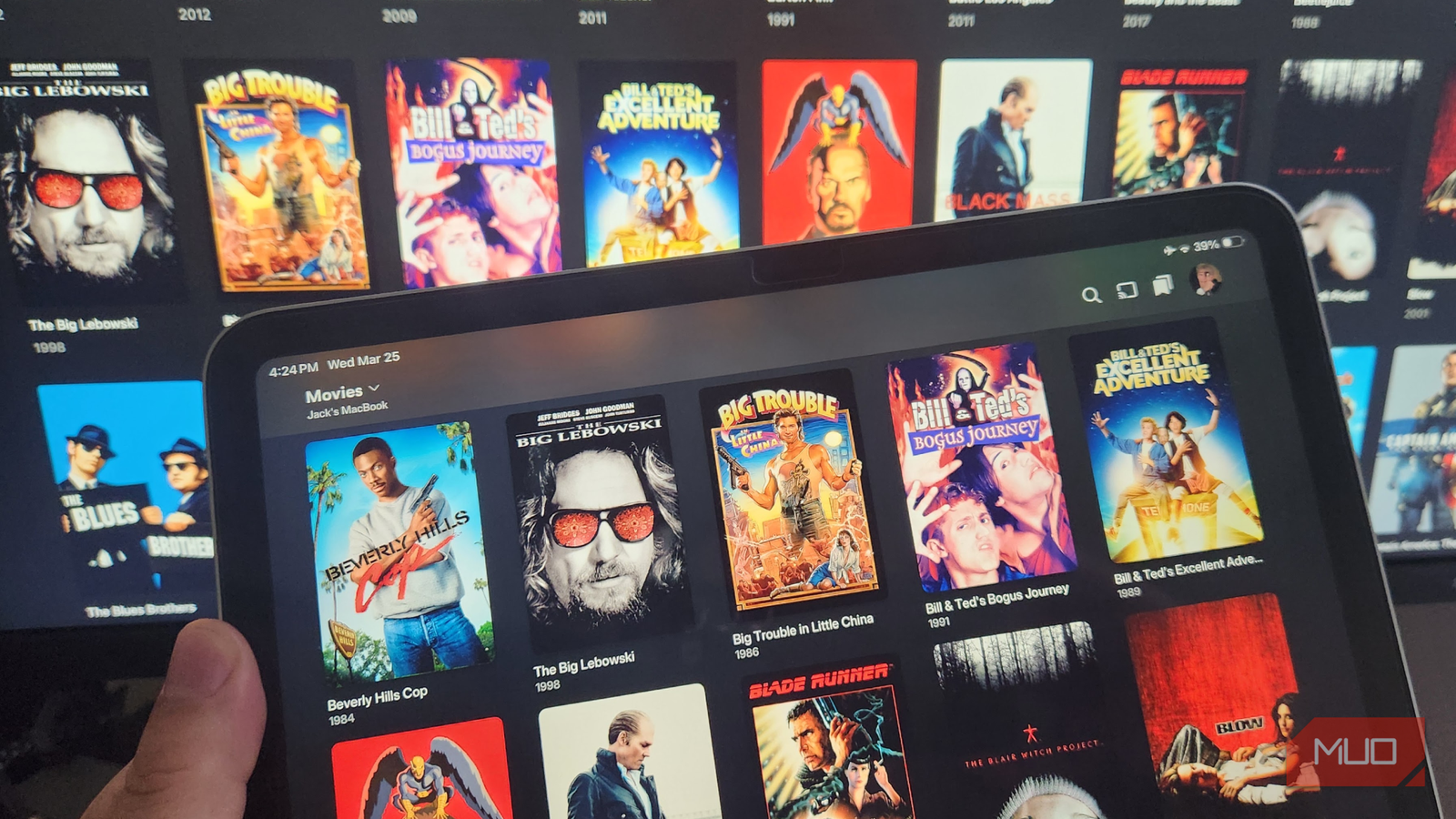
Go back to the home or on-demand page, and you’ll see a list of curated on-demand titles by section along with the ability to browse by genre. Romantic movies are highlighted right now because of Valentine’s Day, along with bingeworthy shows, Black Cinema for Black History Month, and previous Oscar nominees. These categories, however, change from month to month.
For Valentine’s Day, movies are being promoted like Silver Linings Playbook, The Theory of Everything, and The Big Sick. For on-demand TV shows, I can access ones like Zoey’s Extraordinary Playlist, Broadchurch, Shameless, and The Three-Body Problem, all for free. For those with specific niche interests, there are categories like telenovelas, true crime, and indie and festival favorites. Check the “leaving soon” category to see what movies and TV shows will be removed from the service soon so you can move ones that interest you to the top of your watch list.
A viable entry in the FAST service category
There’s lots of free TV

Some of the best sites to watch movies for free include YouTube, Tubi, Pluto TV, and The Roku Channel. But Plex belongs on that list, too. Even though you won’t find new movies to stream (they are available for rental), you will find old favorites, can watch a movie you might have missed on the first run, or binge TV show you’ve been meaning to watch or want to re-watch.
Many of these shows and movies are available through paid streaming services as well. The caveat with being able to watch for free through Plex is that titles come and go often, as is the case with most FAST services. So, it’s best for those nights or days when there’s “nothing on” and you want to browse and pick something on the fly. And you might find hidden gems you can’t find anywhere else. The hilarious sitcom Perfect Strangers, for example, doesn’t stream anywhere but Plex in Canada, where I live. (It’s available through Amazon Prime Video in the U.S.) If you haven’t checked out Plex, it’s worth visiting via laptop, mobile device, or big screen through a smart TV, Apple TV, or other compatible media player app. You’ll unlock a wide selection of movies and shows for free that you didn’t even know were there for your enjoyment, no strings attached.