




TVs are great for entertainment, but they’re ultimately screens — which means the software running them is always a secondary concern to the manufacturer. Streaming adds its own layer of complexity on top of that. There are region and geo blocks. There’s DRM. There’s whether your TV can actually decode a given codec. And then there’s the operating system — and whether it lets you take advantage of the advertised CPU and RAM, or limits you to the bare basics.
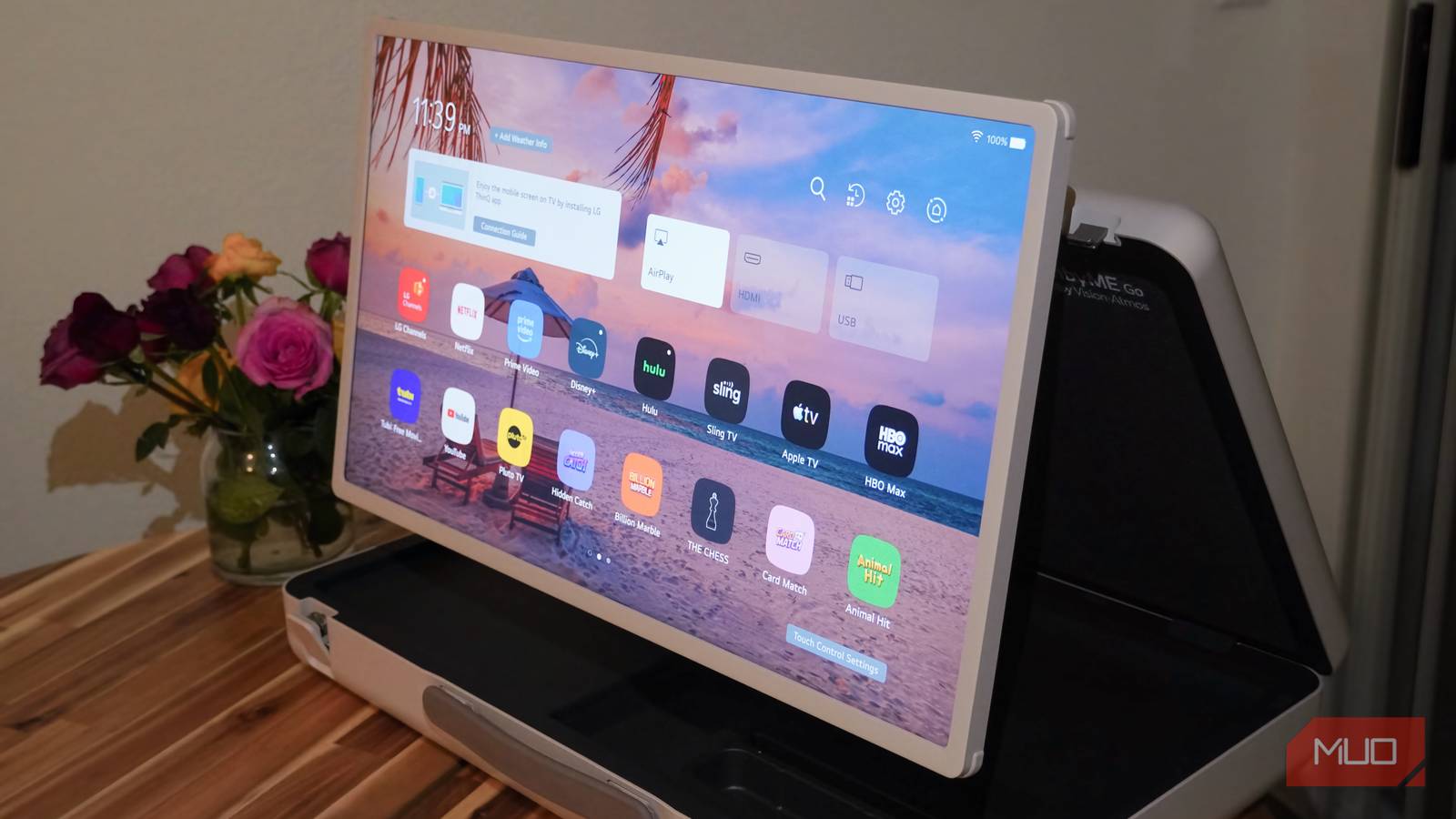
We have a big curved Samsung QLED TV. It’s curved, so you know it’s not new — about 10 years old at this point, but the display is still brilliant. It was top of the shelf back then. Unfortunately, it runs an older version of TizenOS that can’t be updated or upgraded. That leaves this beautiful screen confined to a basic app store, where few apps are available and the ones that are exist in their most stripped-down form. Spotify on TizenOS can’t show music videos. Apple TV isn’t available at all. Jellyfin, which I’ve grown very fond of, isn’t there either.
That all changed immediately.
A single affordable piece of hardware fixed every one of those problems and turned the TV into the ultimate streaming machine.
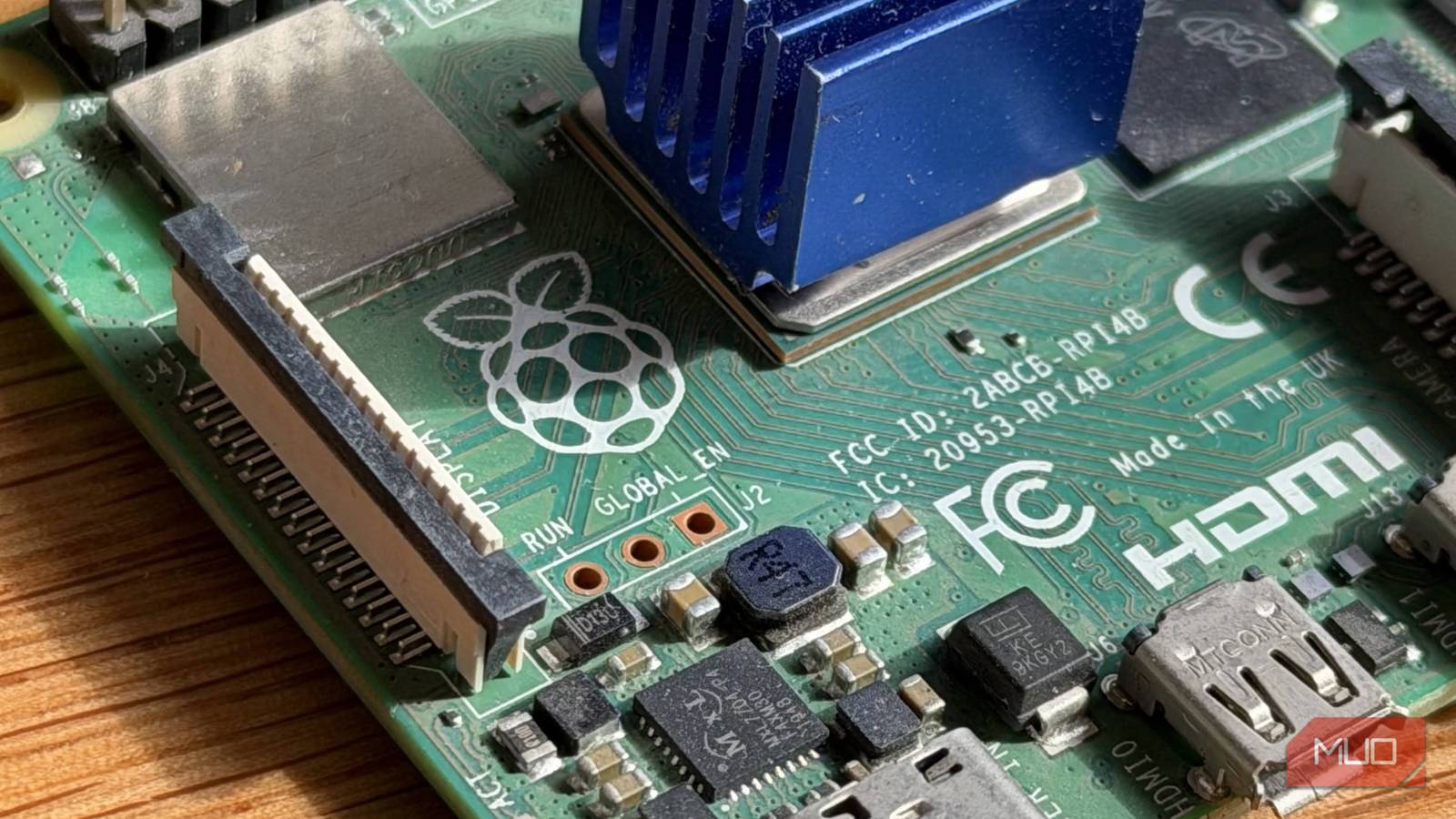
The beautiful Raspberry Pi 4
It’s’ ultimate streaming box that nothing can beat
Yes. A Raspberry Pi 4 was the solution to all my woes. I know, I know — why not just get an Android TV box? The honest answer is that I already had a Raspberry Pi lying around. But even setting that aside, the Raspberry Pi 4 Model B is still cheaper than most streaming boxes, and more importantly, it’s considerably more capable. My unit has 4GB of RAM, a quad-core CPU, two HDMI ports, four USB ports (two of which are USB 3), and an Ethernet port — all packed into something you can pick up for $75 new, less if you go used.
The setup is simple too, though it gets simpler with experience. Let’s get into it.
LineageOS on a TV
KonstaKANG’s build is the secret ingredient
LineageOS is a great piece of software. It’s what brought Android 16 to my old phone, and it gives you far more room to customize than a stock build. That makes it the perfect playground for a setup like this.
A developer who goes by KonstaKANG has built LineageOS Android TV specifically for Raspberry Pi. Android and Android TV as Google builds them aren’t compatible with Raspberry Pi hardware — you can’t just flash a phone ROM on a Pi and expect it to boot. On top of that, it needs to be the Android TV variant so the UI is laid out in a way that’s navigable with a remote control.
The best part of KonstaKANG’s builds is that they bring Android 16 to your Pi — two steps ahead of Google itself. The latest official Android TV from Google currently runs on Android 14.

|
|
You might need one of these tiny adapters to connect your HDMI cable. But, it’s best if you just get an HDMI to mini-HDMI cable. |
What you need is an SD card, hard drive, or USB thumb drive to install Android on. Download the image from KonstaKANG’s site (it’s about 700MB), flash it onto your drive with the Raspberry Pi Imager, and before you boot, open the config.txt file on the boot partition and make sure your HDMI output and resolution settings match your display. Usually, you can leave the defaults, but if your TV doesn’t show anything on first boot, that’s the first place to look.
Once you power on the Pi, it boots into a clean Android TV screen. The initial setup is straightforward — no Google account required, no wizard to click through.
For the first few minutes of setup — before you’ve paired a Bluetooth remote — you’ll want a USB peripheral plugged in. I used an Xbox controller.
This is not the same Android TV that you get from Walmart
It’s better in almost every way

By default, the KonstaKANG LineageOS build ships without GApps — no Google Apps, no Google Play, no Google Play Services. The most immediate thing you’ll notice is how fast it is. LineageOS is quicker on phones too, but modern phones have enough headroom that the difference is subtle. On a TV running on a Pi, it’s night and day.
The responsiveness can improve further depending on your setup, which is another perk — you’re in control. A faster SD card or external drive means faster boot times. But even beyond that, the debloated Android TV combined with 4GB of capable RAM makes navigation and app performance genuinely smooth.
But where do we install apps from?
Life goes on without Google Play

Like other LineageOS builds, this one comes with a GApps ZIP you can flash from recovery. After resetting, you get the full Google TV interface and have to log in to a Google account. I tried it. It’s the version of Android TV I’d used my whole life, but after running the stripped-down version, going back felt genuinely unpleasant. There are so many extra tabs — Discover, Shop, For You, and whatever else — and they’re deliberately placed between the Home and Apps tabs to force you to scroll through them every time you want to reach your apps. Each of those Google tabs has video ads playing in the background. It’s too much for the viewer and too much for the hardware running it all.
I went back to the vanilla, Google-free version. Without Google Play Services you can’t use the Play Store even if you sideload it, but that’s not a real problem. You can sideload apps directly, or use an alternative store. Aptoide has a TV-specific version called AptoideTV that serves Android TV-compatible versions of apps. Of course, since this is Android, you can install anything regardless of whether it was designed for TV — though apps that weren’t optimized for it will require a mouse to navigate, since their UI won’t be designed for a remote.
Google Play Services are required for more than just Google’s own apps. Any paid app or subscription service needs to check your purchase against Google Play, and without those services, it’ll fail. On the flip side, free ad-supported apps won’t show ads, because ads also require Google Play Services to function.
Getting the most out of the setup
Apps, setups, and peripherals

HDMI-CEC is built into the kernel, so you can use your TV remote to navigate Android TV right away. If you want something better — say, a remote with a microphone — Raspberry Pi and Android both support Bluetooth, so any generic Bluetooth remote will pair from the Bluetooth menu just like it would on a phone. No specific codes or compatibility requirements. It just works.

- Power Source
-
Rechargable Lithium-ion
- Smartphone compatible?
-
Yes
The iPazzPort Mini Bluetooth Keyboard with Touchpad is a compact, handheld controller designed to streamline navigation for home entertainment systems and mobile devices. It combines a full QWERTY keypad with a multi-touch trackpad.
If you want to go further, an air mouse — a remote that doubles as a gyroscopic pointer — is worth considering. It makes navigating apps that weren’t designed for TV vastly easier, since you can point and click rather than tab through everything with arrow keys. A cheap one from Amazon works fine; you don’t need anything branded or special.
With full Android at your disposal, you can install anything to tailor the experience. Projectivity Launcher is great for customizing the look, and tvQuickAction lets you remap keys however you like. For media, that part is up to you, but the Jellyfin client runs wonderfully on Android and I haven’t been this happy with a streaming setup before.
There’s a lot more I want to share here — a full app list, how to set everything up, the ideal streaming configuration, and things I learned the hard way during installation. It’s more than this article can cover, but, that’s beyond this article’s scope.
This is better than any built-in OS or streaming box
Raspberry Pis aren’t as cheap as we’d like, but if you wanted an Android TV box with 4GB of RAM, it would cost around the same, if not more. And price aside, the performance and hardware you get from a Pi is simply unmatched. No Android TV box runs Android 16 — that much is certain. Most don’t have Ethernet ports, or have slow ones if they do. They typically come with one or two USB ports rather than four, and you won’t find an Android TV box with two HDMI outputs. That second port can feed your home theater system over eARC.
On top of all that, Android TV boxes are usually locked down. You can’t install LineageOS on them. You can on a Pi. You can do anything on a Raspberry Pi.
If you have one lying around, or you’re not happy with what your TV’s built-in software offers, this is worth trying. It’s a great Raspberry Pi project to run over the weekend. But beware: there’s no going back once you’ve had a TV experience built exactly the way you want it.