



Love it or hate it, artificial intelligence is everywhere. Every day, there seems to be a new AI tool that promises to supercharge your creativity, productivity, writing, and make your life much easier. That said, as the AI market expands, so does the confusion. With so many tempting options, countless subscriptions, and impressive feature lists, it’s pretty easy for anyone to splurge on an AI tool that you would barely use or even need.
Well, not all AI tools are the same. While some tools feel overpriced and gimmicky, a handful of them actually deliver and justify their cost. I’ve been trying and testing several AI tools across productivity, image generation, and more. Well, I’m not someone who loves every AI tool. I feel most AI tools are just a waste of money. Interestingly, I’ve discovered three tools that are actually worth paying for.
ChatGPT Plus
The AI chatbot that actually delivers
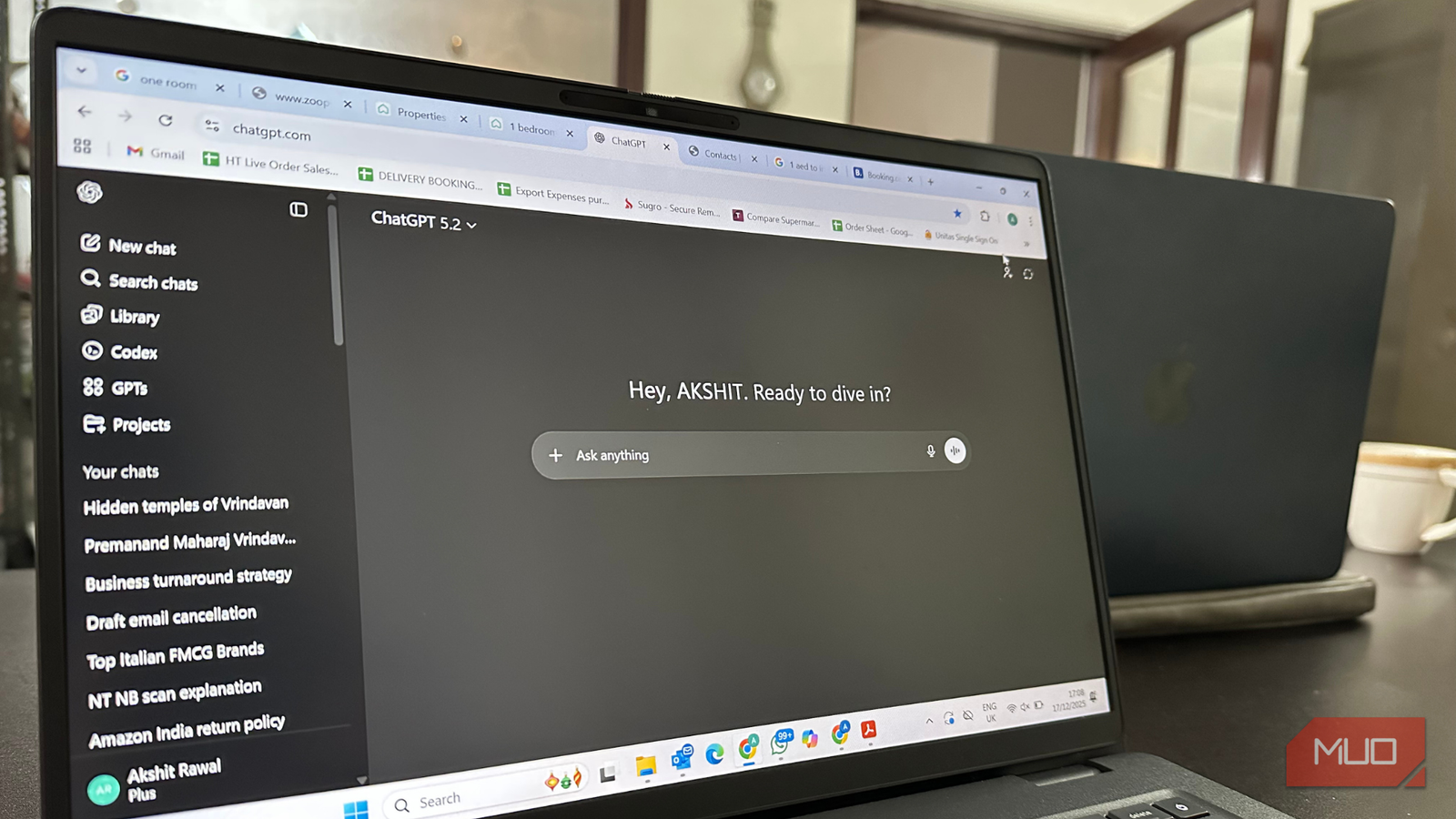
Have you tried an AI chatbot and found it underwhelming? Well, you aren’t alone. The free tiers usually offer slower speeds, basic models, usage caps, and limited features. I was using the free version of ChatGPT for a few weeks. Mainly, I used it to brainstorm ideas, summarize some complex information, plan my schedules, and also tried the new shopping research option in ChatGPT. After using it for a few weeks, I decided to upgrade to ChatGPT Plus. Many of my friends were already using it and were pretty happy with the experience.
When I switched to ChatGPT Plus, it not only felt like an upgrade. It was a total game-changer. For a modest $20 monthly fee, you get access to the advanced ChatGPT 5 model for better reasoning. It can handle complex prompts, follow-up context much better, and deliver smarter, more reliable responses. Plus, you don’t have to wait in queues during peak hours. ChatGPT will now give you priority and faster responses. Above all, you’ll notice that ChatGPT Plus offers better explanations, better assistance, and creative replies.
If you want to brainstorm business ideas, debug code, become more creative with your replies, or automate your everyday tasks, the advanced ChatGPT Plus model will offer you far more reliable results.
Adobe Firefly
AI that respects your creativity

If you’re someone who creates visual content like social media posts, illustrations, images for your products, or design prototypes, it’s likely that you’ve already tried the popular generative image tools. Many of these are free to use, but a few of them give you incredible creative control. I’ve tried Google’s Nano Banana, Midjourney, Canva, and Adobe Firefly. All of them have their own unique strengths and shortcomings. One particular AI image creation tool that stood out for me was Adobe Firefly.
It not only gives me the freedom to create pretty Pinterest-like images, but it also offers pro-grade assets and generates commercially safe outputs. Firefly has one of the most capable text-to-image generators, which can even apply text effects from written prompts. I tried generating a couple of images for my online business and social media, and I absolutely loved them. It offers a ton of styles to satisfy your creative hunger. One of the best things about Firefly is the seamless integration with Adobe Creative Cloud. So, you can access its standout features like Generative Fill, Generative Recolor, and Generative Expand right within the core apps like Photoshop, Premiere Pro, and Illustrator.
The free version offers you limited credits, watermarked results, a basic feature set, and no integrations. I tried the free version and was so impressed by the results that I decided to upgrade to the Pro version. It unlocks additional credits, premium features, Adobe integration, and access to partner AI models such as ChatGPT and Gemini. If you’re a digital artist, social media manager, or small business owner, Firefly’s paid version is worth your money.
Notion AI
Your productivity AI assistant
Notion is already a capable digital workspace that helps you stay organized. And Notion AI takes your productivity to a whole new level. You can find many tools that help you generate text, but Notion AI is integrated right into your existing Notion workspace, which makes it far more useful and effortless to use. It’s your writing assistant, AI chatbot, and smart search engine, all in one place. You can draft blog posts, brainstorm ideas, translate a page into a language, and do much more. You can also ask specific questions from your workspace or connected apps like Slack and Google Drive. For instance, you can ask, “Which are my shortlisted pitches?” and Notion AI will scan your recent Slack conversation to fetch relevant results. Notion AI can also help you improve your designs or analyze your PDFs and fetch the main points for you.
I’ve been using Notion for quite a few years now, and I already find the free version quite generous. That said, the paid version offers useful perks like collaborative tools, unlimited file uploads, priority support, private team spaces, and much more. Plus, it offers me Notion AI, which has now turned the workspace into my every work partner, rather than just another place to note down my ideas. If you’re a freelancer, creative, or someone who needs to organize tasks and collaborate frequently, it makes all the sense to spend on Notion’s paid subscription.
Who should pay for AI tools (and who should stick to the free versions)
It can be tempting to pay for every AI tool that crosses your feed. However, a thoughtful approach can help you avoid digital clutter and unnecessary spending. If you’re a professional or someone who wants to integrate AI into your planning, writing, coding, or creative workflows, it makes sense to pay for AI tools. The paid version unlocks more advanced features, security, and a reliable experience. Overall, if you wish to use AI intensively and access more capable AI models for high-quality results, the paid version is worth it.
On the other hand, if you’re a casual user who uses AI occasionally and doesn’t depend on AI to automate tasks, it’s a nice idea to stick to the free version. It can meet 80% of your requirements and expectations. The free versions are great for casual use and experiments, but they might lack depth and reliability. If you don’t mind this, you can stick to the free versions.