


Summary
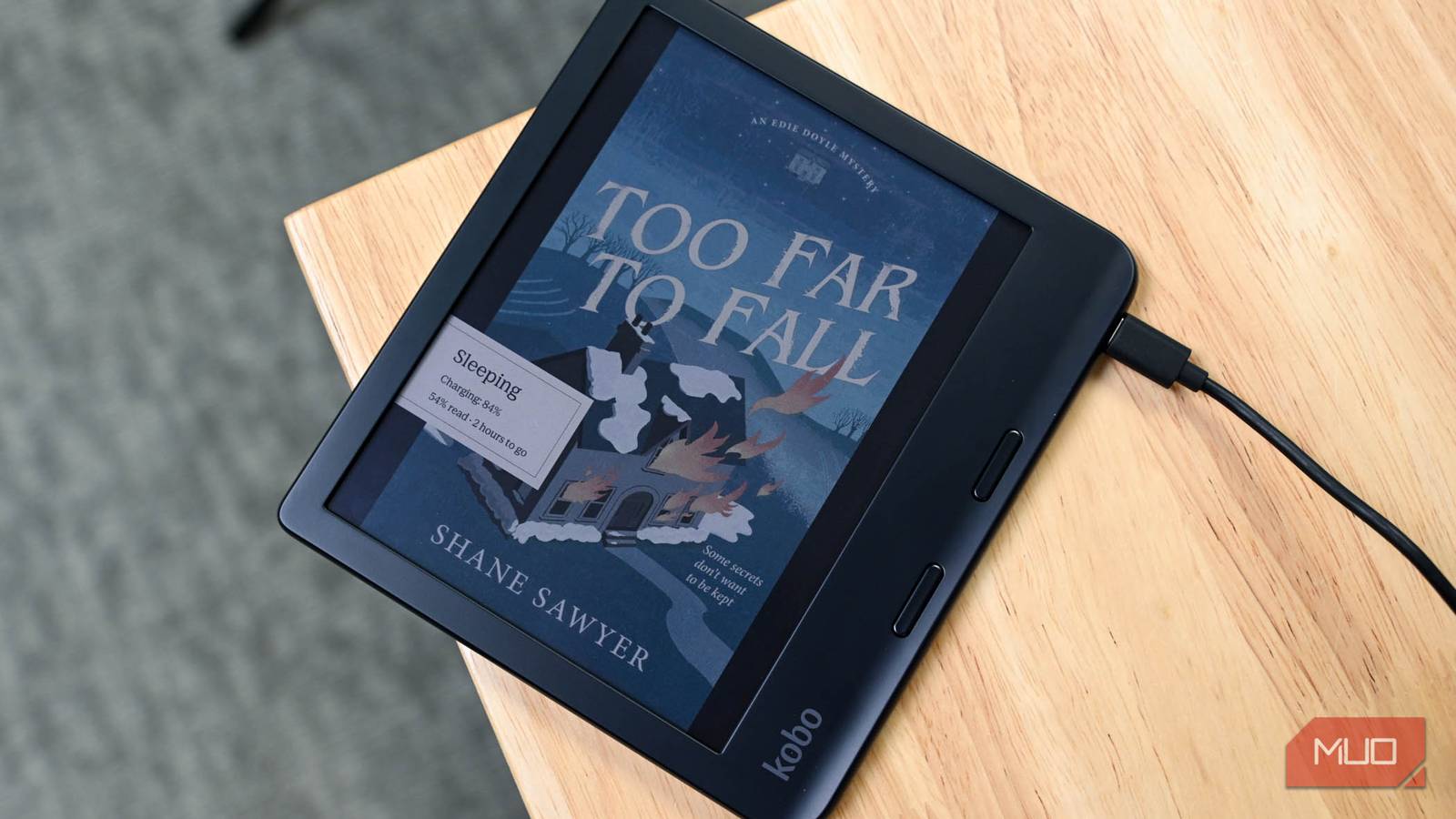
- Kobo now syncs with StoryGraph to auto-log finished eBooks and audiobooks.
- Progress, finishing stamps, and journal prompts appear automatically; highlights/notes don’t sync yet.
- Connect via Kobo account Integrations; syncing needs Wi-Fi and can be manual or paused by turning Wi-Fi off.
If you love a neat digital library, or just get a kick out of watching your reading stats go up, you know how annoying it is when your eReader and tracking app don’t talk to each other. Good news — the anticipated Kobo and StoryGraph sync is finally live, meaning your accounts are finally on the same page.
Kobo just beat Kindle at the one thing that actually matters to book lovers
Track your reading progress easier than ever with automatic StoryGraph sync.
Why readers are excited
Before, it was a universal pain to remember to log your books if you like to keep track of what you’ve been reading. Now, when you finish an eBook or audiobook on Kobo, you can automatically log it on your StoryGraph account.
It’s now much easier to add comments to auto-created journal entries after a session. When you finish a book while connected to Wi-Fi, the StoryGraph app sends a notification: “You’ve marked Book Name as finished via Kobo. Click below to leave a review or rating.” Notifications only appear when you finish a book, not for other milestones like chapters or progress updates.
How to get started
Getting StoryGraph synced up on your Kobo eReader is super quick.
- Log in to your account on the Kobo website.
- Go to My Account and select Integrations.
- Follow the prompts to authorize the connection to your StoryGraph account.
- Once you’re connected, your StoryGraph “Currently Reading” shelf updates to show your latest Kobo books, and your progress stays synced across both eBooks and audiobooks.
Syncing needs Wi-Fi. If you don’t want constant updates, just turn off Wi-Fi while you read and turn it back on when you’re done. The sync is super fast, and if you want to update your reading progress right away, you can also trigger a manual sync in the Kobo or StoryGraph app.
One issue I’ve come across is now, when I open a finished book just to check something, StoryGraph thinks I’m rereading. Most of the time, yes, I’ll be re-reading Red Rising. It can be annoying, but it’s easy enough to just delete those journal entries to keep your feed tidy.
While these teething issues are few and far between, users have also reported StoryGraph picking up the wrong edition. Again, easy enough to fix on their site. Just go to your StoryGraph library, find the book entry, and click ‘Edit’ to select the correct edition or ISBN.
The Road Ahead
Even with this big upgrade, readers are already thinking of new features. Right now, highlights and notes don’t sync (which some people actually like), but folks are hoping for options like the ability to turn off sync for certain books, which is handy for shared family eReaders. Highlights, notes, and back‑syncing aren’t yet supported, and disconnecting won’t remove previously shared data.
Still, this is a huge win for readers. If you’ve been logging every page by hand on StoryGraphs, look into picking up a Kobo eReader and get back to what matters — getting lost in a great story.

7/10
- Brand
-
Kobo
- Screen
-
7-inch, E-Ink Carta 1200
- Resolution
-
1264×1680, 300ppi
- Storage
-
32GB