





I have been slowly trying to move away from streaming services as much as I can, and I started taking control of my own media again. Music is obviously a high priority in that category, so I have been choosing local playback more and more.
Obviously, listening to music on my phone is a big part of that. Spotify and Apple Music technically support local playback, but they are not really built for it. I wanted a dedicated app (preferably open source) that actually prioritizes local files rather than treating them as an afterthought, and I think I’ve found the right fit for me.
Pixel Play is the music player Google should’ve built
No, YouTube Music doesn’t count
When it comes to local music players, you could definitely go for something old-school like Winamp, which even has a modern mobile app now, and it’s a great place to start. But I have been really digging Google’s new Material Design 3 aesthetic and wanted something that actually embraced it.
It doesn’t make sense for information-dense apps, since the big round buttons are part of the vibe, but I imagined it would fit perfectly on a music player.
Google certainly doesn’t want to do this, as they already have their feet in this business with YouTube Music. But PixelPlay (as the name suggests) is pretty much the closest thing I have found to a first-party looking music player, and it’s pretty damn good.
Besides the Material Design UI, you also get a number of customization options. For example, you can adjust the player theme to match the album art or your system theme. You can even tweak the navigation bar style, as you get a ton of options there as well.

I Finally Found a Way to Sync My Spotify and Apple Music Playlists for Free
The best things in life are usually free.
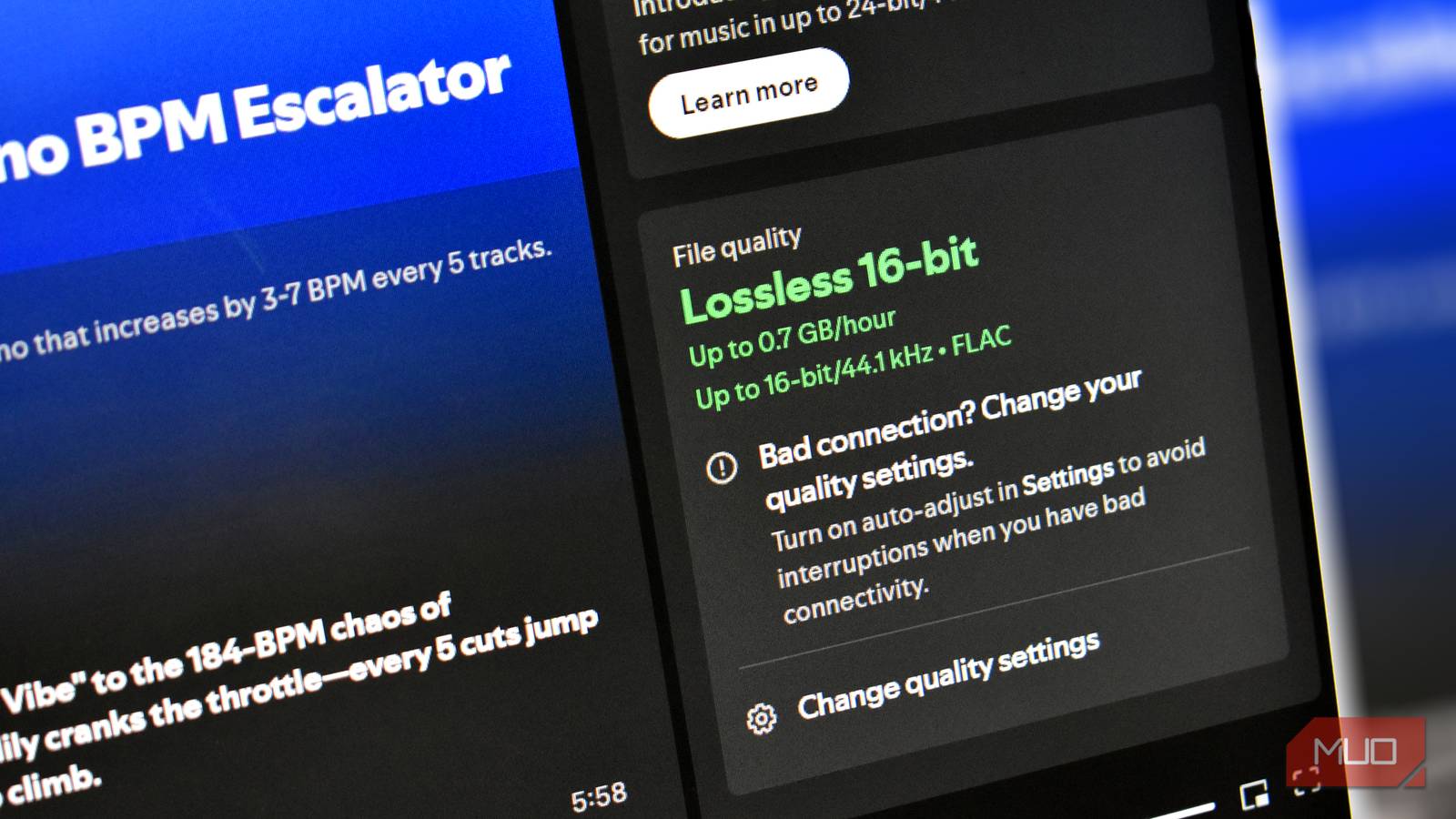
It supports all major formats, including lossless ones like FLAC. When I am at my desk, I want the best audio quality possible. I have a proper setup for it, and I actually spend time listening to my music rather than just having it play in the background.
Since I can finally appreciate lossless audio the way it is meant to be heard, I wanted a dedicated player that could handle all my FLAC tracks, but I still wanted a bit more feature-wise from the app.
You get the best of streaming apps for your local music
I pick my music, not an algorithm
My experience with local music players has always been weakened by the convenience of streaming apps. I am not really talking about the convenience of just picking any song you want, but rather the neat other features that usually require the cloud.
For example, PixelPlay can search for lyrics online, and no, these are not static lyrics that display on the screen. Just like Apple Music or Spotify, they sync with your track and scroll down automatically.
Obviously, it is 2025, and every app has to throw in some kind of AI feature, and PixelPlay is no exception, but it’s not half bad. Under the Playlists tab, you can generate a completely new playlist using AI. All you do is give it a simple prompt about what you are looking for, choose how many songs you want, and it will go through your local library to find the best match.
You’ll need to provide your own Gemini API key to use the AI features. You can generate one yourself from Google AI Studio.

This open source music player looks so good it might spoil you for others
This music app has me side-eyeing apps I once dearly loved.
Another thing I don’t really like about Spotify is the AI-fication of your playlists. I would much rather have things like my Daily Mix be completely random. I would honestly much rather have something like my Daily Mix be completely random instead of being driven by an algorithm that is trying to maximize engagement.
Streaming services are great at pushing you into loops of the same artists because that is what keeps their metrics happy, not because it is what you actually want to hear. Sometimes you just want to listen to music without being profiled or nudged.
Pixel Play does this in the simplest way possible. If you are not in the mood to choose what you want to listen to, it automatically generates a Daily Mix for you. There is no algorithm trying to predict your behavior. It is just a clean, randomized playlist based on the music you own. And if you run through it entirely, you can generate another one manually through the settings whenever you want.
It even has its own version of Wrapped
You can brag on social media like everyone else, too!

As we are approaching the end of the year, pretty much every streaming service is launching its own version of a yearly recap. Even YouTube has joined in with YouTube Recap, and the FOMO gets real when you do not have any stats to show for yourself.
PixelPlay actually has listening stats of its own, which are slightly better than the usual recaps, because you can view your listening activity across every single day, week, or month. It is far more granular than what most streaming apps offer.
Aside from the usual things like your top artists and top tracks, you get extra details such as your peak listening window during the day, your longest sessions, and other patterns, which most other streaming services don’t really tell you.
Subscriptions will not own me
Buying music directly is a pretty solid win-win situation. I get full ownership, and the artists get paid much more. One of the big reasons why I left Spotify for Apple Music was how ridiculously low Spotify compensates artists. While the likes of Apple and Amazon do compensate artists better, the absolute best way to support them is to buy their music directly.
This is the philosophy I have been sticking with recently, and it genuinely feels good that there are apps out there, even open-source ones, that push back against the never-ending cycle of subscriptions and the idea of not owning your media.