





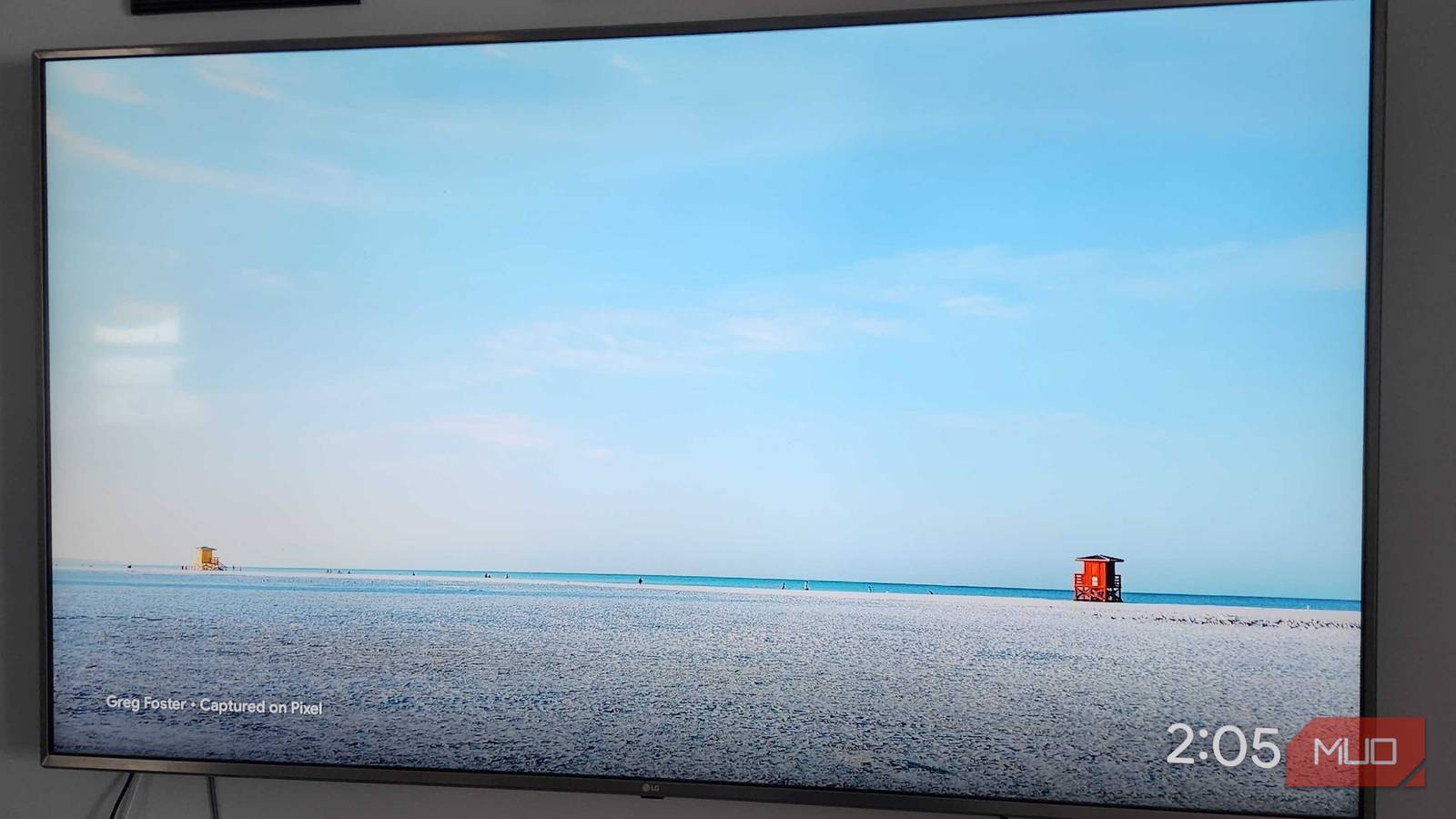
I’ve had a 75″ LG Smart TV for roughly 10 years now, and its picture quality has yet to fail me. Instead, it’s been the smart TV apps that have given more jeers than cheers. A few additions to the living room have made nightly TV watching a much more joyful experience, and I can still savor the goodness of my 4K beauty for many more years.
After growing frustrated with laggy apps, outdated software, and spotty internet performance on my LG TV, I decided that it was time to make a change. Rather than dropping hundreds to thousands of dollars on a new TV that could match the performance of this one, I made the switch to a dedicated Android TV streaming box and haven’t looked back since.
An Android TV Box/Stick is a must
Don’t depend on the built-in software
Like most folks, I initially used the smart TV software that came with my TV. But after losing connection to the TV more times than I’d like to count, even with it hardwired directly via Ethernet to my router, I realized I needed to make a change. Gone were the clumsy days of attempting to navigate through half-baked menus once I introduced an Android TV box to my household. I decided to opt for the Google TV Streamer 4K, an option that has provided me with numerous hours of use with minimal hassle.
LG’s proprietary software, webOS, is not very user-friendly, incredibly laggy, and more frustrating than it’s worth. With Android TV, or even Apple TV, you’ve got a dedicated piece of hardware that allows you to browse through streaming apps, play games, and do more with your TV than you may have thought possible. You may lose an HDMI port in the process, but the pain of waiting what feels like hours for a Streaming app to boot up on your smart TV will be eliminated forever.

6 Reasons I Skipped a Smart TV and Bought a Streaming Stick Instead
It took me a while to come around, but a streaming stick is so much better than a smart TV.
We’re more connected than ever, but sometimes, that connection fails
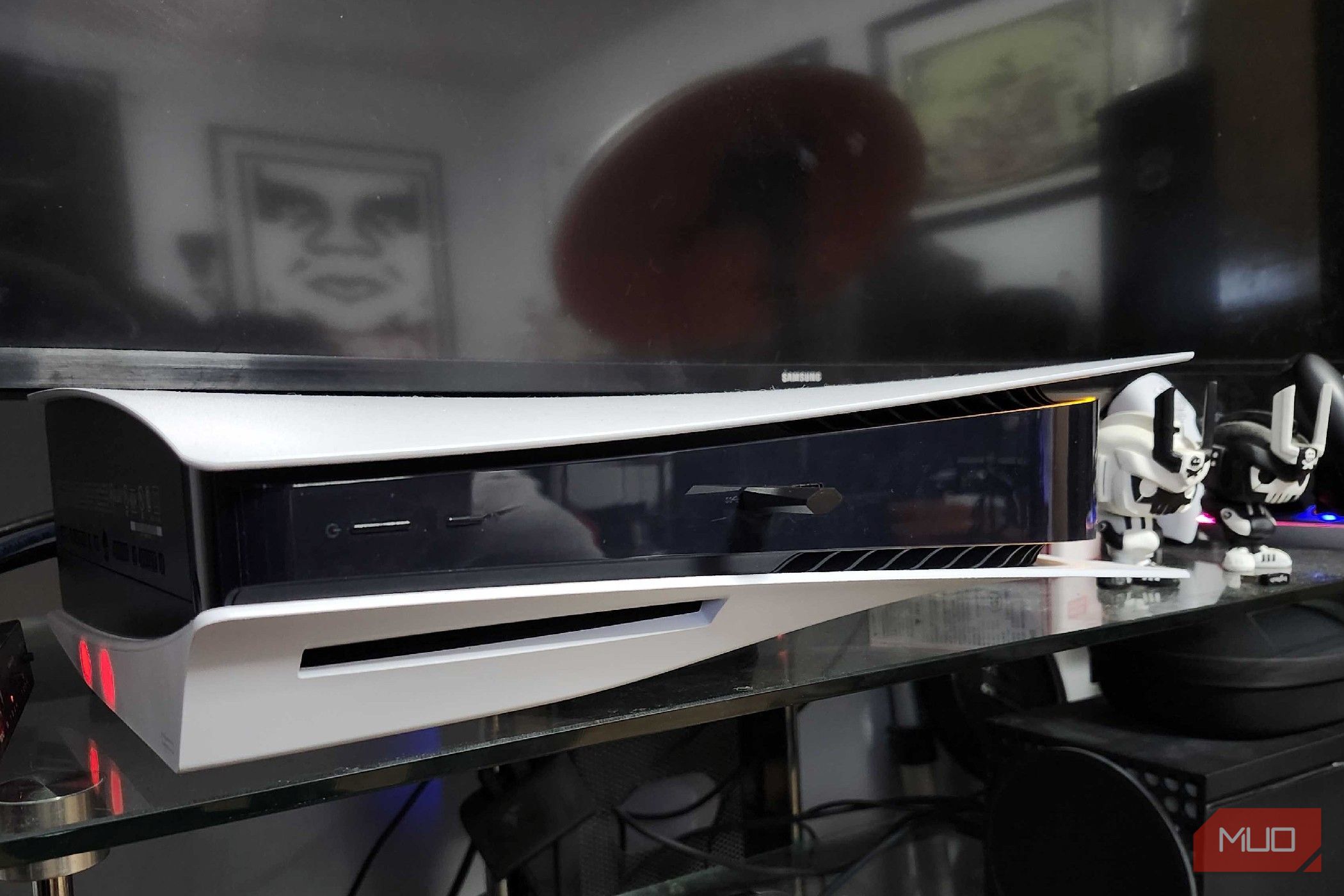
If you’re not eager to go out and buy a dedicated media player to hook up to your TV, there’s another option for the more media-minded folks out there. The newest generation of gaming consoles, particularly the Xbox Series X and PlayStation 5, also serve as Blu-ray/DVD players. They also have a vast selection of popular streaming apps, which can eliminate the need for an Android TV/Apple TV streaming box and make your smart TV feel even smarter. But in case your internet decides to cut out, it may be time to start building up that physical media collection again.

- Color Options
-
White
- What’s Included
-
Playstation Media Remote
- Brand
-
Sony
If you have a PlayStation 5 or Xbox Series console in your house, you can even get a dedicated media remote to make browsing through the selection of apps easier than ever. Xbox even offers a built-in remote feature in the Xbox App, so you can cycle through different pages directly on your touchscreen.
Accessing smart home features on a TV rules
This could be enough to ditch a smart TV in its entirety
Over the years, I’ve spent a lot of time making my home into something that my 10-year-old self could have only dreamed of. I remember dreaming of the days when I could turn on lights without touching a single switch, and now I can make it happen by barking orders at my streaming stick. The future is now, and I can’t believe what I’m seeing — or what I’m telling my TV to do for me.
I can start my vacuum, check the weather, turn on lights around the house, or even adjust the temperature. My webOS TV could never make that happen, and it’s all because it’s tied to the same infrastructure as every new piece of equipment I add to my home. There are plenty of other things your TV can do for you, too, especially if you have the right apps to make it happen.
If my internet goes down, so does everything
One of the worst parts of living in the middle of nowhere

The old saying of “You never realize what you have until it’s gone” doesn’t ring any truer than when your ISP randomly loses connection. Even as I’ve strayed away from the world of smart TVs in favor of Android TV or game consoles as media devices, everything can come to a screeching halt if you lose connection. That’s why it’s great to utilize physical media in case that happens, having a digital antenna to get local channels, or utilizing something like your local library to watch movies when the weather outside is frightful.
I live in the middle of Wisconsin in a town with about 400 people in it. While I have Spectrum, it isn’t horribly uncommon to lose connection when the weather gets nasty, especially during the wintertime. Stocking up on physical media and having other things to do in case of a major network outage is a great idea, and proves why smart TVs aren’t always so incredibly smart.
Always have a backup plan to save some money
TVs may be cheaper than ever, but you can likely salvage your old setup
E-waste is more of a problem every year, and there have been so many times that I’ve seen extremely nice TVs going for little to nothing on Facebook Marketplace because people get frustrated with how outdated their smart TV software is.
Try some of these tips if you’re hoping to put an old TV to use, or if you’ve come across an older 1080p or 4K setup. If you’re anything like me, you may find that upgrading your smart TV, rather than upgrading to a new smart TV, is the smartest thing you can do