



I love watching content on Netflix. Over time, I tweaked my setup, and made my Netflix watchlist so much better. Because of this, the experience definitely got better. But then the price hikes started to feel personal. Every year, the subscription cost crept up, and I found myself asking a simple question: Why am I paying more for shows and movies that might disappear next month? It wasn’t about affordability either. I could easily pay for it. But I don’t like the idea of spending money on access that isn’t permanent. A show you love today could rotate out tomorrow. That’s when it stopped feeling convenient and started feeling temporary.
Switching to another streaming platform didn’t seem like a real solution either. That would just mean another monthly bill, another content library, and the same cycle repeating itself. So I did something a little geeky, and honestly, it’s one of the smartest tech decisions I’ve made for myself.
I invested in a local storage device and built my own personal streaming library. It was a one-time investment, but it completely changed how I consume content. I built something permanent for myself, and that feels far more satisfying than any subscription ever did.
I Wish I’d Known These 5 Tips Before I Started Using Plex
Learn from my Plex setup mistakes so you don’t repeat them.
There’s so much I can do with this
Turning my living room into a streaming kingdom

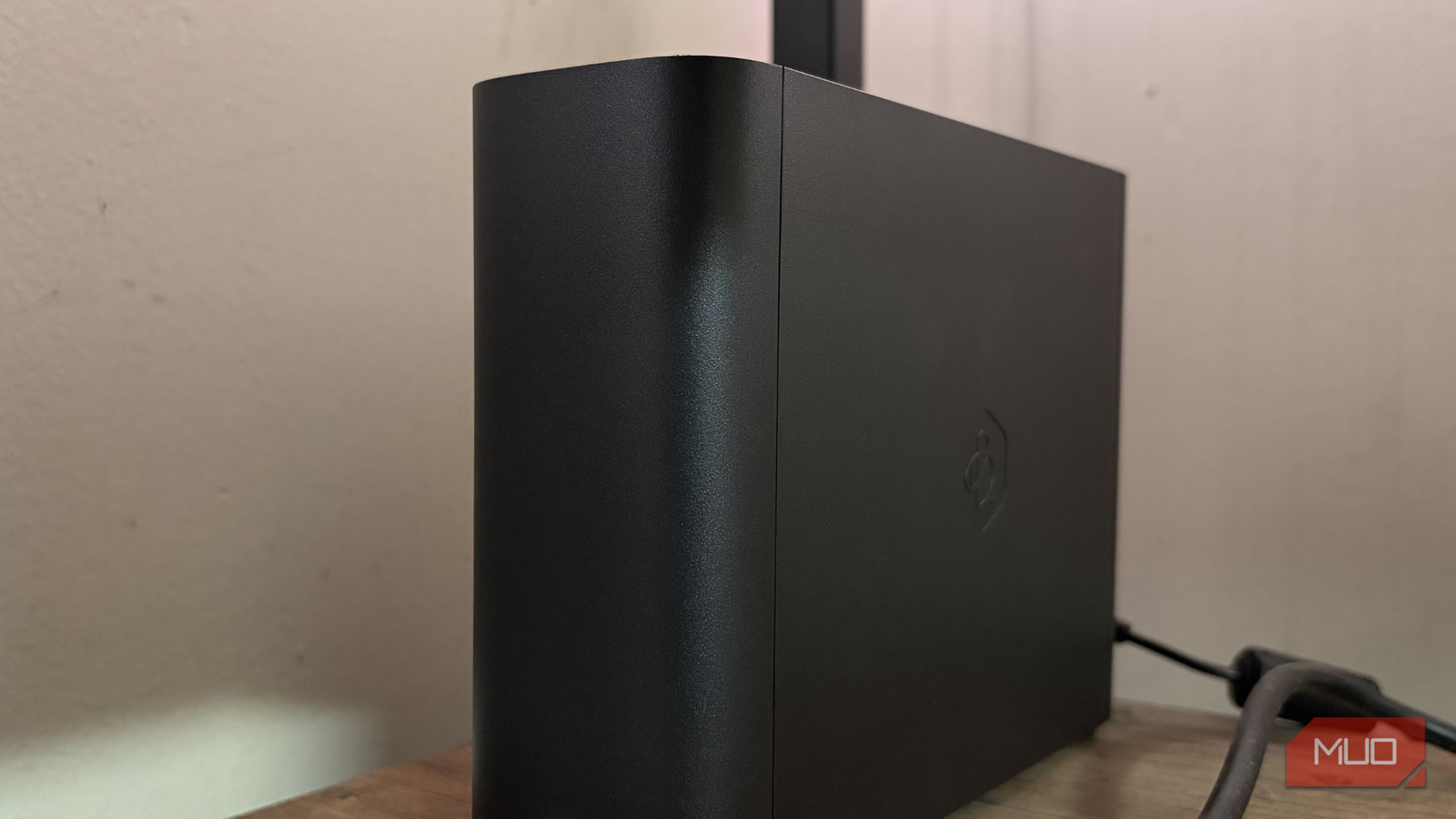
I decided to invest in the Synology BeeStation Plus, a compact local NAS system that comes with a pre-installed 8TB hard drive and improved processing power. It’s like owning your own private cloud at home. The setup is refreshingly straightforward, too. You plug it in, connect it to your network, follow a few on-screen steps, and it’s ready to go. I didn’t have to go through any complicated wiring or technical headaches to set this up.
A NAS, short for Network Attached Storage, is essentially your own private storage hub that connects directly to your Wi-Fi network. Think of it as a shared hard drive for your entire home or office. Instead of saving files separately on different laptops, phones, or external drives, a NAS keeps everything in one central place. Once it’s connected to your network, authorized users can access, upload, and download files like photos, videos, documents, and backups from almost any device. All in all, it’s a personal cloud that lives with you, not on someone else’s server.
One of the biggest advantages is that it supports Plex Media server. Once everything was up and running, the Plex option appeared automatically. All I had to do was upload my movies and TV shows to the device, and the system handled the rest. There are no password-sharing limitations and no surprise content removals. I decide what stays in my library and what doesn’t. I can stream my collection on my phone, laptop, or TV, whether I’m at home or away. Sharing it with family is effortless and comes without any subscription rules attached.
Most importantly, once you make the initial purchase, there are no recurring monthly payments. It’s a one-time investment that keeps delivering. The movies and shows I care about won’t disappear because of licensing deals, and I don’t have to worry about rising subscription costs every year. It’s the closest thing to owning your own streaming platform, except this one answers only for you.
How Plex actually works
The power to stream on your own terms
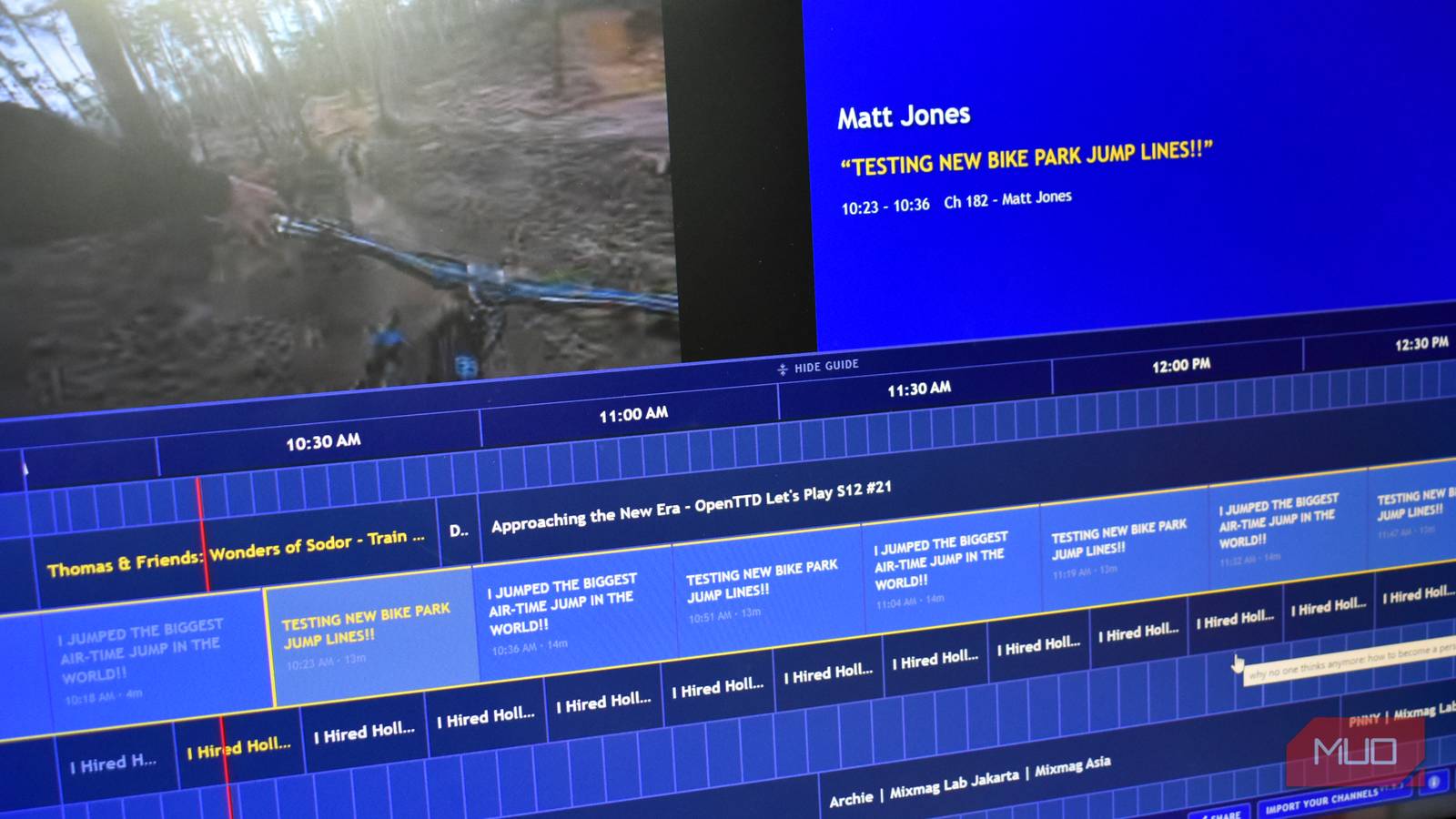
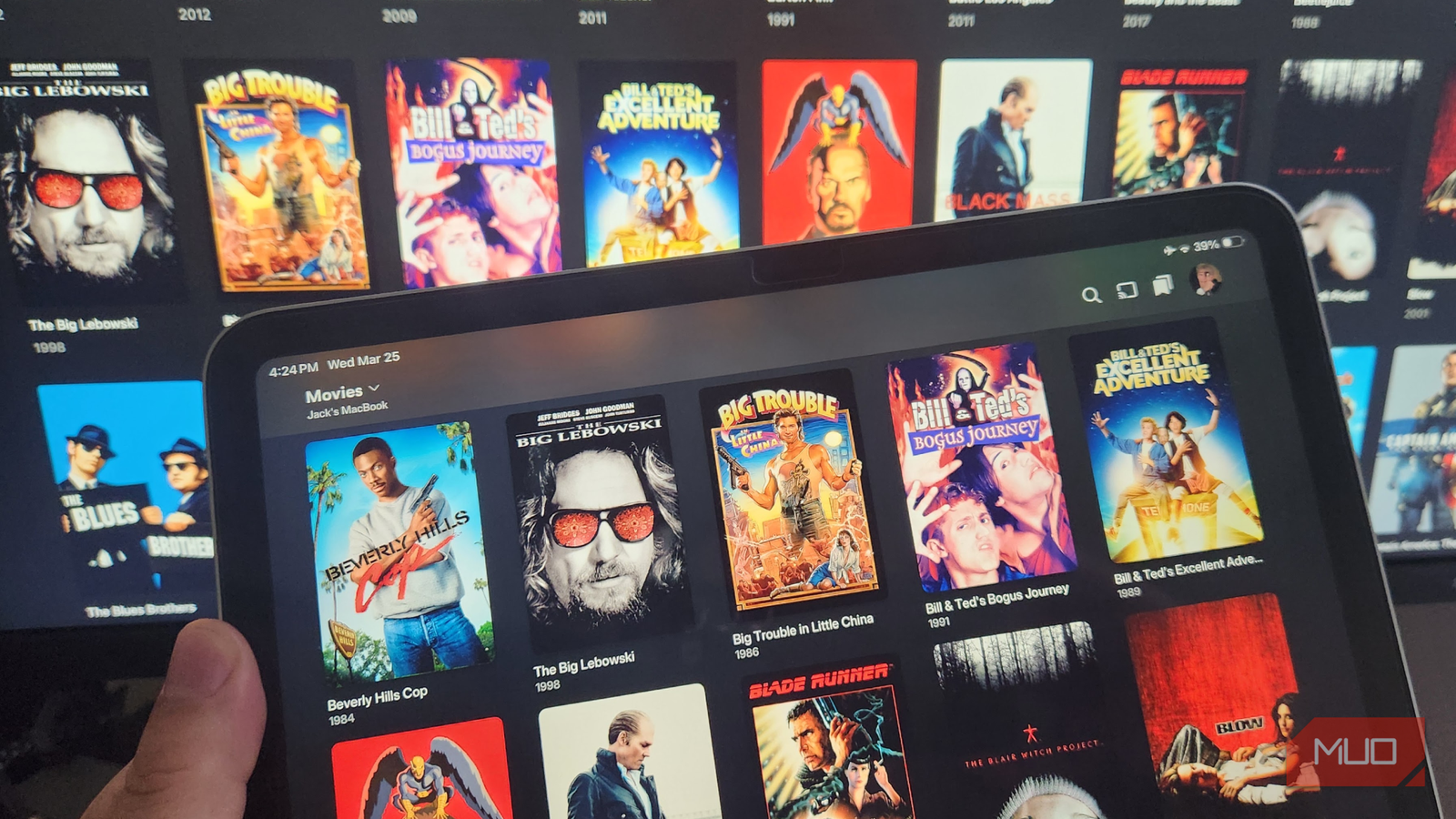
Plex is essentially your own private streaming service. It takes the movies and shows you already own and presents them in a clean, subscription-style interface, similar to platforms like Netflix or Amazon Prime Video.
In simple terms, you install Plex Media Server on a NAS or computer that hosts your media files. That device becomes the brain of your setup. Once your movies or shows are saved there, Plex automatically scans, organizes, and adds posters, descriptions, and episode details. It instantly turns plain video files into a polished streaming library. After that, all you need is a Plex app on your TV, phone, tablet, or laptop. Log in, and your entire library appears instantly. There’s no manual file transfer every time you want to watch something. One major advantage is control. Unlike some paid streaming platforms that may include ads even on premium plans, your Plex library plays exactly what you’ve added with no ads.
Plex also handles compatibility issues intelligently. If a device doesn’t support a particular file format, the server automatically transcodes the file in real time, converting it into a format your device can play. It also works beyond your home network. You can share access with family members in different locations, and they can stream from your server. You can also watch your library while traveling without having to download files in advance, unlike with typical streaming apps. All in all, Plex turns your personal connection into a flexible, ad-free, accessible streaming platform you fully control.
The possibilities go well beyond this
Storage freedom tastes better

Beyond storing movies and TV shows, I also use it as my own private cloud. That means I no longer feel the need to pay monthly for services like Google Drive and iCloud. Instead of constantly running into “storage almost full” notifications on my phone, I simply back up my photos, videos, important documents, and work files directly into my NAS. Everything moves off my device and into my own storage system, freeing up space instantly. That means I don’t have to delete old pictures just to make room for new ones.
What makes it even better is accessibility. I can open, download, or share my files straight from my phone, laptop, or any device connected to the NAS. It works just like a regular cloud service, except the storage belongs to me. My data isn’t sitting on someone else’s server with a subscription attached. So while I’m already saving money by not paying for streaming subscriptions, I’m also cutting down on cloud storage costs. One device is replacing multiple monthly bills, and that’s a financial win that adds up over time.
Money put to good use
I’ve always been careful about how I spend my money, whether it’s personal expenses, car-related costs, or tech purchases. If I’m investing in something, I research thoroughly by reading reviews, comparing alternatives, and checking real-world user feedback. It helps me avoid regret and feel confident about my decision. And that’s how I bought this NAS system for myself. That said, the system I chose won’t be the perfect fit for everyone. It works for my needs, my budget, and the way I consume content, but your requirements might be different. You may need more storage, advanced features, or a more affordable setup.
For me, switching to a NAS-based system has been worth it. It solved multiple problems and helped cut recurring costs. Before making a similar decision, take the time to assess your usage and expectations. A bit of research can save you money and second thoughts later.

- Brand
-
Synology
- CPU
-
Intel Celeron J4125
- Memory
-
4 GB DDR4
- OS
-
BeeStation OS
The Synology BeeStation Plus is an 8TB plug-and-play personal cloud storage device built for those who want the convenience of cloud storage without recurring subscription fees. It is designed for simplicity, requiring minimal setup and allowing you to back up, organize, and access your data from one secure location. From important documents and automatic photo backups to a growing collection of videos and media files, everything stays centralized and easy to access across devices.