




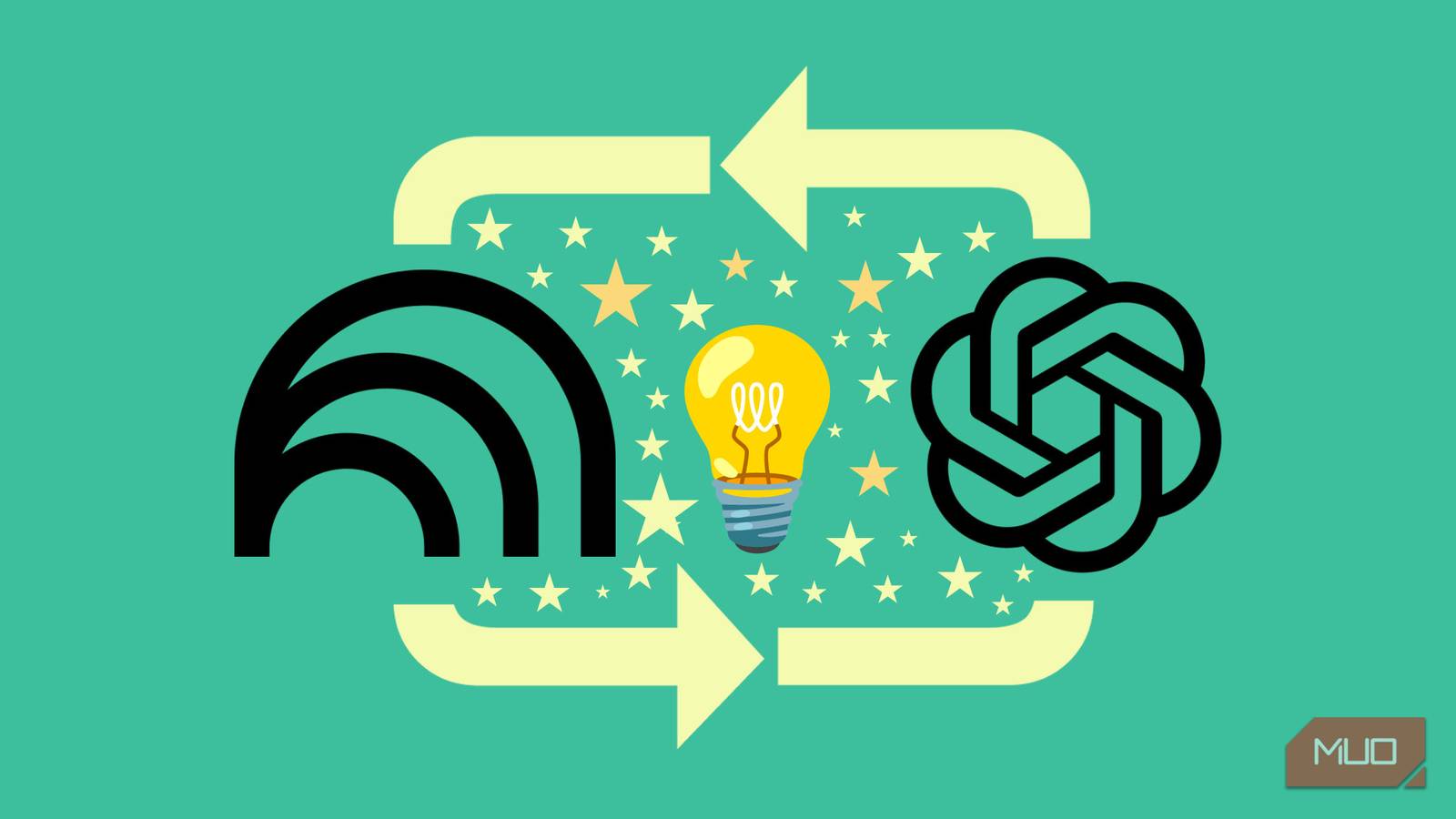
We tend to treat AI tools as competitors. It doesn’t have to be an either-or question like: should I use NotebookLM or ChatGPT? Instead of choosing, we can start pairing them and extract the best of both their worlds.
After a few weeks of hands-on use, I realized these two tools can be two connected laboratories for my knowledge management system. NotebookLM helps you think with your sources. ChatGPT helps you think beyond them. Used together, they form a surprisingly potent workflow for reading, research, and writing. Instead of one teammate, you can have two with strengths cancelling out their limitations.
Use NotebookLM to ground your research before ChatGPT expands it
Reduce hallucinations and then express them
NotebookLM is designed to work only with the sources you upload, whether that’s PDFs, long articles, video transcripts, or newsletters. So, import your sources into NotebookLM and then extract facts, data, and perspectives you can easily verify before you get to the creative part in ChatGPT. There’s no way to do this automatically, so it’s all manual with a copy and paste.
I have experimented with NotebookLM as my “pre-writing environment.” When I ask it to summarize, compare viewpoints, extract data tables, or list questions, I know every answer is traceable with the inserted source bookmarks. NotebookLM’s different Studio tools help me really understand a topic. These steps alone make me feel more confident about the premise of the documents before opening ChatGPT.
Once I paste those grounded notes into ChatGPT, I’m no longer asking it to create structure from nothing. ChatGPT is building from a more solid base, which leads to clearer explanations and fewer rewrites. You can use the base to use ChatGPT to expand on the information in the source. For creative brainstorming, there’s room for ChatGPT’s hallucinations, too.
Generate answers in NotebookLM and add more in ChatGPT
One tool asks better questions; the other explores better answers
NotebookLM is excellent at suggesting questions based on your notes, but it isn’t always the best conversational partner for roleplaying a tutor. You can export the suggested questions (or specific study guide points) from NotebookLM and paste them into ChatGPT with the prompt “Ask me 5 challenging questions on [topic], then correct and explain my answers.” This taps ChatGPT’s search and conversational ability to explain why an answer is wrong.
I find this indispensable for learning complex topics where I need the AI to play the Devil’s advocate and not just retrieve the answers. Instead of just reading the answer key, I have ChatGPT explain the logic behind the answer using its general knowledge base, adding context that my specific notes might miss.
I can then take these contexts back to NotebookLM as Notes and ask it to “act as a professor and drill me on these three concepts until I get them right.” It turns passive reading into an active interrogation.
Prep usable notes with NotebookLM, then simplify in ChatGPT
Think of NotebookLM as a researcher and ChatGPT as a re-writer

You can use NotebookLM to explain a difficult paragraph, use its suggested questions, or summarize a chapter. It helps you speed through any reading. I use NotebookLM when a text feels “heavy.” Instead of skimming, I interrogate the material until I understand it well enough to explain it myself. But my thinking work isn’t done yet.
At this point, ChatGPT becomes a simplifier. I paste the notes and ask it to de-jargonize them for a general audience, and add examples. ChatGPT, unlike NotebookLM, can add to the knowledge for more nuance and context. And this can again be added back to NotebookLM as a Source.
Transform ChatGPT answers into an interactive podcast
Unpack a topic while multitasking

One of NotebookLM’s killer features is the “Audio Overview,” which turns notes into a podcast. Instead of generating one from NotebookLM sources, go the other way. Use ChatGPT to analyze or generate text, then use NotebookLM to turn that content into a conversational, podcast-style audio overview
I love the casual tone of the Audio Overview, which is a nice match for the vibe of a newsletter. I recently turned a set of dry topic notes generated in ChatGPT into an Audio Overview with NotebookLM to listen to while driving. I selected the Deep dive mode in Audio Overview’s settings and sat back for a listen.
Spin NotebookLM multimodal tools into other content
NotebookLM drafts the assets, and ChatGPT builds them up

Why stop at the NotebookLM podcasts! You can think of NotebookLM’s mindmaps, reports, slide decks, flashcards, etc., as half-finished or starting points. Feed them into ChatGPT and ask it to expand them into full articles, lesson plans, or social content series. For instance, I use ChatGPT to find “what’s missing” in the topic area and ask the chatbot for more reading recommendations.
I can imagine this to be invaluable for teachers, students, and content creators alike. For instance, a single output from NotebookLM can be re-purposed to something like a newsletter issue, a short LinkedIn post, and a step-by-step guide.
Treat NotebookLM as your memory and ChatGPT as your thinking partner
The pairing works best when they have different jobs.
NotebookLM is where I store long-term context: sources, annotated summaries, and reference material. It’s not the Jack-of-all-trades. But it’s the master as a serious study aid and an extra-smart notetaker.
ChatGPT, on the other hand, is where I think actively and play around. I use it to brainstorm headlines, test analogies, or reframe ideas until something clicks.
Think of NotebookLM and ChatGPT as the two sides of your brain
Once I stopped expecting one tool to do everything, both became more useful. NotebookLM handles recall and accuracy. ChatGPT handles expansion, creativity, and expression. ChatGPT is noticeably better than Notebook LM in explaining concepts in a variety of different ways, and that’s where you can exploit it. Both differ in the size of the context windows too. Try one experiment: do a quick microlearning experiment in ChatGPT and then do the same in NotebookLM with your own sources. Notice the strengths and limitations of each.