


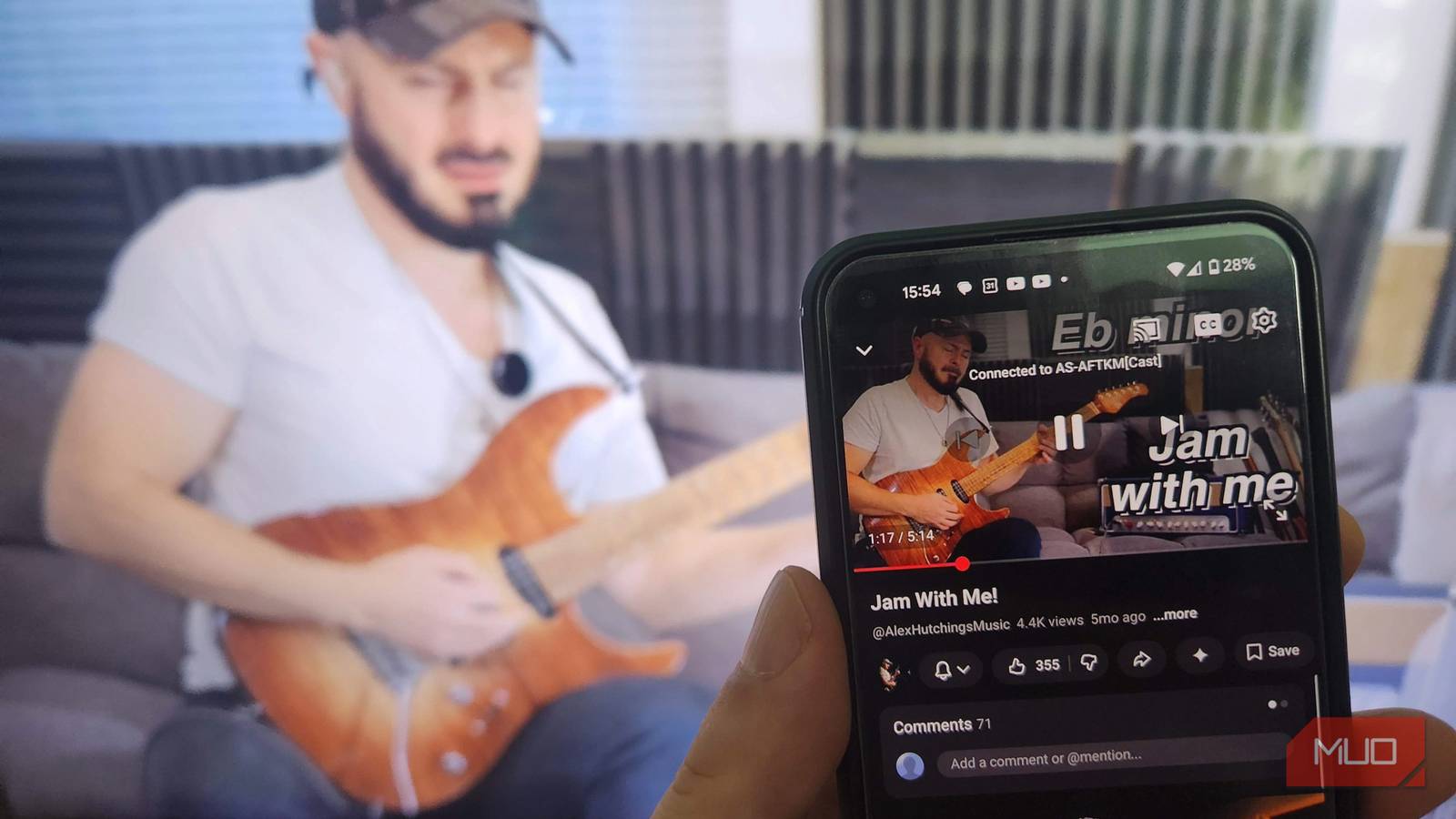
Mirroring or casting my phone to a smart TV is a feature that often comes in handy for sharing media with friends and family, immersive mobile gaming, and watching movies and shows stored on my phone. However, it’s not always as straightforward as I’d like. Some apps only work with specific devices, others bombard me with ads, and many require complicated setup processes that leave me wondering whether it would have been easier to plug in an HDMI cable.
There’s always going to be a solution among the vast array of apps available, and in this instance, I found one that actually delivers on its promise without charging a subscription fee: AirScreen. Available on Android TV, Fire TV, and various smart TV platforms, AirScreen turns my television into a wireless receiver for screen mirroring and media casting, without the hassles and hiccups I’d previously associated with casting.
How AirScreen solved my biggest screen mirroring issues
A smoother experience than most free mirroring apps
Reliability is one of the biggest issues with screen mirroring, as connections can fail, devices may not detect each other, and compatibility issues can arise. AirScreen skirts these issues by supporting multiple wireless standards. Such as AirPlay, Google Cast, and Miracast.
Whether I’m casting from my Android phone, iPad, or laptop, I can cast directly to AirScreen without installing separate apps or changing settings. I found AirScreen to be highly consistent across all my devices, whether I’m displaying photos, streaming videos, or mirroring an entire screen. This flexibility removes all the annoying trial and error when you want an app that “just works.”
Getting started took less time than I expected
Installation is simple, even for non-technical users
Of all the casting apps I tried, AirScreen is the easiest to use by a large margin. Setup was easy: I simply installed the app on my Fire TV Stick and followed the on-screen instructions. By scanning a QR code to link my mobile device, I was immediately connected and ready to cast. There are no complicated network settings to configure, and most users should be up and running within a few minutes, provided their phone and TV are connected to the same Wi-Fi network.
This ease of installation matters more than many developers realize. A screen mirroring app shouldn’t require a lengthy tutorial or troubleshooting session before it’s useful, and it should be ready to roll in just a couple of steps. Instead of overwhelming users with options, AirScreen guides them directly to the features they’re most likely to use and reduces much of the confusion I’ve witnessed in other apps.
One solution works with multiple devices
Cross-platform support makes it more useful than most free alternatives

Several of the screen-mirroring solutions I trialed were designed to work with a single ecosystem, with some best suited to Android devices and others prioritizing Apple hardware. This can be a problem if, like me, you use multiple devices on different platforms, and it becomes even more of an issue if you have a family or shared household that wants to use the app.
AirScreen’s broad compatibility is one of its most compelling features. Because it supports AirPlay, Google Cast, and Miracast, it can accommodate a wide range of devices without requiring additional hardware or software. This flexibility results in a more versatile setup that adapts to how people actually use technology today. Instead of using dedicated hardware for each platform, this single app can handle most common casting needs.
The free version isn’t perfect, but it’s highly capable
Most users will find plenty to like without paying a dime
In my experience, all free apps come with compromises, and AirScreen is no exception. Depending on how frequently you use it, you may encounter limitations compared to the premium version, and some users may prefer a dedicated hardware solution, such as a Chromecast or Apple TV, for optimal performance.
However, that doesn’t diminish what AirScreen offers. For a free app, it provides an impressive combination of compatibility, ease of use, and functionality. Most of us simply need a reliable way to display content from a phone on a larger screen, and AirScreen accomplishes that without requiring additional purchases.
Why AirScreen earned a permanent place on my TV
After dealing with unreliable casting apps and overly complicated setup processes, AirScreen feels like a refreshing exception. It has solved three of the biggest problems I typically encountered with screen mirroring, namely reliability, ease of installation, and cross-platform compatibility.
While it may be true that dedicated hardware can provide an even smoother experience, this doesn’t detract from the app’s biggest strengths. It’s free, easy to use, and works with an impressive range of devices. For anyone who wants a straightforward way to mirror a phone to a TV without the usual headaches, AirScreen is one of the most effective options I’ve tried.

- OS
-
Fire TV, Android, Google TV
- Developer
-
重庆爱奥尼科技有限公司
- Pricing model
-
Free
AirScreen is a wireless streaming app that lets you cast or mirror content from your device to a larger screen without cables. It supports common protocols like AirPlay, Cast, Miracast, and DLNA, making it a flexible option for sharing video, photos, music, and presentations.