




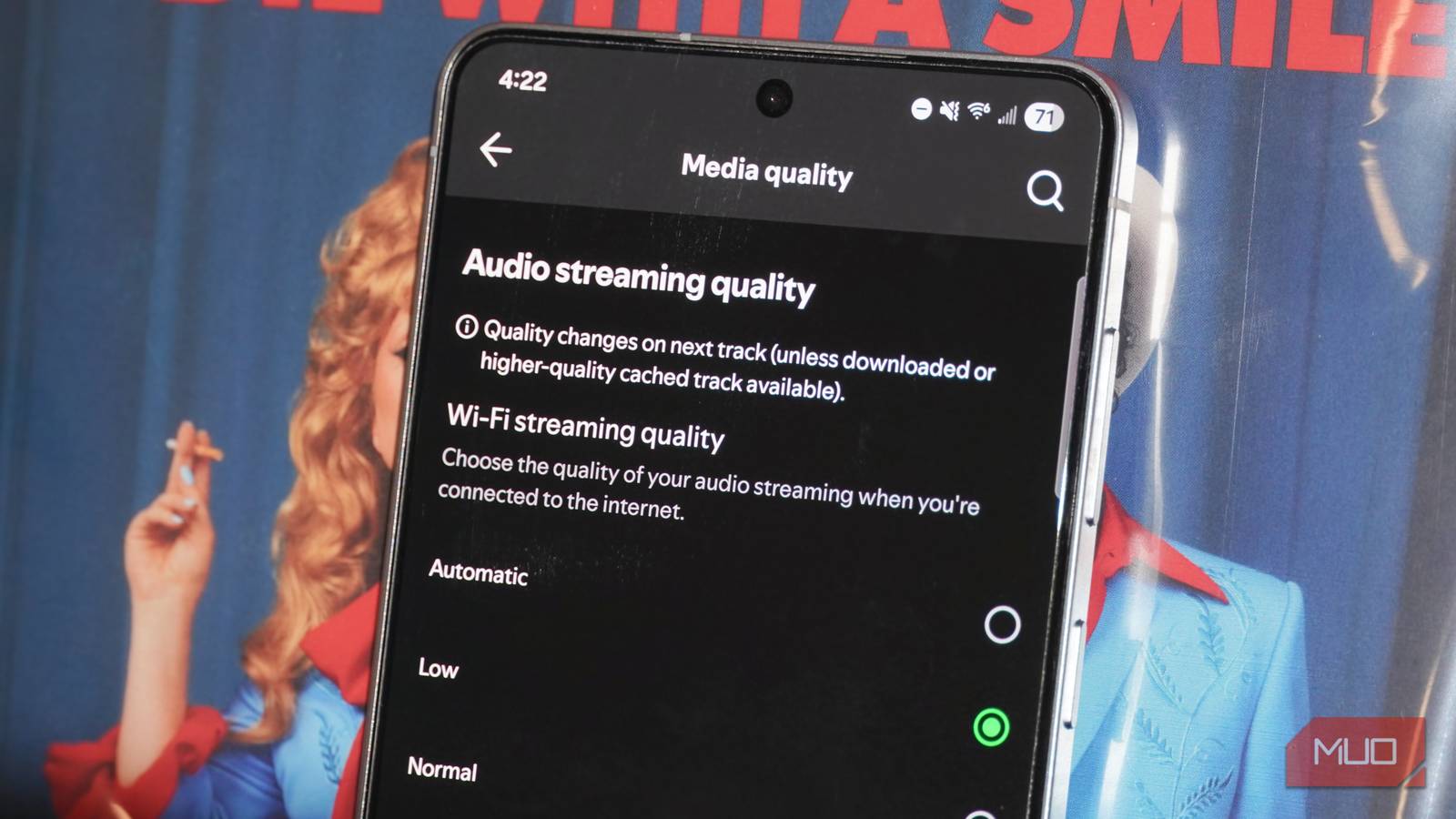
Streaming services crossed the hurdle of delivering CD-quality tracks to subscribers, but lossless audio is one of many optional settings that can drastically affect how your music actually sounds. By default, the audio quality of music streamed on popular platforms — even those that offer lossless formats as an option — simply isn’t that great. However, if you’re enabling lossless quality without changing any other settings, you may be missing out on an even better listening experience.
Volume normalization is a tool popularized by Spotify, and now, Apple Music is the only major streaming service that doesn’t offer it. The feature is turned on by default, and adjusts the volume level of master recordings to ensure all songs on the platform have a consistent loudness. While it addresses a pain point of on-demand streaming and shuffle play in general, it’s inherently controversial. Volume normalization has a reputation for ruining the sound quality of your music, and although some of that reputation is based on outdated facts and outright misconceptions, it’s partly true.
Volume normalization solves a streaming problem
Each master recording has a different volume level
When a song or album is recorded, a producer creates a singular master recording. Before a master recording is created, it is mixed, and this process blends and balances the different elements of the recording by changing various aspects of the production — including volume and loudness. The master recording is then used to distribute a song or album across multiple channels, including digital, CD, vinyl, and other formats. Listening to an album from start to finish feels consistent because, generally speaking, the entire work is mixed and mastered in the same way.
On-demand music playback, whether it be via new-school means like streaming services or old-school options like MP3 players, creates a wrinkle. Listeners often aren’t playing an album from start to finish. Instead, they turn to individual songs, compilation playlists, or shuffle play to mix up tracks. Each of these songs are mixed and mastered differently, and when played consecutively, can sound wildly different.
Volume has a major effect on perceived sound quality, so songs with a louder master recording might be a better listen than one with a softer master. Additionally, listening to songs with different volume levels back-to-back may require manual volume adjustments. That’s why platforms like Spotify introduced volume normalization. The feature standardizes volume levels across master recordings to create a consistent loudness level, regardless of whether you’re listening to an album, playlist, or your entire music library on shuffle.
The feature introduces new ones, too
Is volume normalization ruining your favorite songs?
Volume normalization isn’t without problems, though. When the feature is turned on, it makes softer songs louder and makes louder songs softer. Technically, this is done without affecting quality — at least, it is now. Volume normalization has a bad rap partly because, in the early days, the tool did affect sound quality by reducing the dynamic range of certain tracks. This was uncovered by audiophiles on the Head-Fi forum in 2014. At some point thereafter, it changed the process, preserving the original quality of songs adjusted by volume normalization.
Spotify uses the Loudness Units Full Scale (LUFS) to measure and standardize the loudness of master recordings. It set -14dB LUFS as the standard for Spotify loudness, matching the specification of ITU 1770, a parameter created by the International Telecommunication Union. Spotify’s volume normalization process involves adding negative gain to loud tracks and positive gain to soft tracks, so the final LUFS level matches -14dB.
Volume normalization is enabled by default, but can be adjusted by opening the Spotify app, tapping your Account icon or photo, and pressing Settings and privacy.


After that, tap Playback and look for Volume normalization or Enable audio normalization. Premium users will have the option of choosing between Loud, Normal, and Quiet normalization modes, while free users can only switch the toggle on and off for the Normal mode.


To disable volume normalization, simply switch the toggle off. You can also customize the standardized LUFS level if you’re a Spotify Premium user. The various volume normalization modes have the following decibel levels:
- Loud: -11dB LUFS
- Normal: -14dB LUFS
- Quiet: -19dB LUFS
To understand what’s happening when you leave volume normalization active, you need to remember what the term “lossless audio” actually means. Lossless audio is any format that delivers the full fidelity of the original recording without losing data. It’s the opposite of a lossy format, which loses digital data in the compression process for the sake of efficiency and file size.
As revealed by audio engineers on Reddit, Spotify’s volume normalization process does not alter the sample rate or dynamic range of the original (when compared at the same volume). On a technical level, Spotify’s volume normalization process does not result in quality loss when the Quiet or Normal modes are active.
However, the broader concept of audio fidelity states that it is a measure of how closely a reproduction matches the original source. In this case, the volume-normalized track is the reproduction and the master recording is the original source. No matter how you slice it, when the loudness level of a Spotify track is adjusted during the volume normalization process, it resembles the original master less closely.
Why I disabled volume normalization
I want to hear songs exactly how they were mastered

Whether you decide to keep volume normalization on or disable it will depend on what you value about the music listening experience. When Spotify uses volume normalization to adjust the loudness of a master recording, the output is still the same quality as the original, up to 24-bit/44.1 kHz FLAC. However, that doesn’t mean the listening experience is the same. By changing the loudness of a song, you’re hearing it differently than the artist or producer intended, and the audio fidelity doesn’t match that of the master recording.
It’s theoretically possible to adjust the volume level of your playback device to compensate for the changes made by Spotify via volume normalization. This is difficult, though, because most devices do not specify the exact decibel levels on their volume adjustment scale. It’s hard, if not impossible, to use the volume rocker on your phone to manually adjust the volume of a song to match the master recording.
I want to hear my music exactly as the producer intended, and that matters more to me than hearing tracks at a consistent volume while streaming. That’s why I’ve disabled volume normalization on Spotify and every other streaming platform that supports it.