



Manga was always one of my guilty pleasures growing up in the early 2000s. While it’s much more mainstream now, being a fan of popular manga like Dragon Ball Z or even One Piece when I was younger was a completely different battlefield than it is now. Even in my 30s, I’m still quick to jump onto the manga and comics bandwagon, even if I am a bit behind on the trends.
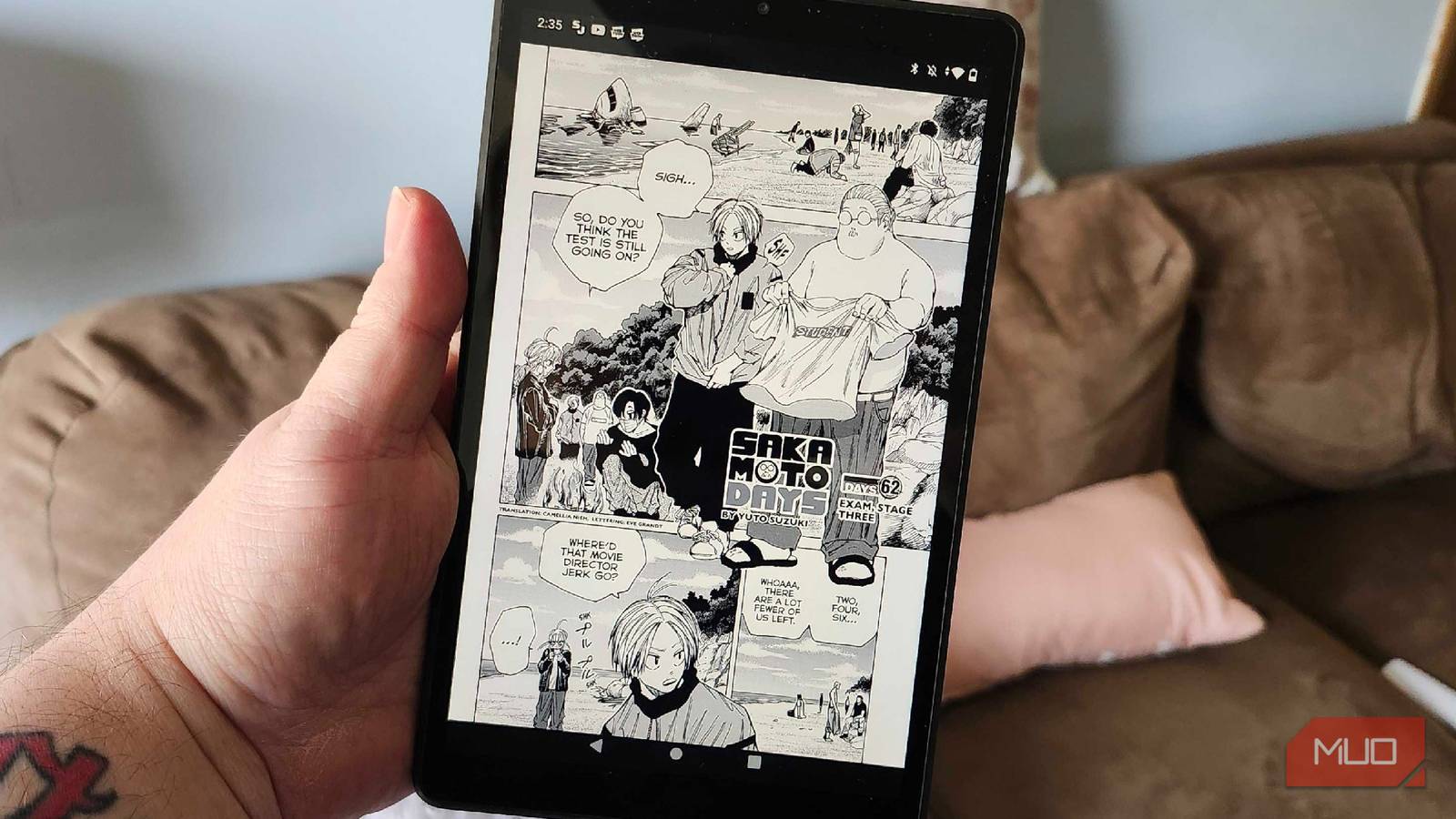
When one of my coworkers recommended Komga, I knew I needed to get on board with what it had to offer. As long as I supplied the manga that I’ve bought from other places, I could quickly and easily use it across any of my devices. Yes, even that budget tablet that’s been hanging out in my junk drawer could be turned into my own personal manga library, with just a few clicks.
Organization is easier than I could have ever expected
It doesn’t matter if I’m installing software on my SteamOS-powered ROG Ally X or using software to organize photos on my computer: if there are blank spaces, improper thumbnails, or missing information on any of my stuff, I’m going to go bonkers. That was one of the things that impressed me the most about Komga right off the bat. It’s incredibly accurate when it comes to getting the metadata for your favorite comics and manga.
I don’t need to worry about chapters getting split up, messed up during import, or anything like that. Komga handles it all for me and has yet to fail me so far. It’s been incredibly accurate, and adds all of the data that I want, and it can even use ComicInfo.xml file types to ensure that everything is completely proper.

I plugged a Raspberry Pi into my smart TV and it changed how I watch everything
An old TV, a Raspberry Pi, and a setup that beats every streaming box on the market.
I can use it wherever I want
Komga is the server, and my devices are the perfect receivers
Much like Jellyfin or Plex, some of the most popular media apps that I’ve encountered, Komga works as a server, with your devices acting as a “receiver” of said data. You’ll upload all of your manga and comics to the server, it will take some time to parse out the metadata, and then, with an app on your favorite device, you can read what you’re hoping to read. Plus, I finally canceled my VIZ and Shonen Jump subs. $10 a month for a few different subscriptions doesn’t sound like much, but $120 a year sounds much more daunting. Now, it’s buying it once, and always owning it, rather than being stuck in yet another subscription service spiral.
As long as you’ve got the server up and running on either your main PC or if you use a Raspberry Pi or a Mini-PC as a hosting server, if it’s online, you’ll have access wherever you like. It’s strongly suggested to set up via Docker, which is surprisingly easier than you may initially expect. Not familiar with Docker? The web-based server application works just as well — just don’t spend $0.99 to get it from the Microsoft Store. If you’re reading on Android, I’d strongly suggest Komelia. It’s another open-source app that works hand in hand with Komga.

- OS
-
Windows, Mac, Linux
- Developer
-
Built with Docusaurus.
- Individual Pricing
-
Free
- Useage
-
Media Storage
Syncing between multiple devices
Sometimes I like my little tablet, other times, I want my big tablet

My favorite feature of Komga has to be the fact that I can pop the app open on either my tiny Lenovo tablet, my massive Samsung tablet, or even my phone, and can pick up right where I left off on a previous device. This happens because everything is server-hosted, rather than the comics and manga being directly on a physical device.
As soon as the app syncs, I can grab my tablet and read on there. If I don’t want to lug one of those around, my phone will work just as well. Picking up immediately where I left off on other devices is a huge reason why I love Komga as much as I do. It’s incredibly handy, and I take full advantage of it whenever possible.
You need to supply the manga and comics
There is no built-in downloader here, but it does support a lot of file types

Now, here’s the kicker. Komga doesn’t allow users to download manga or comics directly to its server. It’s a “bring your own” server, so you’ll need to procure comics and manga, and upload them directly to the server if you’re hoping to read them. Just like Calibre or other library applications, this only works for files that you already own and have downloaded. Purchasing manga from places like Humble Bundle, Viz Media, Dark Horse Comics, and other such locations can ensure you have DRM-free and legal copies of your favorite books.
Komga does support plenty of different file types, including EPUB and PDF, so as long as it falls within the supported file types, you shouldn’t have an issue getting it to upload to your server. Just note that you cannot download manga and comics directly from Komga, but anything you own can immediately be uploaded. As with any software, Komga can also run into media-sync issues, occasional bugs, and limitations that most users may be able to gloss over. It’s not perfect, but it’s darn-near close enough.
Komga is slick and easy to use
It’s a fast track to getting me back on the manga and comics train
While I’ll still snag the occasional physical manga volume from Walmart or Barnes & Noble, the majority of my reading has shifted to the realm of digital. I’m just running out of room on my shelves, and I need a way to keep up with all the excellent new comics and manga that are being released.
It’s a little bit of work getting Komga up and running properly, but once it’s running, it’s been one of the best time-sinks that I’ve had. Just like getting a Jellyfin server up and running, Komga has provided me with a brand-new way to experience one of my all-time favorite forms of media.