




Every time you open a new AI chat, you start from scratch. You re-explain your job, your preferences, and your current project. Some of us do this even in every chat, though we know preparing a personal context template can save us so much time. With all AI models, a prompt is just the first step. Giving the AI your personal context template is like programming software with your specific user preferences. A personal context template can be as simple or as complicated as you want it: not unlike a master AI prompt for any scenario you paste or upload at the start of any AI conversation to give it the background it needs right away.
A personal context template saves you time
Stop re-explaining yourself in every chat
It’s often said that AI knows everything, but nothing. A personal context template is a plain-text document or a PDF that captures who you are, what you do, and how you like to communicate. You paste it at the top of any new chat before your actual question or upload it to ChatGPT Projects or Perplexity Spaces. The AI skips the guesswork and delivers a more tailored response that feels like it came from someone who already knows you.
Writing a setup document just to start a conversation can feel like extra overhead to AI beginners. After all, we could simply ask a question and let the AI figure things out on its own.
But the math flips quickly. A two-minute template saves the three or four clarifying exchanges you’d otherwise need in every session. Let’s say I am launching a newsletter about learning through sketchnotes. Without a template, the first AI responses might be generic and just good enough. But the personal context template is the only document that moves the AI beyond its default training data and into your specific environment.
Set your rules like user preferences
Define exactly how the AI should talk to you
Take this simple prompt to begin a simple example:
Help me write the opening paragraph of my first newsletter issue about [topic].
Without a template, the AI has nothing much to work with except what’s in its memory about you and whatever specific information you feed it with the prompt. It defaults to the kind of opening that could belong to any newsletter on any topic. You can see the first response in the screenshot above, in both ChatGPT and Gemini. It’s vague, despite the many chats about it in earlier threads.
Now paste your own version of this detailed template first:
About me: I’m launching a newsletter for curious learners who want to use sketchnotes to learn and retain ideas better. My readers are beginners with no art background.
How I like responses: Conversational and encouraging. Short paragraphs. No jargon. Analogies welcome.
What I’m working on: Writing the first three newsletter issues, each built around one sketchnoting concept. And then ask the exact same question to write the opening paragraph.
You can check the response for ChatGPT in the fourth screenshot above and for Gemini in the last screenshot of the gallery. You will need fewer follow-up prompts in the personal context. It also makes it far easier to work with different AI tools together, as you can just copy-paste or upload the personal context template there.
The template has three simple layers
Each layer does a completely different job

Designing a personal context template that makes any AI immediately useful is simple. You start by thinking about what you want and your expectations from the AI. Then, build it layer by layer. The first layer covers identity, which can be your role, industry, and relevant background. The second covers preference tone, response length, and the amount of explanation you want. The third is the current context, i.e., the specific project you’re actively working on right now. You only update the third layer regularly. The first two relate to you and can stay constant for months.
For the sketchnote newsletter, the About me section sets up the audience, the How I like responses section locks in tone, and the What I’m working on section keeps the AI focused on the current issue. That small structural change turned it from a document into an instructional blueprint for any AI. I can now just copy and use it in any AI I choose. But it’s just one way to frame a personal context template.
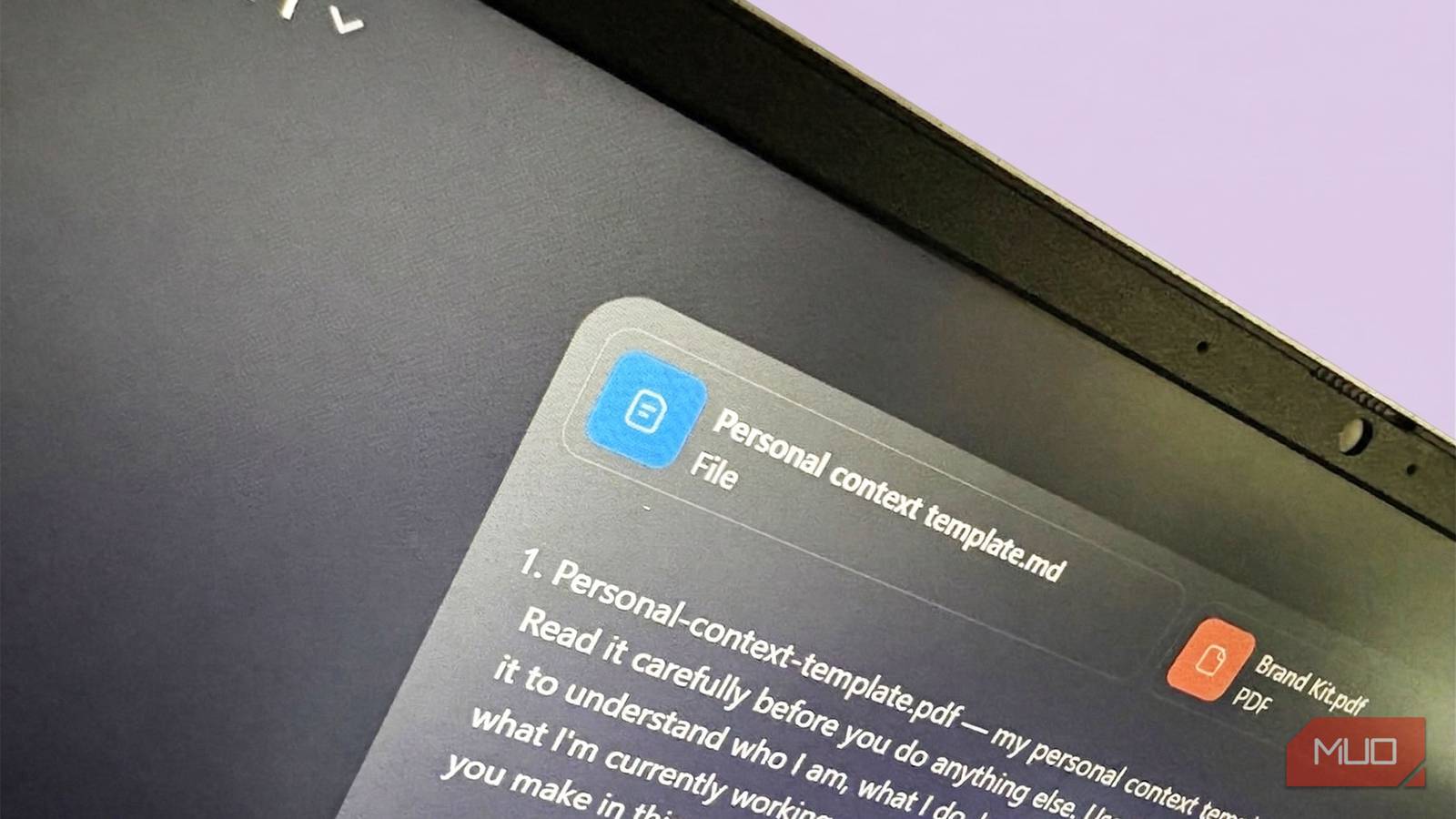
I started overthinking what to write in a personal context template. Later, I realized the trick is in the phrase. It’s just about giving the AI as much context as you can so you don’t end up repeating yourself in every prompt on that topic. For instance, the screenshot above shows a simpler personal context template for learning and recalling ideas from books I read.
Writing out your preferences in plain language forces you to articulate things you’ve never made explicit before. When I typed “my readers are beginners with no art background,” I wasn’t just instructing the AI but sharpening my own understanding of my audience. That clarity is essential for using anyAI prompt framework.
Upload files to build project knowledge
Give the AI access to your specific data

You can upload documents and files to a dedicated project workspace to give the AI specific knowledge about your work. This acts as a retrieval system, so the AI draws on your actual business/project data instead of guessing or hallucinating. You should always upload your relevant guides, customer feedback, and metrics before starting a serious task.
My worry was that the AI would hallucinate or pull the wrong information from unrelated documents. But in reality, you will get richer results when you pair documents with your basic personal context template. Documents (such as brand guidelines) can remain permanent components of the personal context template.
Chatting within a dedicated project workspace in tools like ChatGPT, Claude, and Perplexity makes it self-contained. For instance, in Gemini, you can use Gems strategically to set up spaces without the risk of memory leaking from one chat to another (hopefully!).

7 AI Prompts Perfect For Reasoning Models (and 7 You Shouldn’t Bother With)
AI reasoning models are absolutely incredible, so long as you know how to ask the right questions.
Your template gets better as you use it
A first draft is never perfect. After a few sessions, you’ll spot gaps. For instance, a context you forgot to include, or instructions the AI keeps misreading. Updating the template as you notice these issues boosts its usefulness over time. AI is getting better, but small tweaks still make a difference. With the newsletter template, my first revision added one line: “Each issue should feel like a friendly lesson, not a how-to guide.” That single sentence shifted the AI’s tone across every subsequent response. Test it out yourself. With the right background knowledge loaded into the AI’s brain, your crisp prompts will easily outperform an entire essay of instructions.