



Author: Press Room

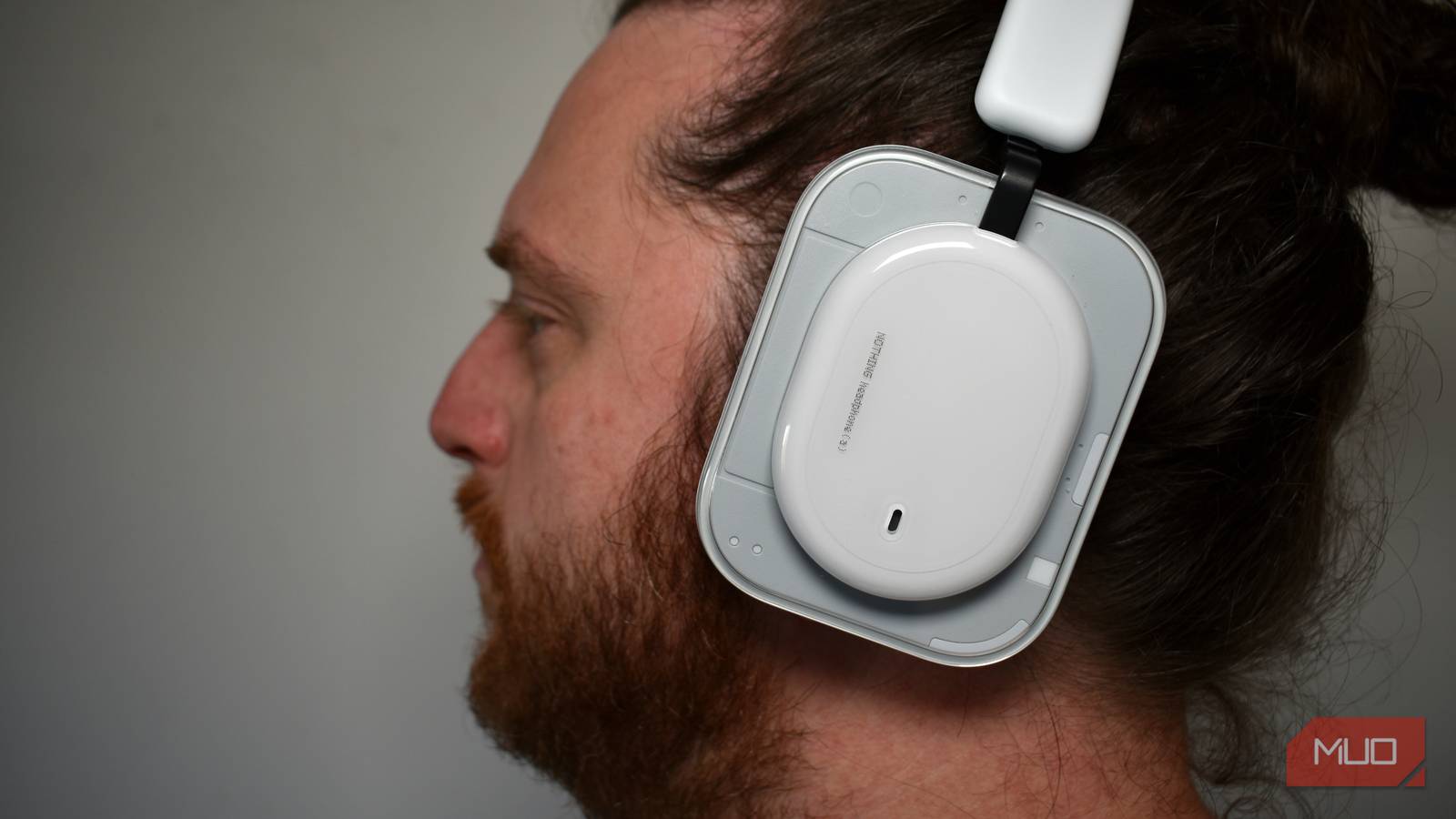
I was a big fan of the Nothing Headphone (1) when they launched in mid-2025. Sporting similarities to Nothing’s instantly recognizable design style, the Headphone (1) were packed with features that, like their smartphones, bridge an important gap between outright flagships and the mid-ground, all while keeping to a respectable price point. The Nothing Headphone (a) brings improvements in all the right places, which is nothing short of amazing, and I’m impressed yet again. 8/10 Battery Life Up to 135 hours Microphones 3 Brand Nothing Transducer Size 40mm The Nothing Headphone (a) refine the formula that made the original such…
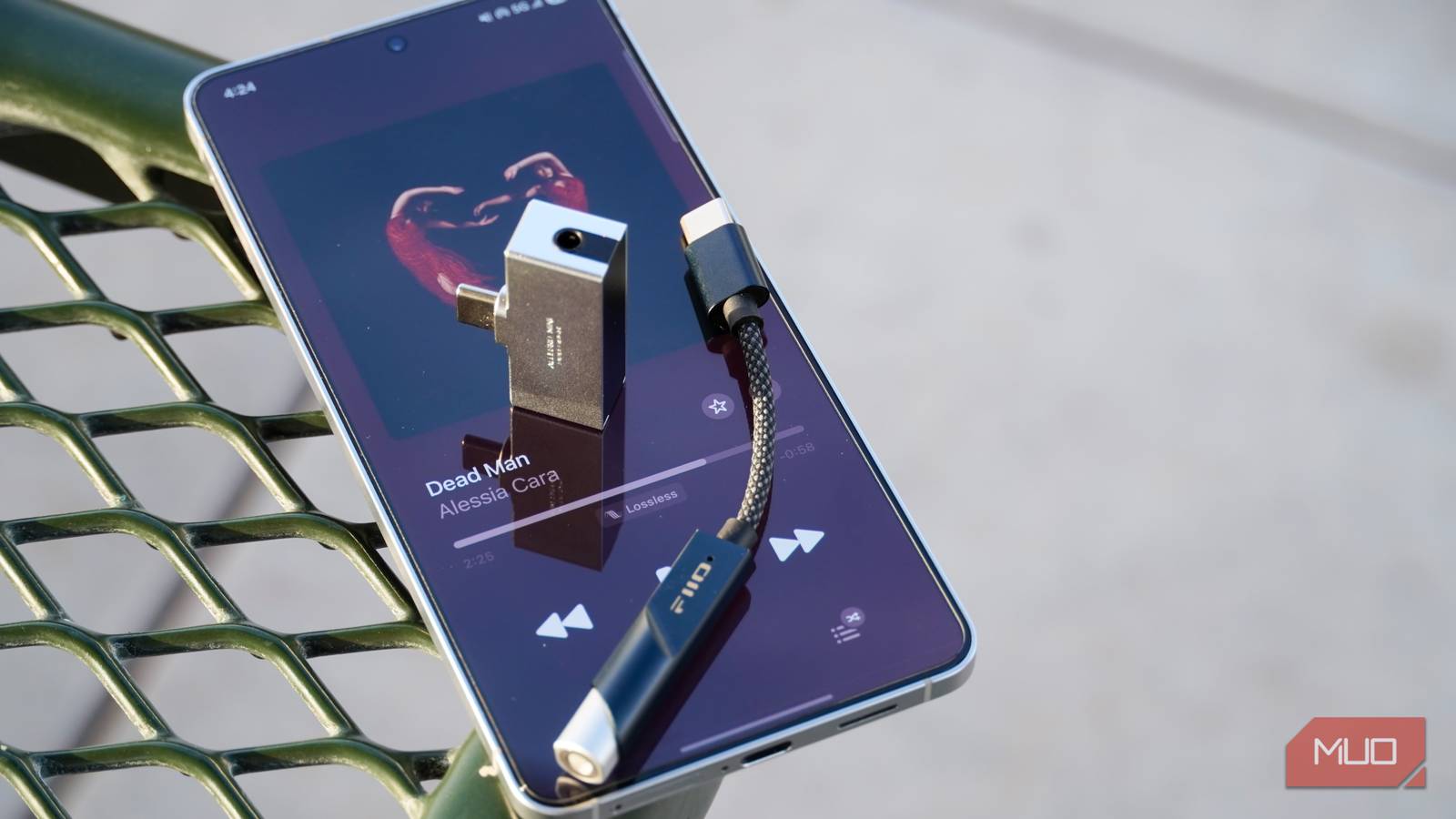
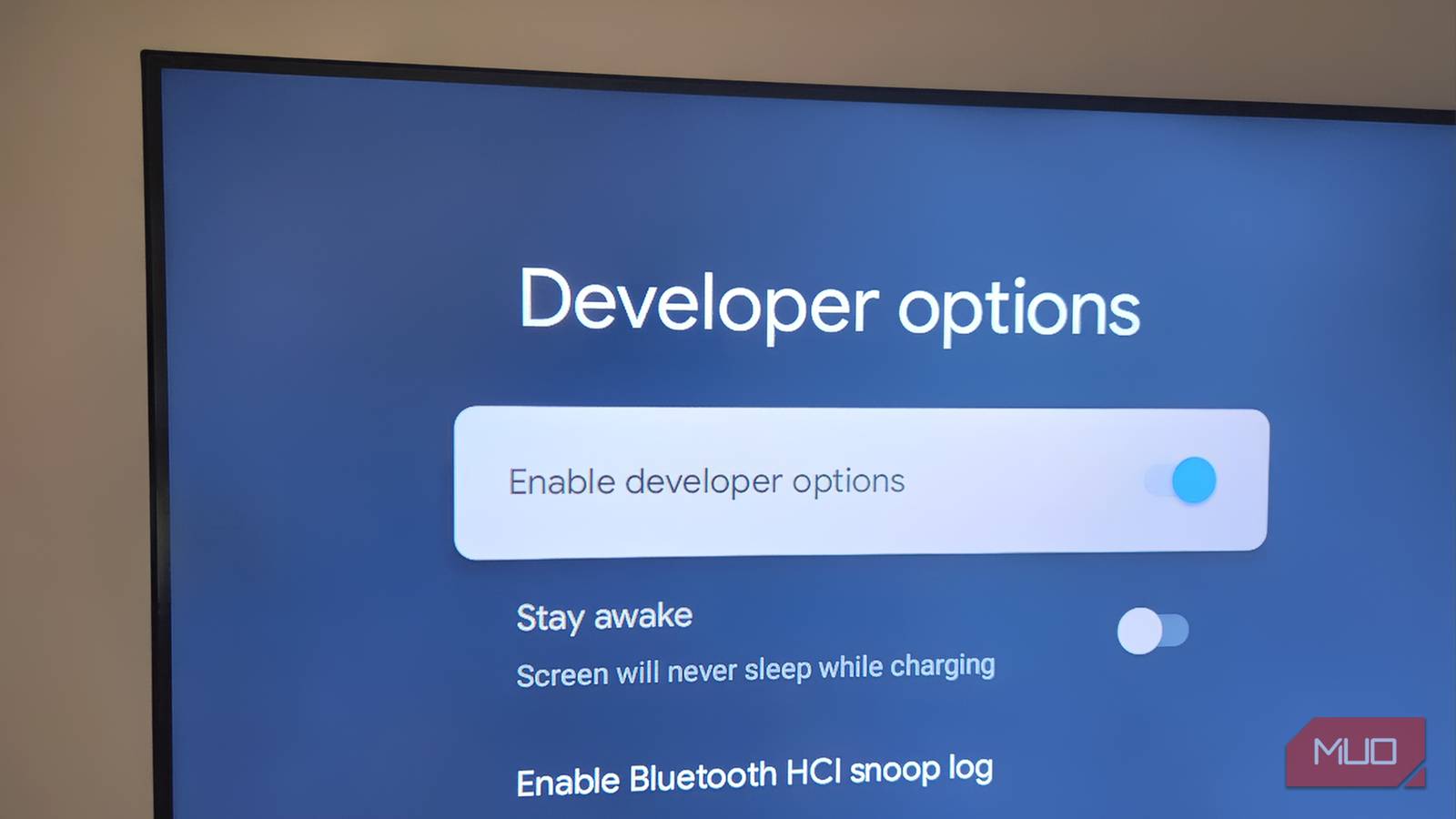
While each Android phone brand presents audio settings differently, there are some consistencies. Google Pixel phones offer a built-in audio sharing feature powered by Auracast and Bluetooth Low Energy Audio, while Samsung Galaxy phones utilize an inbuilt equalizer. However, both phones have identical hidden audio settings in Android’s Developer options menu. These are not visible to the end user unless they are manually activated, and they include a few audio tricks that can seriously improve sound quality. If you’ve already gone through the usual recommendations for upgrading Android sound quality — purchase a USB-C DAC, set up an equalizer, or…
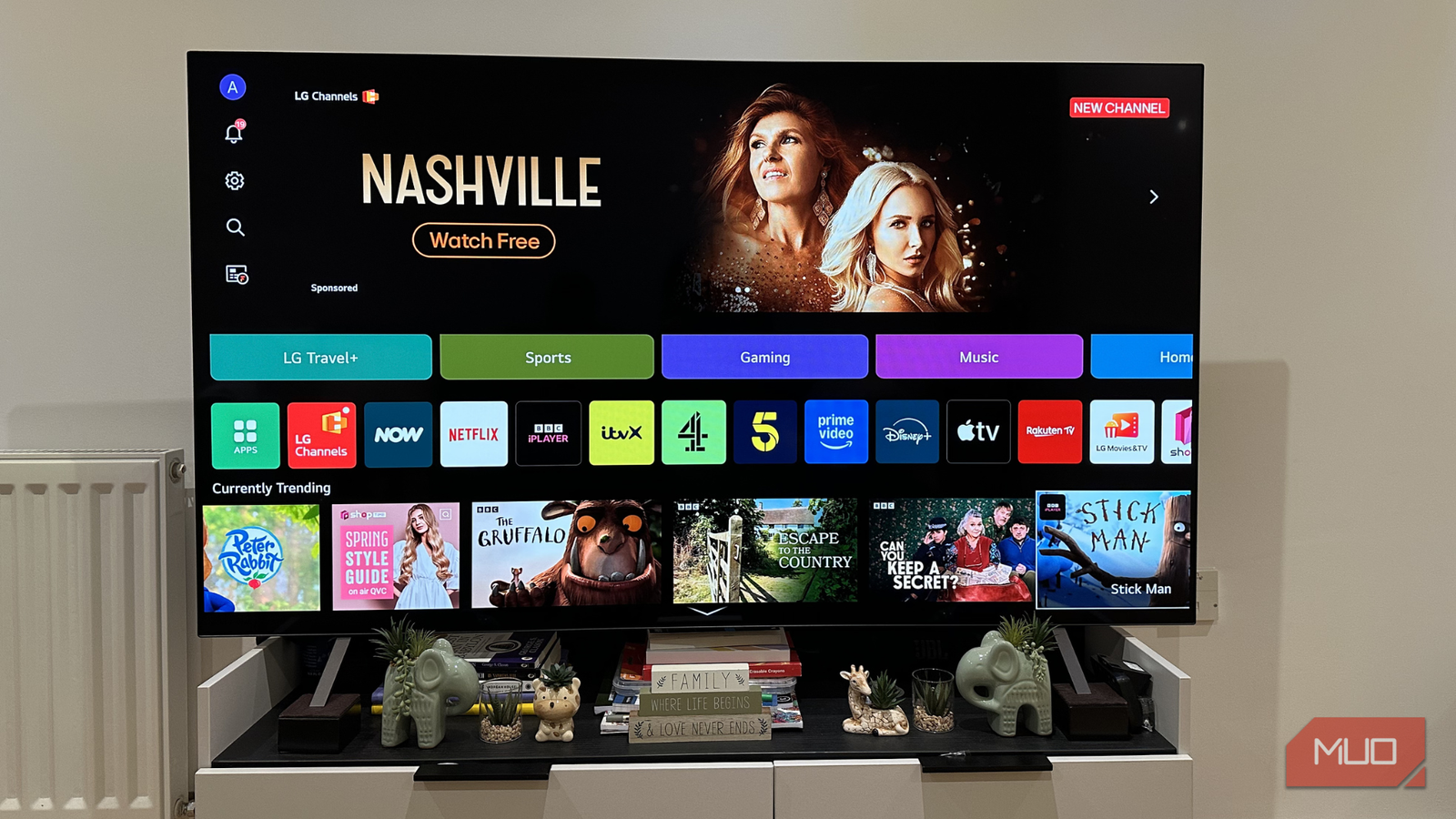
Buying a new TV can be an overwhelming experience. You go to the store and you see a wall of them lined up, all showing the same video. They can all look similar, so how do you know which one to pick? This is especially true if you haven’t needed to purchase a new TV for a while. The technological advancements in TVs, especially smart TVs, which most are these days, are impressive. Not only do you have to worry about the TV itself, but you also need to consider what smart features it could include. On top of those,…
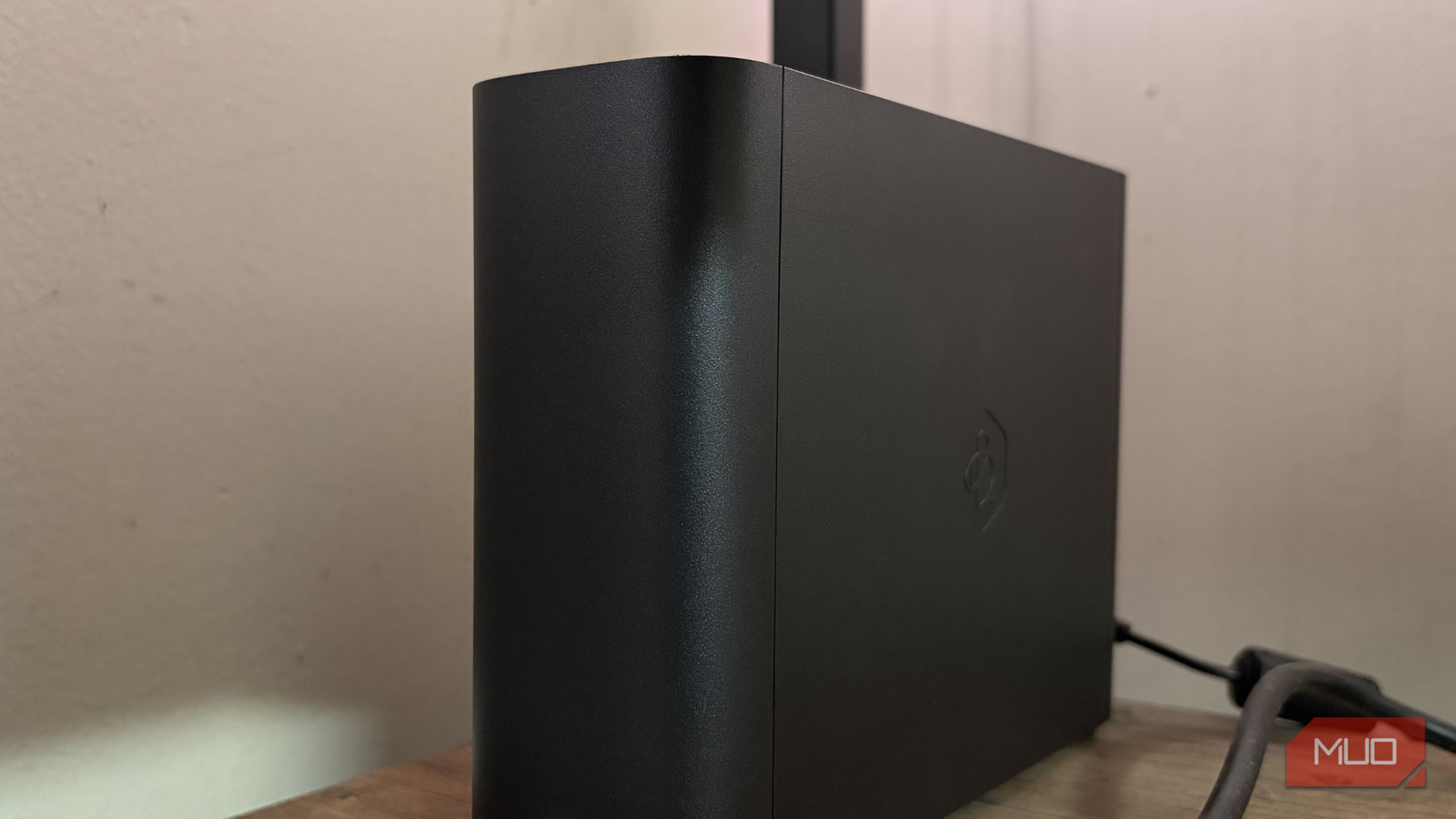
I love watching content on Netflix. Over time, I tweaked my setup, and made my Netflix watchlist so much better. Because of this, the experience definitely got better. But then the price hikes started to feel personal. Every year, the subscription cost crept up, and I found myself asking a simple question: Why am I paying more for shows and movies that might disappear next month? It wasn’t about affordability either. I could easily pay for it. But I don’t like the idea of spending money on access that isn’t permanent. A show you love today could rotate out tomorrow.…
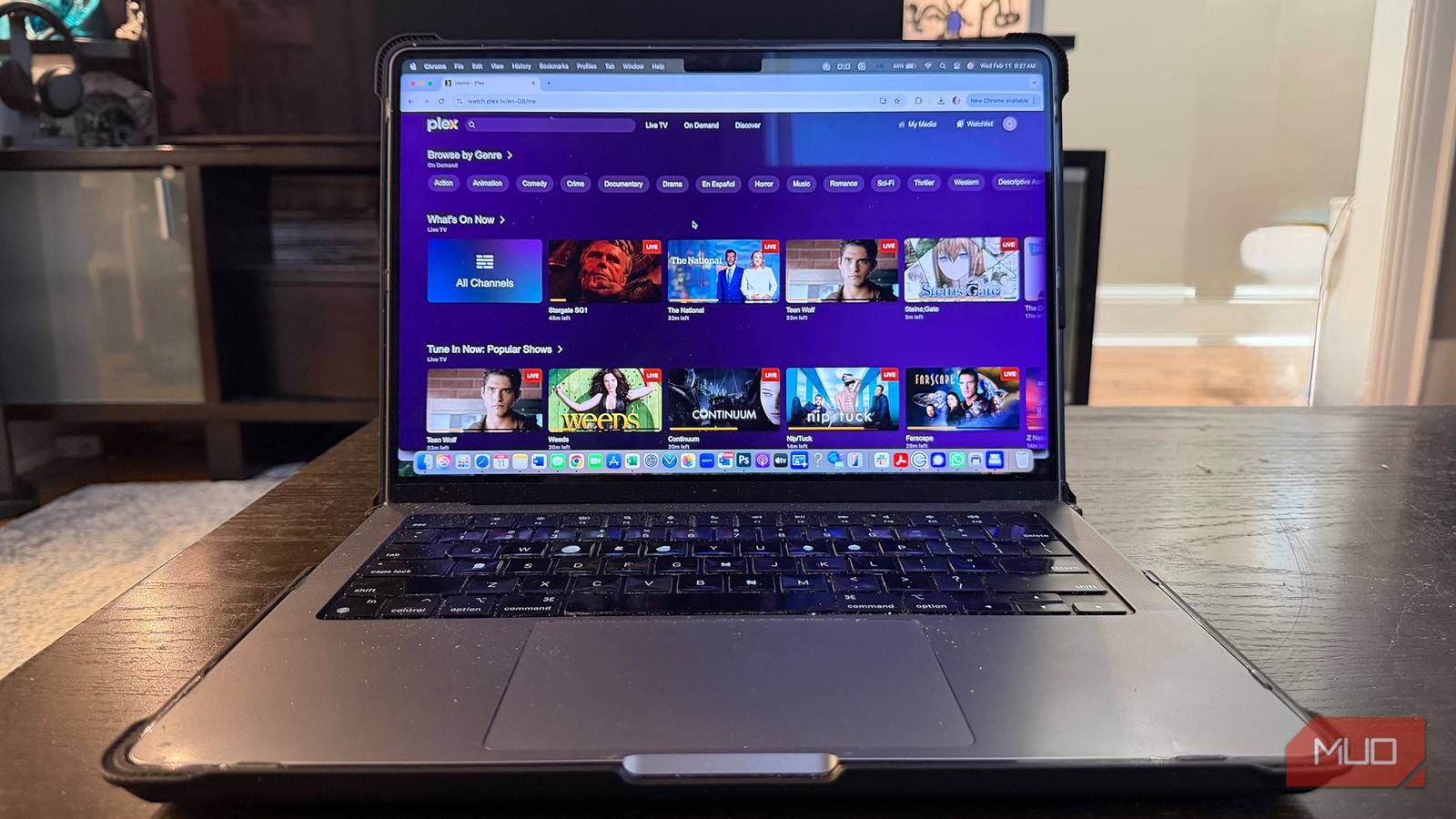
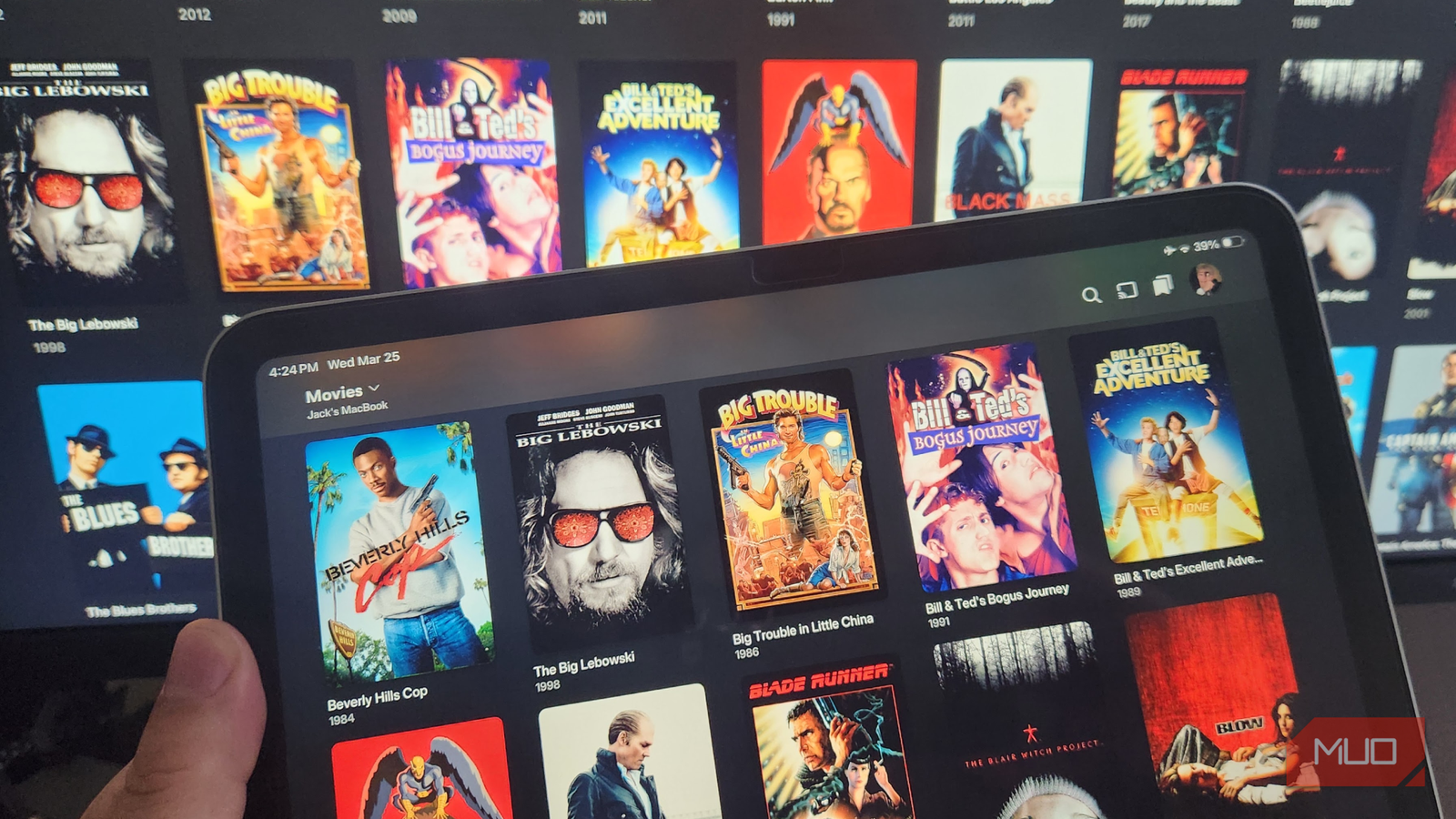
Plex is a streaming service that brings together all your favorite movies, shows, and music from your own collection and pairs it with a ton of free, ad-supported content. Whether you’re on your smartphone, laptop, or TV, Plex works smoothly across all your devices. The interface is clean and intuitive, making it easy to stream remotely, download content for offline viewing, and keep your media neatly organized. Plus, it doesn’t let you compromise on quality either. You can enjoy 4K resolution, HDR, and even Dolby Vision for a true cinematic experience with impressive audio. So, if you’re someone who spends…
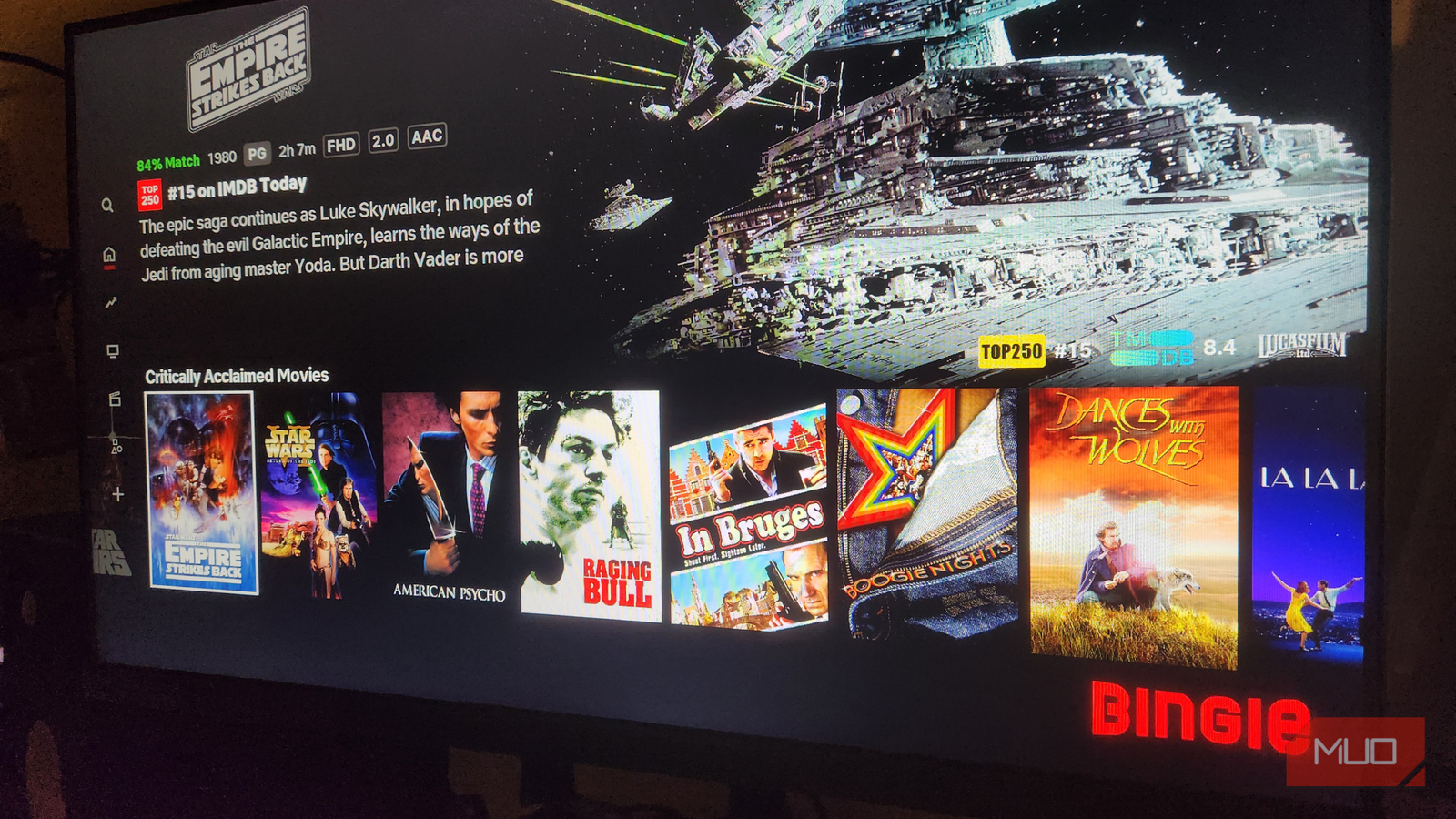
Kodi is my favorite media player app, but its default “skin” is a little pedestrian and bland. Luckily, the software is open-source, offering countless customization options so you can configure it to suit your visual preferences, as well as a host of add-ons that massively improve functionality. I recently became aware of Kodi skins that closely resemble popular streaming services. These immediately appealed to me because of their aesthetics, familiarity, and functionality. As it turns out, all it takes is changing the default skin and configuring a few add-ons to display your library content just as it appears on Netflix…
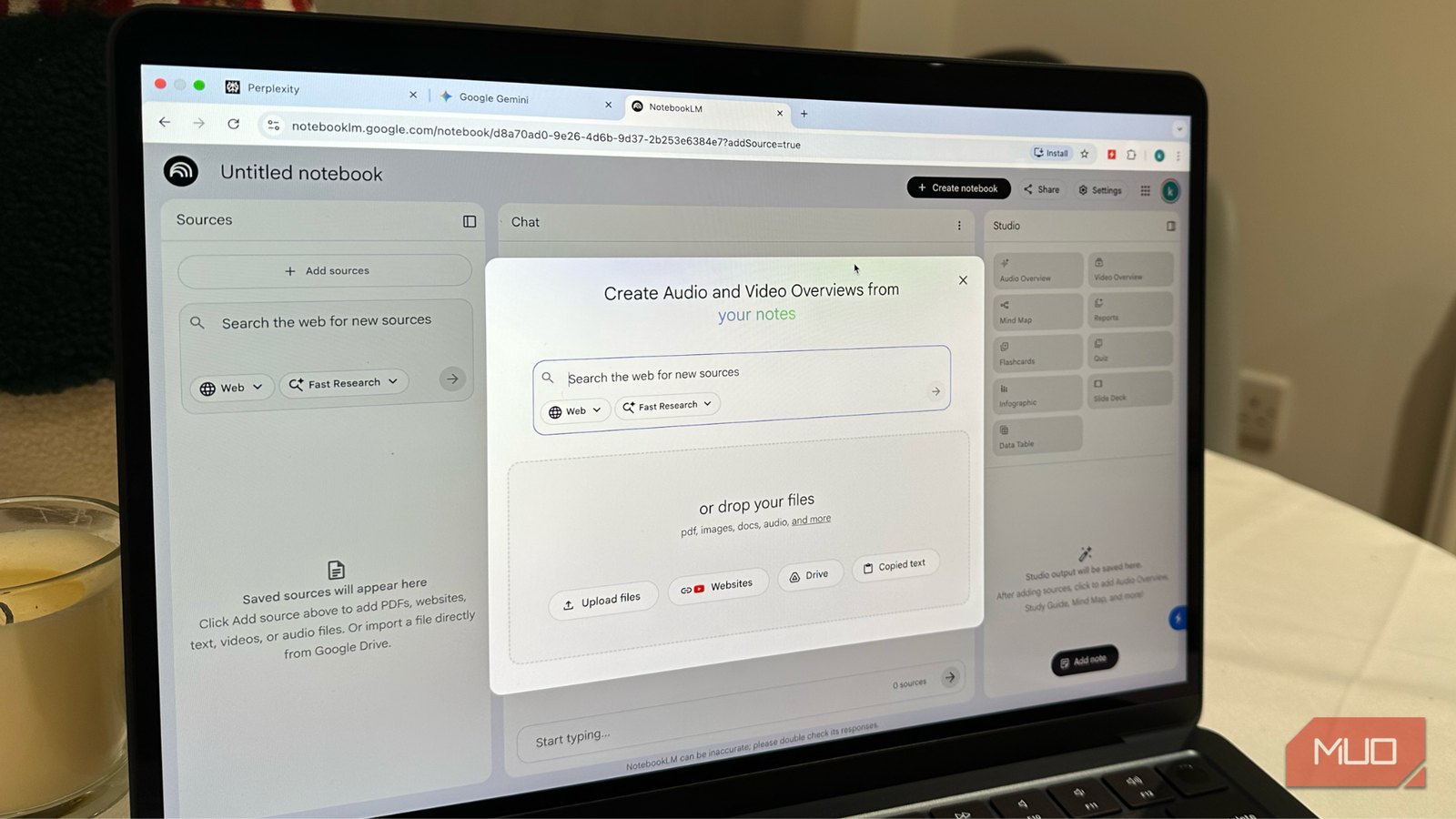
I’m not someone who’s obsessed with AI tools. Now, that doesn’t mean I never use AI in my everyday life. I often use ChatGPT for several tasks, like brainstorming ideas, drafting emails, solving calculations, analyzing documents, creating images, and more. So yes, ChatGPT became an indispensable part of my daily workflow. But after months of using ChatGPT, I started noticing that it isn’t the best AI tool for every task. ChatGPT can give you great answers, but it doesn’t perform the best for everything. For specific tasks such as factual lookup, creative image generation, interactive presentations, and more, you can…
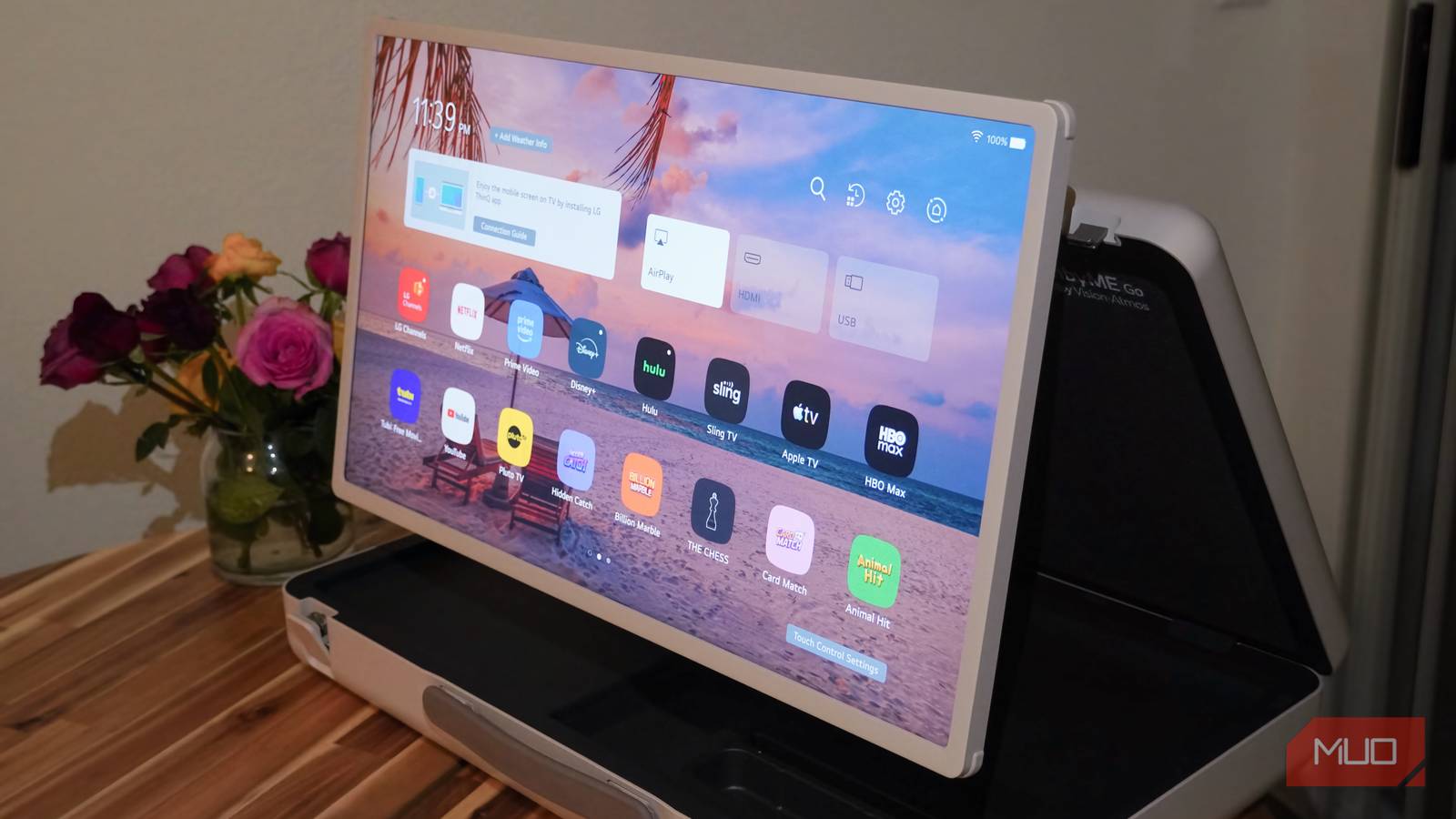
Wi-Fi networks in many homes are strained by bandwidth, interference, and range limits. Theoretically, modern wireless networking standards like Wi-Fi 6E or Wi-Fi 7 can match wired Ethernet speeds, but those theoretical ratings are almost impossible to replicate in the real world. That’s why, with tens of Wi-Fi devices connected to my home network at any given time, I’ve gone all-in on wired networking wherever possible. The biggest bandwidth hog might be your smart TV, and I took mine out of the mix by adding an Ethernet connection. You could use the Ethernet port on your smart TV, but I’ve…
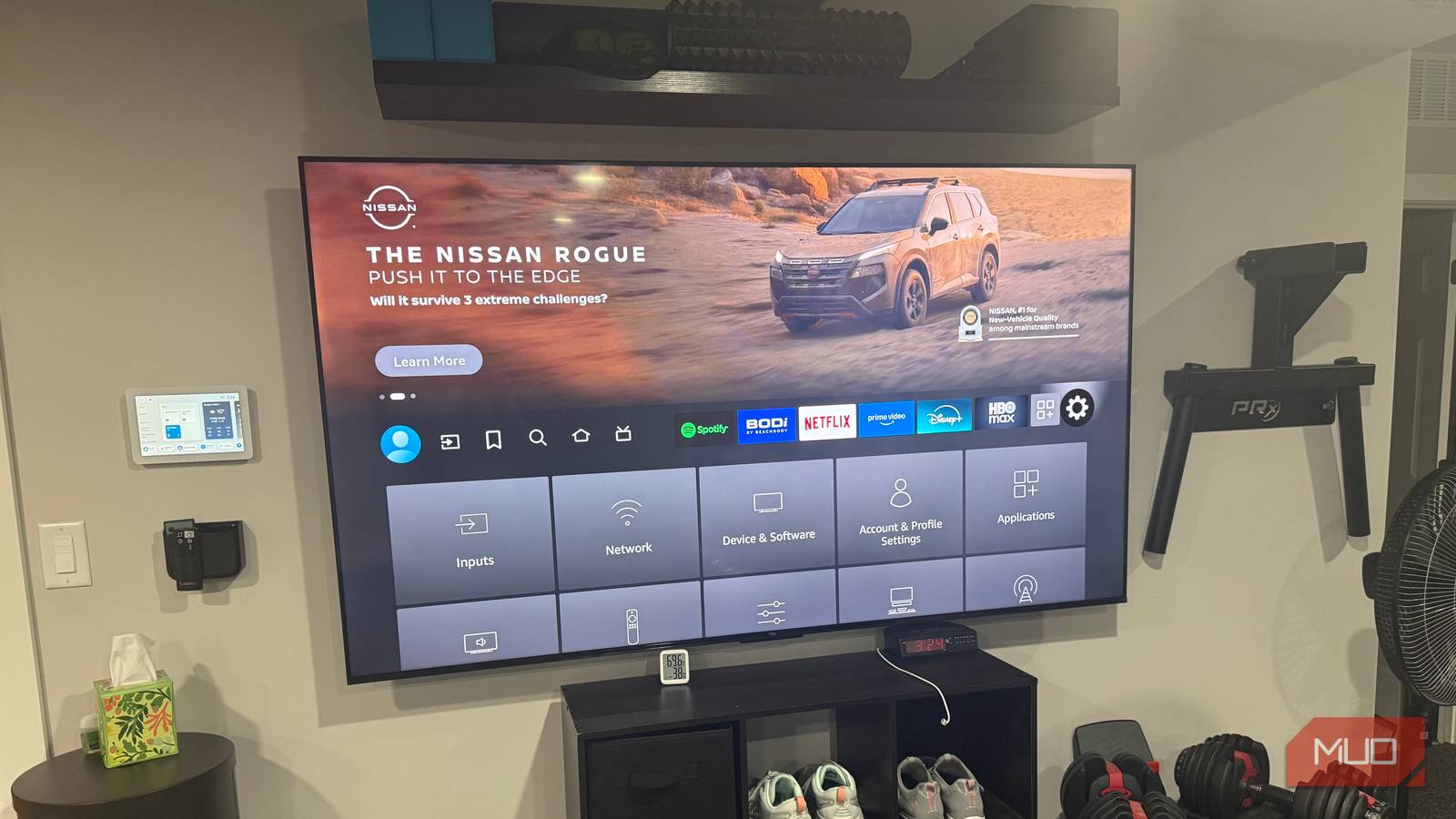
I’ve been using my Android smart TV for over four years now, and it’s still on almost every day, whether for streaming, some music, or that occasional late-binge sessions. Like most tech, though, age starts to show. Performance dips, menus take longer to respond, and apps aren’t as snappy as they used to be. That’s simply the natural lifecycle of any gadget. That said, a device slowing down doesn’t automatically mean it’s time to replace it. Sure, the idea of upgrading crossed my mind, that tempting thought of bringing home a shiny new TV, but jumping straight to a purchase,…

AI already moves fast, but the last few days have been a whirlwind even by its standards. Anthropic refused to give the Pentagon unrestricted access to Claude, after which the Trump administration labeled the company a “supply chain risk” and ordered federal agencies to stop using its technology. Hours later, OpenAI went on to sign the very deal Anthropic had turned down — enabling the Department of War to deploy its AI models across classified military networks. The funny thing, though, is that Sam Altman, the CEO of OpenAI, had publicly voiced support for Anthropic’s stance just hours before striking…