


After years of using Plex, I started realizing how many compromises I had been making without even noticing. For starters, Plex has put more features behind a paywall, including remote streaming of my own media files. Hardware transcoding isn’t free either, which only adds to the frustration.
That’s when I started looking for alternatives and found Jellyfin — it offered everything I needed without charging me anything to access my own media. So I finally switched from Plex to Jellyfin, and after spending some time with it, I wish I had done it sooner.
Jellyfin makes transcoding free, just as it should be
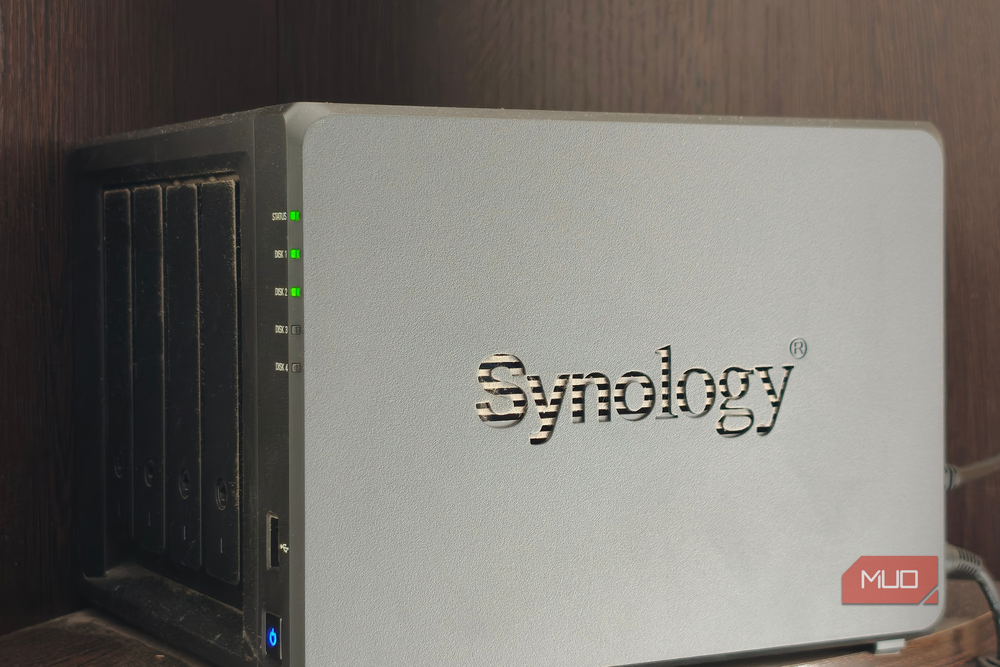
One of the biggest reasons I wanted to move away from Plex was hardware transcoding. To explain why that matters, here’s an example. Say I’ve downloaded a 4K movie and saved it on my NAS. When I play it on my TV, everything works perfectly because the TV supports the video format. But what happens when I try watching the same movie on an older phone or a device that doesn’t support that format?
That’s where transcoding comes in. Instead of leaving me with a movie that won’t play, the server converts it into a format my device can understand. It can also lower the resolution or bitrate if my internet connection isn’t fast enough. With hardware transcoding enabled, the server can use a compatible GPU to handle that work without putting as much pressure on the CPU.
Now, Plex and Jellyfin both try to play the original video without changing anything whenever possible. But when transcoding is needed, Plex requires a paid Plex Pass to use hardware acceleration. That’s particularly frustrating when I already own the NAS and have all my movies stored on it. And with Plex’s Lifetime Pass jumping from $250 to $750 in 2026, it’s even harder to justify paying for it.

Jellyfin doesn’t have that restriction. I can use hardware transcoding for free, as long as my server supports it. The only catch is that it takes a little more effort to set up. I had to open Jellyfin’s dashboard, go to playback settings, and select the right hardware acceleration option for my NAS. Plex makes this easier with a subscription, but Jellyfin’s setup wasn’t particularly complicated either.
Since I only have to configure it once, I don’t mind the extra effort. I’d much rather spend a few minutes getting things running than pay a premium for something my own hardware can already do.
My movies can travel without a subscription, too
With a little setup, my family gets a free ticket to my library
Another reason I’m glad I switched to Jellyfin is that I can access my entire media library from anywhere, without paying anything extra. This started to bother me about Plex, especially since my family members regularly access the movies and TV shows stored on my NAS.
Now, you might be wondering how Jellyfin can offer free remote streaming when Plex charges for it. Well, the difference comes down to how the two services connect you to your media.
With Plex, there’s a whole system working behind the scenes. When I try watching something away from home, Plex authenticates my account and connects my device to the server at home. In some cases, it can even route the stream through its own relay servers. All of this requires infrastructure that Plex has to maintain.
Jellyfin takes a different approach. It doesn’t require me to sign in to a company’s account or rely on its cloud servers to find my NAS. Instead, my phone or laptop connects to my Jellyfin server at home, and I can share my library with family members without asking them to pay for access.
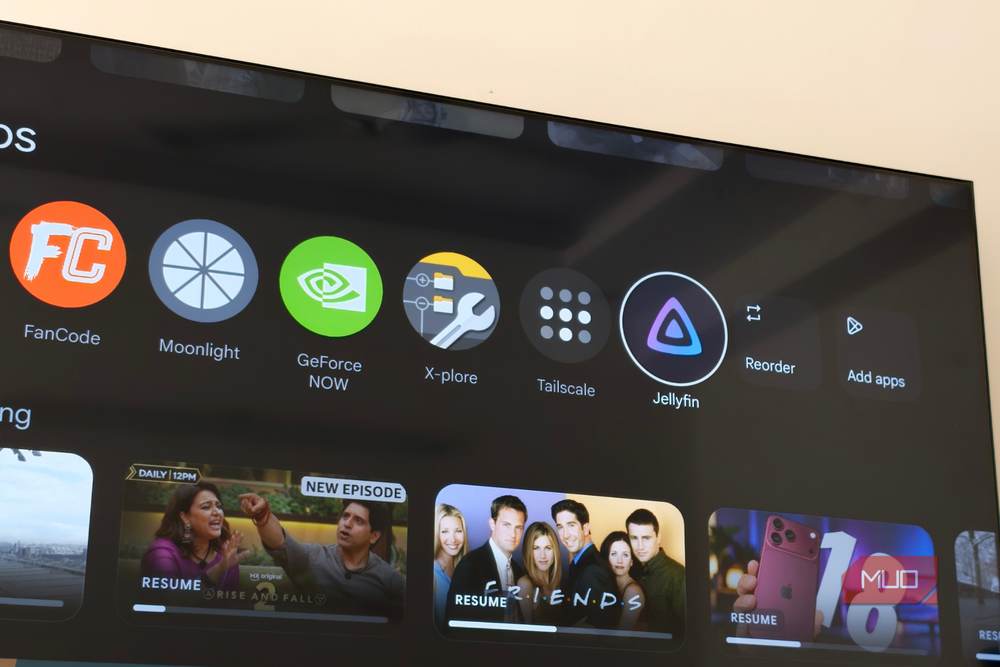
Of course, there’s a small catch. Since Jellyfin doesn’t handle the connection for me, I have to set it up myself. There are a few ways to do this, including opening a port on my router or configuring a reverse proxy with HTTPS. These things tend to get super technical, which makes them tough for most.
I personally prefer using Tailscale, which creates a private, encrypted connection between my devices and my home server. It takes a little initial setup, and my family members need access to the private network, but once everything is configured, they can stream my movies and shows without much hassle.
Sure, Plex makes it easier to stream my movies when I’m away from home, and I’ll give it credit for that. But Jellyfin only needs a little extra effort to get things running. And if setting it up once means my family and I can enjoy everything on my NAS without worrying about another subscription, that’s a trade-off I’ll happily make.
I ditched the Plex Pass, not my movies
Looking back, I really wish I’d switched from Plex to Jellyfin sooner. I’ll admit, Plex still has the upper hand on looks. Its interface feels more polished and premium, while Jellyfin could certainly use a little more work in that department. And yes, getting Jellyfin up and running took a bit more effort, too. But after using it for a while, I’ve realized that none of this really bothers me.
My movies and TV shows play the way I want, my family can access my library easily, and I don’t have to pay extra for features my NAS already supports. More importantly, I have complete control over my media without depending on another subscription. So, while Plex might win on looks, Jellyfin wins where it matters most to me. And considering I’m getting all of this for free, I don’t see myself going back to Plex anytime soon.