


Scroll through most Kindle libraries, and you’ll find store purchases, a few Prime Reading loans, and maybe a free first-in-series novel. What you rarely see is anything from the biggest free library on the internet.
Project Gutenberg offers more than 75,000 ebooks that are legal, DRM-free, and permanently free, and Amazon’s Send to Kindle service will deliver any of them to your e-reader. My 2018 Kindle Paperwhite is the device that got me reading again, and those classics sat a few clicks away the whole time I owned it. Loading one takes less effort than finishing a checkout in the Kindle Store, and a fresh batch of newer titles joins the pile every January.
The biggest free library predates the Kindle by decades
Volunteers have built it one book at a time since 1971
Michael Hart launched Project Gutenberg in 1971, decades before e-readers existed. Volunteers still scan and proofread each title, and they added more than 2,000 books during 2025, pushing the total past 75,000. Nothing on the site carries DRM. You won’t create an account, install an app, or pay a cent.
The collection skews older because those are the books whose US copyrights have run out. That still covers a lot of ground: Jane Austen, Charles Dickens, Mary Shelley, Mark Twain, Arthur Conan Doyle’s Sherlock Holmes stories, and a deep bench of history, philosophy, and science writing.
Storage won’t slow you down, either. A typical Gutenberg EPUB is a few hundred kilobytes. On a 16GB Kindle, you’ll run out of reading time long before you run out of space.
Each January adds a new batch of free titles
Public Domain Day moves the cutoff forward one year at a time
US books published before 1978 get a 95-year copyright term, and they join the public domain on the January 1 after it ends. Few people mark the date, but it’s the reason the free shelf keeps adding newer books.
This year it was 1930’s turn. Duke’s Center for the Study of the Public Domain pointed to some big names in that batch: William Faulkner’s As I Lay Dying, Dashiell Hammett’s The Maltese Falcon, the first four Nancy Drew books, and The Murder at the Vicarage, Agatha Christie’s debut for Miss Marple. Don’t expect all of them on day one. Each book has to be digitized and checked first, so they show up on Gutenberg gradually.
Books from 1931 join them in January 2027. If you live outside the US, look up your country’s copyright rules first, since terms vary from place to place.
Moving the files over takes about a minute
Send to Kindle has accepted EPUB files since 2022
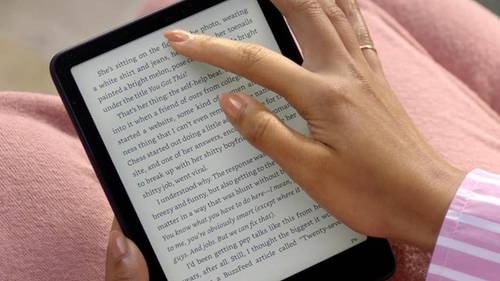
Every Gutenberg book page lists several formats, and the one labeled Kindle looks like the obvious pick. Skip it and download EPUB3 (E-readers incl. Send-to-Kindle). That’s the version Gutenberg suggests for Kindle owners, and Amazon handles the conversion on its end once the file lands.
You have two easy delivery routes:
- Email: Add your address to the Approved Personal Document E-mail List under Personal Document Settings on Amazon, then attach the EPUB and send it to your Kindle’s @kindle.com address. Emails top out at 50MB.
- Web or app: Drag the file onto Amazon’s Send to Kindle page, which handles files up to 200MB, or use the desktop app.
Either way, the book shows up in your library and syncs to every Kindle on your account.
Mac owners who prefer a cable should know about one quirk. Kindles released in 2024 or later, including the Kindle Colorsoft, connect over a USB protocol macOS can’t browse by itself. Amazon’s Send to Kindle for Mac app adds a USB File Manager that fills the gap.
Standard Ebooks makes free classics look professional
Hand-polished editions of the same public domain books
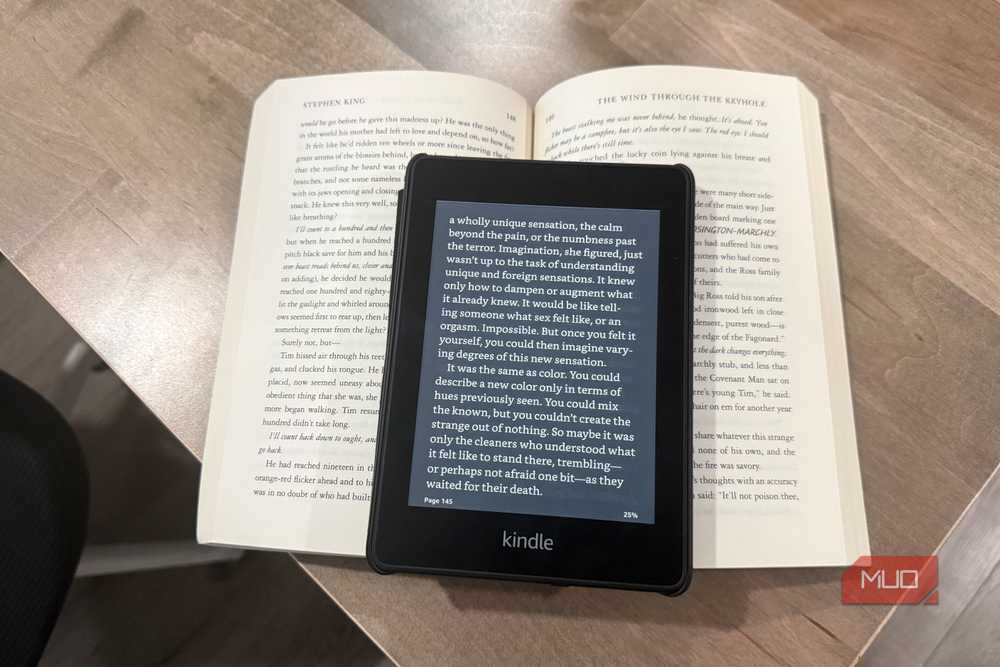
Gutenberg files read fine, though some feel closer to a cleaned-up text document than a finished book. Standard Ebooks starts from the same public domain texts and gives each one a full production pass: modernized spelling, consistent typography, proper metadata, and covers drawn from public domain fine art. Its catalog passed 1,500 titles in August 2026. That’s a fraction of Gutenberg’s size, but every book gets the same care.
Each Standard Ebooks page offers two Kindle-friendly downloads: an AZW3 for USB transfers and a compatible EPUB for Send to Kindle. If both sites carry the book you want, go with the Standard Ebooks copy. Its covers come from classic paintings, which pay off on a color E Ink screen.
Your library card handles everything newer
Borrowed ebooks arrive through Amazon, at least in the US
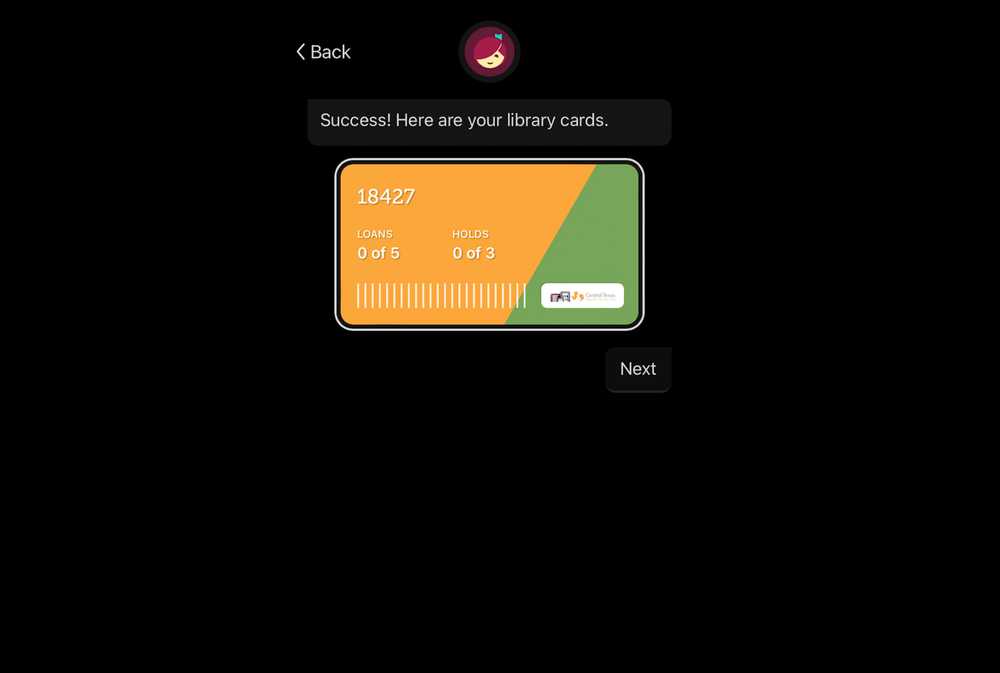
The public domain currently stops at 1930. For recent bestsellers, link a library card to Libby, borrow an ebook, and choose Kindle as your reading destination. Amazon finishes the delivery, and the loan expires on its own when the lending period ends. Expect waitlists for popular titles, and know that some books aren’t available in Kindle format at all.
This works on current models and on older Kindles you might be tempted to recycle, which makes Libby the natural partner to a public domain habit.
One email puts a classic on your Kindle tonight
Pick a book you always meant to read and haven’t bought. Find it on Project Gutenberg or Standard Ebooks, download the EPUB, and email it to your Kindle. By the time you’ve made a cup of coffee, it’ll be waiting in your library, free and yours to keep. After that, every January hands you another year of books to explore. And if you prefer sideloading, an e-reader that opens EPUB files without any conversion might suit you better, which is part of why I moved to a Kobo after a decade on Kindles.