


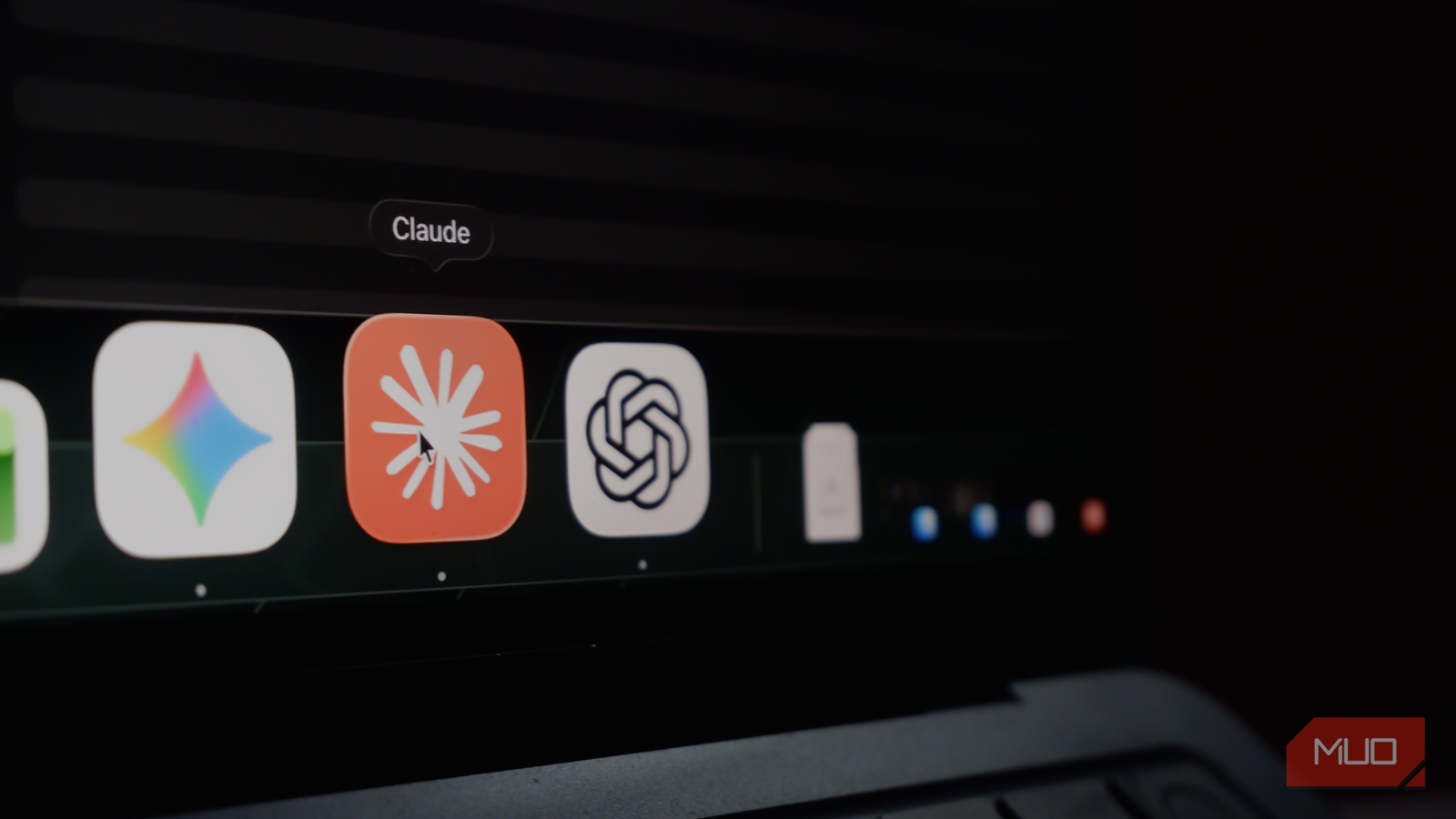
Given the sheer variety of AI tools, choosing one for all your needs can be difficult. Even when you narrow your options to ChatGPT, Gemini, and Claude, indecision persists, doesn’t it? I, too, spent a lot of time trying to find the single best AI tool for all my needs, but I ended up more confused and with unsatisfactory responses.
For instance, relying on ChatGPT for reasoning-based tasks or asking Claude to generate images has been a mistake I won’t repeat. In the process, however, I did come up with a new system: splitting my daily tasks between ChatGPT, Gemini, and Claude. This system appears to work fine while avoiding confusion and indecision. Here’s how I split my workflow across the three popular AI platforms.
I’ve paid for Claude, Gemini, and ChatGPT for months — this is the one I recommend
Three subscriptions later, I keep opening the same one.
ChatGPT is the one I use without thinking about it
Voice mode is how I think through problems I haven’t fully formed yet
There are always those times when you need a quick explanation of something you are curious about, and when you don’t have a problem to solve, per se. In these instances, ChatGPT is my pick because I can use the platform without overthinking the process. That is, I don’t have to worry about the right prompt or whether I am specifying everything. It is also a go-to thanks to its voice mode.
The voice mode on ChatGPT has been an effective way for me to think out loud and brainstorm things before I sit down and do the actual research. Because it understands natural speech pretty well, I don’t have to worry a lot about how I structure my thoughts either. This is not to say that other platforms do not offer a voice mode, but I found ChatGPT’s to be much better on most days. It also helps that ChatGPT is better at passively building memory, so I don’t have to set up a separate project to get context-aware responses.
However, I bid ChatGPT adieu whenever I need a complex workflow or multistep reasoning. Trusting ChatGPT in those instances could be equal to having an over-complacent assistant that doesn’t reason most of the time.

- OS
-
Android, iOS, Web
- Developer
-
OpenAI
- Price model
-
Free with optional subscription
ChatGPT is the flagship AI chatbot from OpenAI, and it’s loaded with features.
Gemini is what I open when I need Google on my side
The search integration is the whole reason it’s in the rotation
There are times when you want real-time updates on certain things, and responses where recency matters more than other things. Maybe you want to know about a recent app update, something that happened very recently, or catch up on the news or follow up on a match. In these instances, I turn to Google Gemini for its real-time integration with Google Search and other Google services and products. There are also a few things that Gemini does better than other options.
The first and most important aspect is how well integrated Gemini is with Google Workspace, including tools like Google Docs, Gmail, and Google Drive. It has also been possible to save a lot of time by using Gemini instead of the typical user interface to manage Google services and products. Some additional integration options make Gemini a better choice for engaging with resources such as YouTube videos and your NotebookLM notebooks. I also occasionally use the Deep Research functionality of Google’s flagship AI.
In short, the ability to do things like clearing my email inbox right from the chat box or making bulk changes to my Google Calendar based on a scannable entry has made Gemini a worthwhile option in my life. The tool, however, is not without its limitations. The biggest one is how closely tied the experience is to the Google ecosystem. If you use anything other than Google products, you may not have much luck using Gemini for your personal optimizations.

- OS
-
Android, iOS, macOS, Windows
- Developer
-
Google
- Price model
-
Free, Subscription
Google Gemini is an AI assistant that can understand and generate text, images, code, and more. It’s designed to help people find information, solve problems, and create things more easily.
Claude is the only one doing the actual heavy lifting
Set up once with the right context, it reasons where the others just answer
That brings us to my most used AI tool: Claude. Claude is what I go to when I need the best that AI has to offer. Be it extended thinking, reasoning, or any kind of instance where I need the speed and efficiency of AI, I turn to Claude. Though I started using Claude quite late, it quickly became my favorite AI tool. While Anthropic’s AI models are a definite reason, the platform’s features seem to make a bigger difference.
Something that makes Claude a reliable AI companion is its ability to learn from your feedback. Of course, you can always use Claude projects to load additional context, such as files and custom instructions, and create as many as you want, depending on your use cases. You can even set it up to ask you the right questions rather than just give you a vague answer. I also love its tendency to push back rather than become overly complacent. This behavior alone makes Claude a suitable option for research.
Compared to the other tools here, Claude offers many customization options. For instance, I can use multiple options to integrate skills, artifacts, and connectors into your interactions with this chatbot. It may not offer the same level of integration with Google services as Gemini does, but you can still easily create a central space to manage your entire digital life. I also love how beneficial Claude’s paid plan is, especially thanks to Claude Code and Claude Design.
Despite how good it is, I can’t really recommend Claude for quick tasks or for very rapid answers. Getting the best results from Claude also means investing in the configuration process. I also felt that the free version of Claude exhausted your limits much more quickly than the free versions of the other two options.

- Developer
-
Anthropic PBC
- Price model
-
Free, subscription available
Claude is an advanced artificial intelligence assistant developed by Anthropic. Built on Constitutional AI principles, it excels at complex reasoning, sophisticated writing, and professional-grade coding assistance.
What the split actually cost me to figure out
The decision to create a three-way system did not come out of a random thought. Instead, I spent months routing all my prompts and needs through a single system (Claude, ChatGPT, and Gemini), but I ended up with inconsistent results. This three-way system, inconvenient as it may seem, solves that problem once and for all. However, it also means paying for three separate subscriptions based on your requirements. I manage the issue by investing most in the tool I rely on the most, Claude, and using affordable/free versions of other tools.