




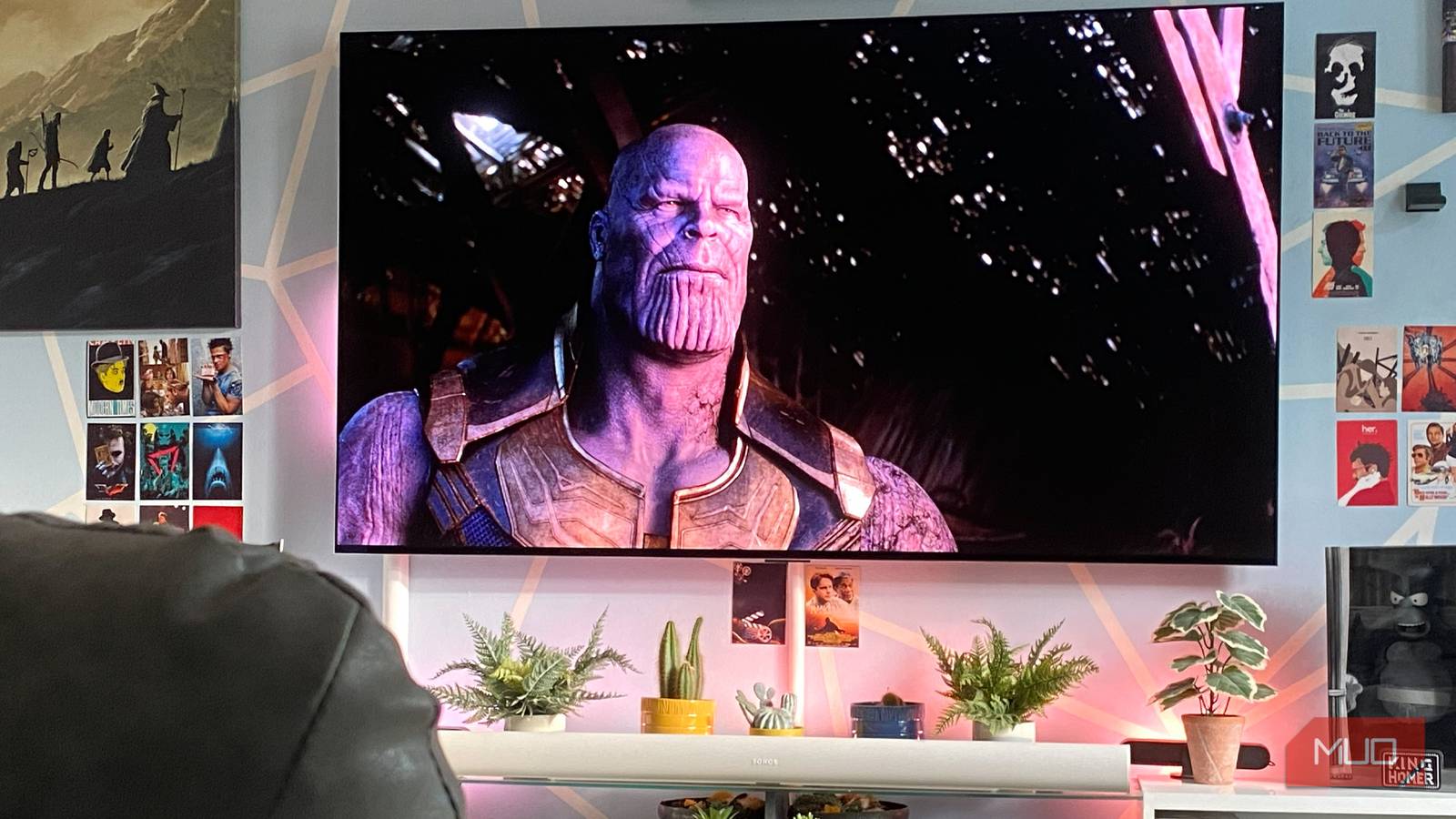
My TV is big. Like, “large and in charge” sizable. At 77 inches, it dominates my living room wall. Yet for the first couple of years, I owned an OLED that’s so good I replaced my monitor with a TV, and I was having viewing issues. Eye strain, a sore neck, and general discomfort were common.
It turns out that how far you sit from a television matters quite a lot. The biggest TV sin I’ve committed over the past two years is being way too close to my screen. My eyes could have avoided undue stress, I wouldn’t have suffered motion sickness, and multiple game-over screens in some of my favorite PS5 titles could have been avoided if I’d only sat a few feet further away from my display.
Let me break down some signs that you’re sitting too close to your TV, and offer advice on optimal viewing distances.
My laggy Smart TV became dramatically smoother after these tweaks
Your laggy smart TV has a few settings that are killing performance — here’s are the fixes that will make everything faster.
Create distance from a big TV
The larger the screen, the further you should sit away

See that shot above? That’s of the marvelous Derry Girls. For my money, it’s the best, wittiest, most joy-inducing British sitcom of the past three decades. More importantly, I’m sitting far too close to UK Channel 4’s comedic masterpiece.
Until I schooled myself on ideal TV viewing distances around six months or so ago, I was sitting way too close to my giant OLED screen. I’ll level with you: my front room is a semi-cringey man cave. The way I’ve laid out the furniture in my lounge is to put all the focus on my 77-inch display. As such, my horribly clichéd La-Z-Boy recliner was perched a mere six feet away from my television up until a few months ago.
That’s undeniably too close when looking at a 77-inch screen. While watching pin-sharp 4K movies or playing PC games in Ultra HD with incredible path tracing can look incredibly immersive when sitting near a big ol’ display, 1080p content suffers massively when viewed at close range to your TV.
I consume a ton of soccer matches at sub-1080p, and let me tell you, the experience is downright painful. As I’m writing this, my beloved Arsenal won the Barclays English Premier League for the first time in 22 years a few days ago. I’ve watched over 60 matches involving my cherished Gunners this past season, and almost all of them have been in 720p. All I can say is, a 720p stream + a 77-inch 4K screen = sadness. Low-resolution content looks so much worse when you’re too close to your TV.
How far should you sit from your TV?
There’s a fairly easy way to judge the correct distances
Around six months ago, I started suffering from minor headaches and neck pain. Looking back, this was due to my sitting in horribly close proximity to a seriously large TV that was hanging on my living room wall. Once I realized I was probably not sitting at an optimal viewing distance from said OLED screen, I did a little research.
It turns out, there’s a reasonably easy-to-follow equation as relates to how far you should watch your TV from. I won’t overwhelm you with Big Bird math, so here goes. The general rule for optimal viewing distances is to take the diagonal of your TV’s screen and multiply it by 1.5.
Let me put that somewhat shaky math into more practical numbers. If you own a 55-inch screen, you should sit around 4.5–7.5 ft away from it. Regularly watch movies on a 65-inch panel? Then place your chair/sofa 5.5-8ft away. For my 77-inch OLED, I’ve positioned myself around nine feet from the screen, which is more or less in line with the suggested 6–9.5 ft viewing distance for a display of my size.
I was obsessed with screen sizes for too long
An ideal viewing angle matters more than a huge display

There’s no getting around it: I’m way too obsessed with TV tech. That’s probably why I’ve owned over 10 OLED screens since 2015. Part of the reason I’ve upgraded my screens at an unhinged rate over the years is that I’ve become utterly hooked on buying bigger displays. Though, thankfully, my three-step routine has prevented OLED burn-in for years.
At one point, a 42-inch TV seemed unimaginably colossal. A year later, a 55-inch screen was my own personalized cinema. Fast-forward a little bit, and my current 77-inch behemoth might as well be IMAX-sized. In short, my eyes quickly acclimatize to larger screens. What they struggle with, particularly when playing video games, is sitting in a position that can actively hamper viewing/gaming experiences.
I’ve been playing a lot of Saros on my PS5 Pro recently. Housemarque’s superb third-person shooter demands quick reactions, and before I shifted several feet away from my current TV, I’m not sure either my corneas or my digits could have kept up with the rapid action.
Virtual death is ever-present in Saros, and when I was stuck six feet from the screen, I doubt I could have fully appreciated the true scope of the number of homing missiles that were heading my dreamily bearded main character’s way. Now that I’ve moved back a good three or so feet from my TV, I suddenly have a slightly enhanced perspective that grants me a fuller, less death-courting picture of the sci-fi battles to come.
The distance you view a TV from really matters
To avoid eye issues and unnecessary neck cricks, move your chair or sofa back a few feet if you can. TV technology has never been more impressive, yet if you sit a little too close to even the most impressive OLED displays, you can create a subpar viewing experience that your eyes and neck deserve better from. If you’re even slightly concerned that you’re sitting a little too close to your television, please move your chair/couch a little further back.