




Although it’s a niche prospect on paper, gaming on a PC in your front room can be a wonderful experience. Thankfully, life doesn’t exist on a sheet of AI. Regardless of whether it’s an obscure pastime or not, I’m all in on playing the best Steam titles on my lovely leather sofa.
Admittedly, that’s in large part because my PC cost more than my car, and I subsequently need to find reasons to connect it to the best display in my apartment. Still, thanks to how smooth a certain Steam display mode is, the advancements in TV tech for reducing response times, and how easy it is to connect fantastic wireless peripherals to your rig while lounging on your sofa, PC couchplay is in vogue.
Here are five reasons I’m completely smitten with it.
I ditched Windows for SteamOS on my PC, and gaming is way better now
SteamOS is ol’ reliable when I want a Linux-gaming experience at this point.
Steam Big Picture Mode is life
The king of lounge-friendly UIs
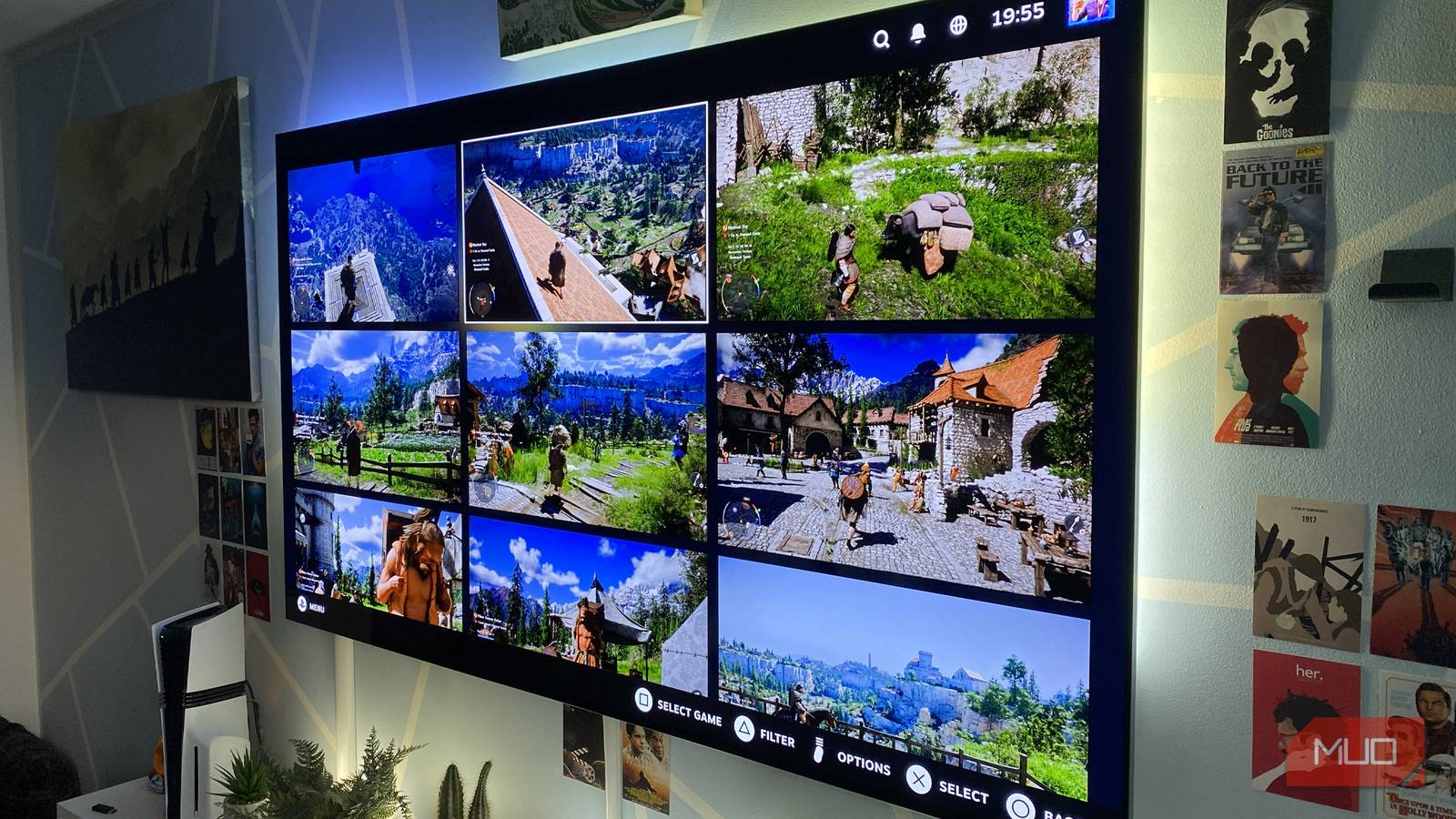
I’m more than a little bit obsessed with Valve’s ecosystem. I first started using Steam back in 2004 (yes, I’m ancient), and I’ve since curated an absurd collection of 337 games. Damn you, incredibly enticing Steam sales! Aside from all of those alluring deals, as a massive fan of controllers, what’s really kept me coming back to Valve’s platform is Steam Big Picture mode.
I’ll level with you: carrying my 65lb mid-tower rig into my living room is an experience that almost disintegrated my knees. It was totally worth it, though. Now that my RTX 5090-powered rig lives in my lounge, I’ve discovered these Steam Big Picture features that have made me stop using my PS5.
Interacting with Valve’s TV-friendly interface is a joy. With my DualSense Edge controller, I can set the function buttons to easily snap screenshots, then view said screenshots with a couple of button presses. For my money, it’s every bit as intuitive to use Steam Big Picture on a giant TV with a pad in hand as it is to navigate the PS5’s various menus.
Gaming on a TV beats a monitor
Big screen OLEDs trump traditional PC displays

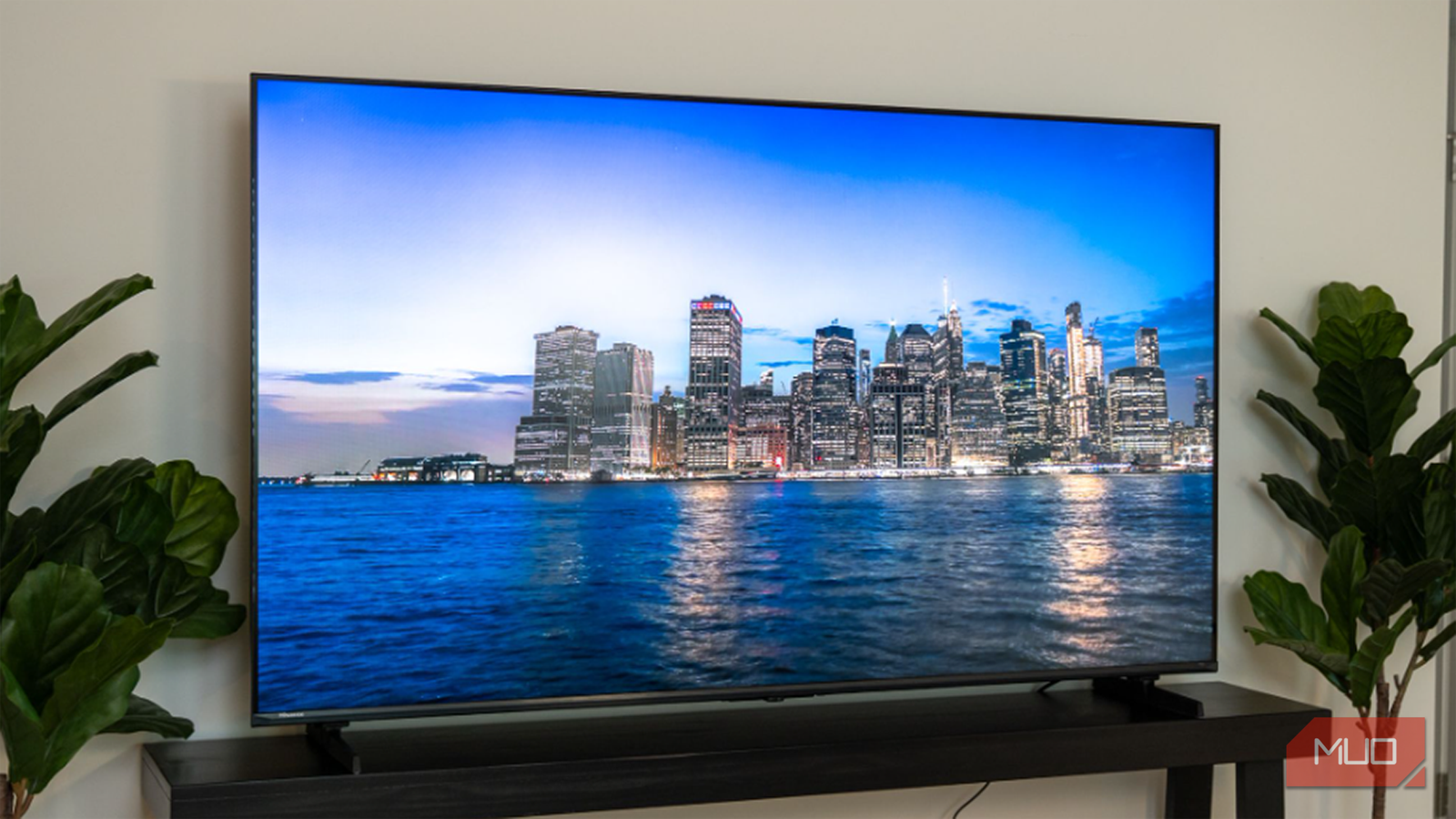
Please refrain from dropping your monocle into your cup of tea as you wear your best Sunday afternoon smoking jacket after you read the following. I replaced my monitor with a TV, and I’m never going back, so I’m obviously going to prefer playing the best PC games on a 77-inch OLED television over a traditional PC panel.
For me, nothing compares to playing cutting-edge PC games on a brilliant TV. As much as I love my super ultrawide Samsung Odyssey G9 monitor, even this 49-inch behemoth can’t compare to the best TV I’ve ever owned. Enter the LG G3 OLED. This mighty MLA panel doesn’t just boast close to perfect screen uniformity; in Vivid Mode, it can reach a pupil-scorching 2,000 nits of peak brightness. Compared to my still lovely monitor, the G9 maxes out at 500 nits when dealing with HDR-compatible PC games.
TVs are bigger, brighter, and simply better than monitors. Unless you’re a budding eSports champ who needs a 240Hz display, the best 120Hz TVs are absolutely the way to go for PC lounge play.
Separating work from play
Playing games from a couch is more comfortable than being chained to a desk

This is an easy one. After I’ve spent hours working from my home office, the very last thing I want to do during my evenings is to try to unwind in that same space. COVID has changed the game for remote work. Now, there are so many of us who work full-time in remote roles. If you’re anything like me, and the pandemic has totally transformed the environment you work in, all I can say is, I need a healthy work/life balance while doing my job from home.
As such, there’s no way I’m gaming from the desk that I’m chained to multiple hours a day while writing about technology when it comes time to unwind. I’m lucky enough to own a gaming laptop that is a surprisingly good workstation. The portable PC remains in my home office, while my 5090 desktop is now the king of my living room. So long, PS5 Pro, I hardly knew ye.
Everyone’s processes will differ, but for me, I have to draw the line between work and play. By designating my laptop as my home office workstation and my now lounge-focused PC for gaming, I’ve stumbled upon a healthy balance.
Modern peripherals are built for couch gaming
The days of wired accessories are long gone

These days, it’s oh-so easy to connect and use a PS5 controller on your PC. I’ve gone multiple steps further. I have my three gamepads of choice, my favorite gaming headset, and my go-to mouse and keyboard all connected wirelessly to my desktop either via Bluetooth or 2.4GHz dongles. Living in such a wire-free world has all but eliminated every barrier to PC couchplay.
Despite its embarrassingly short battery life, my DualSense Edge is a joy to use on my rig — in part because former PS5 exclusives like Returnal make full use of its adaptive triggers and haptic feedback.
I’ve also found myself doing light photo editing from the comfort of my sofa, thanks to a super-cheap laptop tray that actually makes the occasional bit of living room work completely bearable.
PC gaming demands proper surround sound
Lounge PC play with a home theater setup is next level

The home theater system I have hooked up to my PC is absurd. Yet it’s also a good example of why gaming from a desk is potentially limiting your audio experience. My current Dolby Atmos system consists of a Sonos Arc Ultra, a duo of Sonos Era 300 rear speakers, and a pair of Gen 4 Sonos Subs (overkill, I know). And hoo-boy do my eardrums ever appreciate listening to certain PC games via a surround sound system I simply wouldn’t have room for in my home office.
The likes of Cyberpunk 2077, Hogwarts Legacy, and Forza Horizon 5 all sound phenomenal when connected to a decent 5.1 home theater setup. While the 2.1 Bluetooth speakers I have connected to the ROG Zephyrus G14 (2025) gaming laptop in my office are fairly punchy, nothing compares to eavesdropping on the seedy conversations of Cyberpunk Night City residents on a proper surround sound system.
After experiencing PC couchplay, my rig is never going back into my home office
From my perspective, playing PC games in 4K at 120 FPS on a 77-inch OLED TV is the definition of “living your best life”. Granted, it’s a super-geeky existence. I do realize that connecting your desktop to your apartment/house’s main television will be a complete non-starter for those of you with families. If you are single, though, and have plenty of space, playing the best PC games from the lazy luxury of your sofa can be an awesome, desk-beating experience.