



To the obsessive holes in the middle of my skull — I hear some people refer to them as “eyes” — OLED is life to me. I can’t get enough of the best display tech in the world, even though I think OLED banding is worse than burn-in. I’ve owned my current LG model for three years, yet it was only months after purchasing my current flat screen that I realized I was ignoring a key settings tweak that could make my TV look so much brighter.
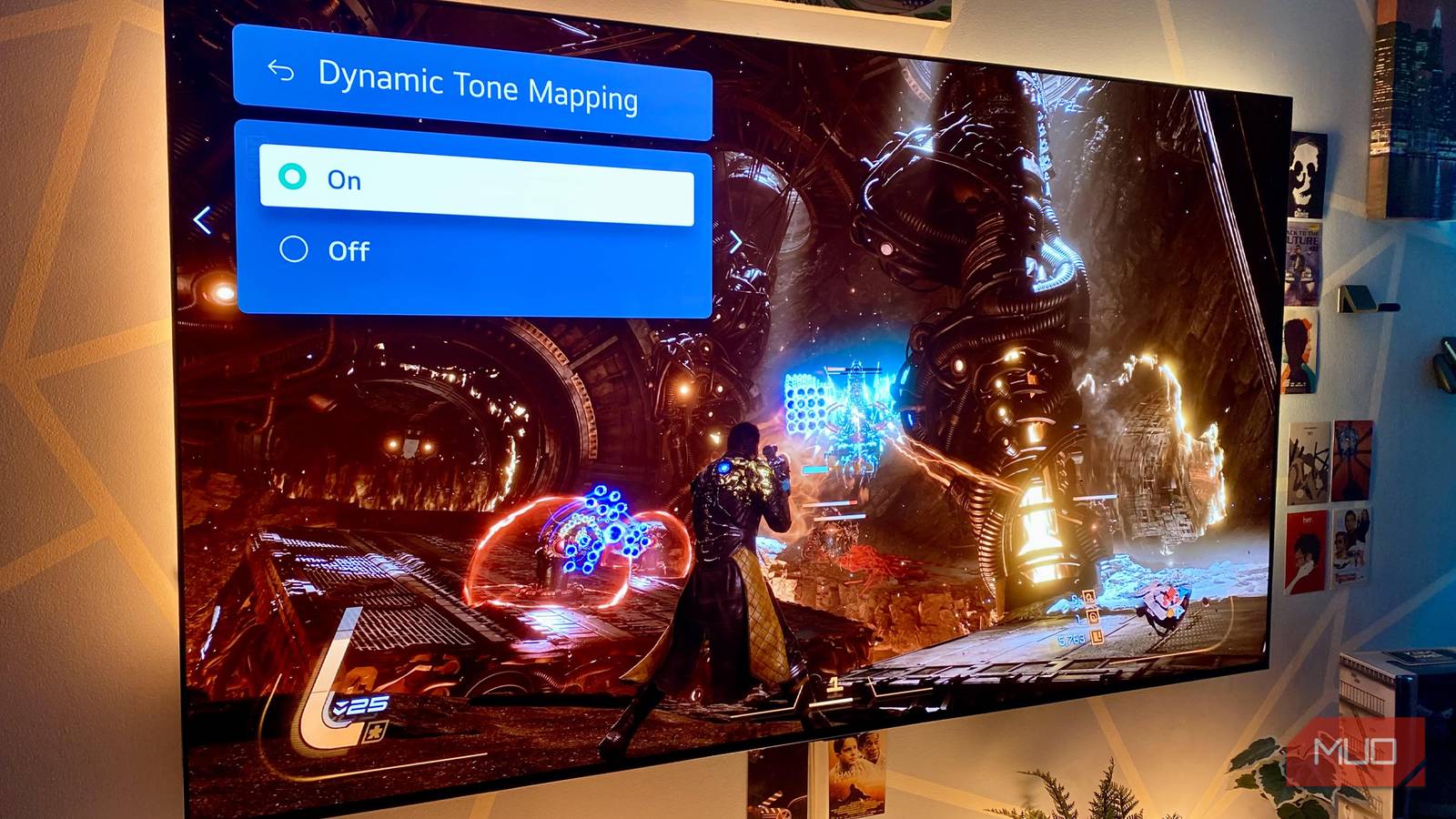
Said tweak is known as Dynamic Tone Mapping. This feature is pretty common in modern OLEDs (and some LEDs too), though it’s not always enabled by default. Until I discovered it in one of my LG G3 OLED’s display menus, my TV’s pictures could look disappointingly dim. Thankfully, enabling this smart, HDR-focused screen technique has made my TV look way punchier.
Don’t buy a TV in 2026 without these features — you’ll regret it within a year
If you’re buying a new TV in 2026, there are a few specific features you should make sure it has beyond the most obvious ones.
What is dynamic tone mapping?
Explaining this HDR-friendly feature

Discovering dynamic tone mapping on my LG G3 OLED has been a pupil-pleasing delight. In short, DTM is a feature many modern TVs use to make HDR content look more vivid. Though this technique is most commonly found in OLED screens, it’s not exclusive to this TV tech.
Dynamic tone mapping is not a static, fixed feature. Instead, it dynamically changes on-screen brightness during movies, streaming content, and video games that have been calibrated with HDR in mind to make your favorite content look as bright as possible without overly sacrificing on-screen details.
Working on a frame-by-frame basis, dynamic tone mapping adjusts and compresses whatever you’re watching/playing into a brightness bracket your TV is actually capable of showing. An example? If your display maxes out at 1500 nits of peak brightness in HDR, DTM will try to convert what you’re consuming to match that general level of vividness.
While this technique isn’t perfect, its inherent dynamic nature makes it far more flexible than static tone mapping, which can dim your entire screen to overly adjust during nighttime/particularly bright scenes. Basically, when it works as intended, dynamic tone mapping makes HDR on compatible panels look better and brighter.
Tone mapping boosts peak brightness
A technique designed to squeeze all the nits from your screen
One of the biggest reasons dynamic tone mapping can provide such a boost to OLED TVs is that, historically, overall brightness has long been one of the few weaknesses associated with “Organic Light-Emitting diode displays. Oh, sure, my TV has been free from OLED burn-in thanks to this three-step routine for years. Yet when compared to the best and brightest Mini LED TVs, my LG G3 can still use a little help when it comes to boosting on-screen vividness.
Thanks to its Micro Lens Array (MLA) panel, my G3 can hit around 2000 nits peak brightness in Vivid Mode. Still, without the assistance of dynamic tone mapping — which, depending on the presets I’m using, isn’t always enabled by default — even the most eye-alluring HDR content can appear to be a little dim.
Dynamic tone mapping intelligently adjusts screen brightness depending on the content you’re currently viewing
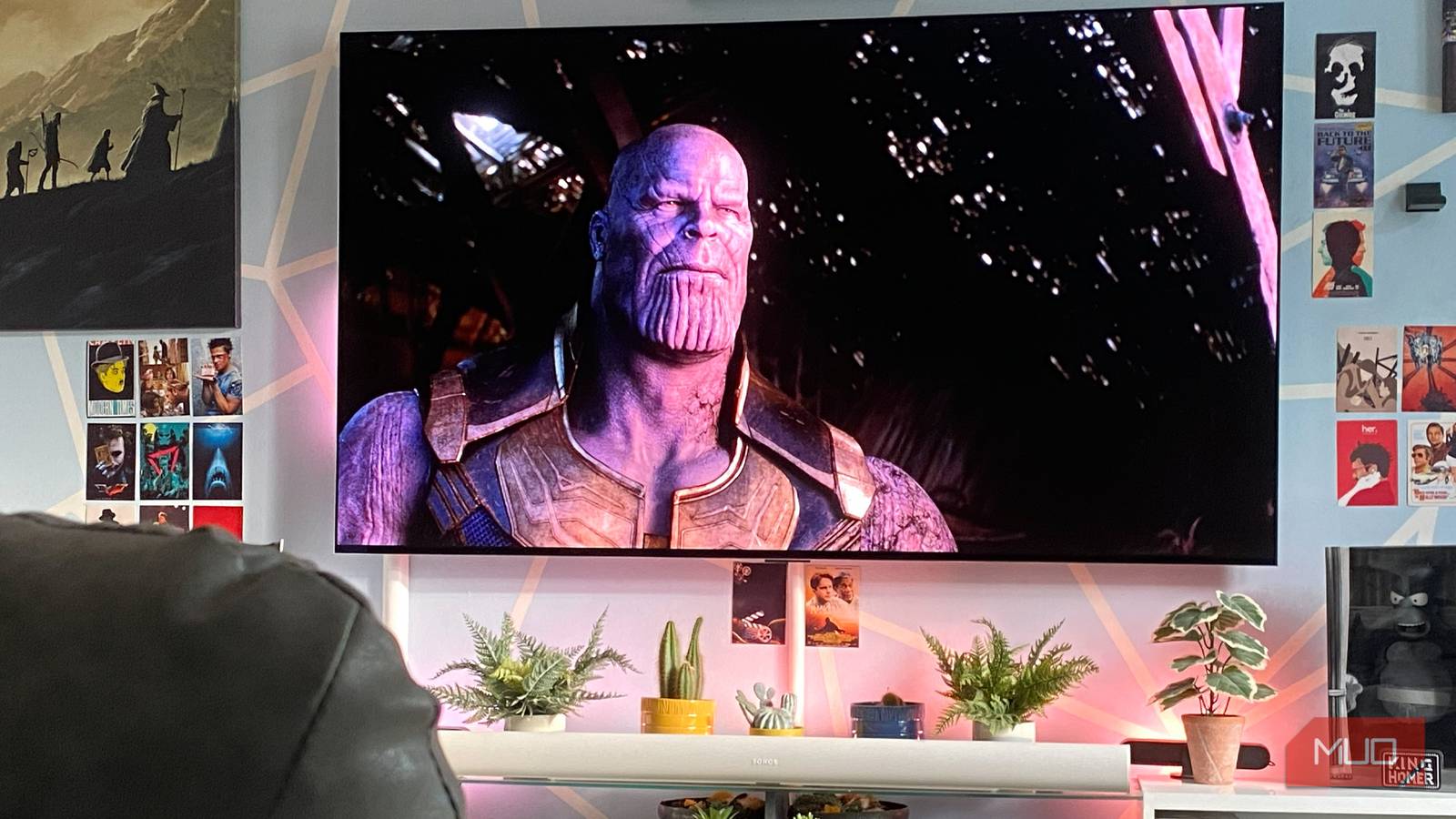
DTM intelligently adjusts screen brightness depending on the content you’re currently viewing. That means when I’m watching one of the incredibly punchy, super-colorful underwater scenes during Avatar: The Way of Water, this technique helps boost overall brightness on my TV while also ensuring the screen is lit in a way that the lightest parts of a scene don’t bleed into the darkest.
By boosting the real-world contrast levels your eyes perceive, DTM can make even older TVs that don’t boast a particularly impressive nit count look more eye-catching than their on-the-box specs would lead you to believe.
Tone mapping improves your TV’s contrast
DTM helps maintain details in bright scenes

Many HDR compatible sets struggle to get past 1000 nits of brightness during HDR content, even if the content they’re displaying has been mastered to show off a peak range of 1500 or more. That’s why dynamic tone mapping is so useful on OLED TVs that may look dimmer compared to the most vivid LCD screens (particularly during daytime viewing conditions).
Don’t get me wrong, there are 5 reasons I could never go back to LED after upgrading to OLED. With dynamic tone mapping working its magic on my LG G3 though, I know I’m getting super-bright images where those legendary OLED black levels also look incredibly inky.
By remapping brightness levels on a scene-by-scene basis, DTM ensures the brightest parts of a pupil-tanning sunrise scene aren’t lost — something that’s easy to appreciate when on-screen clouds are on display during vibrant daytime scenarios. Or to use more techy terms, dynamic tone mapping helps to prevent “clipping” (a defect where the brightest parts of an image lose their distinctiveness due to aggressive overexposure).
Dynamic tone mapping ensures both bright highlights and shadows maintain detail through constant remapping, and that’s especially important when trying to squeeze the best contrast performance out of a TV.
Dynamic tone mapping is a hugely underrated display technique
If you own an HDR TV that supports dynamic tone mapping but for some reason haven’t enabled it, do so … right now. Not only can DTM help boost the overall brightness of HDR movies and games, it should also help your screen produce more accurate images by reducing clipping and black crush. Looking back, I feel embarrassed that I had this smart display technique turned off for the first few months after buying my current OLED. With dynamic tone mapping enabled, my TV has become brilliantly bright.