





Like many of us, I have always used my smart TV with apps I installed myself, including the usual suspects, Netflix, Amazon Prime Video, HBO, Spotify, etc., and have to admit I never gave much thought to anything that might have come preinstalled.
Lately, however, I have experienced streaming burnout, and I’ve been seeking Live TV alternatives for casual entertainment, such as Tubi, Pluto TV, and Plex. What I didn’t realize was that many manufacturers, including Samsung, LG, Sony, Hisense, TCL, Philips, and Toshiba, offer built-in free live TV channels via proprietary platforms, with no subscriptions and no setup required.
You Can Use These 6 Smart TV Apps Without Wi-Fi
You can still use your smart TV offline, provided you’re prepped in advance.
Discovering the hidden channel
How to access Samsung TV Plus and key features

The most attractive feature, at least initially, is that Samsung TV Plus is free, with no subscriptions, additional devices, or credit cards required. It offers an on-demand service with countless movies and shows available, as well as a wide variety of live TV channels, including news, entertainment, and sports.
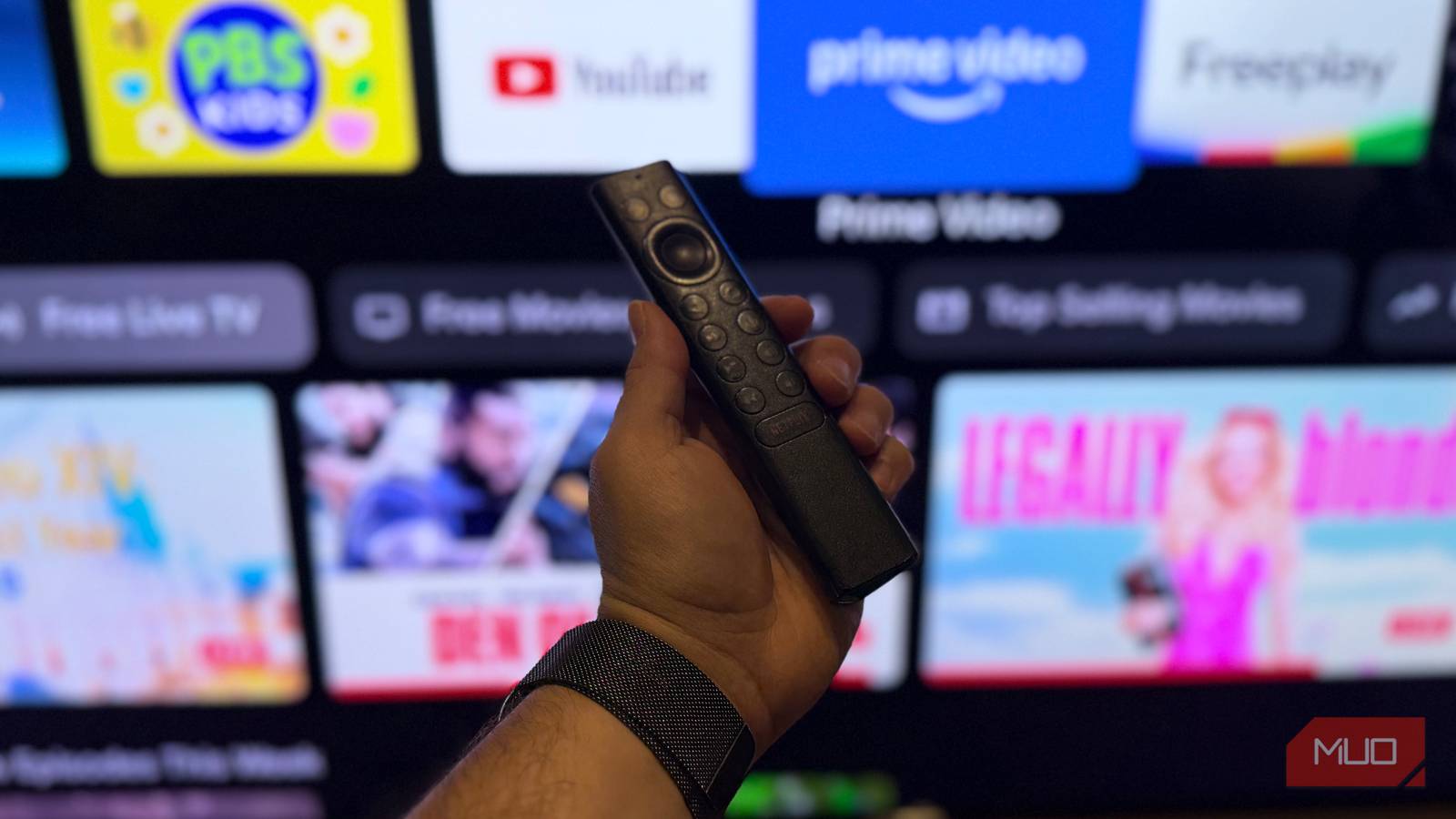
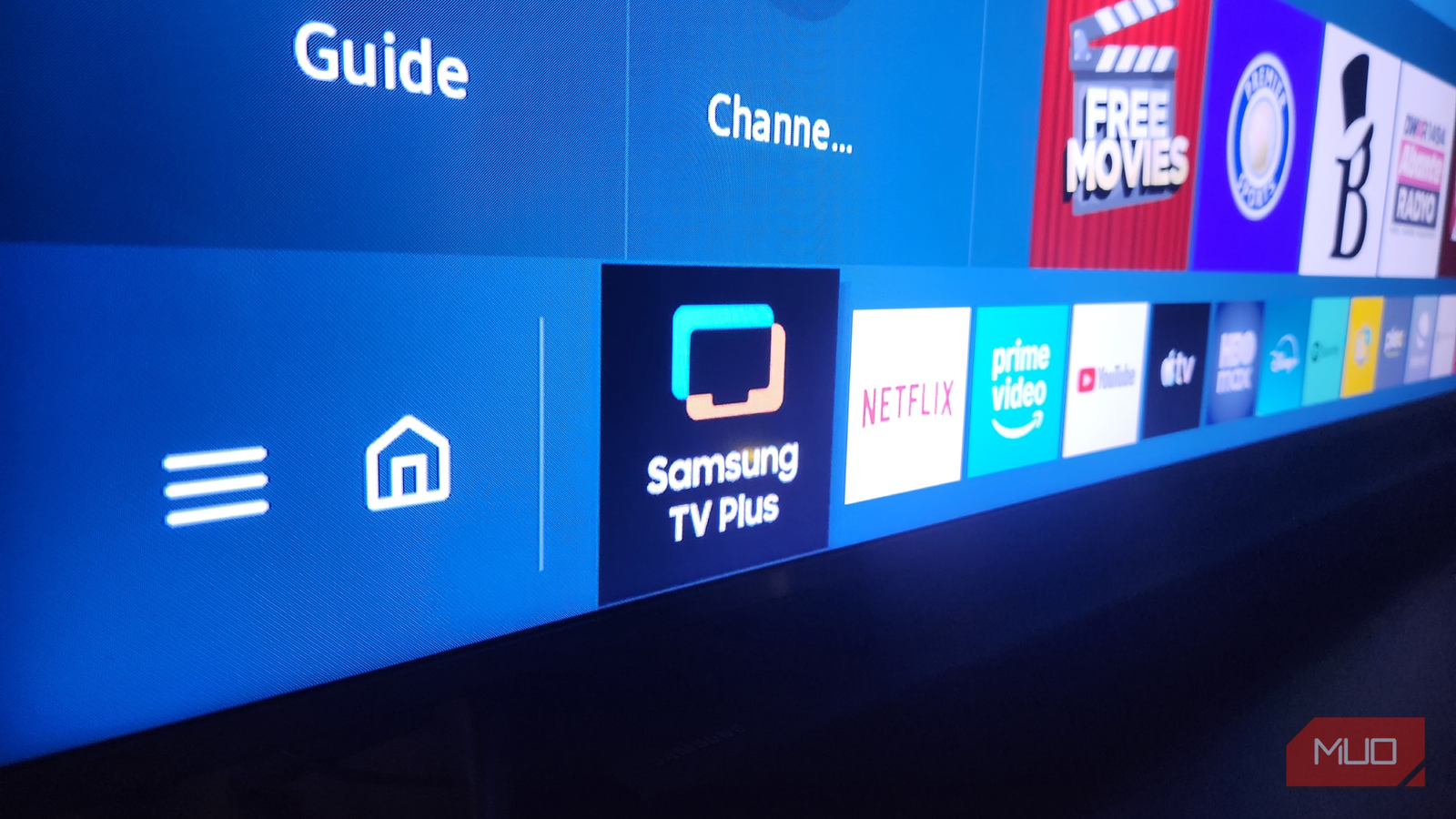
To access the service, simply press the Home button on your Samsung remote, then navigate left to find the Samsung TV Plus app or icon. If it isn’t there already (as mine wasn’t), you can navigate to the Source menu, find the app, and select Add to Home. Once open, there is a familiar-looking live TV guide, similar to ye aulde cable channels of yesteryear, where you’ll find everything Samsung TV Plus has to offer.
A surprisingly full free experience
Channels, categories, and features that feel like cable lite
I went into this free channel with low expectations, so I was pleasantly surprised at the content that I was presented with. Instead of uninteresting filler content, it offers a broad mix, including news, movies, reality shows, documentaries, kids’ programming, and even genre-specific channels dedicated to things like crime or cooking.
The interface is easy to navigate and intuitive, and I found it instantly comforting to casually choose something that’s “on now” instead of endlessly searching for something to watch and then committing to it with my full attention. In this way, it fills a gap by providing themed programming to dip in and out of while I am not fully invested, and I end up watching “serious” shows like serial detective dramas on my subscription channels when I have time to fully commit to them.
My new go-to background viewing
Why it’s perfect for casual, laid-back watching

Over time, I found myself turning to Samsung TV Plus not for focused viewing, but for everything in between. It’s become my go-to for background entertainment, as something to fill the room while I cook, clean, or unwind after a long day. Sometimes I don’t want to actively make decisions about what to watch or commit to a full series early in the evening, and it’s nice to catch up on the day’s news over breakfast.
With Samsung TV Plus, I simply tune in and let it play. There’s a certain nostalgia in that simplicity, which is reminiscent of the old days of flipping channels and landing on something unexpectedly enjoyable. As someone who subscribes to five streaming services, my TV experience can feel saturated with on-demand content. As an alternative, this laid-back option feels refreshing, almost like rediscovering an old habit.
Where it still falls short
Limitations that remind you that the service is free

While Samsung TV Plus shows (and those on other free live TV platforms, like Plex) are enjoyable, the platform has its limitations. The biggest, for me at least, is the lack of control: unlike streaming platforms, you can’t pause, rewind, or choose specific episodes on demand. You are restricted to whatever’s airing at that point in time, and content can cycle repetitively, especially if you frequent the same channels.
There is an on-demand component to counter this, but you’ll find no premium or recent content, which may limit its appeal if you’re seeking the latest releases. I found that, while Samsung TV Plus fills a niche between cable and streaming, it doesn’t fully replace either. It’s important to understand these trade-offs to help set your expectations from the get-go and make the experience more enjoyable overall.
A rediscovery that’s worth a try
Having revisited my TV’s features with fresh eyes, I was reminded that sometimes, I don’t need to be watching the latest and greatest apps; I just want some old-school quality entertainment. Samsung TV Plus isn’t trying to replace streaming services or traditional TV entirely, but it fills a necessary gap between them. It offers simplicity in a situation that often feels overwhelming with so many choices.
Sure, it may not suit every viewing style—I’m not likely to turn to it for my Saturday night’s entertainment — but it’s a surprisingly enjoyable addition to my paid streaming services that deserves attention. If you have also overlooked your TV’s built-in live TV channels, it’s well worth giving them a try. Like me, you might just rediscover what you’ve been missing.

- OS
-
Android
- Price model
-
Free
The Samsung TV Plus app lets you stream a wide range of free, ad-supported live TV channels and on-demand content on your phone or TV without any subscription or sign-up.