




I absolutely love Nvidia G-Sync. Team Green’s take on Variable Refresh Rate (VRR) tech first captured my heart several years ago when I bought my first G-Sync Compatible monitor. Ever since, I’ve been enjoying the smoothest PC gaming experiences of my life.
So it was with great alarm that I was recently forced to stop using G-Sync for a solid week due to an issue with my entertainment setup. Those seven days of stuttering were an absolute nightmare for my obsessive eyes. Happily, Nvidia’s form of VRR is working for me again, and I can honestly say I’ll never take it for granted from now on.
G-Sync explained
A breakdown of Team Green’s screen tech
Before I get into the fairly niche but still oh-so-annoying hardware conflict that caused my recent frame rate woes, let me give you a quick explainer. G-Sync is Nvidia’s version of VRR. Unlike the agnostic, software-based AMD FreeSync, G-Sync requires an Nvidia GPU to work. In turn, AMD graphics cards can’t take advantage of G-Sync. Don’t make my mistake and buy the wrong monitor because you got confused about VRR.
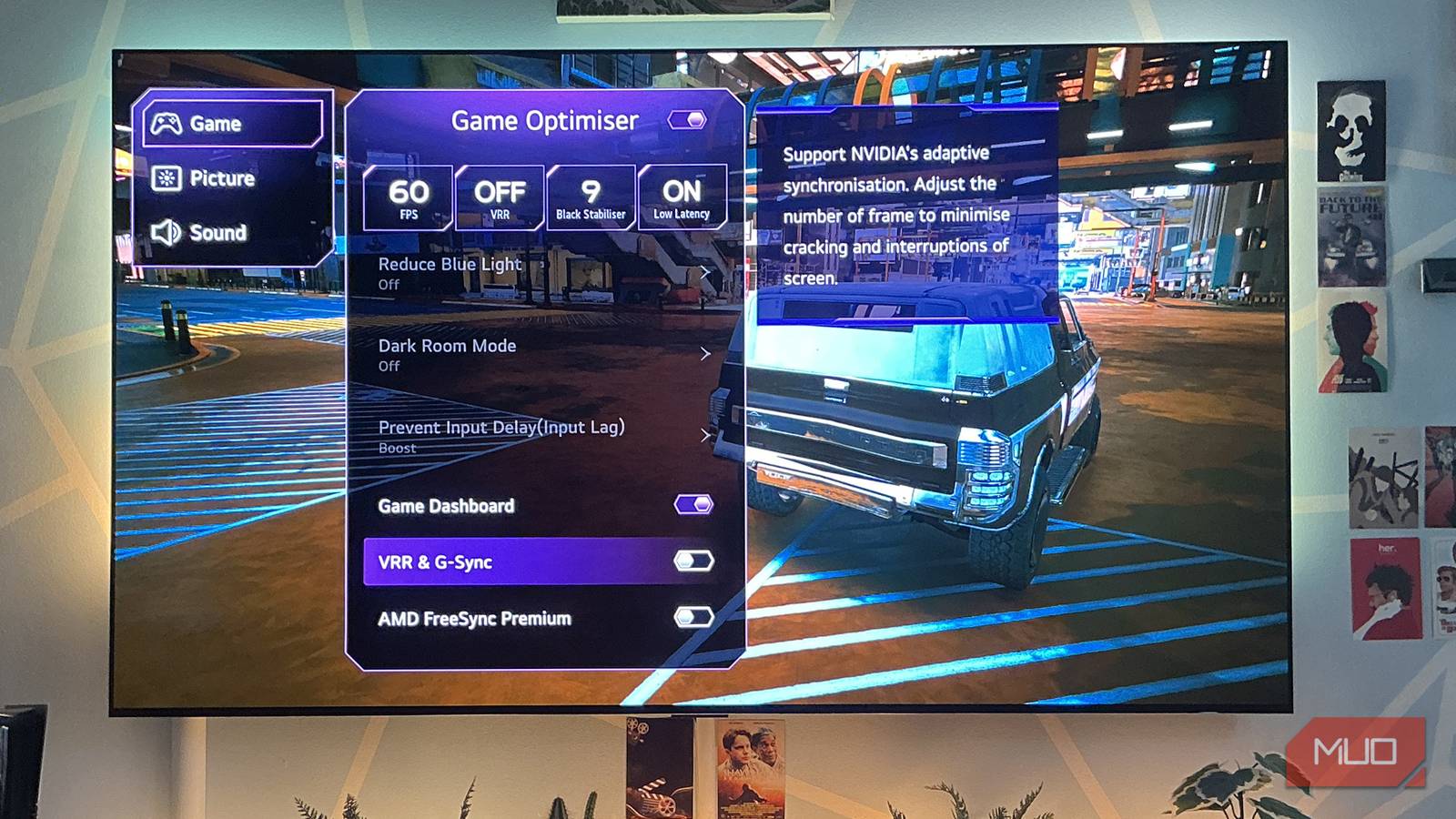
What exactly does VRR (and by extension, G-Sync) do? It allows your screen to adjust its refresh rate to exactly match the current frame rate of the game you’re playing. The biggest benefits of this screen-syncing tech are twofold. Not only does G-Sync significantly reduce in-game stuttering when your frame rate fluctuates, it also eliminates screen tearing.
- Resolution
-
5120×1440
- Screen Size
-
49-inch
- Brand
-
Samsung
- Connectivity
-
1x HDMI 2.1, 1x DisplayPort 1.4, 2x USB-A 3.0, 1x Headphone Jack
- Max. Refresh Rate
-
240Hz
- Response Time
-
0.03ms
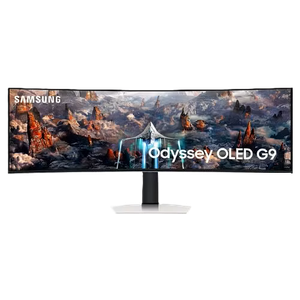
The Samsung Odyssey OLED G9 is a 49-inch super ultrawide gaming monitor with a 240Hz refresh rate.
Unlike traditional V-Sync technology, G-Sync doesn’t cap your monitor’s refresh rate. That’s important, as it means it’s not blighted by the associated lag that comes from enabling the software-driven V-Sync.
When your eyes and fingers have felt the benefits of VRR/G-Sync/FreeSync, it’s really hard to go back to a display that doesn’t support the technology. Or in my brief and bizarre case, it makes you no longer want to play games when said tech is on the fritz.
Not so smart lights
G-Sync briefly hated my Philips Hue setup

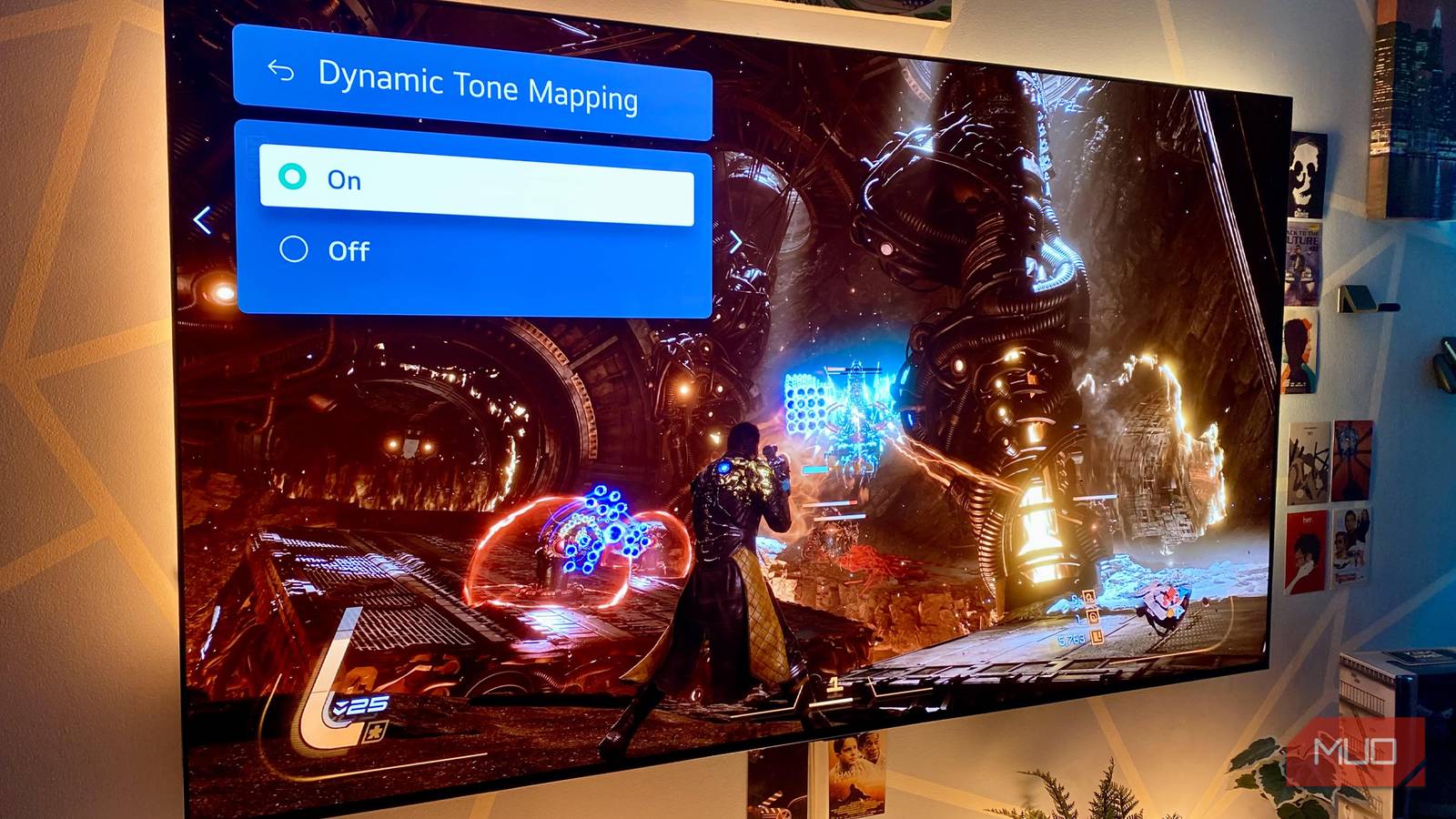
I’ve been lucky enough to own the Philips Hue Play HDMI sync box 8K for over a year. It’s an awesome accessory that has made my OLED TV so much better during that time. Since I first picked up the Dutch firm’s fancy HDMI splitter, I’ve been thoroughly hooked by the color-syncing, wall-illuminating magic that occurs when pairing the sync box with a Philips Hue Play Gradient light strip. It’s a flashy, super-immersive effect.
Up until recently, I’d had zero issues with Philips’ sync box. Well, not until one day last month when I booted up my PC and my TV/light setup refused to sync the colors of what was happening on my desktop. Yes, I really replaced my monitor with a TV and I’m not going back.
Suddenly, the Philips Hue Play app on my phone told me that the signal from my RTX 5090-bolstered rig wasn’t a compatible format for syncing. The only way to get that lovely light show back? I was forced to set my resolution to 4K/60Hz via the Nvidia Control Panel, in essence limiting my on-screen action to HDMI 2.0’s max output. That’s a big downgrade considering my sync box and LG G3 OLED TV are capable of a 4K/120Hz signal.

Nvidia calls DLSS 5 a 25-year graphics breakthrough, but the demos tell a different story
Jensen Huang calls it the GPT moment for graphics
After fiddling around with various desktop settings for an hour, I eventually discovered that disabling G-Sync allowed my sync box to start casting colors onto my wall again at my preferred output of 4K/120Hz.
Looking back, I really wish I hadn’t chosen flashy light shows over stable screen performance.
Powerful GPUs still benefit from G-Sync
Even an RTX 5090 needs a helping hand

While less powerful GPUs will see the most benefit (especially when frame rates drop into the mid-40s), even the mightiest cards need VRR from time to time. The RTX 5090 may be the most powerful consumer GPU around, yet if you love path tracing and don’t want to enable Nvidia Multi Frame Generation (due to its heightened input lag), VRR can really help out.
When I made the bone-headed decision to disable G-Sync so that my TV’s smart lights would function properly again, I quickly realized just how much I’d been taking VRR for granted. Hopping back into my three current go-to Steam games was painful without variable refresh rate tech.
Marvel’s Spider-Man 2 was suddenly a dizzying blur when I decided to turn off frame generation with ray tracing set to ultra. With G-Sync on, when the web-swinging action starts to dip below 60FPS, stutters are relatively hard to see or feel. Without VRR though, watching Peter and Miles swing around NYC made me want to throw up; screen tearing and judder were so prevalent.
Resident Evil Requiem and Cyberpunk 2077 also made me pine for G-Sync to a ridiculous degree. I played both of these excellent games with path tracing enabled and frame generation off, leading to the sort of sub-60 FPS performance that feels and looks pretty dang rough if you don’t have the crutch of VRR to fall back on. But hey, at least all those transforming Hue Play lights on my living room wall looked pretty, right?
GeForce No
The latest display driver isn’t always the best

What caused my temporary G-Sync/Hue Play heartache? I’m fairly certain it was down to a driver issue. When I downloaded the GeForce Game Ready driver (595.71) during the first week of March, my smart TV lights suddenly refused to play ball at 4K/120Hz if Nvidia’s VRR was switched on.
Rolling my drivers back to the previous version (591.86) annoyingly didn’t solve my problem either. It was only when version 595.779 launched a week later that my Ge-Sync/sync box woes were remedied.
Even though you generally should always keep your display drivers up to date, if you start encountering screen issues or adverse game performance, it’s wise to roll them back. This is something I obviously knew after years of owning Nvidia cards, but driver version 595.71 definitely caused issues for my TV (while also tanking my FPS in Resident Evil Requiem).
G-Sync is the one Nvidia feature I can’t do without
As much as I love Nvidia DLSS, my week of smart light issues and subsequent juddering in-game performance has made me realize just how important G-Sync is to me. For those times when your favorite titles start to drop frames, VRR really can make a big difference in how smooth their on-screen action looks. If you’re in the market for a new gaming display, make doubly sure it supports VRR, regardless of whether it’s G-Sync or FreeSync.