




We’ve talked a lot about the Ethernet vs. Wi-Fi debate for smart TVs. Ethernet is preferred wherever possible — but TVs make things a bit trickier. Most TV manufacturers (and streaming boxes) cheap out on Ethernet. They either don’t include a port at all, or if they do, it’s usually a Fast Ethernet port limited to 100 Mbps.
100 Mbps is plenty of speed, but newer Wi-Fi technologies can deliver much more — hence the debate. I wasn’t particularly bothered by this. I was perfectly happy with the 100 Mbps Ethernet port on my TV — until I did something and realized I’d accidentally given it a GbE port.
The serendipitous Ethernet upgrade for my TV
It came with a bunch more
Our old Samsung “smart” TV has a 100 Mbps port. It also has Wi-Fi, of course, but I use Ethernet. Ethernet is better. I’ll get into that shortly.
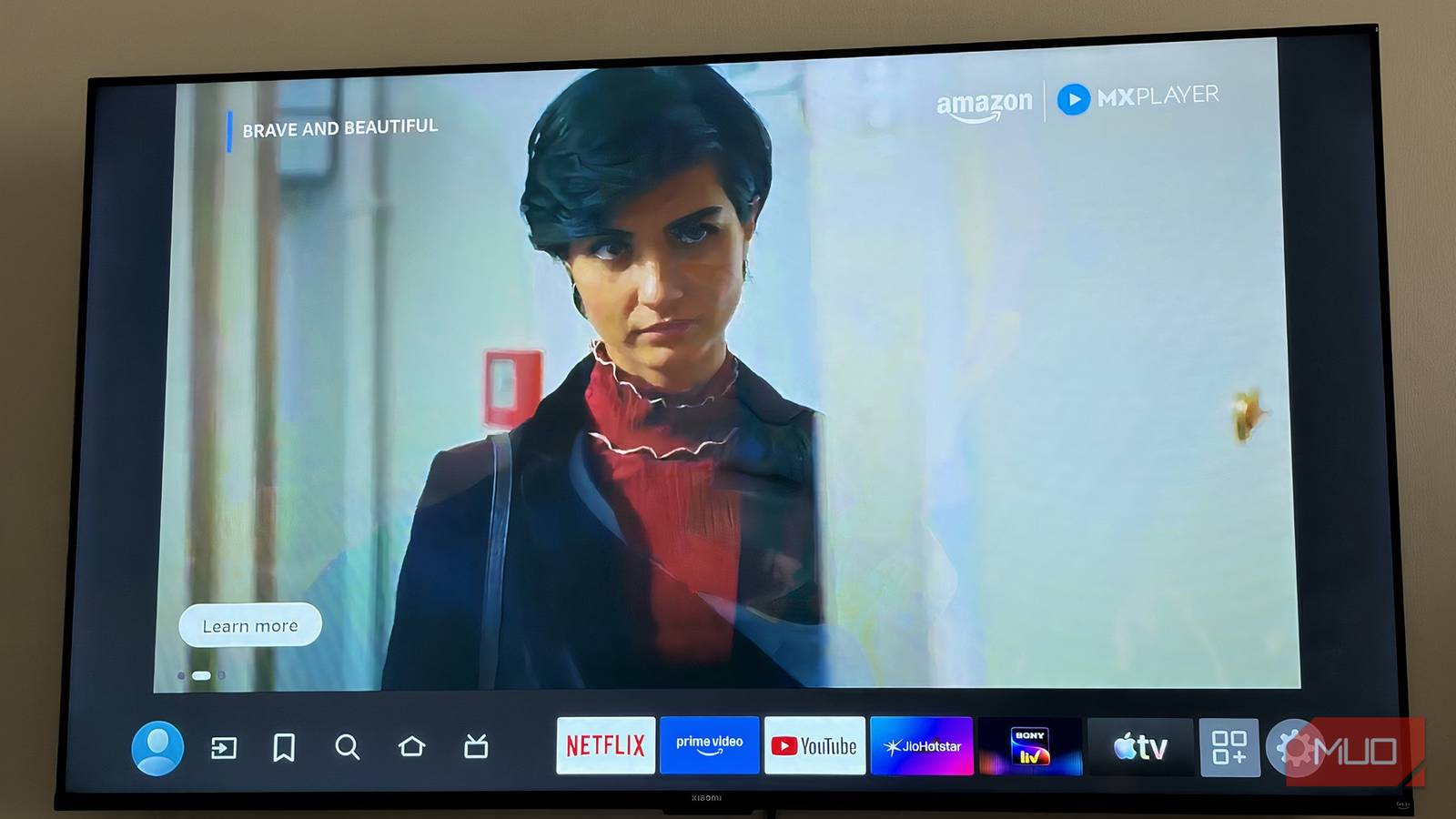
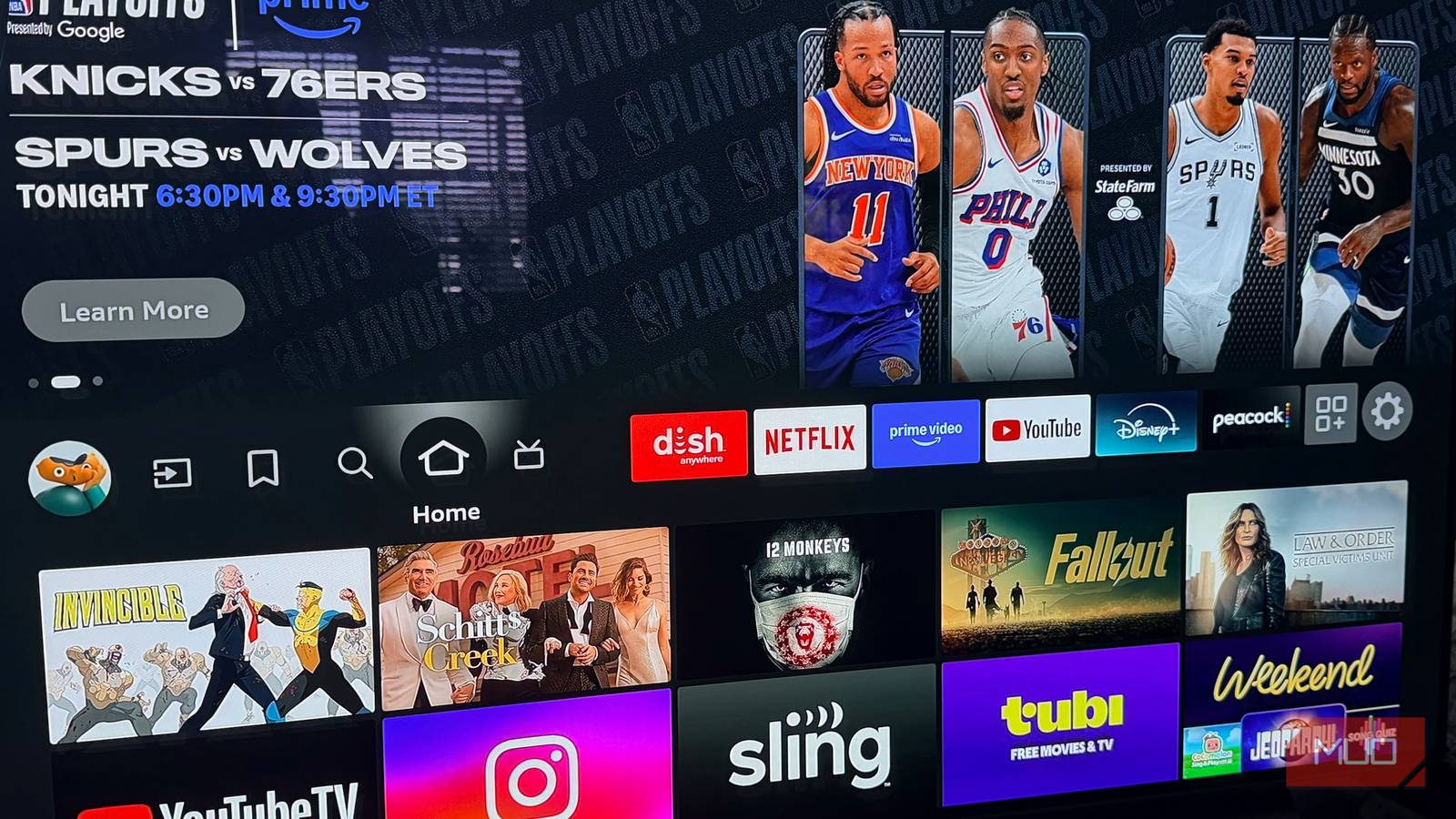
I wasn’t upset about the 100 Mbps Fast Ethernet port itself — but I was upset about a lot of other things. The TV isn’t very “smart,” runs an older version of Tizen that can’t be upgraded, and the software limitations had been piling up for a while. So I decided to install Android TV on a Raspberry Pi.
I covered the full setup in a separate article, so I won’t retread it here. But what I didn’t highlight there was the side effect: the Raspberry Pi 4 has a GbE port. If you’re dead-set on having gigabit on your TV, there’s your answer. Just use a Raspberry Pi.
The gigabit port is the upgrade I care about the least.
|
Device |
Ethernet Port |
Speed |
|---|---|---|
|
Most smart TVs |
Yes ✅ |
Fast Ethernet (100 Mbps) 🟨 |
|
Amazon Fire TV Cube (3rd gen) |
Yes ✅ |
Fast Ethernet (100 Mbps) 🟨 |
|
Roku Ultra |
Yes ✅ |
Fast Ethernet (100 Mbps) 🟨 |
|
Apple TV 4K (128GB model) |
Yes ✅ |
GbE (1000Mbps) 🟦 |
|
Nvidia Shield Pro |
Yes ✅ |
GbE (1000Mbps) 🟦 |
|
Raspberry Pi 4 |
Yes ✅ |
GbE (1000Mbps) 🟦 |
|
Raspberry Pi 5 |
Yes ✅ |
GbE (1000Mbps) 🟦 |
|
Amazon Fire TV Stick |
No ❌ |
❌ |
|
Roku Stick |
No ❌ |
❌ |
But here’s the thing — the gigabit port is the upgrade I care about the least out of everything the Pi brought to my setup. Which might sound strange. So let me explain.
Gigabit Ethernet makes zero difference
Gigabit speed isn’t even the point
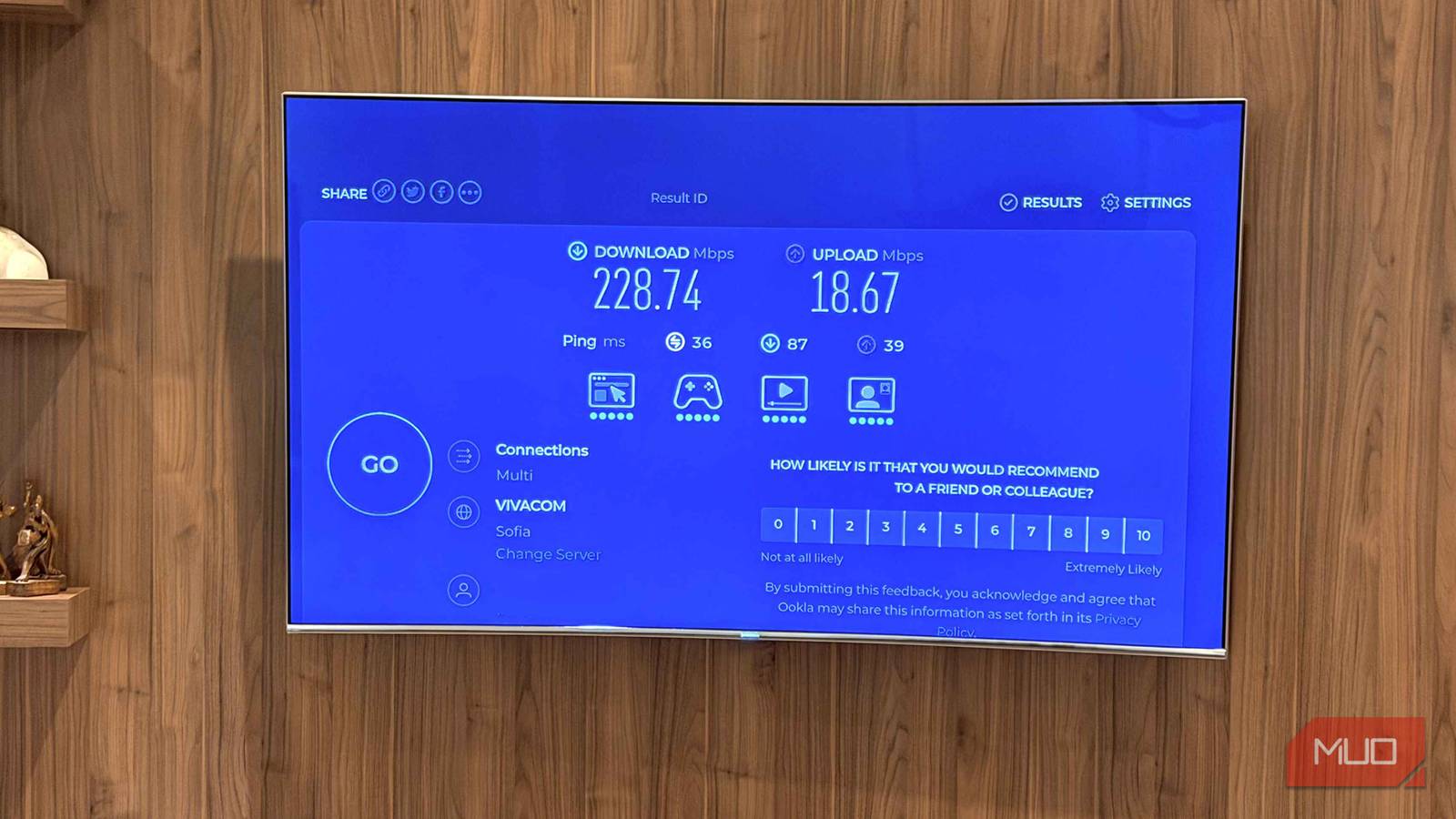
I don’t care at all about having GbE on my TV. My network is 300Mbps, so even though not Gigabit, I do get only a third with 100 Mbps Fast Ethernet. Despite that, it makes zero difference on a TV, as long as it’s wired and not wireless. I’ll take this opportunity to say this: slow Ethernet beats fast Wi-Fi. Yes, let’s set aside the gigabit headline for a moment and talk about 100 Mbps Ethernet vs. 1200 Mbps Wi-Fi 6. Ethernet is always better, especially for a TV.
4K HDR streaming on Netflix peaks at around 25 Mbps. Disney+ sits around 20–25 Mbps. YouTube 4K can push to around 20 Mbps. Even if you’re running the most demanding stream available, you’re comfortably under 30 Mbps. 100 Mbps Ethernet gives you more than 3x that headroom, all day, every day, with zero variability.
The moment you accept that 4K streaming doesn’t need more than 100 Mbps, the entire “but Wi-Fi 6 is so much faster” argument collapses. Speed you don’t need doesn’t help you. What matters for a TV is that the 20–25 Mbps it does need is always there, delivered without interruption.
The moment you accept that 4K streaming doesn’t need more than 100 Mbps, the entire “but Wi-Fi 6 is so much faster” argument collapses.
A TV is typically a fixed device — it sits across the room from the router, often with walls, furniture, and other electronics in between. That’s not a great RF environment. Your Wi-Fi 6 router might be rated at 1200 Mbps, but across your living room through a drywall partition, you might be getting 150–200 Mbps of real throughput with real-world interference.
That still sounds like plenty — until a neighbor’s router spins up on an overlapping channel, your microwave runs, or your phone and laptop are also hammering the same access point, and suddenly your TV’s stream stutters. Smart TVs are not sophisticated Wi-Fi clients. They don’t roam intelligently, they don’t negotiate band selection aggressively, and many older or mid-range TVs still only support 2.4 GHz — which, as established, is a congested wasteland of competing signals.
“Just put the router closer to the TV.” Now you’re rearranging your home networking infrastructure around the limitations of wireless. Or: “Just use a mesh node.” Now you’ve added cost, latency hops, and more potential failure points — to solve a problem that a single Ethernet cable eliminates entirely. Your TV needs 25 Mbps delivered reliably. 100 Mbps Ethernet delivers that with 4x headroom and zero interference, zero band steering, zero channel congestion, and zero drops.
Wi-Fi 6 can theoretically deliver more than 30x the required 25 Mbps speed, but it delivers it inconsistently, shares it with every other wireless device in your home, and is subject to variables entirely outside your control. For a device that just sits there and streams, a wire is the obvious choice.

How to check your TV’s Ethernet speed
Is it fast or Gigabit?
Fine, but what about that GbE port?
I didn’t want it. I still like it.

I said all of that to make one thing clear: a GbE Ethernet port for your TV is a technical upgrade, but not a practical one. Unless you’re moving terabytes of files across your network and using your TV as the middleman for some reason, you won’t feel the difference. I’ve seen both.
The fact that 100 Mbps Ethernet was already more than enough is exactly the point. As long as it’s Ethernet and not Wi-Fi, you’re good. You don’t need gigabit to stream. You don’t even need gigabit to stream well. What you need is a reliable, interference-free connection — and even the “slow” wired option delivers that in spades. The GbE port is a bonus. A nice one, sure, but pointless really.
Why settle for 100 Mbps when your cable, your router, and the rest of your network are pulling ten times more? Fair point. But more importantly: why settle for Wi-Fi when a cable solves everything? Appreciate your 100Mb Ethernet port! and if you insist on GbE, a Raspberry Pi will get it for you (and some) for the least price.

- Brand
-
Raspberry
- CPU
-
Broadcom BCM2711, Quad core Cortex-A72 (ARM v8) 64-bit SoC @ 1.5GHz